manuals.online logo
Brands
  1. Home
  2. •
  3. Brands
  4. •
  5. Micron Wings
  6. •
  7. Toy
  8. •
  9. Micron Wings Student Flyer User manual

Micron Wings Student Flyer User manual

Other Micron Wings Toy manuals
Micron Wings Balsa Craft Cub Manual

Micron Wings

Micron Wings Balsa Craft Cub Manual
Micron Wings Soarer User manual

Micron Wings

Micron Wings Soarer User manual

Micron Wings Sopwith Pup Manual

Micron Wings

Micron Wings Sopwith Pup Manual
Micron Wings Depron Bug Airframe Kit V2 Manual
Micron Wings

Micron Wings Depron Bug Airframe Kit V2 Manual

Micron Wings MINIMUM RC J3 CUB User manual
Micron Wings

Micron Wings MINIMUM RC J3 CUB User manual

Micron Wings Student Flyer Lite Manual

Micron Wings

Micron Wings Student Flyer Lite Manual

Micron Wings Ezee Flyer User manual

Micron Wings

Micron Wings Ezee Flyer User manual
Micron Wings Balsa Craft Kits LiteStick Manual
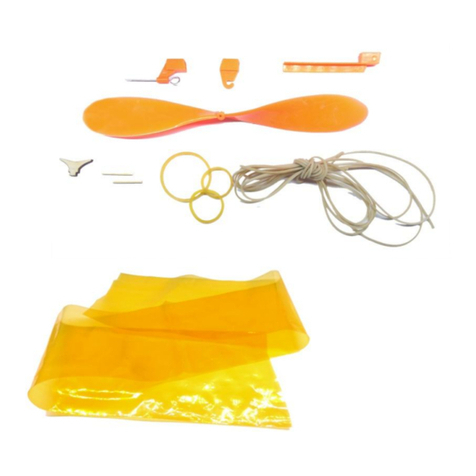
Micron Wings

Micron Wings Balsa Craft Kits LiteStick Manual

Micron Wings SkyFox User manual

Micron Wings

Micron Wings SkyFox User manual
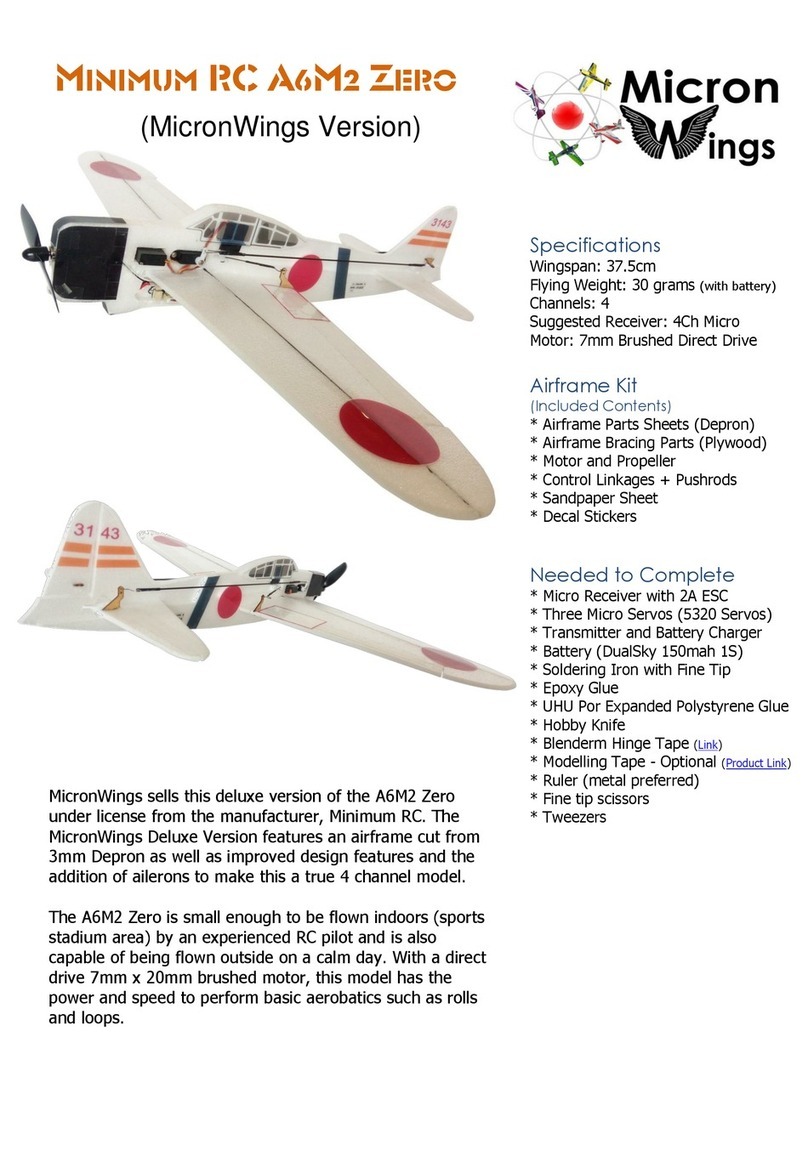
Micron Wings Minimum RC A6M2 Zero User manual
Micron Wings

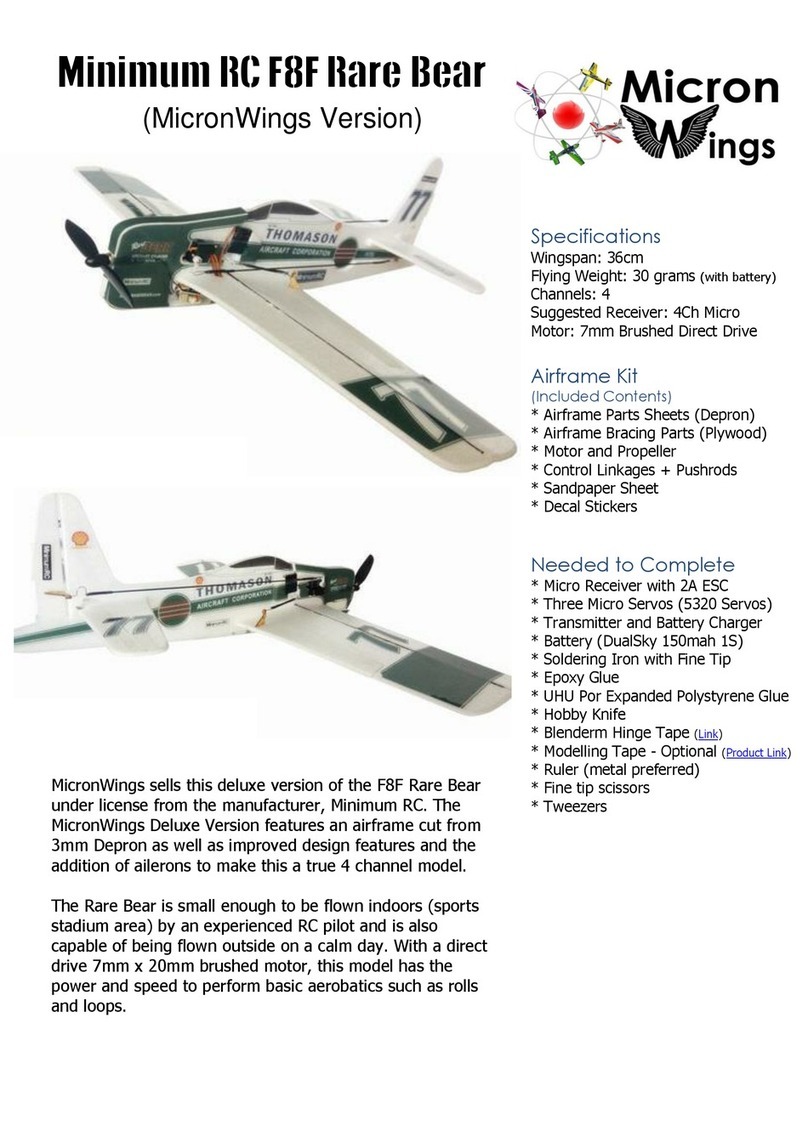
Micron Wings Minimum RC A6M2 Zero User manual
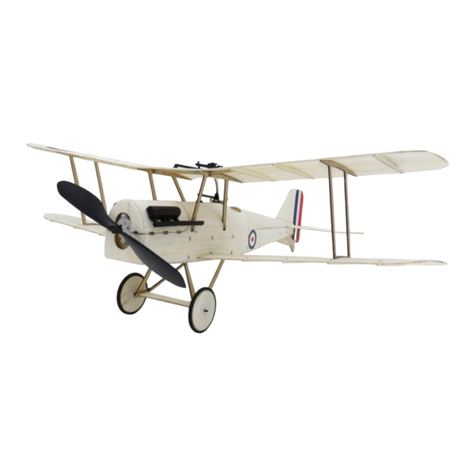
Micron Wings Minimum RC F8F Rare Bear User manual

Micron Wings

Micron Wings Minimum RC F8F Rare Bear User manual

Micron Wings Balsa Craft S.E.5a Manual

Micron Wings

Micron Wings Balsa Craft S.E.5a Manual

Micron Wings Falcon User manual

Micron Wings

Micron Wings Falcon User manual

Micron Wings FreeSpirit User manual

Micron Wings

Micron Wings FreeSpirit User manual

Micron Wings Glider V-Tail Bellbird User manual

Micron Wings

Micron Wings Glider V-Tail Bellbird User manual

Popular Toy manuals by other brands
FUTABA GY470 instruction manual

FUTABA

FUTABA GY470 instruction manual

LEGO 41116 manual

LEGO

LEGO 41116 manual

Fisher-Price ColorMe Flowerz Bouquet Maker P9692 instruction sheet
Fisher-Price

Fisher-Price ColorMe Flowerz Bouquet Maker P9692 instruction sheet

Little Tikes LITTLE HANDIWORKER 0920 Assembly instructions

Little Tikes

Little Tikes LITTLE HANDIWORKER 0920 Assembly instructions

Eduard EF-2000 Two-seater exterior Assembly instructions
Eduard

Eduard EF-2000 Two-seater exterior Assembly instructions

USA Trains EXTENDED VISION CABOOSE instructions

USA Trains

USA Trains EXTENDED VISION CABOOSE instructions
Modellbau Laffont Z1601 Assembly instructions

Modellbau Laffont

Modellbau Laffont Z1601 Assembly instructions

NOCH 12905 instruction manual

NOCH

NOCH 12905 instruction manual

Eduard Ki-61-Id quick start guide

Eduard

Eduard Ki-61-Id quick start guide

Viessmann Vollmer 45616 Mounting instruction

Viessmann

Viessmann Vollmer 45616 Mounting instruction

Vollmer 42004 Mounting instruction

Vollmer

Vollmer 42004 Mounting instruction

Phoenix Model CLASSIC-EP instruction manual

Phoenix Model

Phoenix Model CLASSIC-EP instruction manual

H-KING Sopwith Camel British WW1 Fighter instruction manual

H-KING

H-KING Sopwith Camel British WW1 Fighter instruction manual

MODSTER Predator 4x4 Crawler user manual

MODSTER

MODSTER Predator 4x4 Crawler user manual

DHK Hobby 8136 User instruction manual

DHK Hobby

DHK Hobby 8136 User instruction manual

THUNDER TIGER Raptor 50 V2 kit manual

THUNDER TIGER

THUNDER TIGER Raptor 50 V2 kit manual

Timberkits Skateboarder instructions

Timberkits

Timberkits Skateboarder instructions

Hangar 9 Funtana 125 Assembly manual

Hangar 9

Hangar 9 Funtana 125 Assembly manual

manuals.online logo
manuals.online logoBrands
  • About & Mission
  • Contact us
  • Privacy Policy
  • Terms and Conditions

Copyright 2025 Manuals.Online. All Rights Reserved.

Aileron Modification Instructions
Ailerons can be added to the Student flyer during the build process or afterwards. There are two options
for mounting servos as described below. Please note that adding ailerons will not make this plane
aerobatic –it’s still a trainer plane. Some pilots may prefer to fly using ailerons or prefer not having both
rudder and elevator on the one stick. Please also consider that a similar effect can be achieved by simply
plugging the rudder servo into the aileron port on the receiver or setting up mixing on your transmitter.
Single Servo Above Wing Mount.
Advantages:
Only one servo needed so less weight.
Quick and easy to implement.
Disadvantages:
Rubber bands need to be threaded under pushrods.
Servo position requires control horns to be placed
an angle on the control surfaces.
Dual Servos Under Wing Mount.
Advantages:
Better aileron surface control
Looks better than single servo mounted on top
Disadvantages:
JST SH Y Connecter is needed to split the servos.
2 Servos needed so extra weight and expense.
More time required to implement.
Cut the ailerons according to the dimensions shown below.
If modifying a pre-built airframe, remove these rib parts
from the aileron surface.
If adding ailerons before you build the wings, measure ad
pre-cut these parts off 4 of the 6 wing ribs.
Cut an angle into the aileron control surface to allow it to
hinge.
Do the same for the wing and also cut back the wing ribs.
45mm
18mm
220mm
Trim 2mm off the end of each control surface to give
clearance for when it moves.
Use masking tape as shown to hold the control surfaces
in place if the wing has been pre-built and use blenderm
hinge tape to attach the control surfaces.
Procedure for Single Servo Above Wing Mount
Use a ruler and lay it from the hole in the aileron horn to
where the control horn will be placed and rule a line on
the control surface to indicate where to cut the slot for
mounting the control horn.
Glue the control horns in place and attach your control
linkages.
The servo will protrude under the wing surface so you
will need to cut a slot in the airframe here to accept the
bottom of the servo when the wings are attached.
Cut out a gap in the airframe here to allow the servo lead
to exit the airframe, and plug it into the aileron port on
your receiver.
Procedure for Dual Servos Under Wing Mount.
Cut a servo mounting hole in the middle rib of each wing.
You may optionally wish to use servo mounting plates so
you can screw the servo in, instead of gluing it in.
5320 Servo Mounts Product Link
Secure the servo in place and cut a small hole in the rib
closest to the fuselage to feed the plug through.
Connect your Y Connector to the servo leads.
JST SH Y-Connector Product link
Note: the wire order on this connector is different but
the colour of the wires is not important when using this
connector in this scenario.
Use Blenderm Hinge tape to tape down the servo lead.
Mount your hinge in line with the servo arm and
connect up your control linkages as shown here.
Cut out a gap in the airframe here to allow the
Y-Connector lead to exit the airframe, and plug it into the
aileron port on your receiver.
Mixing
Note: You may wish to set some aileron Rudder mixing on your transmitter.
Copyright © MicronWings 2018: All rights reserved.
This manual is for personal use only. No unauthorized copying or digital distributing permitted
without permission from MicronWings.