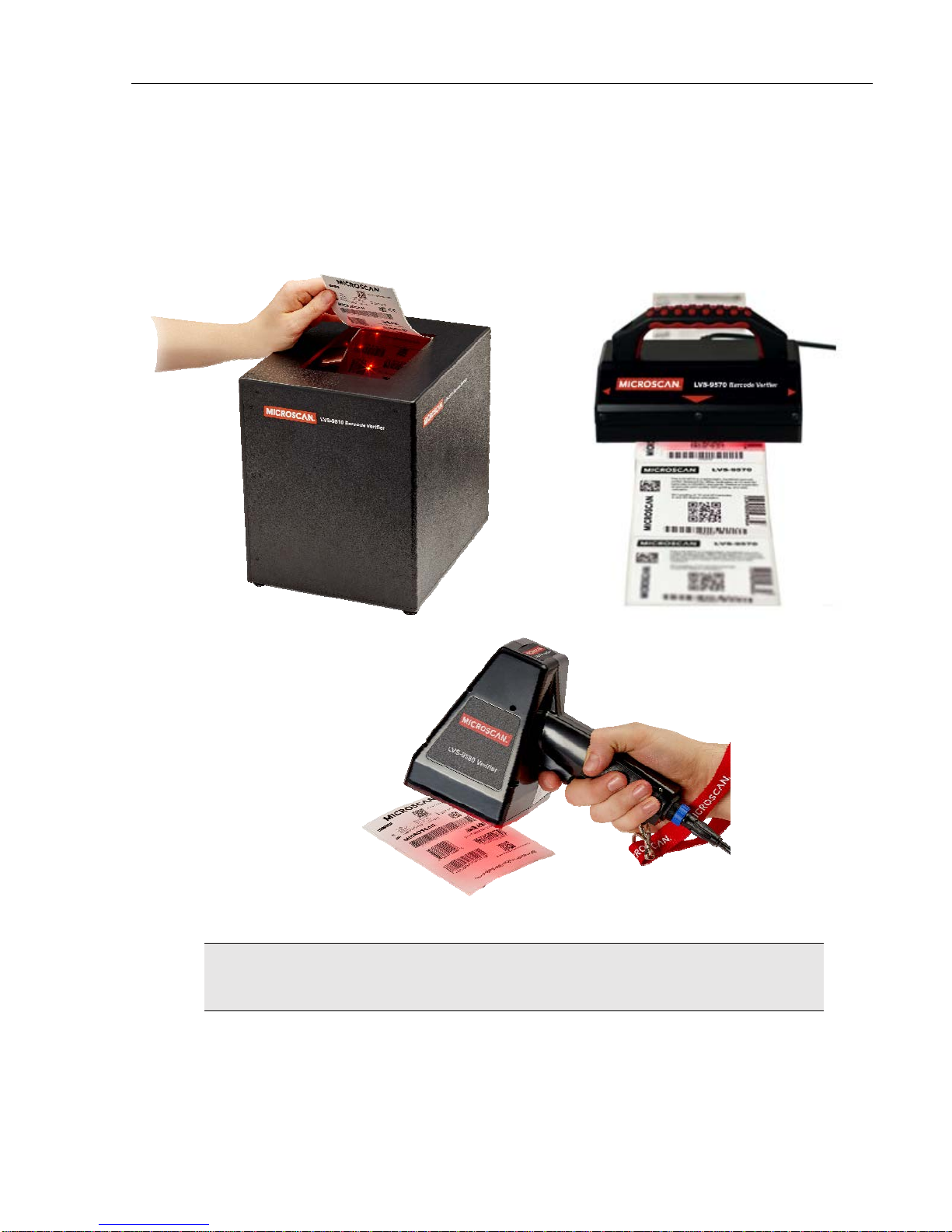
LVS-95XX Series Barcode Quality Station Operations Manual
LVS-95XX Series Barcode Quality Station Operations Manual - English Page 5 of 94
Barcode Too Wide for Field of View (Stitching Feature).........................................58
Section 2: Matrix Codes..............................................................................................63
Verify a Matrix Code................................................................................................63
View Section............................................................................................................63
Multi-Rotation Codes...................................................................................................66
DataMatrix...............................................................................................................66
QR Code .................................................................................................................67
Section 3: Two-Dimensional Multi-Row Codes...........................................................68
Verify a PDF 417 or Micro PDF 417 Code..................................................................68
PDF417 Parameters................................................................................................68
GS1 Databar Composite Verification..........................................................................69
Verify a Composite Code............................................................................................70
Zoom Tab.......................................................................................................................71
SRP View Tab................................................................................................................72
View Section ...............................................................................................................74
Full Screen Waveform.............................................................................................74
Traditional Bar Growth and Shrinkage....................................................................76
Traditional Parameters Button.................................................................................77
Dimensional Analysis Button...................................................................................78
10-Line Grading Button...........................................................................................78
Print Button..............................................................................................................78
Structure Tab.................................................................................................................79
Printing........................................................................................................................79
Use the Data Structure Analysis.................................................................................80
Data Structure Analysis Example................................................................................81
Archive Tab....................................................................................................................82
Import Image from File................................................................................................83
Export Image to File....................................................................................................85
Recent Reports (Last 30 Days)...................................................................................86
Delete Prior to Specific Date.......................................................................................86
Software Version History.............................................................................................88
Audit Trail Report........................................................................................................88
Calibration Report.......................................................................................................88
Reference Report........................................................................................................88
Export Reference Data................................................................................................88
Change SQL Connection............................................................................................89
Create Backup Database............................................................................................91
Browse Backup Database...........................................................................................92