First steps to use
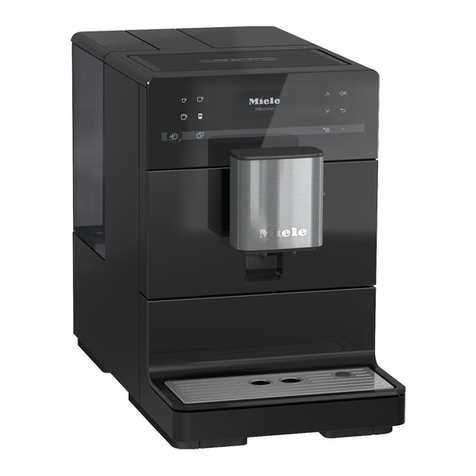
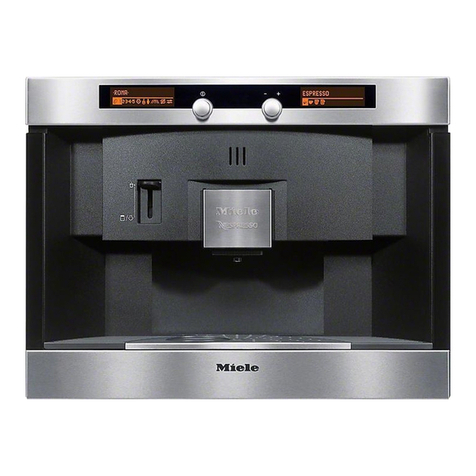
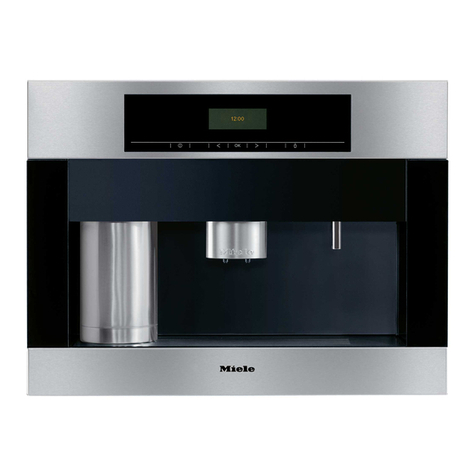
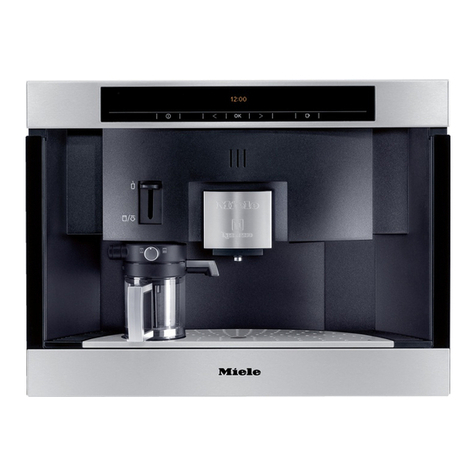
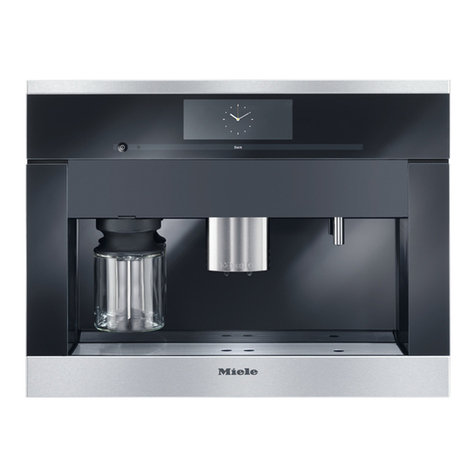
Touch controls
sTurns the coffee system On/Off
< Left arrow, scrolls through program options
OK Confirms selected program options and save settings
> Right arrow, scrolls through program options
/Drink selection touch control (coffee or espresso)
Display
Drink selection : K= Coffee type, L= Steam, o= Hot water
User profile : nfor up to 9 different users
Maintenance programs: G= Maintenance, k= Descaling
Settings : C= To customize your coffee system
Filling the water tank
Filling the capsule carousel
Preparing coffee / espresso
^Fill the tank with
fresh, cold tap
water to the
"Max." mark.
^Pull the carousel
tray, a, all the
way out.
^Insert the capsules into the chambers,
cof the capsule carousel b, with the
flat, foil side facing downwards.
^Use /to select
coffee or
espresso.
^Use < or > to se-
lect the type of
coffee, confirm
with OK.
^Double portion
If a double portion is desired, wait un-
til "Double portion?" appears in the
display and select OK.