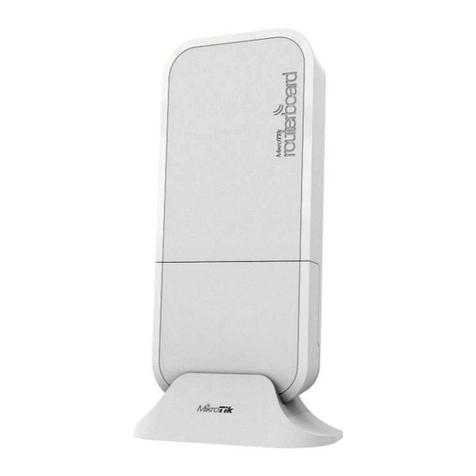
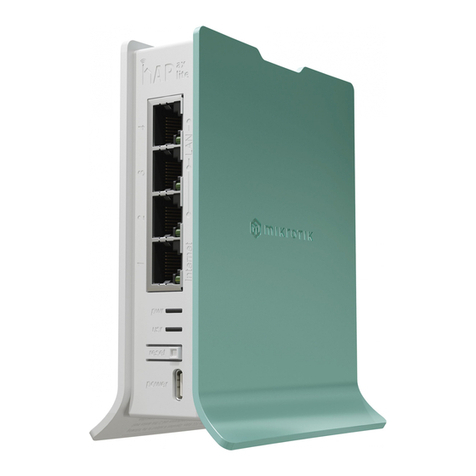
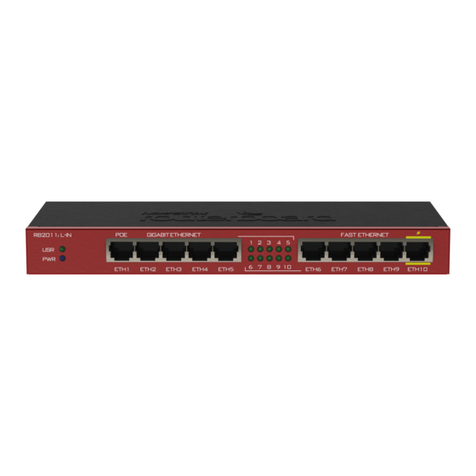
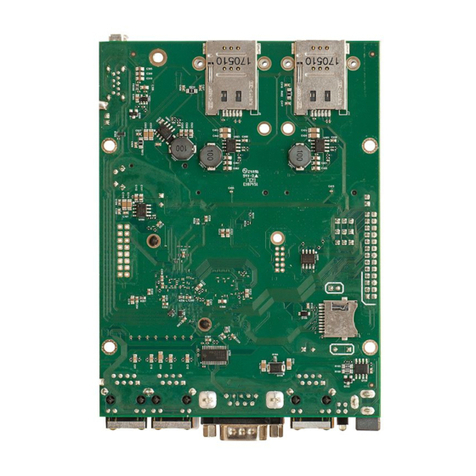
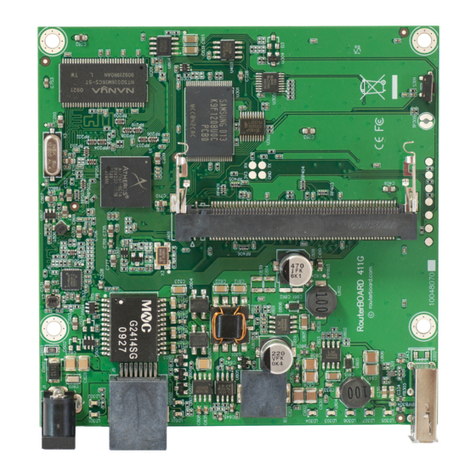
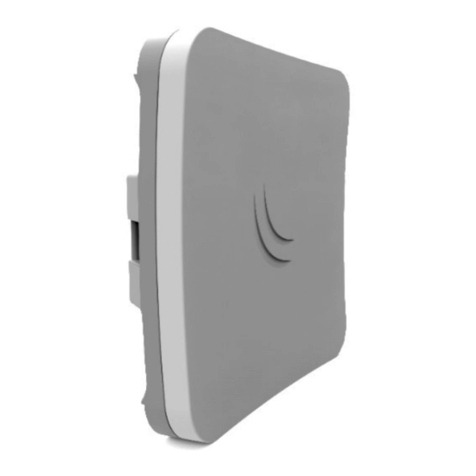
hAP ac lite
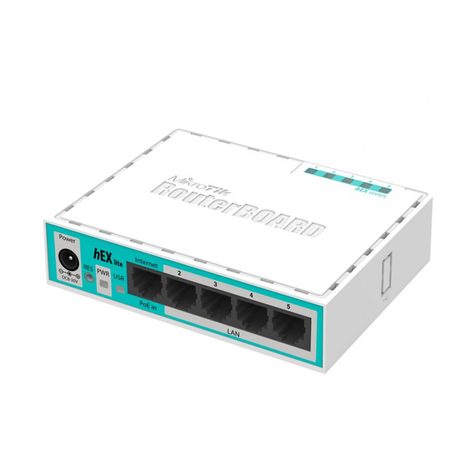
The hAP ac lite is a simple home wireless access point. It is configured out of
the box, you can simply plug in your internet cable and start using wireless
internet. We recommend you to set up a password to secure your device,
follow these steps.
Quickstart
Ma e sure that your ISP is allowing hardware change, please follow these
quic steps to set up your device:
•Connect your ISP Ethernet cable to the Ethernet port 1.
•Connect the device to the power source (see “Powering”).
•Open networ connections on your PC, mobile phone or other device and search for Mi roTi wireless
networ and connect to it.
•The Configuration has to be done through the wireless networ using a web browser or mobile app - (see
“Mi roTi mobile app”). Alternatively, you can use WinBox configuration tool http://mt.lv/winbox.
•Once connected to the wireless networ , open http://192.168.88.1 in your web browser to start
configuration, user name: admin and there is no password by default.
•When using mobile application choose Quic setup and it will guide you through all necessary configuration
in six easy steps.
•We recommend clic ing the “Chec for updates” button and updating your RouterOS software to the latest
version to ensure the best performance and stability.
•Choose your country, to apply country regulation settings and set up your password in the screen that
loads.
MikroTik mobile app
Use the Mi roTi smartphone app to configure your router in the field, or to apply the most basic initial settings for
your Mi roTi home access point.
1. Scan QR code and choose your preferred OS.
2. Install and open application.
3. By default, IP address and user name will be already entered.
4. Clic Connect to establish a connection to your device through a wireless
networ .
5. Choose Quic setup and application will guide you through all basic
configuration settings in a couple of easy steps.
6. Advanced menu is available to fully configure all necessary settings.
Powering
The device accepts powering from the power jac or from the first Ethernet port (Passive PoE):
•Direct-input power jac (5.5 mm outside and 2 mm inside, female, pin positive plug) accepts 10-30 V DC.
•First Ethernet port accepts passive Power over Ethernet accepts 12-30 V DC.
The power consumption under maximum load can reach 5 W.
The Ether5 port supports PoE output for powering other RouterBOARD devices. The port has auto detection
feature, so you can connect Laptops and other non-PoE devices without damaging them. The PoE on Ether5
outputs approximately 2 V below input voltage, and supports up to 0.58A (So provided 24 V PSU will provide
22V/0.58 A output to the Ether5 PoE port).
See mi roti .com/products for the latest version of this document. Page 1, Document #40860 Modified on: 20.JAN.2020