manuals.online logo
Brands
  1. Home
  2. •
  3. Brands
  4. •
  5. Milwaukee
  6. •
  7. Measuring Instrument
  8. •
  9. Milwaukee MC125 User manual

Milwaukee MC125 User manual

Other Milwaukee Measuring Instrument manuals

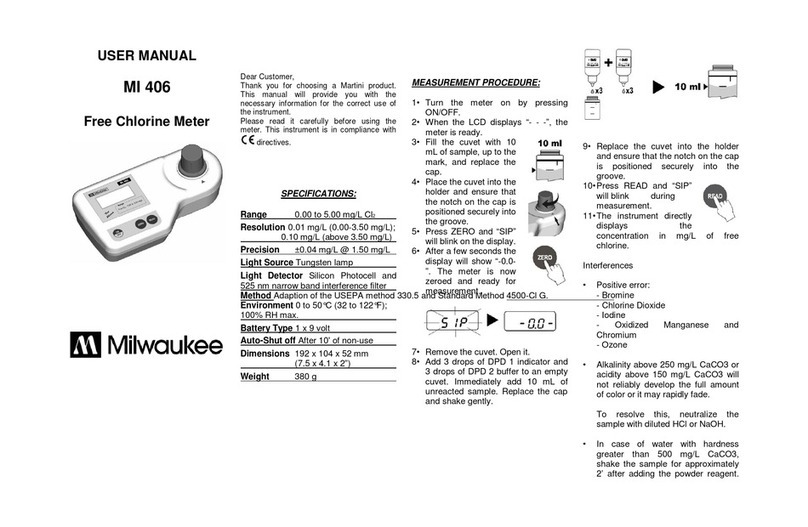
Milwaukee MI 406 User manual

Milwaukee

Milwaukee MI 406 User manual

Milwaukee pH 58 User manual

Milwaukee

Milwaukee pH 58 User manual

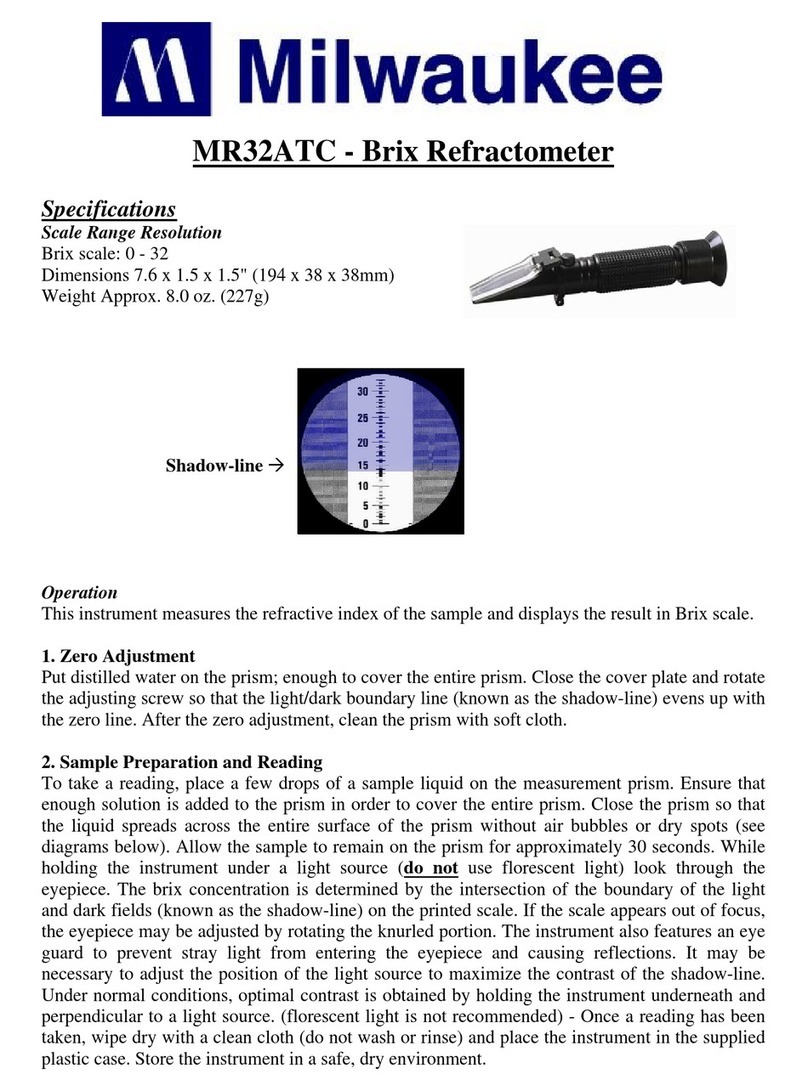
Milwaukee MR32ATC User manual

Milwaukee

Milwaukee MR32ATC User manual

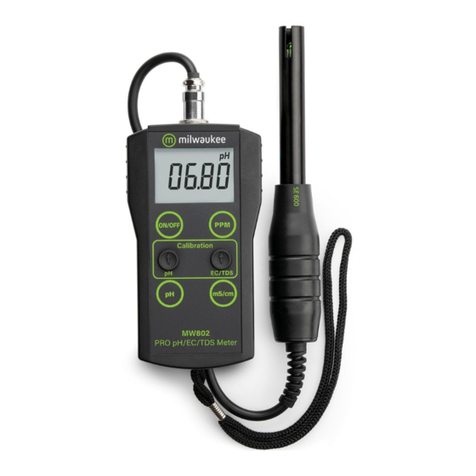
Milwaukee MW801 User manual

Milwaukee

Milwaukee MW801 User manual

Milwaukee 2010R User manual

Milwaukee

Milwaukee 2010R User manual

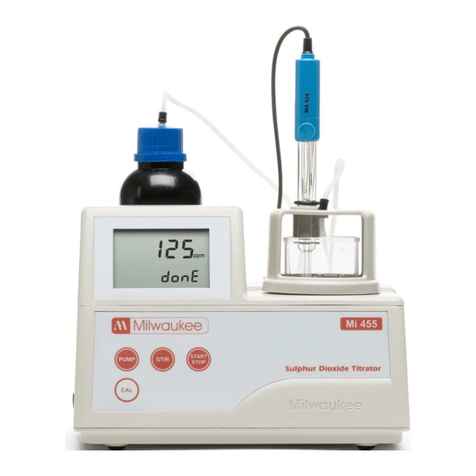
Milwaukee MI455 User manual

Milwaukee

Milwaukee MI455 User manual

Milwaukee M12 AL User manual

Milwaukee

Milwaukee M12 AL User manual

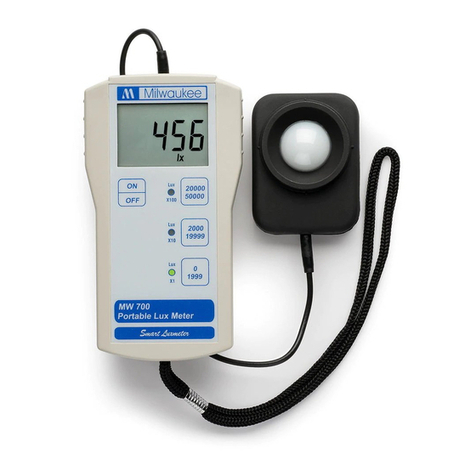
Milwaukee PRO Lux MW700 User manual

Milwaukee

Milwaukee PRO Lux MW700 User manual

Milwaukee LDM 45 User manual

Milwaukee

Milwaukee LDM 45 User manual

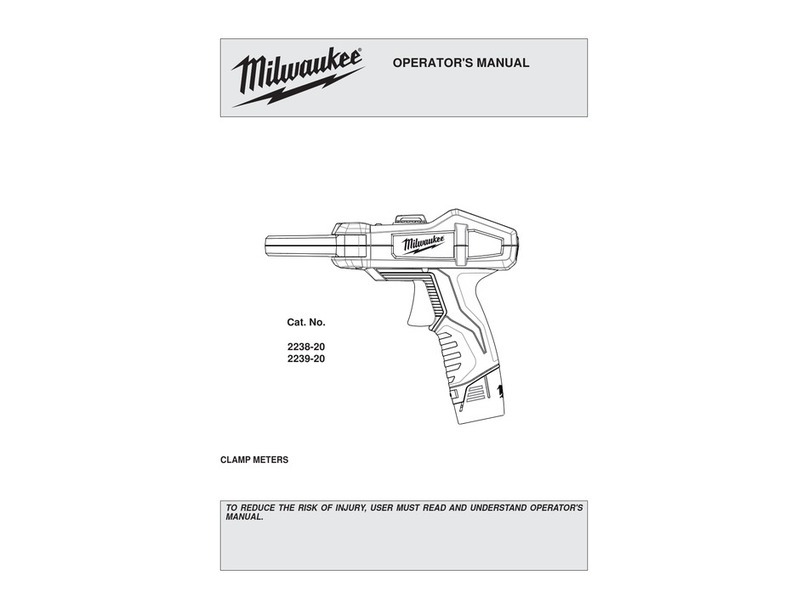
Milwaukee CALIBRATION 2238-20 User manual

Milwaukee

Milwaukee CALIBRATION 2238-20 User manual

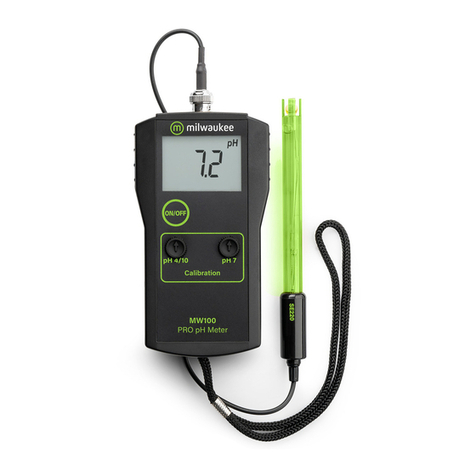
Milwaukee MW100 User manual

Milwaukee

Milwaukee MW100 User manual

Milwaukee CD97 User manual

Milwaukee

Milwaukee CD97 User manual

Milwaukee 2217-40 User manual

Milwaukee

Milwaukee 2217-40 User manual

Milwaukee pH52 User manual

Milwaukee

Milwaukee pH52 User manual

Milwaukee pH51 User manual

Milwaukee

Milwaukee pH51 User manual

Milwaukee pH600 User manual

Milwaukee

Milwaukee pH600 User manual

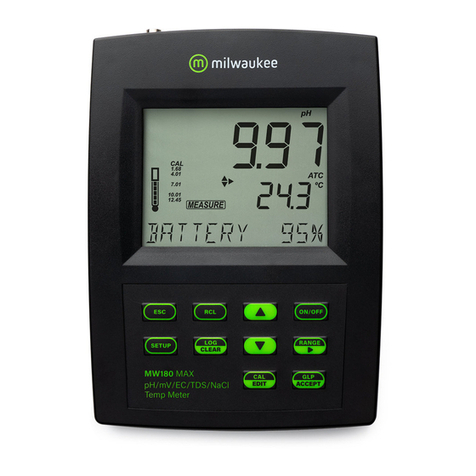
Milwaukee MW180 MAX User manual

Milwaukee

Milwaukee MW180 MAX User manual

Milwaukee MW700 User manual

Milwaukee

Milwaukee MW700 User manual

Milwaukee PH55 User manual

Milwaukee

Milwaukee PH55 User manual

Milwaukee SM500 User manual

Milwaukee

Milwaukee SM500 User manual

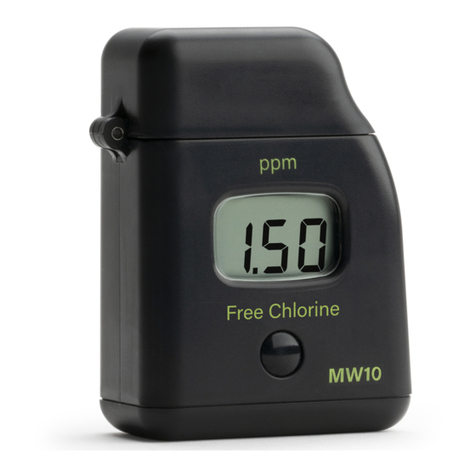
Milwaukee MW10 User manual

Milwaukee

Milwaukee MW10 User manual

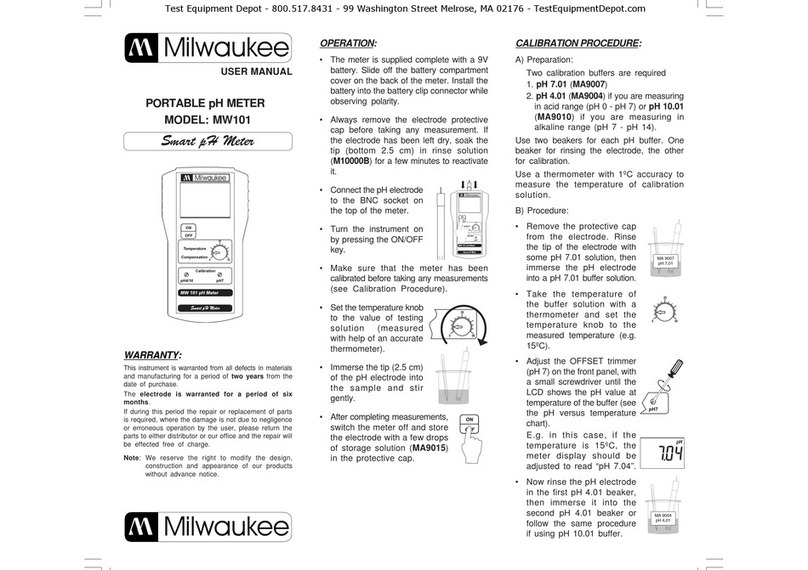
Milwaukee MW101 User manual

Milwaukee

Milwaukee MW101 User manual

Milwaukee L4 CLL User manual

Milwaukee

Milwaukee L4 CLL User manual

Milwaukee MI405 User manual

Milwaukee

Milwaukee MI405 User manual

Popular Measuring Instrument manuals by other brands

Suaoki D40 user manual

Suaoki

Suaoki D40 user manual

Elster BK-G1.6 operating instructions

Elster

Elster BK-G1.6 operating instructions

Endress+Hauser Deltabar FMD71 technical information

Endress+Hauser

Endress+Hauser Deltabar FMD71 technical information

Duratool D03128 manual

Duratool

Duratool D03128 manual

Vega VEGAPULS 65 Quick setup guide

Vega

Vega VEGAPULS 65 Quick setup guide

Tonghui TH2618B Operation manual

Tonghui

Tonghui TH2618B Operation manual

Tenmars TM-801 user manual

Tenmars

Tenmars TM-801 user manual

MSR 145 user manual

MSR

MSR 145 user manual

TPS WP-82 manual

TPS

TPS WP-82 manual

PCB Piezotronics 003C30 Installation and operating manual

PCB Piezotronics

PCB Piezotronics 003C30 Installation and operating manual

Tenma 72-10465 manual

Tenma

Tenma 72-10465 manual

Endress+Hauser Proline Promag 50 Brief operating instructions

Endress+Hauser

Endress+Hauser Proline Promag 50 Brief operating instructions

Siemens SITRANS F Coriolis FCT030 Function manual

Siemens

Siemens SITRANS F Coriolis FCT030 Function manual

KLINGER CMF V Series instruction manual

KLINGER

KLINGER CMF V Series instruction manual

Keysight M8290A Getting started guide

Keysight

Keysight M8290A Getting started guide

Acterna MS1400 Operation manual

Acterna

Acterna MS1400 Operation manual

R&S ZPH manual

R&S

R&S ZPH manual

Datacolor ColorReader DC10-2 user guide

Datacolor

Datacolor ColorReader DC10-2 user guide

manuals.online logo
manuals.online logoBrands
  • About & Mission
  • Contact us
  • Privacy Policy
  • Terms and Conditions

Copyright 2025 Manuals.Online. All Rights Reserved.

SPECIFICATIONS :
pH ORP
RANGE 0.00 to 14.00 ±1000 mV
RESOLUTION 0.01 1 mV
ACCURACY (@25°C) ±0.2 ± 5 mV
SETPOINT 4 to 8 pH -200 to 600 mV
ELECTRODE (included) MA911B/2 MA921B/2
ALARM & active when measurement is
OUTPUT POWER SOCKET higher/lower than the setpoint
depending on user selection
ENVIRONMENT 0 to 50°C, 95% RH max.
POWER SUPPLY 12 VDC (included)
POWER DRIVERS 115VAC, 2A, 60Hz or 230VAC, 1A, 50Hz
DIMENSIONS 148.5 x 82.5 x 32 mm
WEIGHT 200 g meter only
OPTIONAL ACCESSORIES:
M10004B pH 4.01 buffer solution 20 ml sachet (25 pcs)
M10007B pH 7.01 buffer solution 20 ml sachet (25 pcs)
M10010B pH 10.01 buffer solution 20 ml sachet (25 pcs)
M10000B Electrode rinse solution 20 ml sachet (25 pcs)
MA9015 Electrode storage solution 20 ml sachet (25 pcs)
WARRANTY:
This instrument is warranted from all defects in materials and manufacturing
for a period of two years from the date of purchase.
The electrodes are warranted for a period of 6 months.
If during this period, repair or replacement of parts is required, where the
damage is not due to negligence or erroneous operation by the user, please
return the parts to either dealer or our office and the repair will be effected
free of charge.
Note: We reserve the right to modify the design, construction and
appearance of our products without advance notice.
USER MANUAL
PORTABLE
pH I ORP COMBINED METER
MODEL: MC125
Test Equipment Depot - 800.517.8431 - 99 Washington Street Melrose, MA 02176 - TestEquipmentDepot.com

OPERATION:
•Connect the supplied 12 VDC
power adapter to the meter and
to the mains line.
•Connect the pH and ORP elec-
trode to the BNC socket of the
meter.
•Always remove the electrode
protective caps before taking any
measurement. If the electrodes
have been left dry, soak the tip
(bottom 2.5 cm) in rinse solution
(M10000B) for a few minutes to reactivate them.
•Make sure that the meter has been calibrated before taking any
measurements (see Calibration Procedure).
•Immerse the tip (2.5 cm) of the electrodes into the samples.
•Turn the instrument on by pressing the ON/OFF key.
•Allow the reading to stabilize and the meter will start continuous
monitoring.
•A blinking alarm LED will indicate when the measured pH value is

higher or lower than the setpoint depending on user selection.
•When the alarm LED is blinking, there is power in the output power
socket.
NOTE: The output power contact has no protection fuse inside the
meter. It is recommended to protected it outside, against failure.
SETPOINT:
•The setpoint can be selected by adjusting the knob to the desired
value.
•The selectable range for MC125 is from
4 to 8 for pH and from -200 to 600 mV
for ORP.
•The nature of the setpoint can be se-
lected by setting the proper switch to the
desired position (ABOVE or BELOW).
CALIBRATION PROCEDURE:
•Remove the protective cap from the pH electrode.
•Immerse the electrode tip into a new sachet of pH 7
calibration solution and allow the reading to stabilize.
•Adjust the pH7 calibration trimmer (on the front) to
display "7.00 pH".
•Open a new sachet of pH 4 calibration solution and
use a small quantity to rinse the electrode.
•Immerse the electrode tip inside the pH 4 sachet and
allow the reading to stabilize.
•Adjust the pH4/10 calibration trimmer (on the front) to
display "4.00 pH".
•The calibration is now complete and the meter is ready
to take measurements.
•It is suggested to recalibrate the meter at least
once a month, after prolonged warehousing time
and after pH electrode replacement.
INSTALLATION PROCEDURE:
Test Equipment Depot - 800.517.8431 - 99 Washington Street Melrose, MA 02176 - TestEquipmentDepot.com