7. Power supply
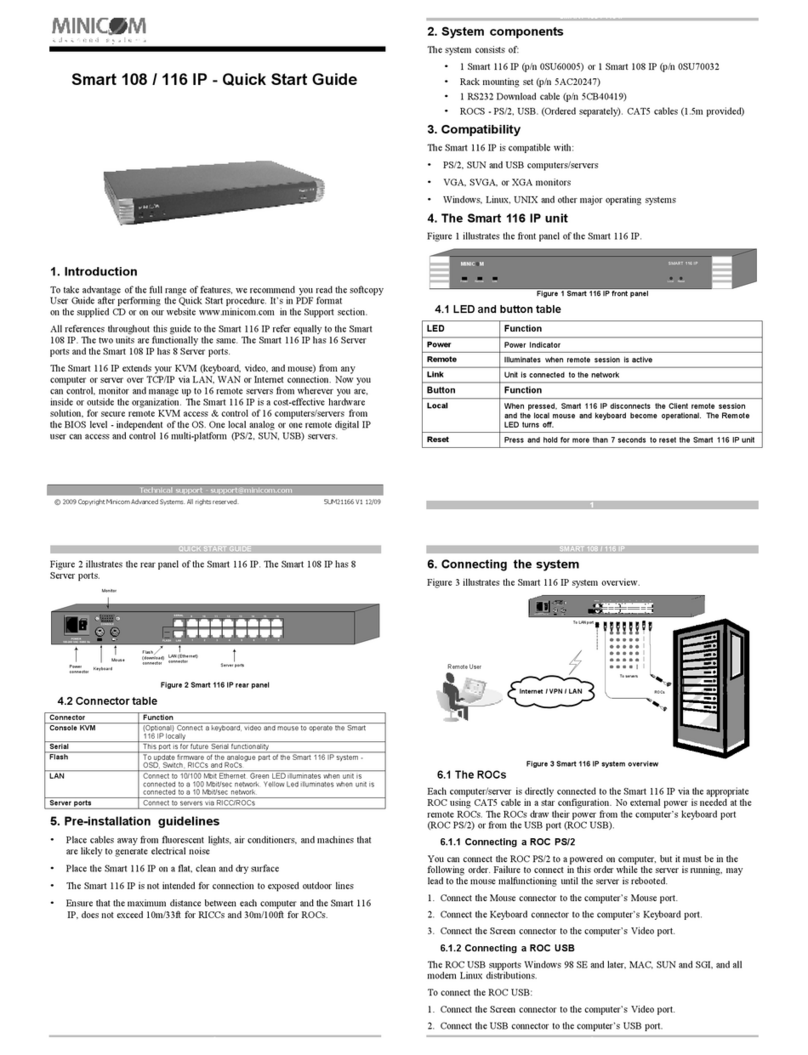
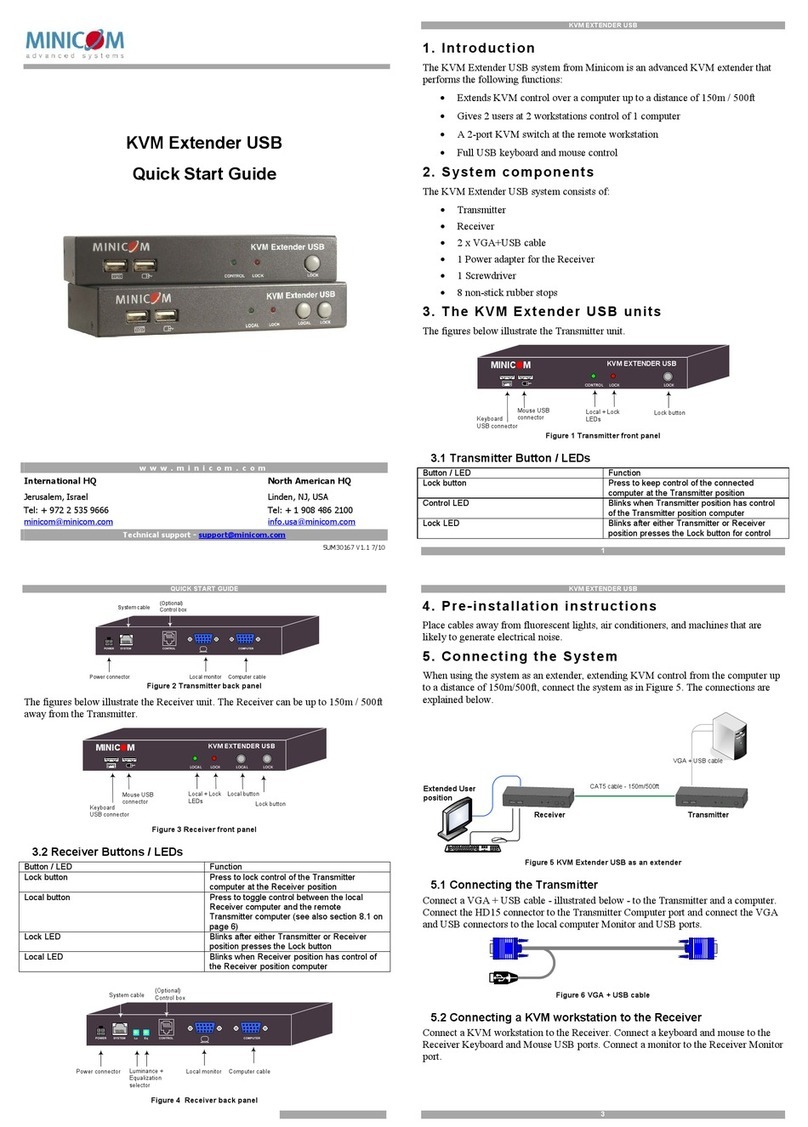
ConnecttheTransmitterand PowerRemoteto the powersupplywiththe Power
adaptersprovided 12 VDC,fromthe AC/DC forthe Transmitterand 6 VDC, from
the AC/DC forthe PowerRemote.
Once connected, the Audio/Video signalsare broadcastto the PowerRemote unit.
8. Adjusting the picture
When the broadcastscreen needsadjusting, usea smallscrewdrivertoturn the
Pictureadjusteron the PowerRemote.
9. Accessoriesand options
You can add a ControlUnitto the AVExtendersystem-see below.
Control Unit
TheControlUnitperformsthe followingfunctions:
Master toall
Pressthe Master toall button tosend the hostcomputer’sscreen with audioto the
remote screen/speakers.The LEDabove thebutton lightsup.
Pressthe button again to releasethe remote screen/speakers.
Darkall
Pressthe Dark all button to darken all remote screens. The LEDabove the button
lightsup. (Thisdoesnotaffectaudio broadcasting).
Pressthe button again to releasethe remote screen.
10. Options
Connecta computeratthePowerRemote location.
Controlthe systemwith the ControlUnit orvia RS232 Serialcontrol.
You willfind more information on the above accessoriesand optionsinthe
Maintenance kit.
VDSControl Unit