Daylight pictures
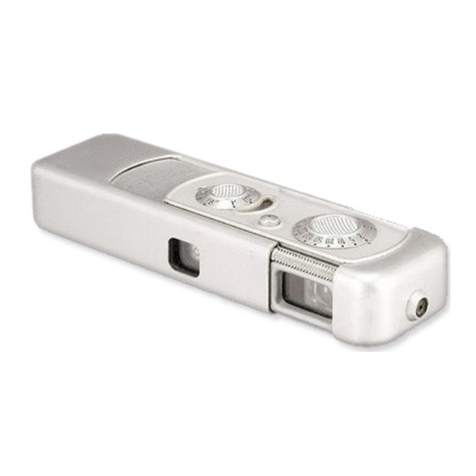
Exposure: set aperture wheel (4) to the desired
aperture. The selected aperture
is
visible
in
a aper-
ture window
(3)
on top
of
the camera and
in
the
viewfinder (8). After depressing the shutter release
button slightly
an
arrow may light up
in
the view-
finder,
in
that case, turn the aperture wheel
in
the
direction
of
the arrow until the arrow disappears. If
the bright yellow arrow stays on at full opening,
f/2
.8, it means that exposure time
is
too long to take
hand held pictures. A tripod
or
flash should be used.
The
correct exposure time
is
set automatically
including time exposures at full aperture.
Distance: Move foc
us
slider (5) until the principle
subject
in
the picture can be seen without double
images
in
the center
of
the viewfinder or move fo-
cusing slider (5) to such a position that the two red
lines
in
the automatic depth
of
field indicator (6)
cover the desired range of sharpness.
The
most
important
points
in
short
Flash pictures
Rotate aperture wheel
(4)
beyond the click stop
at
f/2.8
until it reaches the flash symbol. Insert Magi-
cube into the flash socket (2) or attach Minox Elec-
tronic Flash unit F 110 to the connections (1) on the
left side
of
the camera.
Maximum distance for Magi-cubes
is
approximately
25 feet and for the F 110 flash unit about 15 feet.
If possible, focus on the most important subject
in
the picture (no double images). The aperture
is
set
automatically for the distance focused and for the
flash unit used (Magi-cube
or
F 110).
Note: The release button cannot be depressed
when all sides
of
a flash cube are used and the flash
cube
is
still
in
the flash socket. The Magi-cube cannot
be inserted if the aperture wheel
has
not
been ro-
tated to flash symbol.
5