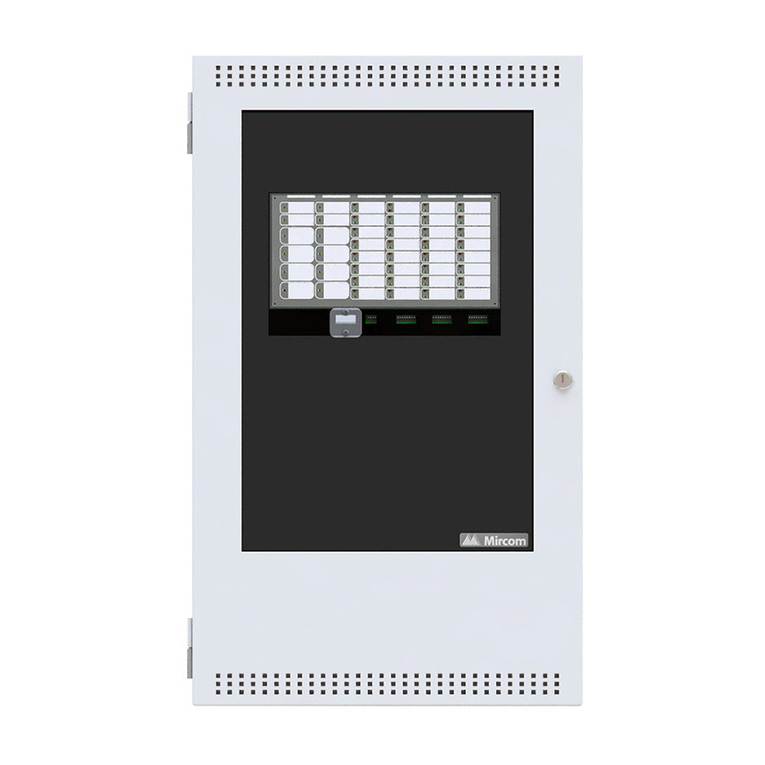
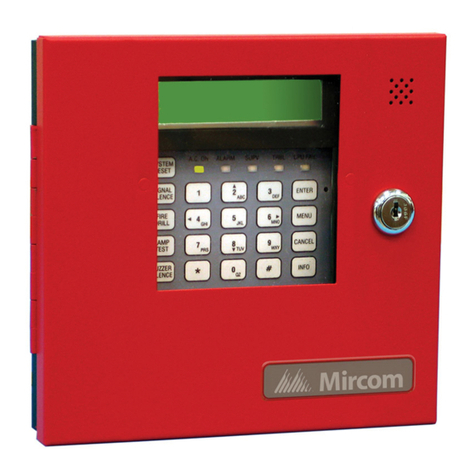
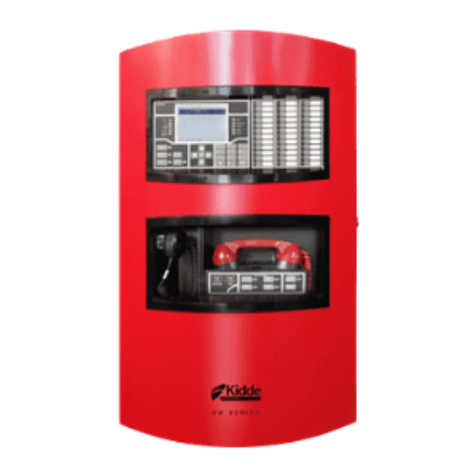
Main Display Buttons and LEDs
4
Main Display Buttons and LEDs
System Reset Button
Signal Silence Button
Fire Drill Button
ALM/SUP/TBL/BLDG AUDIBLE SIL Button (Buzzer Silence)
Automatic Alarm Signal Cancel Button (Acknowledge)
Lamp Test Button
General Alarm Button
The System Reset button resets the fire alarm control panel and all circuits. The
System Reset LED turns ON steady for the duration of the reset operation. This
button is also used to confirm Positive Alarm Sequence (if implemented).
Pressing the Signal Silence button when the panel is in alarm deactivates any
silenceable signal devices in the fire alarm system. Non-silenceable signal devices
are unaffected. If you press the Signal Silence button a second time, or if there is a
subsequent alarm, the signals will re-sound. If the panel has been configured with a
Signal Silence Inhibit timer, this button will not work until the timer times out. This
button also does not work if the Fire Drill is already in progress. The Signal Silence
LED will illuminate steady amber while the panel is in the signal silence mode.
Pressing the Fire Drill button will simulate a fire alarm by activating the fire alarm
signals without transmitting an alarm to the central station. To cancel the fire drill,
press the button again. If the fire alarm system goes into a real alarm while you are
performing a fire drill, this button will not turn OFF the signals or operate any
programmed relays. The red Fire Drill LED will illuminate steady while the Fire Drill is
active.
Pressing the ALM/SUP/TBL/BLDG AUDIBLE SIL button while the buzzer is sounding
silences the buzzer. The buzzer will resound automatically if there is a subsequent
event. Pressing the button again (after it has been silenced) will resound the buzzer if
a condition still exists. The ALM/SUP/TBL/BLDG AUDIBLE SIL Button acts as a
toggle. The ALM/SUP/TBL/BLDG AUDIBLE SIL LED will flash amber at a slow rate
for a trouble or alarm (and when the ALM/SUP/TBL/BLDG AUDIBLE SIL button has
been toggled ON). The ALM/SUP/TBL/BLDG AUDIBLE SIL LED will turn OFF if the
ALM/SUP/TBL/BLDG AUDIBLE SIL button has been toggled OFF.
For a One or Two Stage System: this button acknowledges a first or second stage
alarm and cancels the general alarm timer. For a Positive Alarm Sequence: it is used
to acknowledge the first PAS device in alarm. The amber LED will flash at a fast rate
on alarm and go steady when the Automatic Alarm Signal Cancel button is pressed.
Pressing and holding the Lamp Test button causes the LCD to display the software
version, all the front panel LEDs to illuminate, and sounds the buzzer. Use this button
to test that the LCD display and all LEDs on the main display are working. If you hold
the Lamp Test button, the amber Lamp Test LED will illuminate steady amber.
This button is used on a two stage system only. Pressing the General Alarm button
will send the system into second stage general alarm and activate all outputs
associated with this status. The red General Alarm LED will turn ON steady when the
General Alarm button is pressed or any input designated general alarm is activated,
and will latch until the panel is reset.
SIGNAL
SILENCE
ALM/SUP/TBL/BLDG
AUDIBLE SIL
AUTOMATIC ALARM
SIGNAL CANCEL