EN-7
Note: There will be an alert tone when the volume reaches
the maximum level.
11. Control Instructions
Function Operation
Play media Press the power button
End a call Press the power button
Power on Press and hold the power button for 3 seconds, and
you will see the blue light flash and hear “power on”.
Answer a call Press the power button to answer the call.
Power off Press and hold the power button for 3 seconds, and you will
hear “power off”.
Pause/restart
media playback Press the power button
Increase
volume
Decrease
volume
Skip to next
track Press and hold the V+ button for 1-2s
Skip to previous
track Press and hold the V- button for 1-2s
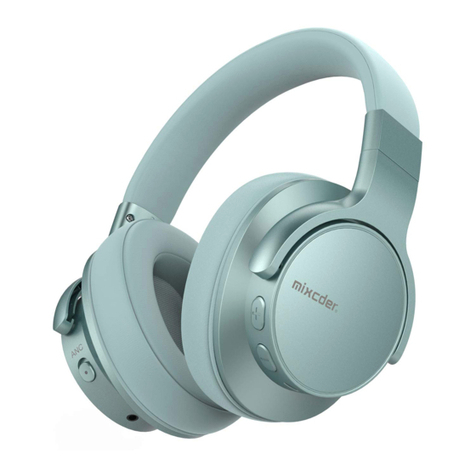
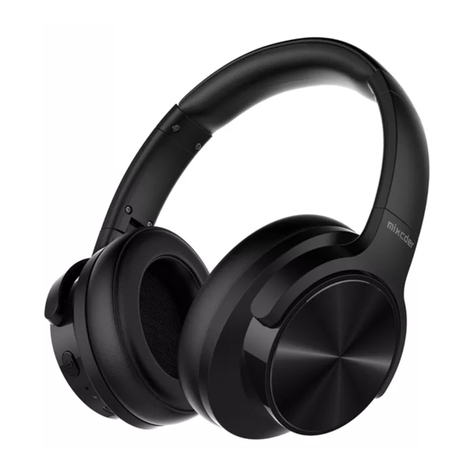
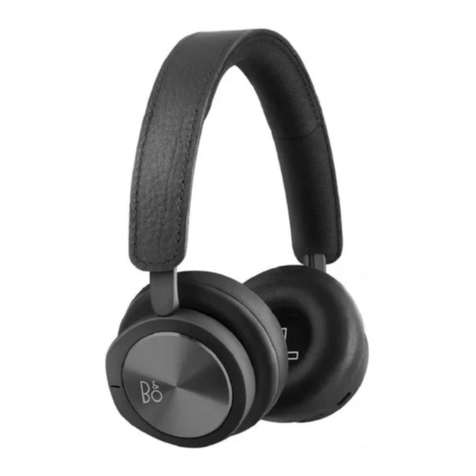
Noise Canceling
On Press the Noise-Canceling Button to ON, Blue LED
light on.
Noise Canceling
Off Press the Noise-Canceling Button to OFF, Blue LED
light off
Play media Press the power button
End a call To end a call, press the power button
Answer a call When a call rings, press the power button
Pause/restart
media playback Press the power button
Increase
volume Press the Volume Up V+ button
Decrease
volume Press the Volume Down V- button
Skip to next
track Press and hold the V+ button for 1-2s
Skip to previous
track Press and hold the V- button for 1-2s
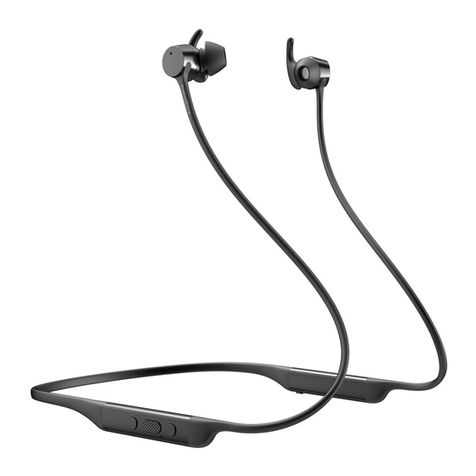
ANC On Push the ANC switch to ON, blue light on.
ANC Off Push the ANC switch to OFF, blue light off.
Pairing Press and hold the power button for about 5 seconds till the
red and blue light flash alternatively, and you will hear
“paring”.