-5-
<ForAndroid phone users>
Download IP3051
Android smart phone press ”Play Store”
search ”IP3051” press ”IP3051” ”Download”
“Accept & download” “KEEP SHOPPING”
“Installing” back to home page of smart phone press
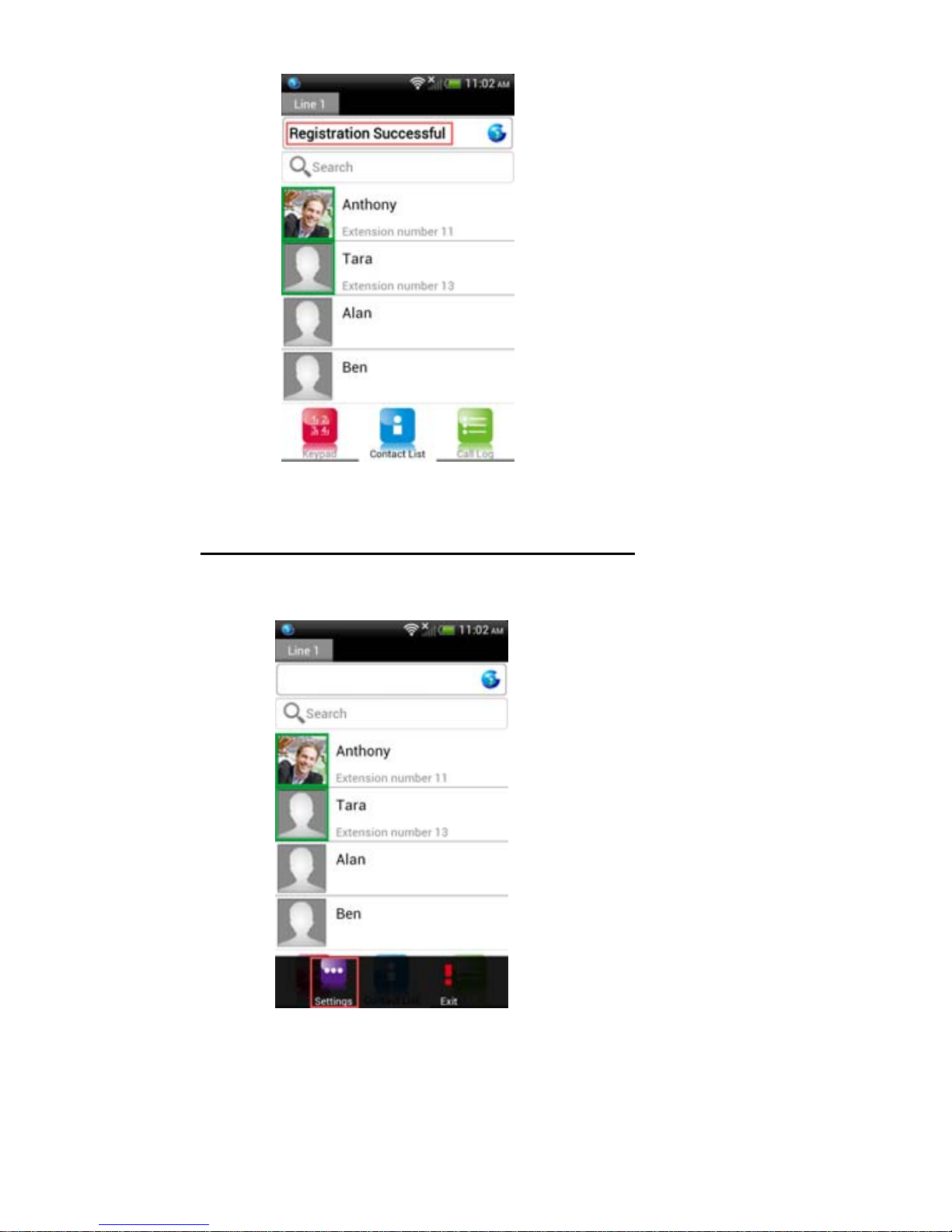
“All apps” find “IP3051” in the list. (Figure 1)
(Figure 1)
Smart phone (IP3051) auto pairing with
IG7200
Step 1: Smart phone Wi-Fi access thru. IG7200:
use smart phone and press “All apps” “Settings”
“Wireless & networks” turn on Wi-Fi press “Wi-Fi
settings” press ”7200_XXXXXX” (“XXXXXX” is the
last 6 digits of MAC address which is labeled under the
stand of IG7200.) press “Connect” Wi-Fi connection
finished.(Figure 2)