
Mocka Maya Three Drawer User manual

ABC
D E
Phillips screwdriver required
Hardware Supplied
dowel
x16
screw
x24
F
screw
x4
small
screw x3
long
screw x16
stopper
x3
x2
washer
Z
Wall
Screw
r/washer
screw
x1
Y
wall
anchor
x1
X
Safety
Strap
V W
Wall Strap
WARNING: Any furniture that is not anchored to a wall has the potential to tip
over in certain circumstances, i.e. if a child attempts to climb up on the furniture
or in the event of an earthquake. Accordingly, we recommend that all furniture
is anchored to a wall. We supply a free safety wall anchor with all furniture sold
and we recommend these are used to prevent your product tipping. The fixing
device provided should fit most wall types, but please note that different wall
materials may require different fixing devices from those supplied.
For quicker assembly, we recommend the
use of a power drill on a low-speed setting.
Maya Three Drawer
1
mocka.co.nz | mocka.com.au
Assembly Instructions
Thank you for your purchase.
Please follow the instructions below for correct assembly.
x1 x1

12
Attach panels 2x [4], 3x [5] and 3x [10] to panel [2] with 8x dowels (B)
and 8x screws (A). Ensure the holes on panel [10] are facing upwards
and toward the back of the panel as shown. Tighten with a screwdriver.
Attach panels 2x[4], 3x [5] and 3x [10] to panel [3] with 8x dowels (B)
and 8x screws (A). Tighten with a screwdriver.
A
A
A
A
A
A
A
A
A
B
BA
A
B
B
B
A
B
B
B
B
B
B
2
10
4
4
10
10
5
5
5
4
410
10
5
5
5
10
3
B
B
A
A
A
B
10
Maya Three Drawer
2
mocka.co.nz | mocka.com.au
Assembly Instructions
B
B

34
Secure the top panel [1] to the main unit using 4x screws (F). Attach 3x stoppers (D) to panel [10] and secure with 3x screws (E).
F
F
1
10
10
10
4
4
D
E
D
E
D
E
F
F
Maya Three Drawer
3
mocka.co.nz | mocka.com.au
Assembly Instructions

56
Use 1x screw (W) and 1x washer (Z) to attach the safety strap (V) to
the panel [4].
Attach side panels [7] to panel [6] and secure with 4x screws (C). Slide
panel [8] between the side panels along the grooves to form the drawer
base. Attach panel [9] to the rest of the drawer and secure with 4x
screws (C). Tighten with a screwdriver. Complete the other two drawers.
Drawers x3
6
7
8
9
7
C
C
C
C
C
C
C
1
4
V
Z
W
small
screw
strap
Maya Three Drawer
Assembly Instructions
4
mocka.co.nz | mocka.com.au
W

Jolt Wardrobe
ASSEMBLY INSTRUCTIONS
5
mocka.co.nz | mocka.com.au
78
Insert the three completed drawers into the main unit. Lift the unit into
position, do not drag.
Attach the end of the safety strap (V) to the wall and secure with 1x wall
anchor (X), 1x washer (Z) and a wall screw (Y). Tighten with a screwdriver.
You’re done, enjoy!
x1
wall
anchor
wall
screw
Washer
Strap
X
ZY
V
Maya Three Drawer
Assembly Instructions
5
mocka.co.nz | mocka.com.au
Other Mocka LCD Drawer manuals
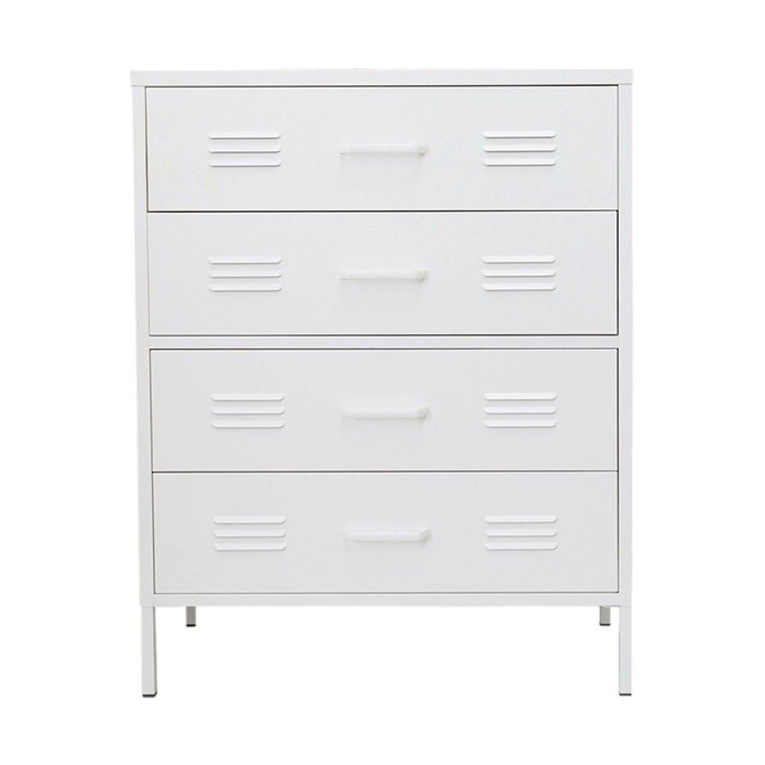
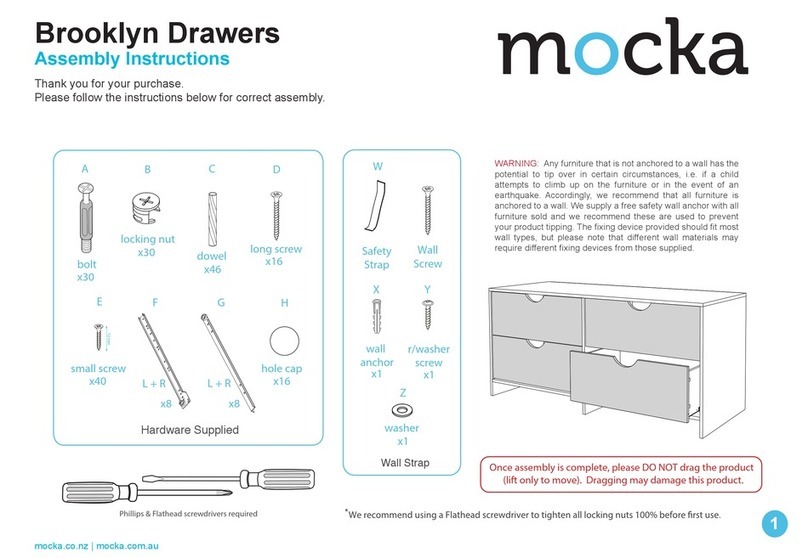
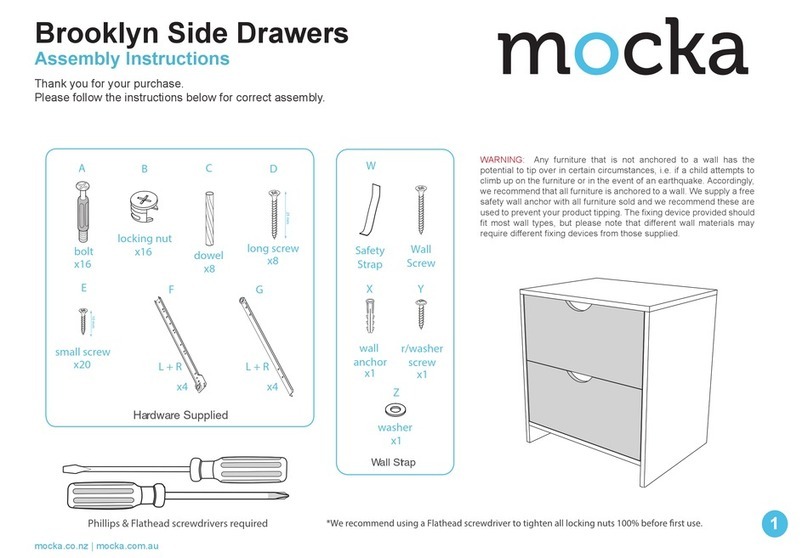
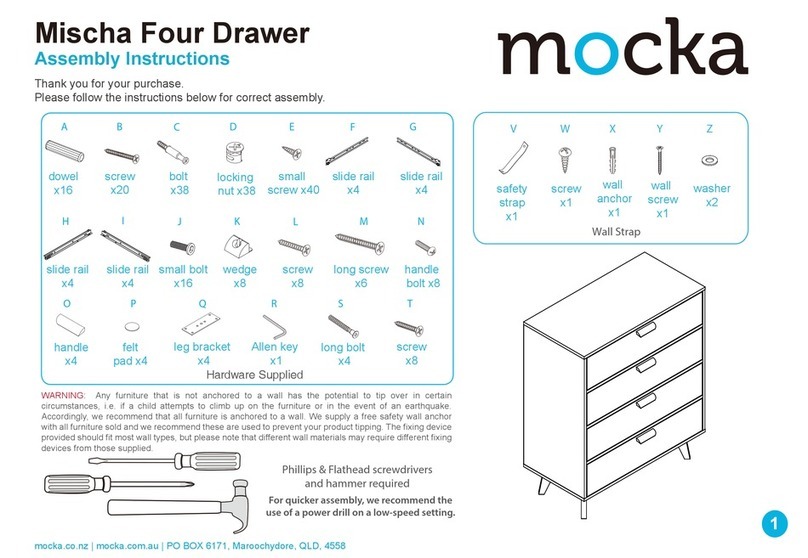
Popular LCD Drawer manuals by other brands
Acnodes
Acnodes KD 8228 user manual
Ameriwood
Ameriwood 9524328PCOM manual

Kesseböhmer
Kesseböhmer TANDEM solo Mounting instructions
Crystal Image Technologies
Crystal Image Technologies RMD-151-A Series user manual
APW Wyott
APW Wyott Ease Extreme HDX-1-120 Installation and operating instructions

NTI
NTI RACKMUX-V17-N Installation and operation manual
StarTech.com
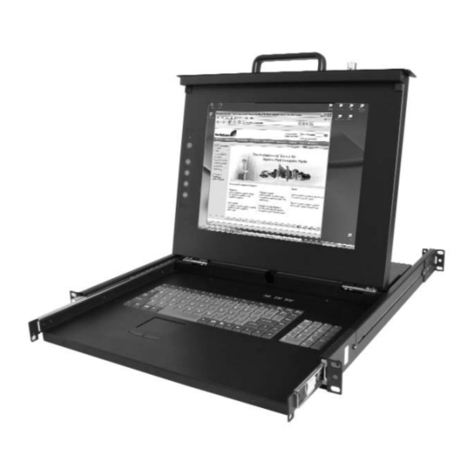
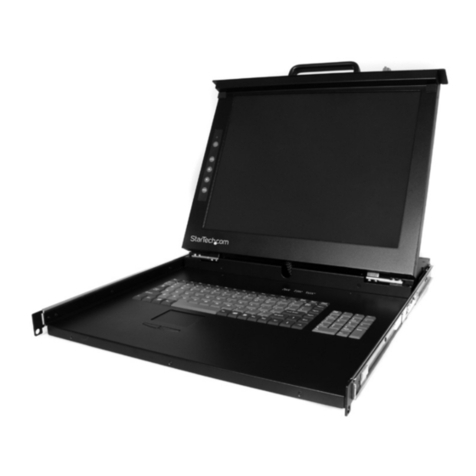
StarTech.com DuraView RACKCONS1701 instruction manual
Fisher & Paykel
Fisher & Paykel IZONA CoolDrawer RB36S installation instructions

Synergy Global Technology
Synergy Global Technology LCD1U17-44 user manual
Fujitsu
Fujitsu RC25 user manual
Acnodes
Acnodes RK 1000B installation guide
I-Tech
I-Tech RKP115 user manual