manuals.online logo
Brands
  1. Home
  2. •
  3. Brands
  4. •
  5. Mooer
  6. •
  7. Music Pedal
  8. •
  9. Mooer Micro Series User manual

Mooer Micro Series User manual

Other manuals for Micro Series

37

This manual suits for next models

1

Other Mooer Music Pedal manuals

Mooer Micro Series User manual

Mooer

Mooer Micro Series User manual
Mooer Micro Series User manual

Mooer

Mooer Micro Series User manual

Mooer Micro Series User manual

Mooer

Mooer Micro Series User manual

Mooer BEM BoX User manual

Mooer

Mooer BEM BoX User manual

Mooer GE300 User manual

Mooer

Mooer GE300 User manual
Mooer Red Kid User manual

Mooer

Mooer Red Kid User manual
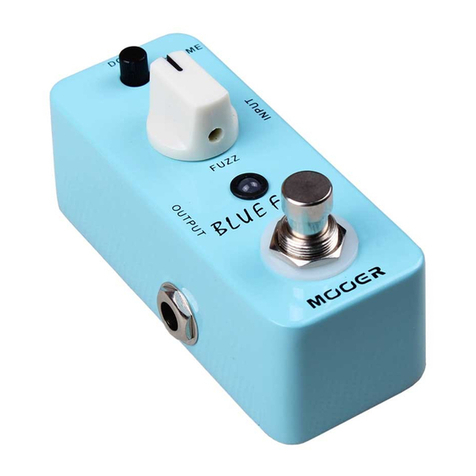
Mooer Micro Series User manual

Mooer

Mooer Micro Series User manual
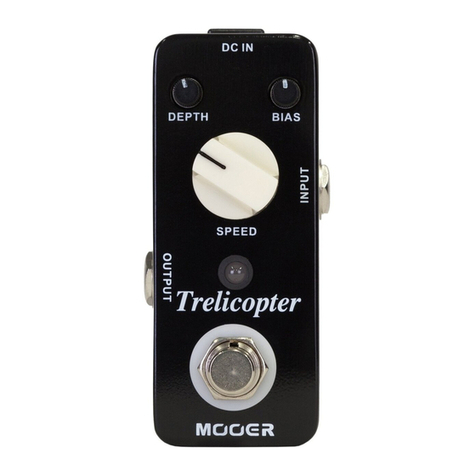
Mooer Micro Series User manual

Mooer

Mooer Micro Series User manual
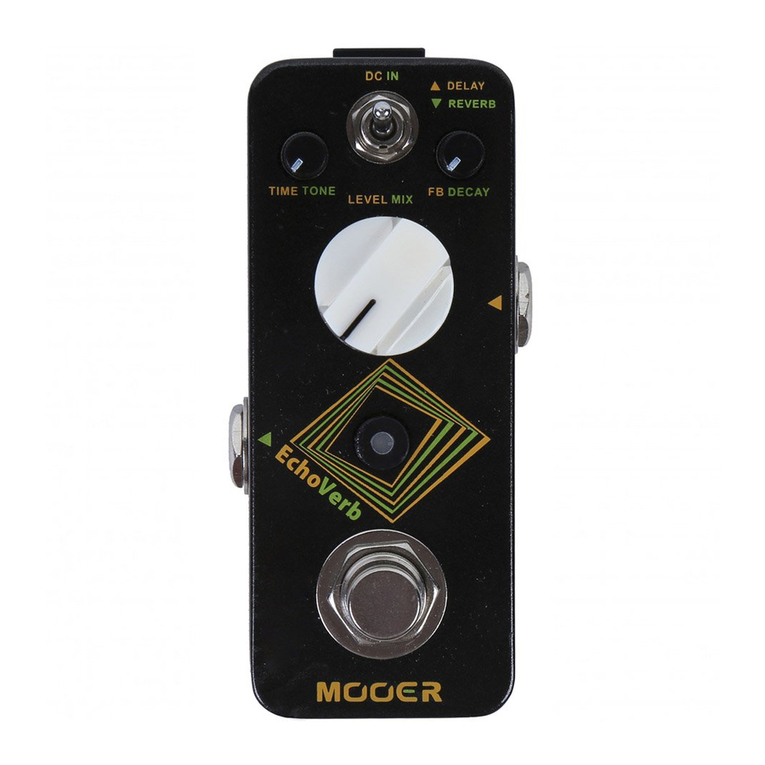
Mooer Micro Series EchoVerb User manual
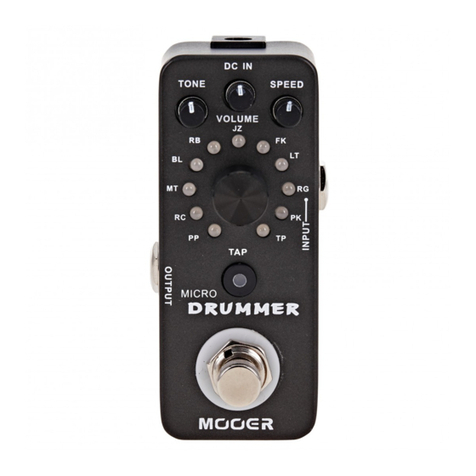
Mooer

Mooer Micro Series EchoVerb User manual

Mooer Micro Series User manual

Mooer

Mooer Micro Series User manual
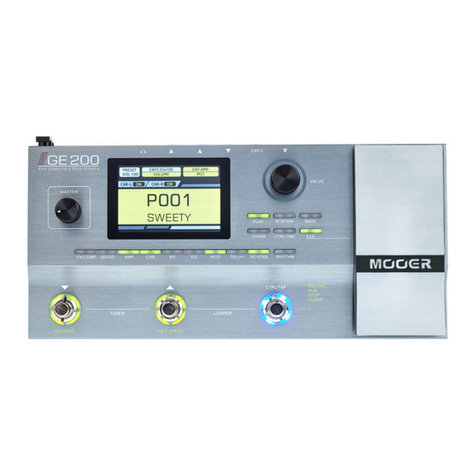
Mooer GE 200 User manual

Mooer

Mooer GE 200 User manual
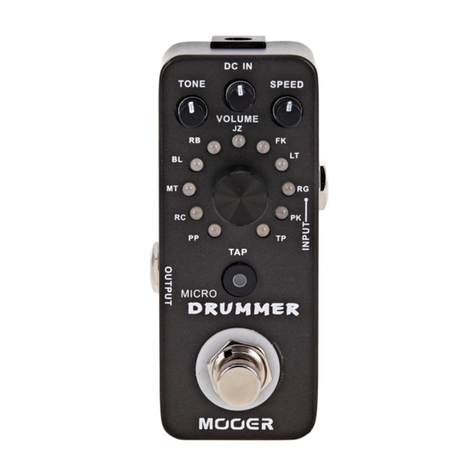
Mooer Micro Series User manual

Mooer

Mooer Micro Series User manual
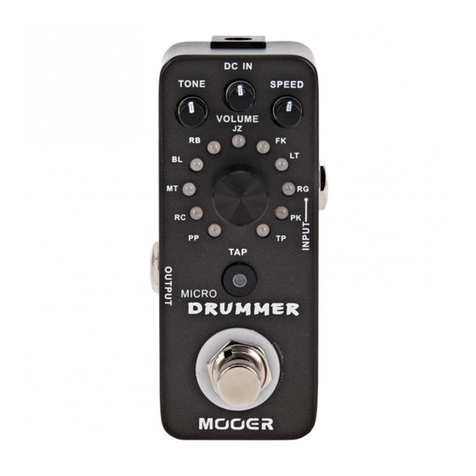
Mooer Micro Series User manual

Mooer

Mooer Micro Series User manual

Mooer Micro Series User manual

Mooer

Mooer Micro Series User manual
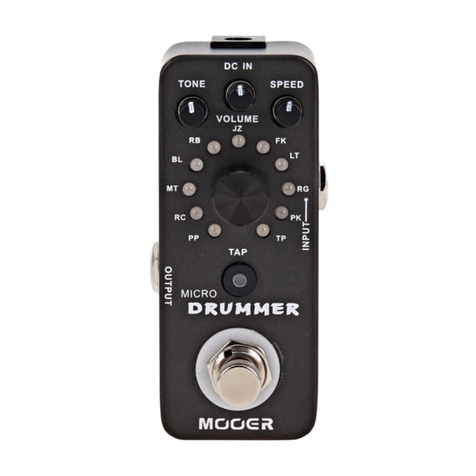
Mooer Micro Series User manual

Mooer

Mooer Micro Series User manual
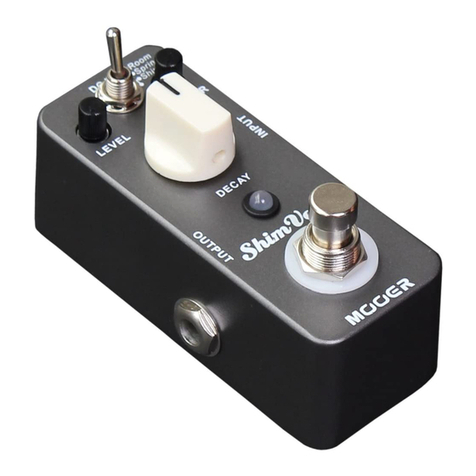
Mooer ShimVerb Micro Series User manual
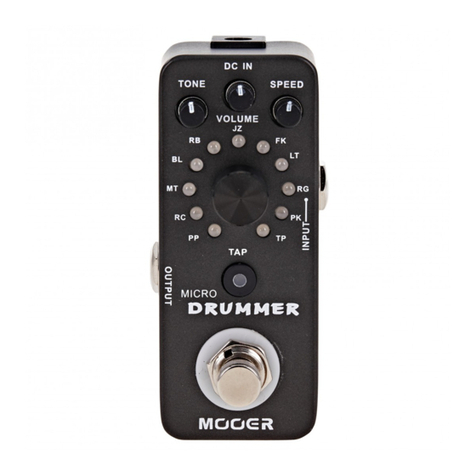
Mooer

Mooer ShimVerb Micro Series User manual

Mooer Micro Series User manual

Mooer

Mooer Micro Series User manual
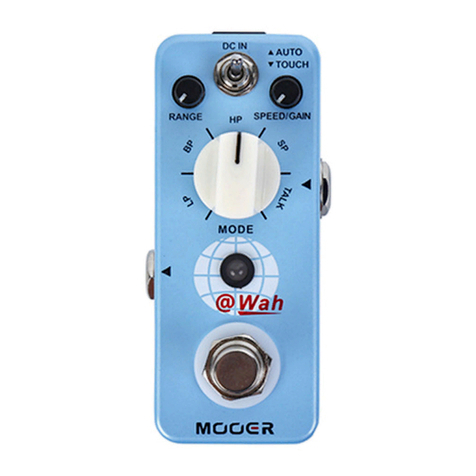
Mooer Micro Series User manual

Mooer

Mooer Micro Series User manual
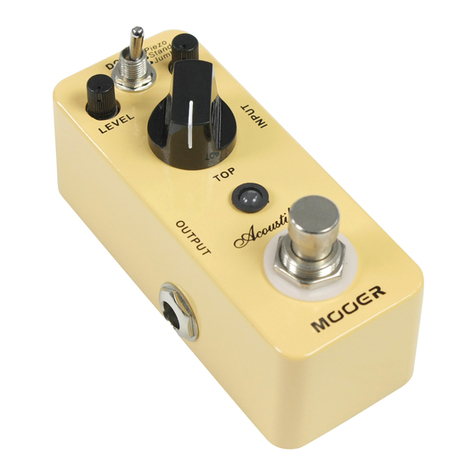
Mooer Micro Series User manual

Mooer

Mooer Micro Series User manual
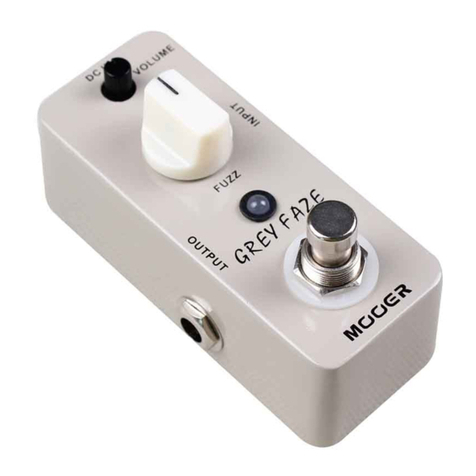
Mooer GREY FAZE User manual

Mooer

Mooer GREY FAZE User manual
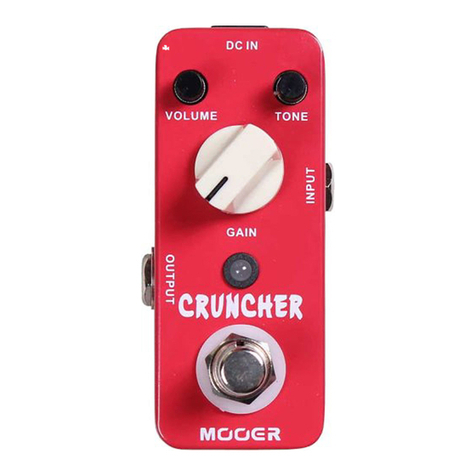
Mooer Micro Series User manual

Mooer

Mooer Micro Series User manual

Mooer Micro Series User manual

Mooer

Mooer Micro Series User manual

Mooer Micro Series User manual

Mooer

Mooer Micro Series User manual

Mooer Pogo PE50 User manual

Mooer

Mooer Pogo PE50 User manual

Popular Music Pedal manuals by other brands

Walrus Audio ARP-87 instruction manual

Walrus Audio

Walrus Audio ARP-87 instruction manual

Ibanez Phaser Mini owner's manual

Ibanez

Ibanez Phaser Mini owner's manual

Ashdown GEEZER BUTLER PEDAL OF DOOM user guide

Ashdown

Ashdown GEEZER BUTLER PEDAL OF DOOM user guide

TC Electronic G-Natural user manual

TC Electronic

TC Electronic G-Natural user manual

Pro-MIDI G25 user manual

Pro-MIDI

Pro-MIDI G25 user manual

Whirlwind oc-bass quick start guide

Whirlwind

Whirlwind oc-bass quick start guide

Strymon Lex-rotary user manual

Strymon

Strymon Lex-rotary user manual

Behringer PB600 manual

Behringer

Behringer PB600 manual

Lexicon MX200 user guide

Lexicon

Lexicon MX200 user guide

Dunlop Hendrix 68 Shrine Octavio Fuzz Series quick start guide

Dunlop

Dunlop Hendrix 68 Shrine Octavio Fuzz Series quick start guide

Matthews Effects Whaler V2 manual

Matthews Effects

Matthews Effects Whaler V2 manual

Grid 1 Pedal Jeanie user manual

Grid 1

Grid 1 Pedal Jeanie user manual

Amptweaker tightboost user manual

Amptweaker

Amptweaker tightboost user manual

Ibanez TS-808 Tube Screamer Overdrive Pro owner's manual

Ibanez

Ibanez TS-808 Tube Screamer Overdrive Pro owner's manual

DW 7000 owner's manual

DW

DW 7000 owner's manual

FAMC Liquid-Foot Jr. Series user manual

FAMC

FAMC Liquid-Foot Jr. Series user manual

Dimavery EPVP-50 manual

Dimavery

Dimavery EPVP-50 manual

Tefi Vintage Lab GEGÈ operating manual

Tefi Vintage Lab

Tefi Vintage Lab GEGÈ operating manual

manuals.online logo
manuals.online logoBrands
  • About & Mission
  • Contact us
  • Privacy Policy
  • Terms and Conditions

Copyright 2025 Manuals.Online. All Rights Reserved.

Ÿ All-sided high-gain distortion with excellent dynamic response and
definition, especially suit for solo playing
Ÿ 3 Working Modes: Natural/Tight/Classic
Ÿ Full metal shell
Ÿ Very small and exquisite
Ÿ True bypass DC 9V Adapter power supply
Main Features
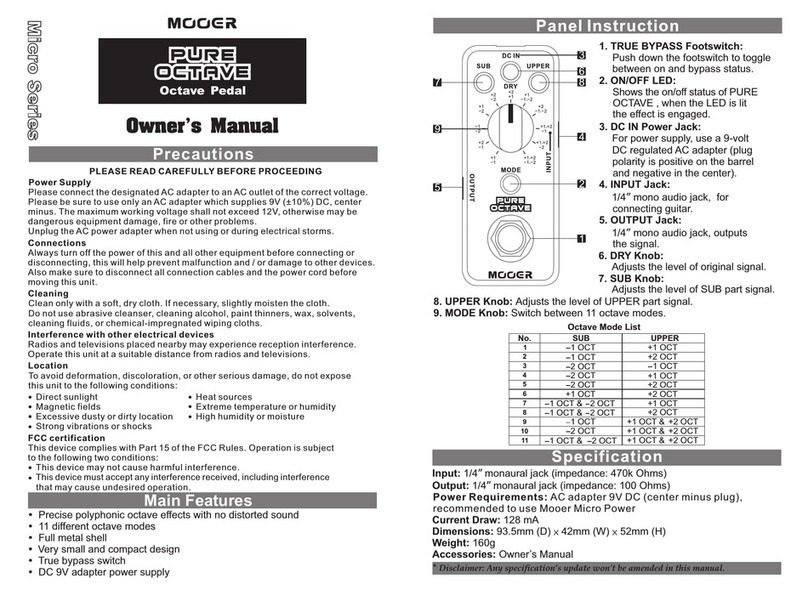
6. Mode Switch:
Classic mode.
7. LEVEL Knob: Adjust the output volume.
8. TONE Knob: Adjust the brightness of tone.
9. GAIN Knob: Adjust the gain.
Switch between Natural mode, Tight mode and
1. TRUE BYPASS
Push down the footswitch
to switch between effects
and bypass status.
2. ON/OFF LED:
Instructs effects or bypass
status of Solo, when
is lit up, the effects
3. DC IN Power Jack:
For power supply, use a 9-volt
DC regulated AC adapter(plug
polarity is positive on the barrel
and negative in the center).
4. INPUT Jack:
1/4” mono audio jack, for
connecting guitar.
5. OUTPUT Jack:
1/4” mono audio jack, outputs
the signal.
Footswitch:
the LED
is on.
4
5
9
3
6
87
Working Mode: 3 (Natural/Tight/Classic)
Input: 1/4” monaural jack (impedance: 470k )
Output: 1/4” monaural jack (impedance: 100 Ohms)
Power Requirements: AC adapter 9V DC (center minus plug)
Current Draw: 11 mA
Dimensions: 93.5mm (D) × 42mm (W) × 52mm (H)
Weight:160g
Accessories: Owner’s Manual
Ohms
* Disclaimer: Any specification’s update won't be amended in this manual.
Natural: Natural, organic distortion sound with nice dynamic
response.
Tight: High gain distortion sound with powerful midrange and tight
bottom end.
Classic: Vintage high gain distortion with plenty of sound details.
Distortion Pedal
4
5
9
3
6
87
用户手册
性能概述
全面的 高增益 失真,具有极佳 的动态 响应和音色解析 度,非 常适合独
奏
三种工 作模式 :Natural/Tight/Classic
全金属 外壳
外观 小巧精致
纯直 通设计
9V电源供 电
注意事项
*使用前请仔细阅读*
电源供应
连接
放置场所
电器干扰
清洁
操作
请使用正确的交流电源插座连接电源变压器。
请使 用内 负外 正的9V(+/-10%)电源变压 器, 最大 工作 电压 不得 超过12V,否则将会
导致 设备 损坏 ,着 火或 者其他问题。
不使用时或雷雨天时请拔下电源。
连接设备或断开连接前,请务必关闭电源及其它设备,这将有助于避免故障和损害
其它设备。另外,要确保移动本机前断开所有的连接线和电源线。
为防 止变 形、 变色 ,及 其它严重损坏,请避免以 下情 况:
阳光 直射
磁场 高 温潮 湿
多尘 或不 洁的 地方 湿 度较 大
强烈 震动 或摇 晃
热源
在使用本机时,收音机和电视机可能会造成干扰。使用本机时要远离收音机和电视
机。
请用干燥柔软的布清洁本机。如有必要,可用稍微湿润的布。切勿 使用 粗糙 的清 洁
粉、酒精 、涂料稀释剂、蜡、溶剂、清洁剂及化学试剂等浸渍抹布。
请勿用蛮力使用开关及控制元件。
请勿让纸屑、金属制品及其它物体落入机内。
注意不要摔落,不要使其受到冲击及过度压力。
1. 纯直通脚踏开 关:
踩下脚 踏开关 以选择效 果的开 关。
面板说明
输入: 单声道 音频接 口(阻抗:470k Ohms)1/4”
输出: 单声道 音频接 口(阻抗:100 Ohms)1/4”
电源供给: 9V 直流 变压器(内负 外正)
工作电流: 11 mA
尺寸: 93.5mm (D) 42mm (W) 52mm (H)× ×
重量: 160g
附件: 用 户手册
2. LED指示灯:
显示Solo的 工作状态,当指
时为效 果开启 。
示灯亮
3. 电源接口:
电源供 给,使 用9V直流变压 器(内负
外正)。
4. 输入:
1/4” 单声道 音频接 口,连接 吉他。
5. 输出:
1/4” 单声道音频接口,输出信号。
6. 模式选择开关 :
选择Natural模式,Tight模式 或者
Classic模式 。
7. LEVEL旋钮:
调节总 输出音 量。
技术参数
*免责声 明:参 数更新恕 不另行 通知.
8. TONE旋钮:
调节音 色。
9. GAIN旋钮:
调节增 益。
Natural: 极富动态,真 实自然 的失真音色。
Tight: 拥 有强力中频和紧 凑低频 的高增益失真音 色。
Classic: 具有丰 富细节 的经典高 增益失 真音色
。
模式说明
工作模式: 3 (Natural/Tight/Classic)
失真单块