manuals.online logo
Brands
  1. Home
  2. •
  3. Brands
  4. •
  5. Mooer
  6. •
  7. Music Pedal
  8. •
  9. Mooer Micro Series User manual

Mooer Micro Series User manual

Other manuals for Micro Series

37

This manual suits for next models

1

Other Mooer Music Pedal manuals

Mooer Micro Series User manual

Mooer

Mooer Micro Series User manual

Mooer Micro Series User manual

Mooer

Mooer Micro Series User manual

Mooer GREY FAZE User manual

Mooer

Mooer GREY FAZE User manual

Mooer Ocean Machine User manual

Mooer

Mooer Ocean Machine User manual

Mooer Micro Series User manual

Mooer

Mooer Micro Series User manual

Mooer Micro Series User manual

Mooer

Mooer Micro Series User manual

Mooer Micro Series User manual

Mooer

Mooer Micro Series User manual

Mooer Micro Series User manual

Mooer

Mooer Micro Series User manual

Mooer Micro Series User manual

Mooer

Mooer Micro Series User manual

Mooer GE300 User manual

Mooer

Mooer GE300 User manual

Mooer Micro Buffer User manual

Mooer

Mooer Micro Buffer User manual

Mooer Red Truck User manual

Mooer

Mooer Red Truck User manual

Mooer Micro Series User manual

Mooer

Mooer Micro Series User manual

Mooer ShimVerb Micro Series User manual

Mooer

Mooer ShimVerb Micro Series User manual

Mooer Micro Series User manual

Mooer

Mooer Micro Series User manual

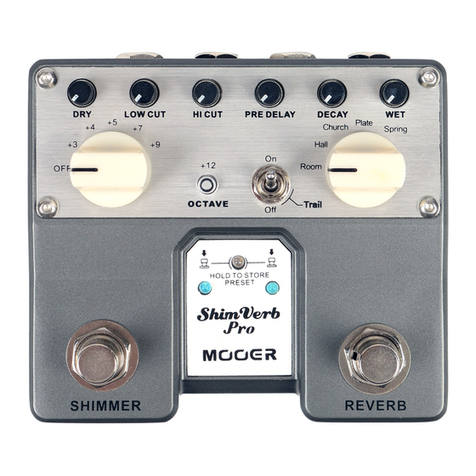
Mooer ShimVerb Pro User manual

Mooer

Mooer ShimVerb Pro User manual

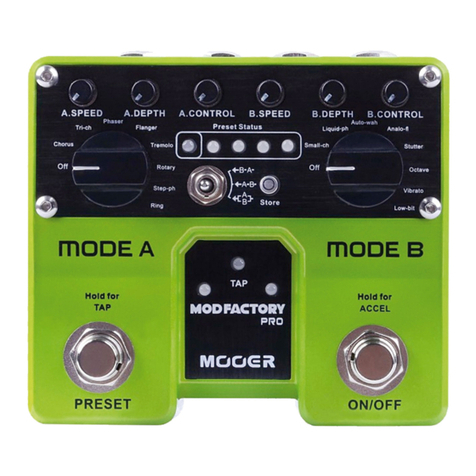
Mooer MOD FACTORY PRO User manual

Mooer

Mooer MOD FACTORY PRO User manual

Mooer Micro Series User manual

Mooer

Mooer Micro Series User manual

Mooer Micro Series User manual

Mooer

Mooer Micro Series User manual

Mooer LOOPER X2 User manual

Mooer

Mooer LOOPER X2 User manual

Mooer Micro Series User manual

Mooer

Mooer Micro Series User manual

Mooer Pitch Step User manual

Mooer

Mooer Pitch Step User manual

Mooer Micro Series User manual

Mooer

Mooer Micro Series User manual

Mooer GE 200 User manual

Mooer

Mooer GE 200 User manual

Popular Music Pedal manuals by other brands

Walrus Audio ARP-87 instruction manual

Walrus Audio

Walrus Audio ARP-87 instruction manual

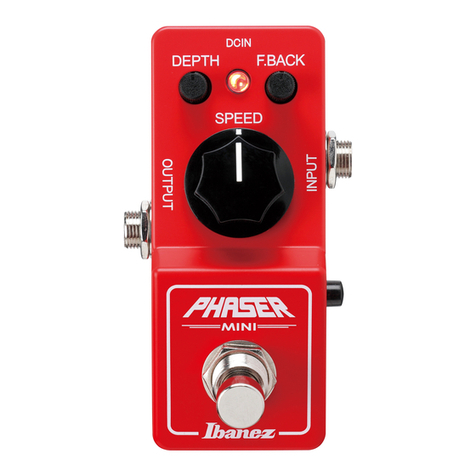
Ibanez Phaser Mini owner's manual

Ibanez

Ibanez Phaser Mini owner's manual

Ashdown GEEZER BUTLER PEDAL OF DOOM user guide

Ashdown

Ashdown GEEZER BUTLER PEDAL OF DOOM user guide

TC Electronic G-Natural user manual

TC Electronic

TC Electronic G-Natural user manual

Pro-MIDI G25 user manual

Pro-MIDI

Pro-MIDI G25 user manual

Whirlwind oc-bass quick start guide

Whirlwind

Whirlwind oc-bass quick start guide

Strymon Lex-rotary user manual

Strymon

Strymon Lex-rotary user manual

Behringer PB600 manual

Behringer

Behringer PB600 manual

Lexicon MX200 user guide

Lexicon

Lexicon MX200 user guide

Dunlop Hendrix 68 Shrine Octavio Fuzz Series quick start guide

Dunlop

Dunlop Hendrix 68 Shrine Octavio Fuzz Series quick start guide

Matthews Effects Whaler V2 manual

Matthews Effects

Matthews Effects Whaler V2 manual

Grid 1 Pedal Jeanie user manual

Grid 1

Grid 1 Pedal Jeanie user manual

Amptweaker tightboost user manual

Amptweaker

Amptweaker tightboost user manual

Ibanez TS-808 Tube Screamer Overdrive Pro owner's manual

Ibanez

Ibanez TS-808 Tube Screamer Overdrive Pro owner's manual

DW 7000 owner's manual

DW

DW 7000 owner's manual

FAMC Liquid-Foot Jr. Series user manual

FAMC

FAMC Liquid-Foot Jr. Series user manual

Dimavery EPVP-50 manual

Dimavery

Dimavery EPVP-50 manual

Tefi Vintage Lab GEGÈ operating manual

Tefi Vintage Lab

Tefi Vintage Lab GEGÈ operating manual

manuals.online logo
manuals.online logoBrands
  • About & Mission
  • Contact us
  • Privacy Policy
  • Terms and Conditions

Copyright 2025 Manuals.Online. All Rights Reserved.

1. TRUE BYPASS Footswitch:
Push down the footswitch to toggle
between on and bypass status.
2. ON/OFF LED:
Shows the on/off status of PURE
OCTAVE , when the LED is lit
the effect is engaged.
3. DC IN Power Jack:
For power supply, use a 9-volt
DC regulated AC adapter (plug
polarity is positive on the barrel
and negative in the center).
4. INPUT Jack:
1/4” mono audio jack, for
connecting guitar.
5. OUTPUT Jack:
1/4” mono audio jack, outputs
the signal.
PLEASE READ CAREFULLY BEFORE PROCEEDING
Power Supply
Connections
Always turn off the power of this and all other equipment before connecting or
disconnecting, this will help prevent malfunction and / or damage to other devices.
Also make sure to disconnect all connection cables and the power cord before
moving this unit.
Cleaning
Clean only with a soft, dry cloth. If necessary, slightly moisten the cloth.
Do not use abrasive cleanser, cleaning alcohol, paint thinners, wax, solvents,
cleaning fluids, or chemical-impregnated wiping cloths.
Interference with other electrical devices
Radios and televisions placed nearby may experience reception interference.
Operate this unit at a suitable distance from radios and televisions.
Location
To avoid deformation, discoloration, or other serious damage, do not expose
this unit to the following conditions:
Direct sunlight Heat sources
Magnetic fields Extreme temperature or humidity
Excessive dusty or dirty location High humidity or moisture
Strong vibrations or shocks
Please connect the designated AC adapter to an AC outlet of the correct voltage.
Please be sure to use only an AC adapter which supplies 9V (±10%) DC, center
minus. The maximum working voltage shall not exceed 12V, otherwise may be
dangerous equipment damage, fire or other problems.
Unplug the AC power adapter when not using or during electrical storms.
Precautions
FCC certification
This device complies with Part 15 of the FCC Rules. Operation is subject
to the following two conditions:
This device may not cause harmful interference.
This device must accept any interference received, including interference
that may cause undesired operation.
Power Requirements: AC adapter 9V DC (center minus plug),
recommended to use Mooer Micro Power
 Precise polyphonic octave effects with no distorted sound
 11 different octave modes
 Full metal shell
 Very small and compact design
 True bypass switch
 DC 9V adapter power supply
Main Features
6. DRY Knob:
7. SUB Knob:
8. UPPER Knob: Adjusts the level of UPPER part signal.
9. MODE Knob: Switch between 11 octave modes.
Adjusts the level of original signal.
Input: 1/4” monaural jack (impedance: 470k Ohms)
Output: 1/4” monaural jack (impedance: 100 Ohms)
Current Draw: 128 mA
Dimensions: 93.5mm (D) × 42mm (W) × 52mm (H)
Weight: 160g
Accessories: Owner’s Manual
* Disclaimer: Any specification’s update won't be amended in this manual.
Octave Pedal
Octave Mode List
No.
1
2
3
4
5
6
7
8
9
10
11
SUB
1 OCT
1 OCT
2 OCT
2 OCT
+1 OCT
2 OCT
1 OCT & 2 OCT
1 OCT & 2 OCT
1 OCT
2 OCT
1 OCT & 2 OCT
+1 OCT
+2 OCT
1 OCT
+1 OCT
+2 OCT
+2 OCT
+1 OCT
+2 OCT
+1 OCT & +2 OCT
+1 OCT & +2 OCT
+1 OCT & +2 OCT
UPPER
4
5
9
3
7 8
6
Adjusts the level of SUB part signal.