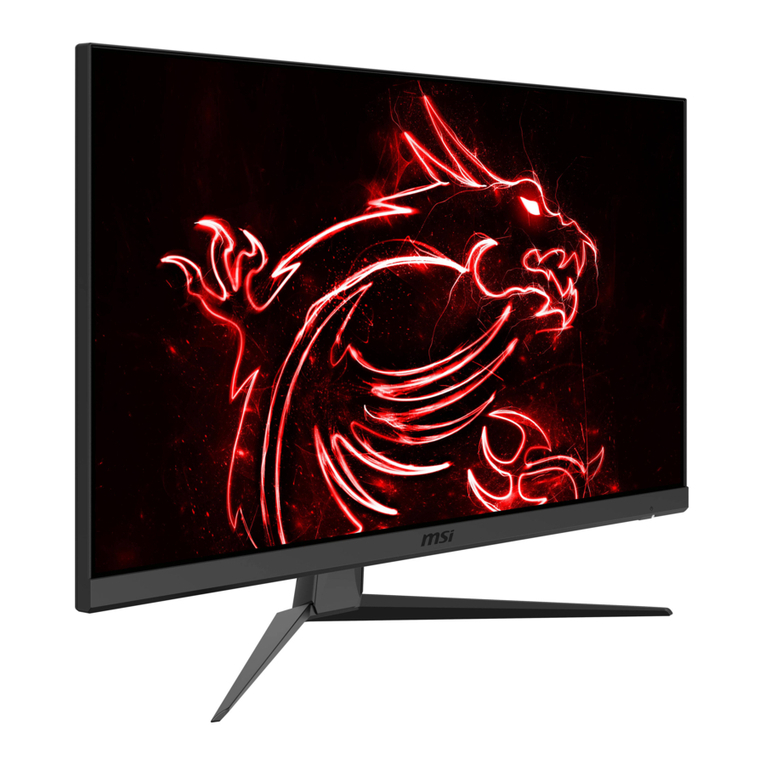
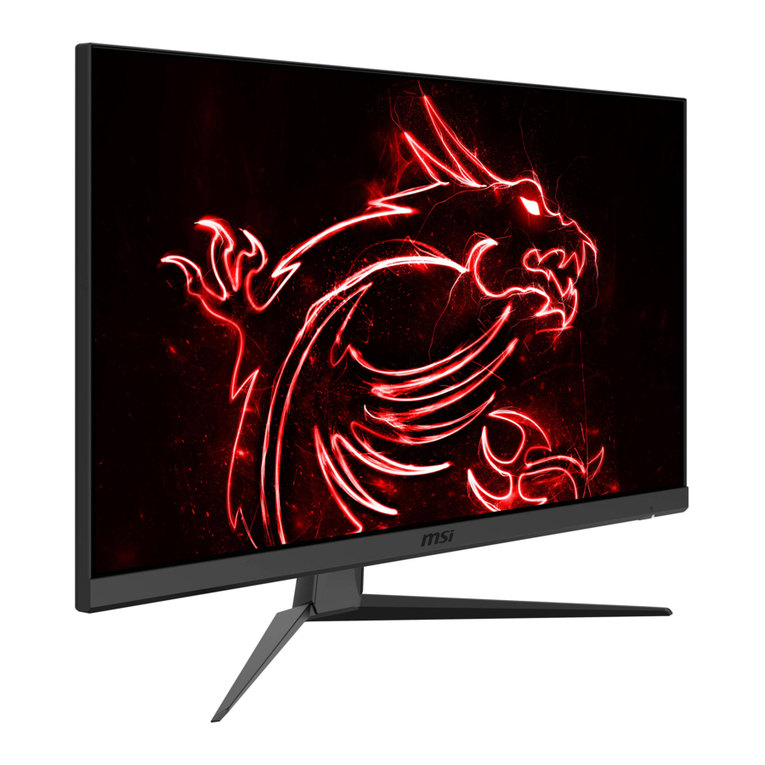
MSI G2412F (3BB9) User manual

G Series
LCD Monitor
G2412F (3BB9)
G2712F (3CD6)
User Guide

2
Contents
Getting Started.............................................................................................................. 3
Package Contents................................................................................................... 3
Installing the Monitor Stand................................................................................... 4
Adjusting the Monitor ............................................................................................. 5
Monitor Overview.................................................................................................... 6
Connecting the Monitor to PC ................................................................................ 8
OSD Setup ..................................................................................................................... 9
Navi Key .................................................................................................................. 9
Hot Key.................................................................................................................... 9
OSD Menus.................................................................................................................. 10
Gaming.................................................................................................................. 10
Professional.......................................................................................................... 12
Image .................................................................................................................... 13
Input Source ......................................................................................................... 13
Navi Key ................................................................................................................ 14
Setting................................................................................................................... 14
Specifications.............................................................................................................. 16
Preset Display Modes ................................................................................................ 18
Troubleshooting.......................................................................................................... 19
Safety Instructions...................................................................................................... 20
TÜV Rheinland Certification....................................................................................... 22
Regulatory Notices..................................................................................................... 23
Revision
V1.0, 2023/11

3
Getting Started
This chapter provides you with the information on hardware setup procedures. While
connecting devices, be careful in holding the devices and use a grounded wrist strap
to avoid static electricity.
Package Contents
Monitor G2412F
G2712F
Documentation Quick Start Guide
Accessories Stand with Screw(s)
Stand Base with Screw(s)
Stand Cover
External Power Supply
Power Cord
Cables Premium High Speed HDMI™ Cable (Optional)
⚠
Important
∙
Contact your place of purchase or local distributor if any of the items is damaged or
missing.
∙
Package contents may vary by country.
∙
The included power cord is exclusively for this monitor and should not be used with
other products.

4
Installing the Monitor Stand
1. Leave the monitor in its protective foam packaging. Align the stand bracket to the
monitor groove. Tighten the stand bracket with screws.
2. Align and push the stand cover towards the stand until it locks in place.
3. Connect the base to the stand and tighten the base screw to secure the base.
4. Make sure the stand assembly is properly installed before setting the monitor
upright.
1
2
3
⚠
Important
∙
Place the monitor on a soft, protected surface to avoid scratching the display panel.
∙
Do not use any sharp objects on the panel.
∙
This product comes with NO protective film to be removed by the user! Any
mechanical damages to the product including removal of the polarizing film may
affect the warranty!
5
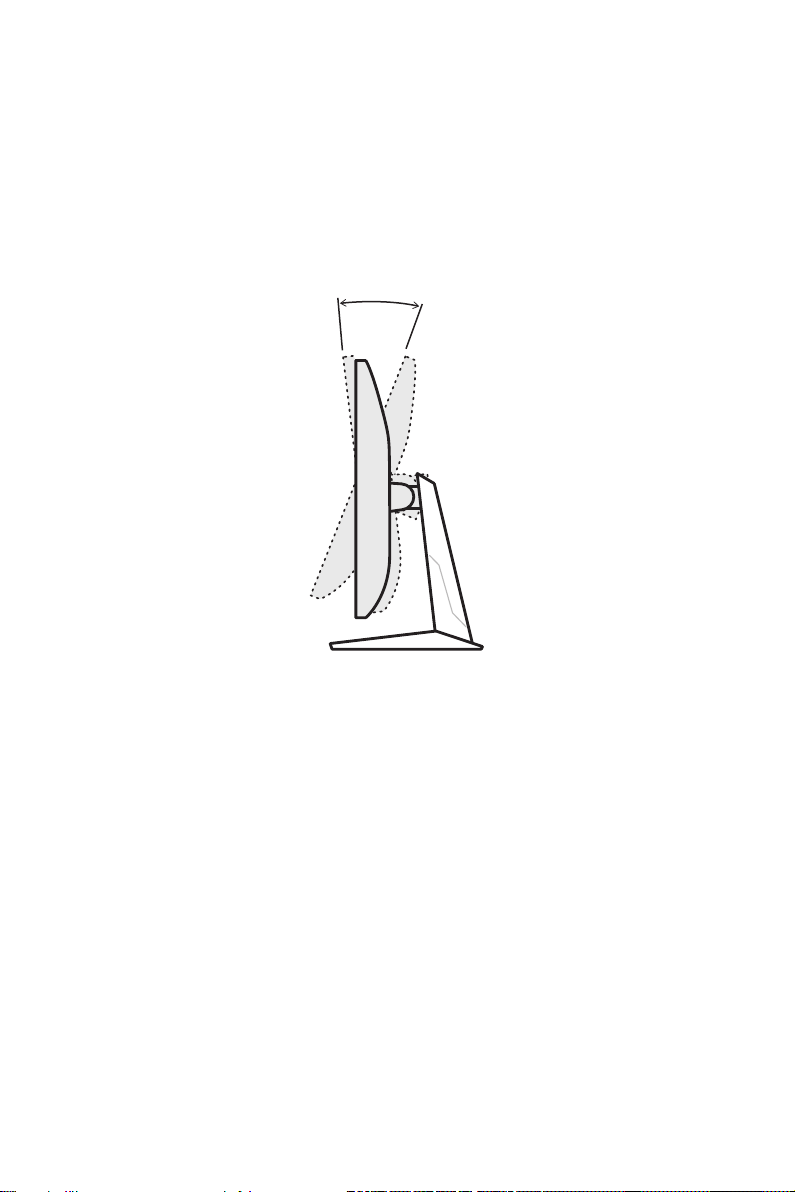
Adjusting the Monitor
This monitor is designed to maximize your viewing comfort with its adjustment
capabilities.
⚠
Important
Avoid touching the display panel when adjusting the monitor.
-5° 20°

6
Monitor Overview
4 5 7 8
1
23
6

7
1Power Button
2Navi Key
3Kensington Lock
4Power Jack
5HDMI™ Connector
Supports HDMI™ CEC, 1920x1080@180Hz as specified in HDMI™ 2.0b.
6HDMI™ Connector
Supports 1920x1080@180Hz as specified in HDMI™ 2.0b.
7DisplayPort
Supports 1920x1080@180Hz as specified in DisplayPort 1.2a.
8Headphone Jack

8
Connecting the Monitor to PC
1. Turn off your computer.
2. Connect the video cable from the monitor to your computer.
3. Assemble the external power supply & power cord. (Figure A)
4. Connect the external power supply to the monitor power jack. (Figure B)
5. Plug the power cord into the electrical outlet. (Figure C)
6. Turn on the monitor. (Figure D)
7. Power on the computer and the monitor will auto detect the signal source.
D
A
B
C
9
OSD Setup
This chapter provides you with essential information on OSD Setup.
⚠
Important
All information is subject to change without prior notice.
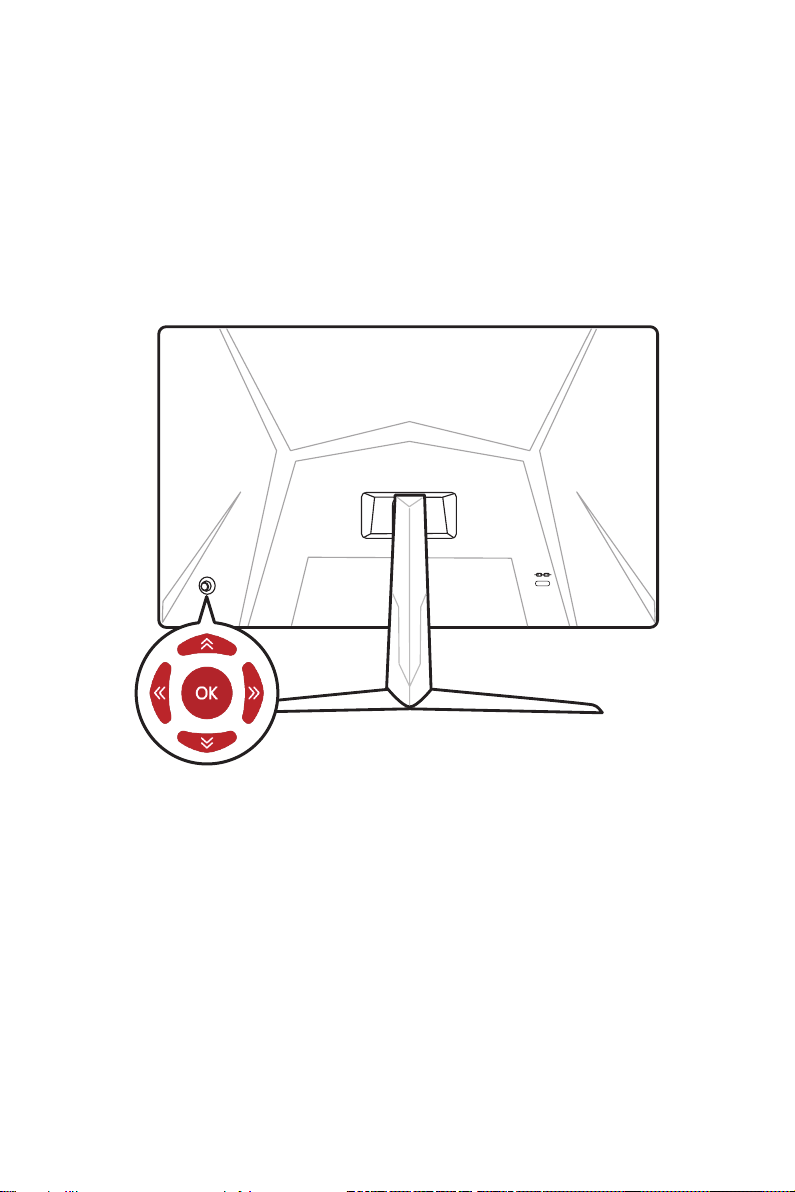
Navi Key
The monitor comes with a Navi Key, a multi-directional control that helps navigate the
On-Screen Display (OSD) menu.
Up/Down/Left/Right:
∙selecting function menus and items
∙adjusting function values
∙entering into/exiting from function menus
Press (OK):
∙launching the On-Screen Display (OSD)
∙entering submenus
∙confirming a selection or setting
Hot Key
∙Users may enter into preset function menus by moving the Navi Key up, down, left or
right when the OSD menu is inactive.
∙Users may customize their own Hot Keys to enter into different function menus.
10
OSD Menus
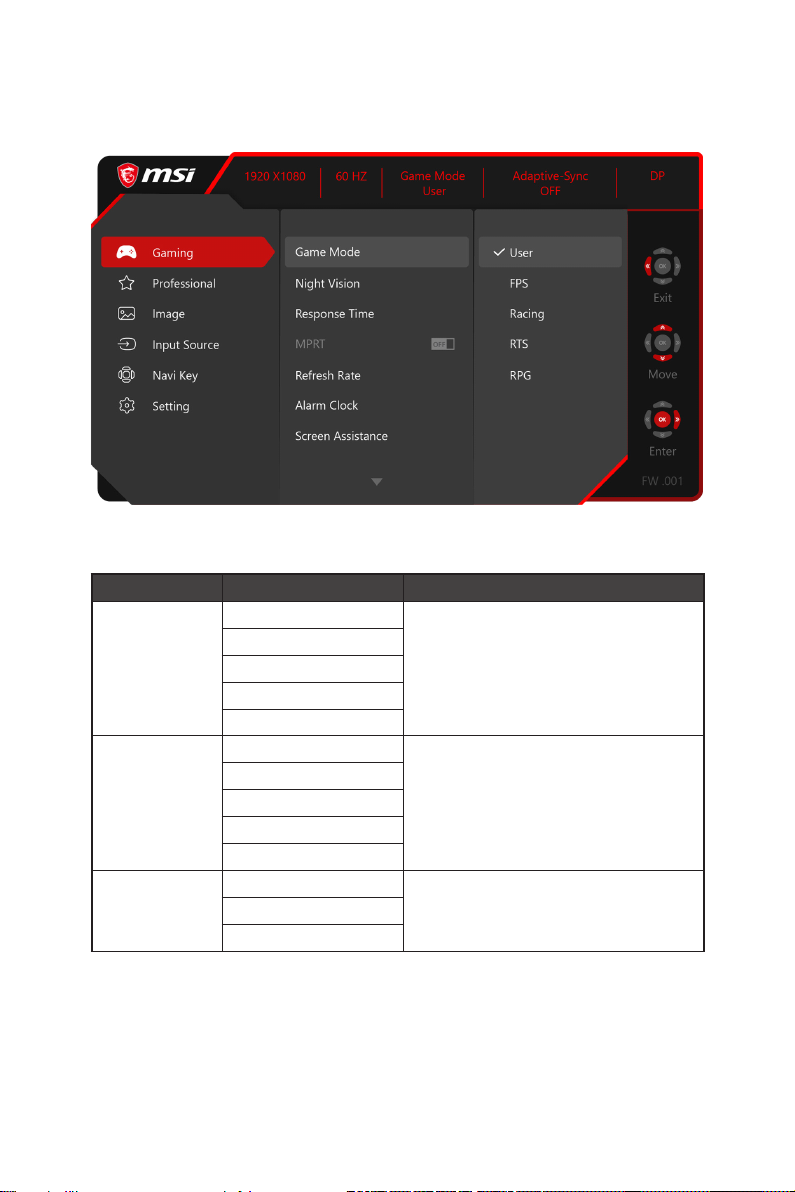
Gaming
1st Level Menu 2nd/3rd Level Menu Description
Game Mode User ∙Use Up or Down Button to select and preview
mode effects.
∙Press the OK Button to confirm and apply your
mode type.
FPS
Racing
RTS
RPG
Night Vision OFF ∙This function optimizes background brightness
and is recommended for FPS games.
Normal
Strong
Strongest
A.I.
Response Time Normal ∙Setting to Fastest will reach the shortest
response time and help improve blurred images
when playing very fast games.
Fast
Fastest
This manual suits for next models
2
Table of contents
Other MSI Monitor manuals
MSI
MSI G274PF User manual
MSI
MSI Optix MAG27CQ User manual

MSI
MSI PRO Series User manual

MSI
MSI G24C4 E2 User manual
MSI
MSI ARTYMIS Series User manual
MSI
MSI MEG Series User manual
MSI
MSI Optix MPG27CQ User manual
MSI
MSI Optix Series User manual
MSI
MSI Optix MAG240CR User manual
MSI
MSI MPG ARTYMIS 273CQR User manual
MSI
MSI Optix Series User manual
MSI
MSI Optix MAG24C User manual
MSI
MSI G Series User manual
MSI
MSI Optix MAG245R2 User manual
MSI
MSI Optix AG32C User manual
MSI
MSI G244F E2 (3BB4) User manual
MSI
MSI Optix Series User manual
MSI
MSI Optix MAG301CR User manual
MSI
MSI Optix Series User manual

MSI
MSI G274QPX User manual