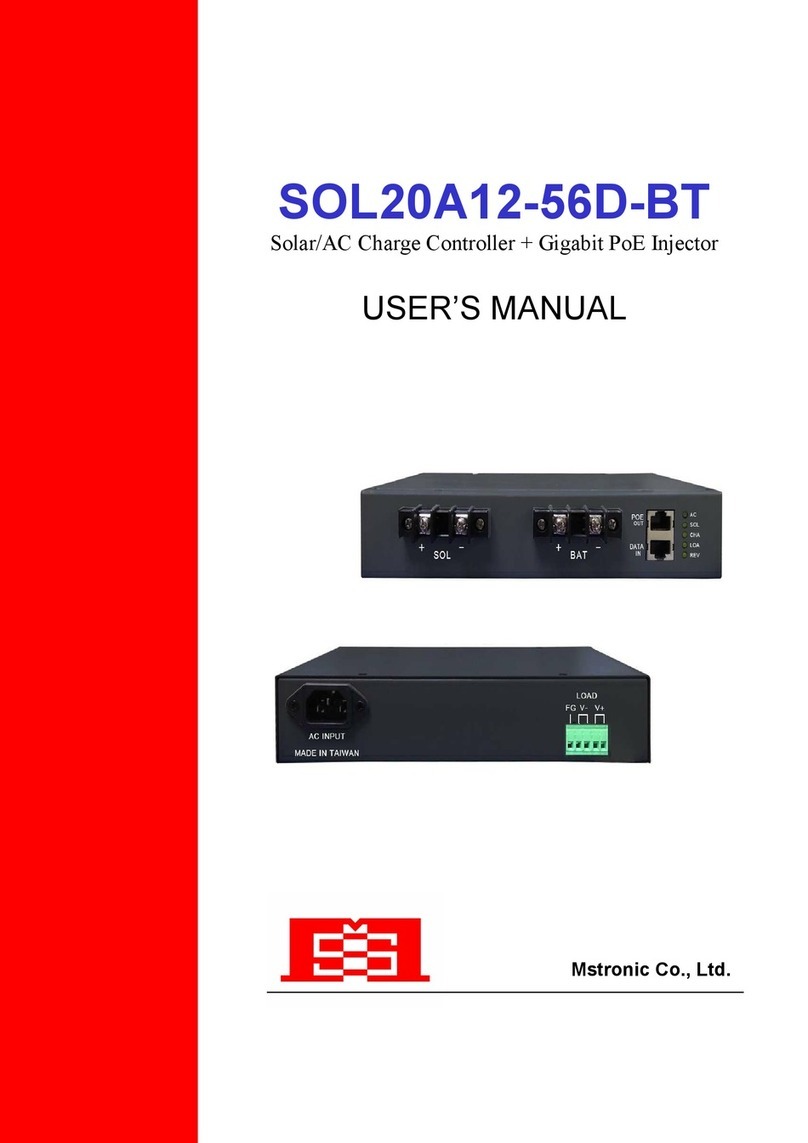
User’s Manual SOL10A12-56D-BT
Operation Guide
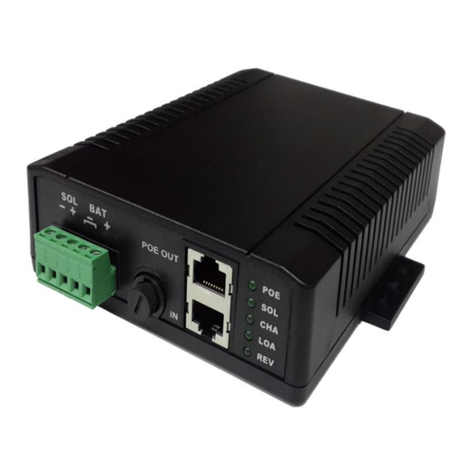
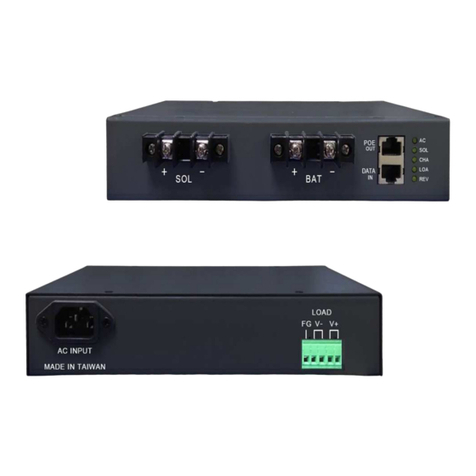
1. Connect the battery to the BAT terminal. Make sure the polarities are
correctly connected. Sequentially connect the solar panel to SOL terminal
and connect AC source to AC inlet. (If solar panel or AC source is
installed before the battery, and if the polarities of the battery be reversed,
then the battery will be disconnected.)
2. Make sure the battery is properly connected to the unit. If no battery is
connected, then no voltage at BAT terminal.
3. When a solar panel and AC input are connected to the charger, if the
voltage of solar panel is higher than 15V, then solar panel is always the
main power source of the charger. and AC Light turn OFF.
4. If only solar panel be used as the power source, then if solar panel
voltage lower than battery voltage, will stop charging. The solar panel
cannot be used stand alone without battery connected.
5. If only AC be used as the power source, then the load outputs will be
powered even without battery connected.
Output Current is the same as AC Charger current.
6. When charge from solar panel, once the battery full and turn to floating
stage, the CHA light will start flash.
7. When charge from AC, once the battery full, the CHA light will be turn off.
Load Terminal: wire size 12~16AWG, the output voltage is the
same as battery voltage.
AC inlet: for 100~240VAC input.