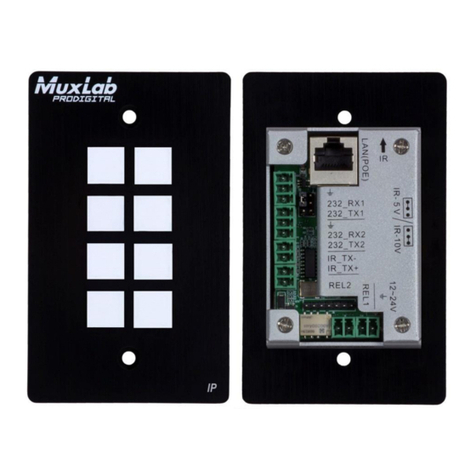
8 Button RS232/IR Control Panel Installation & Operation Manual
© MuxLab Inc. 2016 3
Contents
Introduction ...............................................................................................................41.
1.1. Introduction to the 8 Button RS232/IR Control Panel.....................................4
1.2. Features.........................................................................................................4
1.3. Package Content ...........................................................................................5
1.4. Installation......................................................................................................5
Specification..............................................................................................................62.
Panel Description......................................................................................................73.
3.1. Front Panel ....................................................................................................7
3.2. Rear Panel.....................................................................................................8
3.3. Side Panel .....................................................................................................9
Connections............................................................................................................104.
4.1. Safety Precautions.......................................................................................10
4.2. System Diagram ..........................................................................................10
4.3. Connections for Programming and Looping.................................................10
System Operation ...................................................................................................125.
5.1. USB Driver Installation.................................................................................12
5.2. Software Programming................................................................................12
5.2.1. Main Menu...................................................................................................13
5.2.2. Panel/Key setting.........................................................................................16
5.2.3. Action List ....................................................................................................18
5.2.4. Setting Events..............................................................................................19
5.2.5. Event List.....................................................................................................29
Panel Drawing.........................................................................................................316.
Troubleshooting & Maintenance..............................................................................327.
Regulatory Compliance ................................................................................................33