manuals.online logo
Brands
  1. Home
  2. •
  3. Brands
  4. •
  5. NAD
  6. •
  7. CD Player
  8. •
  9. NAD 5420 User manual

NAD 5420 User manual

Other manuals for 5420

3

This manual suits for next models

1

Other NAD CD Player manuals

NAD Classic 512 User manual

NAD

NAD Classic 512 User manual

NAD 501 User manual

NAD

NAD 501 User manual

NAD C 542 User manual

NAD

NAD C 542 User manual

NAD M5 C/AH User manual

NAD

NAD M5 C/AH User manual

NAD C541IE User guide

NAD

NAD C541IE User guide

NAD C521i User manual

NAD

NAD C521i User manual

NAD C 521BEE Administrator Guide

NAD

NAD C 521BEE Administrator Guide

NAD C 568 User manual

NAD

NAD C 568 User manual

NAD C521i User manual

NAD

NAD C521i User manual

NAD 510 User manual

NAD

NAD 510 User manual

NAD S500i User manual

NAD

NAD S500i User manual

NAD C545BEE User manual

NAD

NAD C545BEE User manual

NAD C565BEE User manual

NAD

NAD C565BEE User manual

NAD T 571 User manual

NAD

NAD T 571 User manual

NAD 523 User manual

NAD

NAD 523 User manual

NAD C521 User manual

NAD

NAD C521 User manual

NAD C521 User manual

NAD

NAD C521 User manual

NAD C520 User manual

NAD

NAD C520 User manual

NAD 5300 User guide

NAD

NAD 5300 User guide

NAD T 585 User manual

NAD

NAD T 585 User manual

NAD 502 User manual

NAD

NAD 502 User manual

NAD S500 User manual

NAD

NAD S500 User manual

NAD 523 User manual

NAD

NAD 523 User manual

NAD C 521BEE User manual

NAD

NAD C 521BEE User manual

Popular CD Player manuals by other brands

Arcam CD23 Handbook

Arcam

Arcam CD23 Handbook

Sanyo MCD-Z1F Service manual

Sanyo

Sanyo MCD-Z1F Service manual

JVC RC-ST3SL instructions

JVC

JVC RC-ST3SL instructions

Technics SL-P9066 operating instructions

Technics

Technics SL-P9066 operating instructions

Marantz HD-CD1 quick start guide

Marantz

Marantz HD-CD1 quick start guide

Sony DVP-FX850 Service manual

Sony

Sony DVP-FX850 Service manual

Philips AZ1140 Instrukcja obs?ugi

Philips

Philips AZ1140 Instrukcja obs?ugi

Alpine 7909 owner's manual

Alpine

Alpine 7909 owner's manual

JVC CH-X350 instructions

JVC

JVC CH-X350 instructions

RCA RP-7923 instruction manual

RCA

RCA RP-7923 instruction manual

Pioneer DEH-P3550MP XM Operation manual

Pioneer

Pioneer DEH-P3550MP XM Operation manual

Philips Shockproof AX2102 brochure

Philips

Philips Shockproof AX2102 brochure

Philips CD582 user manual
Philips

Philips CD582 user manual
Philips AZ 6821 operating manual

Philips

Philips AZ 6821 operating manual

Lasonic MSU-2020 user manual

Lasonic

Lasonic MSU-2020 user manual

Denon DCD-1420 Service manual
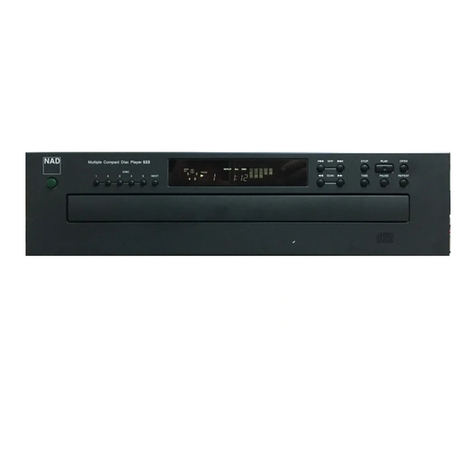
Denon

Denon DCD-1420 Service manual
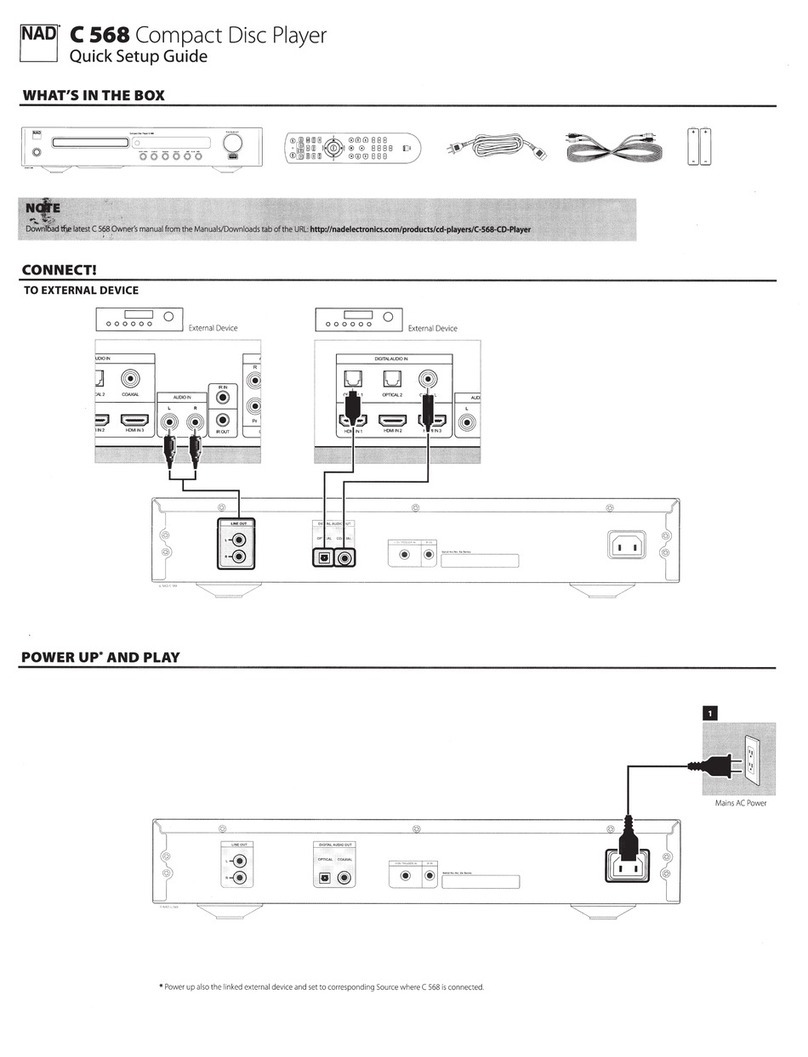
Panasonic SJ-MR100 operating instructions

Panasonic

Panasonic SJ-MR100 operating instructions

Onkyo DX-7210 instruction manual
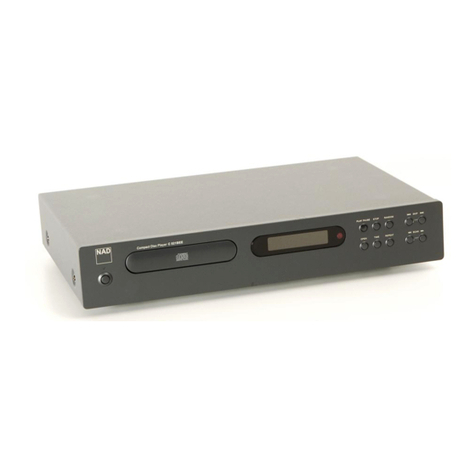
Onkyo

Onkyo DX-7210 instruction manual

manuals.online logo
manuals.online logoBrands
  • About & Mission
  • Contact us
  • Privacy Policy
  • Terms and Conditions

Copyright 2025 Manuals.Online. All Rights Reserved.

SERVICE
NAD
[MANUAL
9420
9429
‘
reve)
Vea
,
DISC
PLAYERS
~
SAFETY
INFORMATION
CAUTION
CAUTION-
INVISIBLE
LASER
RADIATION
WHEN
OPEN
AND
INTERLOCKS
DEFEATED.
AVOID
EXPOSURE
TO
BEAM.
VORSICHT!
UNSICHTBARE
LASERSTRAHLUNG
TRITT
AUS.
WENN
DECKEL
GEOFFNET
UND
WENN
SICHERHEITSVERRIEGELUNG
UBERBRUCKT
IST.
NICHT
DEM
STRAHL
AUSSETZEN!
VARNING-
OSYNLIG
LASERSTRALNING
NAR
DENNA
DEL
AR
OPPNAD
OCH
SPARR
AR
URKOPPLAD.
STRALEN
AR
FARLIG.
.
ADVARSEL-
USYNLIG
LASERSTRALING
VED
ABNING.
NAR
SIKKERHEDSAFBRYDERE
ER
UDE
AF
FUNKTION.
UNOGA
UDSAETTELSE
FOR
STRALING.
ATTENTION-
RAYONNEMENT
LASER
ET
ELECTROMAGNETIQUE
DANGEREUX
SI
OUVERT
AVEC
LU’
ENCLENCHEMENT
DE
SECURITE
ANNULE.
CLASS
1
LASER
PRODUCT
The
lightning
flash
with
arrowhead,
within
an
equilateral
The
exclamation
point
within
an
equilateral

triangle
is
intended
triangle,
is
intended
to
alert
the
user
of
the
presence
of
to
alert
the
user
of
the
presence
of
important
operating
and
uninsulated
“dangerous
voltage”
within
the
product's
encio-
maintenance
(servicing)
instructions
in
the
literature
sure;
that
may
be
of
sufficient
magnitude
to
constitute
a
accompanying
the
appliance.
risk
of
electric
shock
to
persons.
|
-
-
THIS
DEVICE
COMPLIES
WITH
PART
15
OF
THE FCC
RULES.
j
OPERATION
!S
SUBJECT
TO
THE
FOLLOWING
TWO
CONDITIONS:
ats
(1)
THIS
DEVICE
MAY
NOT
CAUSE
HARMFUL
INTERFERENCE,
AND
4
(2)
THIS
DEVICE
MUST
ACCEPT,ANY
INTERFERENCE
RECEIVED,
INCLUDING
INTERFERENCE
THAT
MAY
CAUSE
UNDERSIRED
OPERATION.
.
.
Ba
.
aes
|
hn
REAR
PANEL
CONNECTIONS
i
AEA
mama
AISQUE
DE
CHOC
TENTIO
:
PAS
OUVAIA
1
OERERA
QUTANSE
ry
CAPACITAOO
PARA
LAS
LINE
OUT
1.
OUTPUT
JACKS
2.
AC
LINE
CORD
FRONT
PANEL
10
(5425
ONLY)
9
Compact
Disc
Player
5425
SKIP
SCAN
a
ha
|
]o
ese
eam
<<
(0
im)
>
in)
an
CLOSE
PLAY
PAUSE
iT
PROGRAM
REPEAT
OO
Oo
=
=
1
2
3
4 5 6
7
8
1.
POWER
ON/OFF
2.
DISC
DRAWER
3.
OPEN/CLOSE
4,
PLAY/PAUSE
5.
STOP
6.
PROGRAM/DISPLAY
7.
REPEAT
8.
SKIP/SCAN
9,
DISPLAY
10.
REMOTE
RECEIVER
(5425
ONLY)
©
1990.
NAD
Electronics
Ltd.
©
1990.
NAD
Electronics
Ltd.
CONTENTS
SAFETY
INFORMATION
anal
FRONT/REAR
PANEL
CONTROLS
7
CONTENTS
AND
SPECIFICATIONS
ALIGNMENT
PROCEDURE
PICK-UP
REPLACEMENT
WIRING
DIAGRAM
ADJUSTMENT
POINTS
CIRCUIT
DIAGRAM
P.C.B.
LAYOUT(PARTS
SIDE)
REMOTE
CONTROL
CIRCUIT
MECHANISM
EXPLODED
VIEW
MECHANISM
EXPLODED
PARTS
LIST
ELECTRICAL
PARTS
LIST
EXPLODED
VIEW
PACKING
DIAGRAM
SERVICE
CONTACT
INFORMATION
SPECIFICATIONS
NAD
5420/5425
COMPACT
DISC
PLAYER
Disc
capacity
Programming
capability
Digital-to-Analogue
Convertion
Digital
filter
Analogue
filter
Frequency
response
5
Hz-20
KHz
De-Emphasis
error
THD
(at
O
dB,1
KHz)
Intermodulation
distortion
(19
&
20
KHz)
Dynamic
range
Linearity
Signal-to-noise
ratio
A
weighted
de-emphasis
off
.
de-emphasis
on
Channel
Separation
1
KHz
10
KHz
Wow
and
flutter
Output
iImpendance
Output
level
at
O
dB
Digital
error
correction
PHYSICAL
SPECIFICATION
Width*hightxdepth
Net
weight
Shipping
weight
Single
disc,120
or
80
mm
16
tracks
MASH,
18-bit
resolution.
4
times
over-sampled,
linear
phase
with
18-bit
coefficients
5-pole
active
~0/-0.5
dB
<+0.3
dB
0.0025%
<~100
dB
98
dB
+0.5
dB;
0
to
-90
dB
106
dB
110
dB
>100
dB
»80
dB
Unmeasureable
(quartz
crystal
accuracy)
120
Ohms
2
Vrms
CIRC
with
double
error
correction
in
Ci
and
C2
420*90*260
mm
4.1
Kg
4.9
Kg
er
Fey.
aa
ALIGNMENT
PROCEDURE
REQUIRED
INSTRUMENTS:
SPECIAL
JIG
(SEE
FIG.1)
OSCILLOSCOPE
(BANDWIDTH
GREATER
THAN
40
MHz)
FREQUENCY
COUNTER
TEST
DISK
(SONY
YEDS-7)
NOTE
Exact
adjustment
can
only
be
performed
with
special
factory
jigs
etc.
However
the
following
alignment
procedure
should
produce
a
wel]
aligned
player
assuming
no
fault
conditions
are
present.
It is
suggested
that
the
position
of
the
preset
resistors
setting
is
noted
or
marked
before
any
adjustment
is
attempted
so
that
these
settings
can
be
returned
to,
should
no
improvement
be
noted
after
adjustment.
Please
refer
to
page
12
for
the
physical
location
of
the
adjustment
and
test
points.
Step
A:
)
)
)
)
)
NNN
NN
oR
OM
—
Step
B:
~~
oN
nN
—
(3)
Step
C:
(1)
(2)
PLL
Adjustment
Turn
power
ON
and
press
the
STOP
key.
Short
circuit
P108
(ASSY)
to
P107
(GND)
Connect
the
frequency
counter
to
P106
(CLK)
and
P107
(GND)
Adjust
RV101
for
a
reading
of
4.2318+
0.01MHz.
After
adjustment
is
completed
remove
the
short
circuit
between
P108
and
P1i07.
RF
Adjustment
Load
the
test
disc
and
set
the
unit
into
PLAY
mode.
Connect
the
scope
to
P109
(RF)
and
P107
(GND).
Scope
setting:
Coupling
:
AC
Vertical
sensitivity:
0.2V/div
Horizontal
time
base:
0.5uS/div
Adjust
RV102
so
that
the
3T
component
of
the
waveform
is
maximun
and
the
eye
pattern
is
at
its
best
shape
(see
Fig
2)
EF
Balance
adjustment
Turn
the
power
OFF,
remove
P1i11
and
replace
it
with
the
special
jig
shown
in
Fig
1.
Connect
the
scope
as
shown
Fig
1.
and
switch
the
jig
to
the
“ON”
position.
scope
setting:
Coupling
:
DC.
Vertical
sensitivity:
0O.5V/div.
Horizontal
time
base:
2
mS/div.
Load
the
test
disc
and
put
the
unit
into
the
PLAY
mode.
Adjust
RV103
so
that
the
tracking
error
waveform
is
symmetrical.
(See
Fig
3)
z
NOTE:
BEFORE
CONTINUING
REFER
TO
PAGE
8
FOR
GUIDANCE
ON
FOCUS
AND
TRACKING
GAIN
ADJUSTMENT.
Focus
gain
adjustment
Switch
the
special
jig
to
“OFF"
and
leave
the
scope
connected.
Scope
settings:
Coupling
-
DC
Vertical
sensitivity:
0.1V/div
Horizontal
timebase
:
2mS/div
Adjust
RV105
so
that
the
DC
level
is
between
120
and
200mv.
Turn
the
power
OFF,remove
the
jig
and
return
the
original
socket
to
Piti.
Tracking
gain
adjustment
Turn
the
power
ON,
load
the
test
disc
and
press
PLAY.
Connect
the
scope
to
pin
3
of
P1111.
Scope
setting:
Coupling
:
DC
Vertical
sensitivity:
O.2v/div
Horizontal
timebase
:
2mS/div
Adjust
RV104
so
that
the
waveform
is
as
shown
in
Fig
4(a).
FiG..
4
"TO
SCOPE
od.
<a
FIG.2(a)
FIG.2(b)
Poor
eye
pattern
ae
4T
5T
-
W1T
/
vee
oF
FIG.2(c)
Good
eye
pattern
ee
ee
ee
ee
ee
ee
ee ee
ee
ee
ee
ee
ee
oe
|
Volt/div:
0.2
V
|
ae
|
Time/div:
2
mS
:
Ar
a
ae
tae
ng
tN
i
y
yee
ne
'
Blain
es
OV
a
Se
way
Per
geal
Y
eu
tau
ae
!
Vk
.
\
FIG.4(b)
High
tracking
gain
(higher
frequency
than
for
low
gain)
2
|
my
nN
HL
,
Volt/div:
0.2
V
Me
a
Time/div:
2
ms
li
iP
iy
.
:
ai,
ue
as
|
mv
@)
V
F
Ly
|
Mt
ih
if
"
\,
mer
(it
\
!
f
i
Nis
ie
MN
nn
FIG.4(c)
Low
tracking
gain
Volt/div:
0.2
V
Time/div:
2
mS
OV
FOCUS/
TRACKING
GAIN
ADJUSTMENT
NOTE:
It is
recommended
that
these
adjustment
are
not
carried
out
unless
absolutely
necessary.
A
frequency
response
analyzer
is
necessary
to
carry
out
this
adjustment
precisely.
However
this
adjustment
has
a
wide
tolerance
so
that
even
if
the
adjustment
has
not
been
performed
exactly
the
player
will
still
work
with
an
acceptable
level
of
performance.
The
focus
and
tracking
gain
determine
not
only
the
vertical
and
horizontal
:
tracking
characteristics,
but
also
the
amount
of
mechanical
noise
from
the
3
optical
blocks
two
axis
device
and
its
sensitivity
to
mechanical
shock.
}
Correct
adjustment
will
be
at
the
point
where
all
the
above
criteria
are
satisfied.
*
When
the
gain
is
too
high,
the
mechanical
noise
is
high.
*x
When
the
gain
is
too
low,the
susceptibility
to
mechanical
shock
and
skipping
will
be
poor.
ere
we
ree
wee
ee
eee
ce
ee
eee
es
ee
ee
ee
eee
ee
ee
ees
ee
ee
eee
eee
ee
eee eee
ee
a
i
en
tl
—
ee
cee
ee
eee
ee
ee ee
ee
ee
ee
ee
eee
eee
ee
ee
ee
ee
ee
eee
es
ee
eee
eee
eee
~~
<a
ee
ee
ee
ee
eee
ee
——
a
oe
oe
oe
eee
ae
ae
ee
Time
taken
from
stop
to
play
is
excessive,
or
track
skip
time
is
excessive.
(normally
approx.
2
sec)
Music
does
not
start
when
play
1s
pressed
or
track
selection
is
made
but
disc
rotates.
—
eee
ee
ee ee ee
ieee
ee
ee
ee
ee
ee ee ee ee ee
eee
ee
ee ee
eee
ce
ees
eee eee
ee
eee
eee
——
a a
ee
eee
ee
eee
eee
ee
ee
—_
a
a
ee
ee
ee
ee
eee
ee
ee
eee
ee
ee
ee ee
eee
eee
eee
eee
eee
eee
eee
eee
ee
eee
eee
—
ere
ote
ee
ee
ae
ee
eee
eee
ee
ieee
ee
oe =r
a
CP
ee
ee
ee
ee
eee
eee
ee
Intermittent
sound
during
play
or
counter.
stops.
High
mechanical
noise
from
optical
block
during
play.
low
or
high
low
or
high
TOW
low
or
high
low
high
high
7
Pee
.
Toe
ghee
Bhi
aa
ci
Nelo
aie
me
att,
oe
sheets
.
a
”
fais
TR
~~
ah
i
i
us
nay
.
ae
res
Es
a
11
PRECAUTIONS
WHEN
CHANGING
LASER
PICK-UP
!!
When
removing
pick-up
assembly,
short
circuit
the
PCB
pattern
as
shown
in
the
drawing
in
order
to
protect
the
pick
up
before
removal.
NOTE:
Replacement
pickup
assemblies
are
supplied
with
the PCB
pattern
already
protected.
DO
NOT
REMOVE
THE
SHORT
CIRCUITS
UNTIL
YOU
HAVE
FINISHED
FITTING
THE
PICKUP.
*PICKUP
REPLACEMENT*
1.
Push
OPEN/CLOSE
button
to
open
the
disc
tray.
2.
Remove
the
tray
door.
3.
Push
OPEN/CLOSE
button
to
close
the
disk
tray.
4.
Disconnect
the
AC
mains
supply.
5.
Remove
the
front
panel
and
mechanism
from
the
chassis.
6.
Before
removing
the
mechanism
note
the
precautions
listed
above.
7.
Remove
screws
ABCD
to
release
the
pickup
assembly.