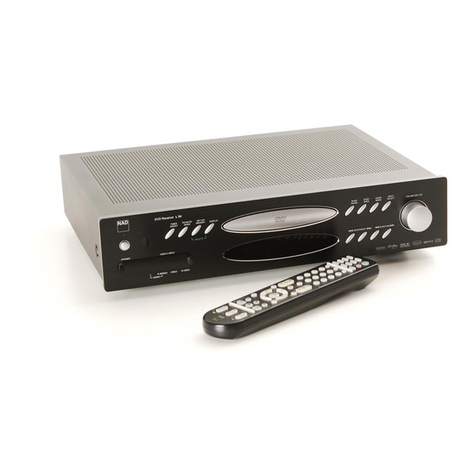
THANK YOU FOR CHOOSING NAD.
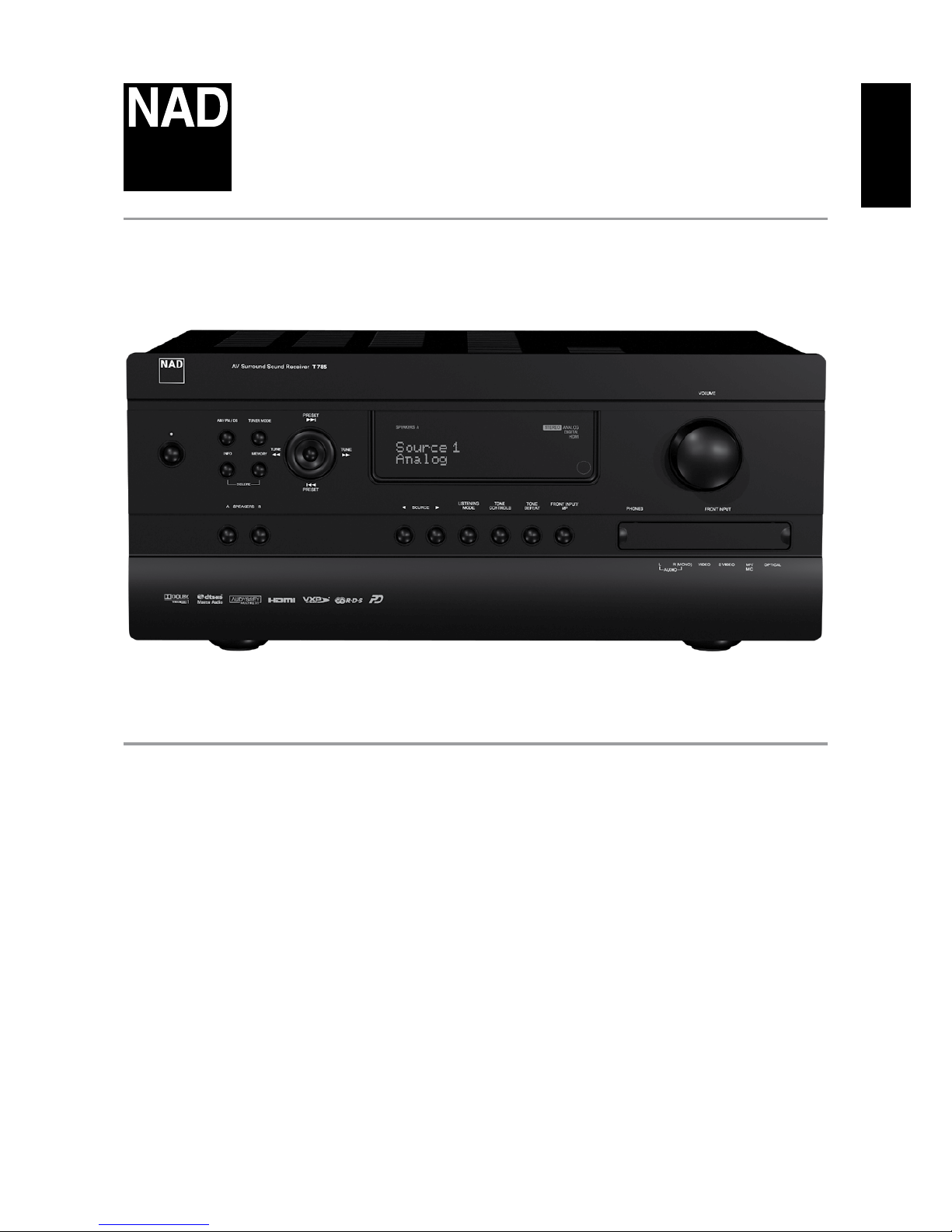
The T 785 A/V Receiver is a technologically advanced and highly capable
product — yet we have invested great eort in making it simple and easy
to use. The T 785 delivers a range of genuinely useful options for surround
sound and stereo listening alike, using powerful digital signal processing
and superbly accurate digital-audio circuitry. However, we have also been
careful to ensure that the T 785 is as musically transparent, faithful to every
video detail and spatially accurate as possible, incorporating much of what
we’ve learned from a quarter-century’s experience designing audio, video
and home-theater components. As with all our products, NAD’s “Music First”
design philosophy guided the T 785’s design, such that it can condently
promise you both state-of-the-art surround home-theater and audiophile-
quality music listening for years to come.
We encourage you to take a few minutes now to read right through this
manual. Investing a little time here at the outset might save you a good
deal of time later, and is by far the best way to ensure that you make the
most of your investment in the T 785, and get the most from this powerful
and exible home-theater component.
One more thing: We urge you to register your T 785 ownership on the NAD
Worldwide Web site:
http://NADelectronics.com/warranty
For warranty information contact your local distributor.
INTRODUCTION
TABLE OF CONTENTS
IMPORTANT SAFETY INSTRUCTIONS . . . . . . . . . . . . . . . . . . . . . . . . .2
INTRODUCTION
ABOUTTHET785 ................................................5
E.A.R.S.ANDDIGITALSURROUND ....................................5
EASEOFUSE .........................................................5
INTEGRATION ........................................................5
ZONE.................................................................5
RS232................................................................5
UPGRADABILITY......................................................5
ABOUT THE HTRC 1 SYSTEM REMOTE CONTROL . . . . . . . . . . . . . . . . . . . . .5
GETTINGSTARTED...............................................6
WHAT’SINTHEBOX..................................................6
INITIALSETUP........................................................6
CHOOSINGALOCATION .............................................6
QUICKSTART.........................................................6
DEALINGWITHHUMANDNOISE.....................................7
IDENTIFICATION OF CONTROLS
FRONTPANEL....................................................8
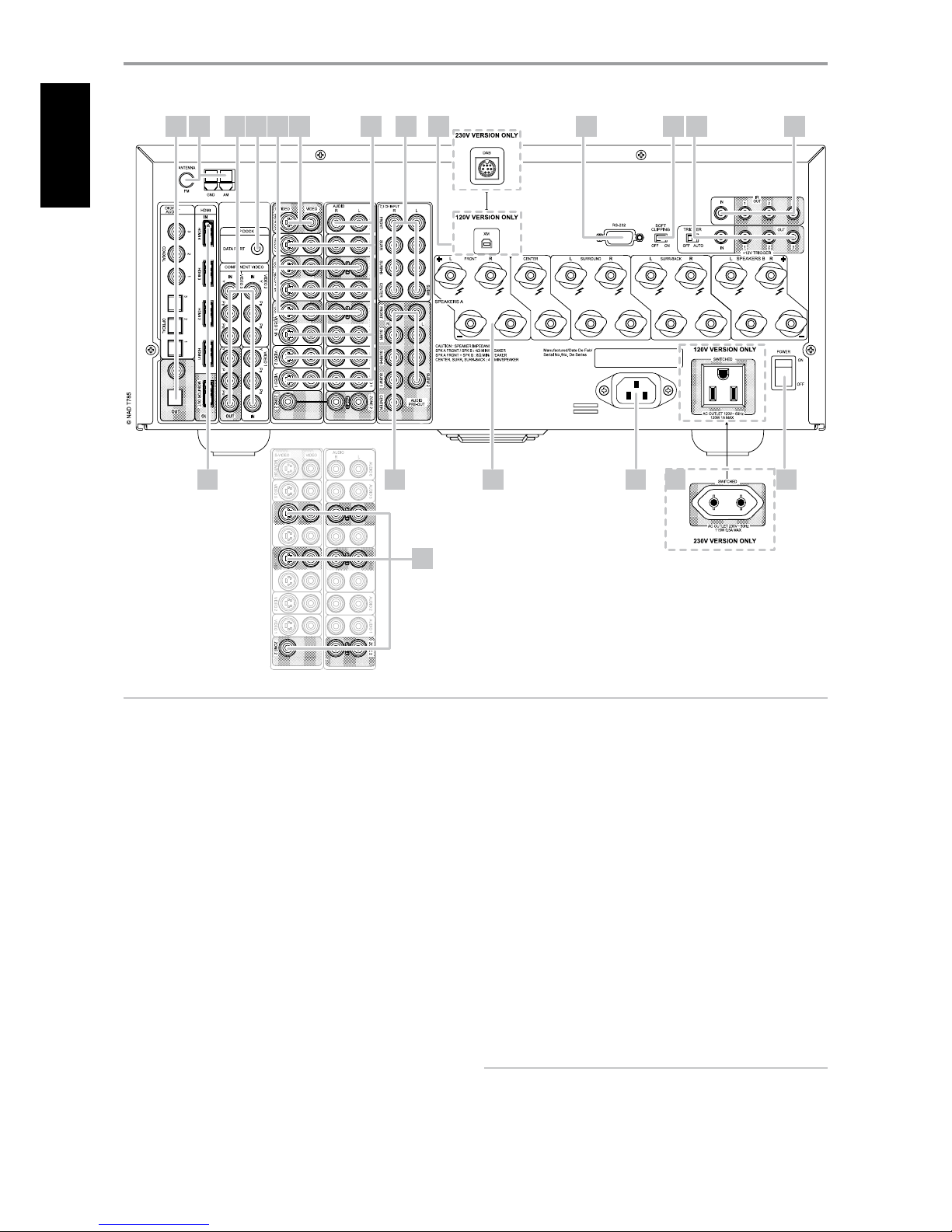
REARPANEL ....................................................10
OPERATION
USINGTHET785–MAINMENU..................................13
ABOUT THE ONSCREEN DISPLAY OSD. . . . . . . . . . . . . . . . . . . . . . . . . . . . 13
MAINMENU........................................................ 13
LISTENINGMODE .................................................. 13
ADJUSTINGLISTENINGMODES .................................... 14
DSPOPTIONS ...................................................... 15
TONECONTROLS................................................... 16
PICTURECONTROLS................................................ 16
ZONE CONTROLS. . . . . . . . . . . . . . . . . . . . . . . . . . . . . . . . . . . . . . . . . . . . . . . . . . . 17
USING THE T 785 – SETUP MENU. . . . . . . . . . . . . . . . . . . . . . . . . . . . . . . . .18
SETUPMENU....................................................... 18
VIDEOSETUP ...................................................... 18
SOURCESETUP .................................................... 19
SOURCESETUPNORMALVIEW ................................... 19
SOURCESETUPTABLEVIEW....................................... 21
iPodSETUP......................................................... 21
SPEAKERSETUP.................................................... 21
AUDYSSEYAUTOCALIBRATION .................................... 22
SPEAKERCONFIGURATION......................................... 24
SPEAKERLEVELS.................................................... 24
SPEAKERDISTANCE ................................................ 25
ADJUSTINGTHEVOLUME .......................................... 25
ADJUSTING CHANNEL LEVELS ‘ON THE FLY’ . . . . . . . . . . . . . . . . . . . . . . . . 26
ZONESETUP ....................................................... 26
AMPLIFIERSETUP .................................................. 26
TRIGGERSETUP .................................................... 27
LISTENINGMODESETUP........................................... 27
DOLBYSETUP...................................................... 29
DTSSETUP ......................................................... 29
DTSSURROUNDMODES........................................... 29
ENHANCEDSTEREO................................................ 30
DISPLAYSETUP..................................................... 30
A/VPRESETS........................................................ 31
USING THE T 785 – AM/FM/DB/iPod . . . . . . . . . . . . . . . . . . . . . . . . . . . . . .34
LISTENINGTOAM/FMRADIO....................................... 34
ABOUTUSERNAMES .............................................. 35
ABOUTRDS ........................................................ 35
LISTENINGTOXMRADIO........................................... 35
LISTENINGTODABRADIO.......................................... 36
CONNECTINGTHEDABMODULE .................................. 36
DABOPERATION ................................................... 36
SERVICELIST ....................................................... 37
DABTUNERMODE ................................................. 37
STATIONORDER ................................................... 37
DRC................................................................ 37
MANUALSCAN..................................................... 37
PRUNELIST......................................................... 37
RESET .............................................................. 38
INFORMATIONSETTINGS........................................... 38
LISTENINGTOYOURiPodPLAYER................................... 39
NADIPD2.......................................................... 40
USING THE HTRC 1 REMOTE CONTROL . . . . . . . . . . . . . . . . . . . . . . . . . . .41
IDENTIFICATIONOFCONTROLS.................................... 41
INTRODUCTION.................................................... 41
GETTING FAMILIAR WITH THE HTRC 1 . . . . . . . . . . . . . . . . . . . . . . . . . . . . . . 41
NAVIGATION OF THE HTRC 1 CONTROLS . . . . . . . . . . . . . . . . . . . . . . . . . . . 42
HTRC1SETUPMENU............................................... 42
BATTERY............................................................ 42
BACK LIGHT SENSITIVITY B LIGHT . . . . . . . . . . . . . . . . . . . . . . . . . . . . . . . . . 42
LIBRARY............................................................ 43
LEARN.............................................................. 43
PUNCHTHROUGHPunThr........................................ 44
COPY............................................................... 45
DELETE ............................................................ 46
RENAME............................................................ 46
MACRO............................................................. 46
RESET .............................................................. 47
USING THE ZR 4 REMOTE CONTROL . . . . . . . . . . . . . . . . . . . . . . . . . . . . . . . . 48
REFERENCE
TROUBLESHOOTING ............................................49
SPECIFICATIONS................................................50