manuals.online logo
Brands
  1. Home
  2. •
  3. Brands
  4. •
  5. National Instruments
  6. •
  7. Industrial Electrical
  8. •
  9. National Instruments SCXI-1381K User manual

National Instruments SCXI-1381K User manual

Other National Instruments Industrial Electrical manuals
National Instruments SCXI-1332 User manual

National Instruments

National Instruments SCXI-1332 User manual

National Instruments PXIe-6570 User manual

National Instruments

National Instruments PXIe-6570 User manual

National Instruments PXIe-7821R User manual

National Instruments

National Instruments PXIe-7821R User manual

National Instruments NI 9472 User manual
National Instruments

National Instruments NI 9472 User manual

National Instruments CB-37F-LP User manual

National Instruments

National Instruments CB-37F-LP User manual

National Instruments NI PXIe-4141 Manual

National Instruments

National Instruments NI PXIe-4141 Manual

National Instruments SCXI-1332 User manual

National Instruments

National Instruments SCXI-1332 User manual

National Instruments PXIe-6674T Manual
National Instruments

National Instruments PXIe-6674T Manual

National Instruments TBX-1325 User manual
National Instruments

National Instruments TBX-1325 User manual

National Instruments PXIe-4135 User manual
National Instruments

National Instruments PXIe-4135 User manual

National Instruments VirtualBench Manual

National Instruments

National Instruments VirtualBench Manual

Popular Industrial Electrical manuals by other brands
Murata GRM0335C1E3R9BA01 Series Reference sheet

Murata

Murata GRM0335C1E3R9BA01 Series Reference sheet

ARCAIR N6000 Automatic System Safety and operating instructions

ARCAIR

ARCAIR N6000 Automatic System Safety and operating instructions

Murata GRM31CR61E106MA12 Series Reference sheet

Murata

Murata GRM31CR61E106MA12 Series Reference sheet

Murata GQM2195C2A9R1CB01 Series Reference sheet

Murata

Murata GQM2195C2A9R1CB01 Series Reference sheet

MFJ MFJ-918 quick start guide

MFJ

MFJ MFJ-918 quick start guide

Abtech HVJB Series Installation, operation & maintenance instructions
Abtech

Abtech HVJB Series Installation, operation & maintenance instructions

Murata GRM0335C1H8R1DA01 Series Reference sheet

Murata

Murata GRM0335C1H8R1DA01 Series Reference sheet

SAF-HOLLAND CBX 5415.5 Installation and operation manual
SAF-HOLLAND

SAF-HOLLAND CBX 5415.5 Installation and operation manual

Eaton Ulusoy HMH24-04 user manual

Eaton

Eaton Ulusoy HMH24-04 user manual
Murata GJM0335C1E4R4BB01 Series Reference sheet

Murata

Murata GJM0335C1E4R4BB01 Series Reference sheet

Newlong NP-7H NSTRUCTION MANUAL/PARTS LIST
Newlong

Newlong NP-7H NSTRUCTION MANUAL/PARTS LIST

Stahl 8575/12 operating instructions

Stahl

Stahl 8575/12 operating instructions
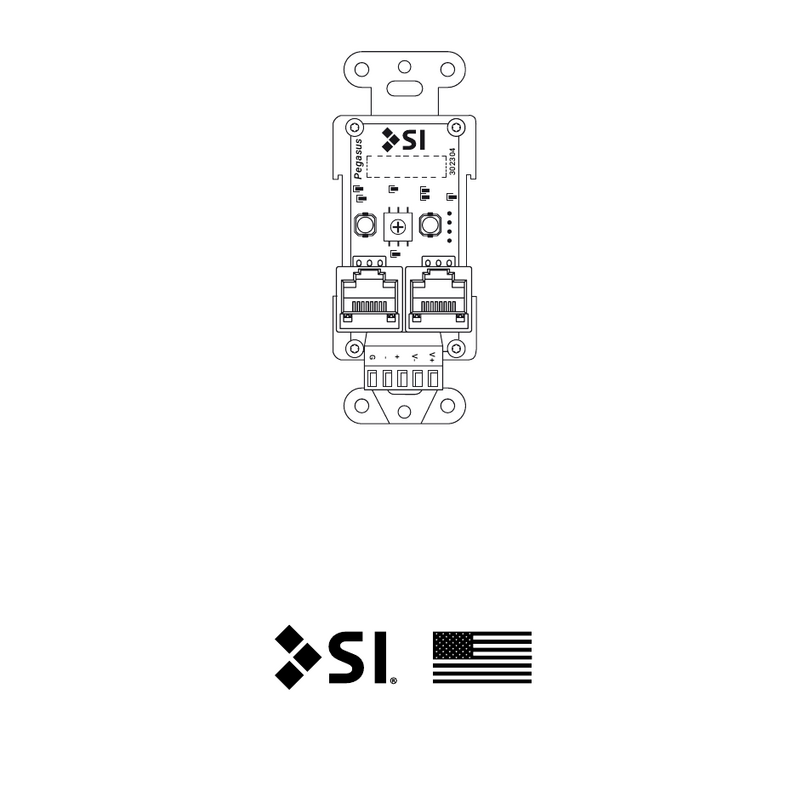
SI Pegasus installation instructions

SI

SI Pegasus installation instructions
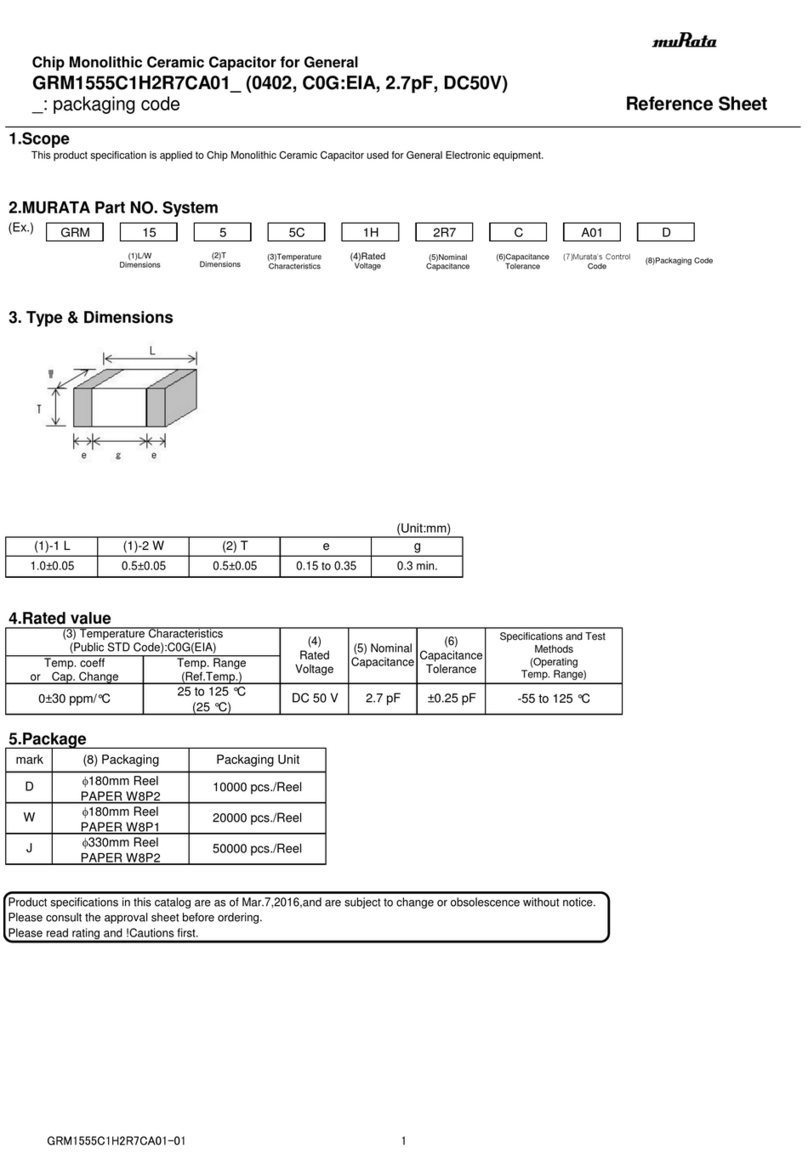
Murata GRM1555C1H2R7CA01 Seies Reference sheet
Murata

Murata GRM1555C1H2R7CA01 Seies Reference sheet

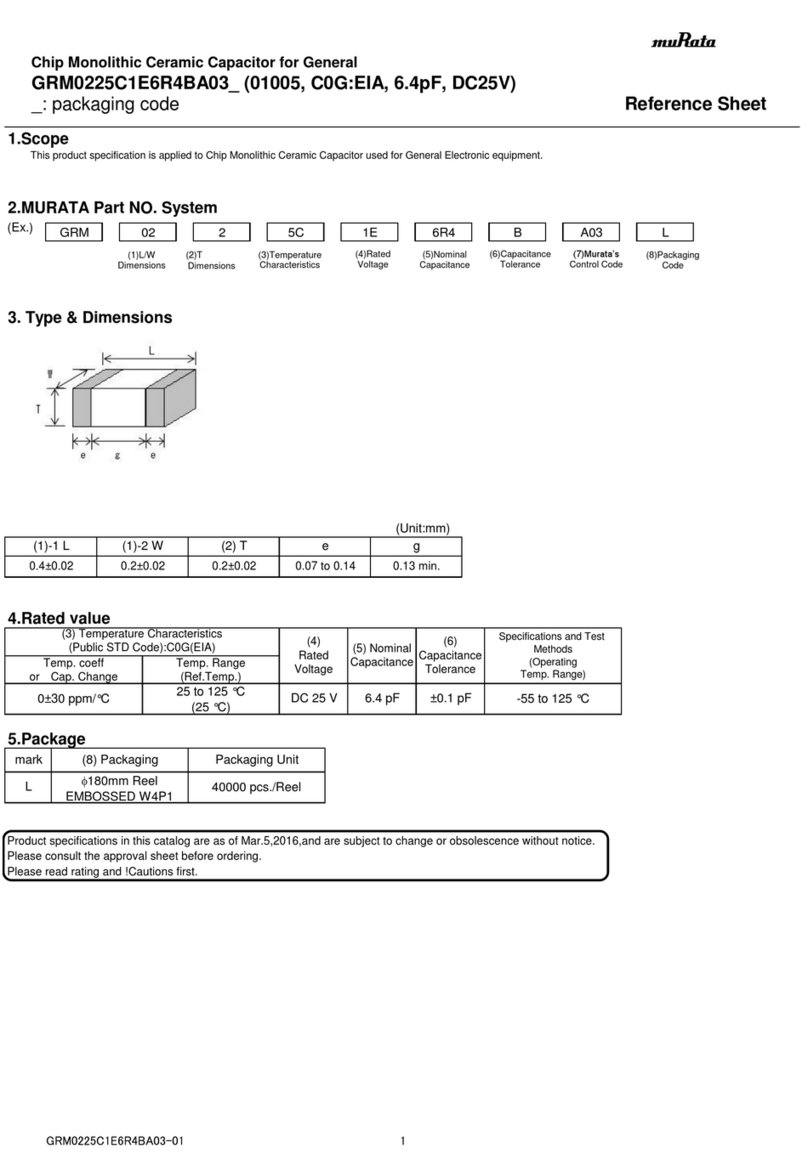
Murata GRM0225C1E6R4BA03 Series Reference sheet
Murata

Murata GRM0225C1E6R4BA03 Series Reference sheet

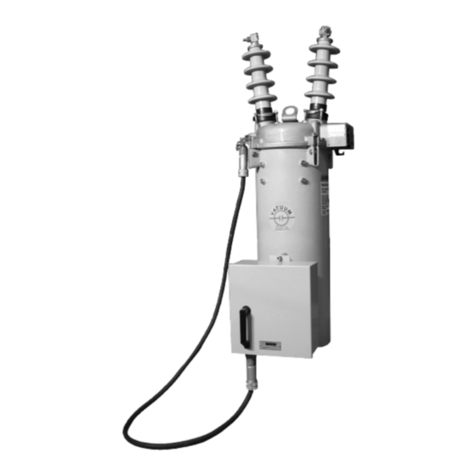
Cooper Power Systems VXE15 Installation and operation instructions

Cooper Power Systems

Cooper Power Systems VXE15 Installation and operation instructions

S&C Vista SD manual

S&C

S&C Vista SD manual

Murata GRM0335C2A7R3CA01 Series Reference sheet

Murata

Murata GRM0335C2A7R3CA01 Series Reference sheet

manuals.online logo
manuals.online logoBrands
  • About & Mission
  • Contact us
  • Privacy Policy
  • Terms and Conditions

Copyright 2025 Manuals.Online. All Rights Reserved.

National Instruments™, and ni.com™, and SCXI™are trademarks of National Instruments Corporation. Product and company names mentioned herein
are trademarks or trade names of their respective companies.
321927B-01 ©Copyright 1998, 2001 National Instruments Corp. All rights reserved. February 2001
INSTALLATION GUIDE
SCXI -1381K TERMINAL BLOCK HOUSING KIT
This guide explains how to assemble your SCXI-1381K terminal block
housing kit and includes dimensions for designing your circuit boards.
Introduction
The SCXI-1381K is intended for developers of custom SCXI terminal
blocks who design and lay out custom circuit boards for terminal blocks.
The SCXI-1381K terminal block housing kit includes the unassembled
components you need to build a custom SCXI terminal block. Your kit
contains all the following mechanical components of an SCXI terminal
block:
• The metal enclosure
• Front and back panels
• Connectors, not including the circuit board
• A 96-position, right-angle DIN connector for attaching to your custom
circuit board, if needed
What You Need to Get Started
To use your SCXI-1381K to build a custom SCXI terminal block, you need
the following:
❑SCXI-1381K terminal block housing kit, containing the following:
–SCXI-1381K Terminal Block Housing Kit Installation Guide
– Terminal block base
– Terminal block cover
– Strain-relief bar
– Two self-adhesive rubber foam strips
– Two 6–32 by 5/8 in. screws
– One number 4 eyelet solder-lock terminal
– One 4–40 by 1/4 in. panhead screw
™
SCXI-1381K Installation Guide 2 ni.com
–Two 4–40 by 0.29 in. shoulder screws
–Two 4–40 captive cover screws
–Two thumbscrews
–One 96-position, right-angle female DIN connector
–One identification label
–One self-adhesive front-panel overlay
❑Number 1 and 2 Phillips-head screwdrivers
Installing the Circuit Board into the SCXI-1381K
You need to design and assemble your custom circuit board before you
install it into the terminal block base. When you are designing the custom
circuit boards, use the dimensions in Figures 1 and 2 as a guide. The
diagrams show detailed dimensions to design circuit boards for use with
the SCXI-1381K terminal block enclosure.
©National Instruments Corporation 3 SCXI-1381K Installation Guide
Figure 1. SCXI-1381K Dimensions
1. Board thickness = 0.062
2. 0.180 maximum component height on bottom side
3. 0.715 maximum component height on top side
4. 0.025 minimum keepout for traces and components
on all outside edges
5. Dimensions are given in inches [millimeters]
Top View
Starting Pin Location
Assembly End View
6.320 [160.53]
6.812 [173.02]
M2.5 x .45 x 5.5
1.861
[47.27]
.307 [7.8]
3.050 [77.47]
–.498 [12.64]
6.812 [173.02]
6.218 [157.94]
(.894 [22.71])
.423 [10.74]
.126 [3.2]
.000 [0]
–(.294 [7.47])
–(.120 [3.05])
.000 [0]
1.741 [44.22]
6.572 [166.93]
(6.692 [169.98])
1.188 [30.18]
SCXI-1381K Installation Guide 4 ni.com
Figure 2. Circuit Board Dimensions
After assembling the circuit board, perform the following steps to install
the custom circuit board into the SCXI-1381K terminal block, referring to
Figure 3 when necessary:
1. Attach one self-adhesive rubber foam strip to the bottom of the
strain-relief bar. Attach the other foam strip within the strain-relief
opening of the terminal block base.
2. Fasten the strain-relief bar to the terminal block base with the two
6–32 by 5/8 in. screws using a Number 2 Phillips-head screwdriver.
3. Use a Number 1 Phillips-head screwdriver to attach the
Number 4 eyelet solder-lock terminal to the terminal block base with
the 4–40 by 1/4 in. screw.
4. Attach the self-adhesive front-panel overlay to the base.
5. Lay your circuit board in the terminal block base.
1. Board thickness = 0.062
2. 0.180 maximum component height on bottom side
3. 0.715 maximum component height on top side
4. 0.025 minimum keepout for traces and components
on all outside edges
5. Dimensions are given in inches [millimeters]
Component and
Trace Keepout
–.030 [0.76]
2.800 [71.12]
3.990 [101.35]
5.780 [146.81]
2.223 [56.46]
2.320 [58.93]
(2.700 [68.58])
.000 [0]
–.100 [2.54]
R.151 [3.84]TYP
–1.145 [29.08]
–.442 [11.23]
.000 [0]
3.932 [99.87]
4.378 [111.2]
4.635 [117.73]
–1.145 [29.08]
–1.039 [26.39]
(–.250 [6.35])
–.182 [4.62]
3.672 [93.27]
(3.740 [95])
4.529 [115.04]
(4.635 [117.73])
©National Instruments Corporation 5 SCXI-1381K Installation Guide
6. Use a Number 1 Phillips-head screwdriver to attach the circuit board
to the base with the two 4–40 by 0.29 in. shoulder screws.
7. Attach the terminal block cover to the terminal block base with two
4–40 captive cover screws. These screws also ground the cover.
Note The 4-40 captive cover screws become captive screws once they are installed for the
first time.
8. Attach the thumbscrews.
The assembly is complete.
Use the thumbscrews to attach the assembled terminal block to an
SCXI module. As needed, connect signal wires to your custom circuit
board.
Figure 3. Parts Locator Diagram
16-32by5/8in.Screws
2 4-40by0.29in.ShoulderScrews
34–40 by 1/4 in. Panhead Screw
4 Number 4 Eyelet Solder-Lock Terminal
5 Custom Circuit Board
6 Terminal Block Base
7 Self-Adhesive Rubber Foam Strips
8 Strain-Relief Bar
9 4-40 Captive Cover Screws
10 Terminal Block Cover
11 Thumbscrews
12 Self-Adhesive Front Panel Overlay
1
2
3
4
5
6
7
2
8
9
10
11
12
11