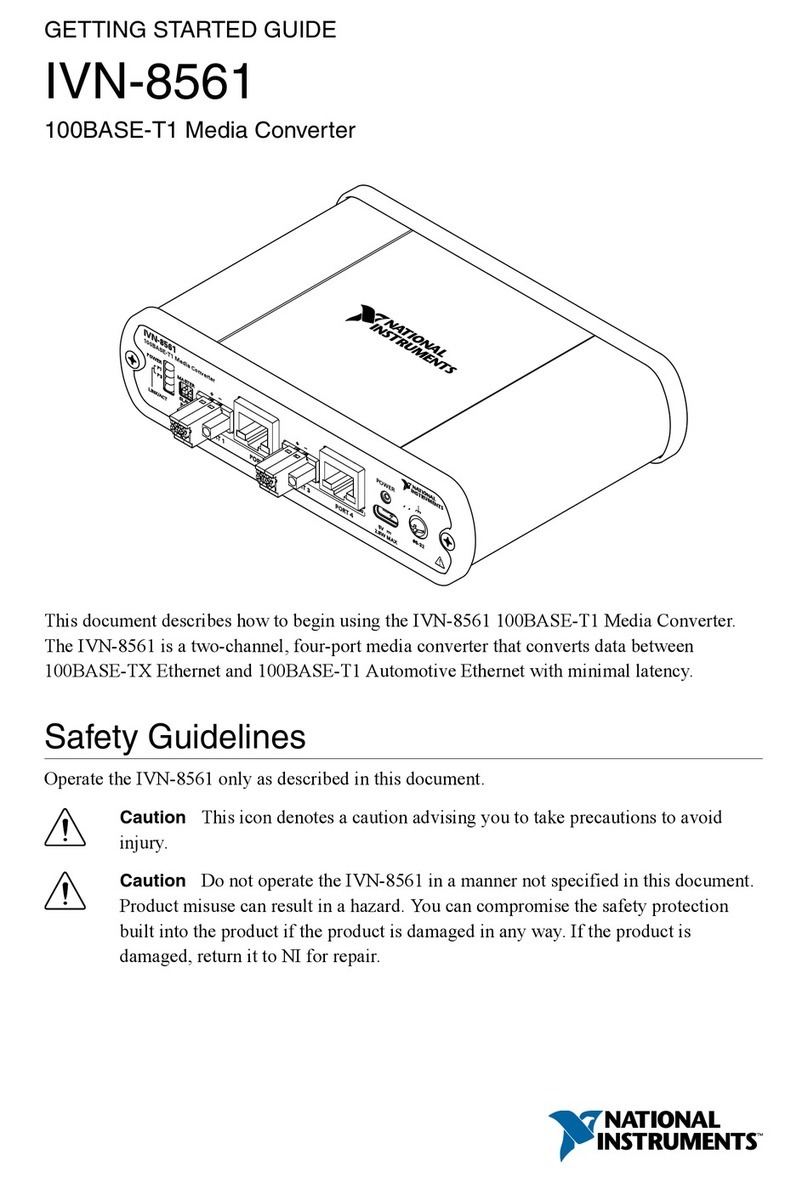
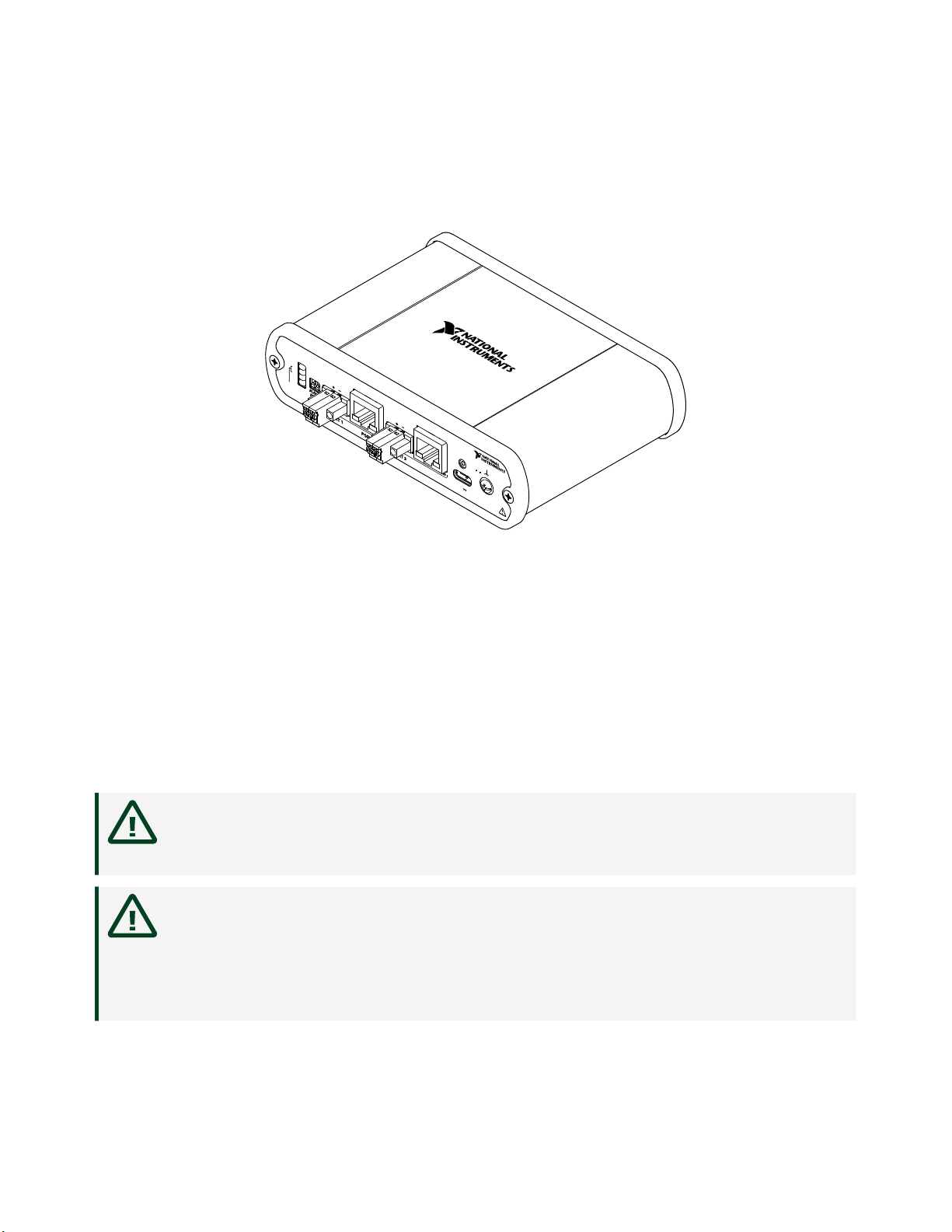
The power connector is USB Type-C. Use the USB cable (Type-C to Type-A) included
with the IVN-8561 to power the device from a standard USB 3.0 port on your
computer or industrial controller. The IVN-8561 can be powered from the USB port
of any NI PXI, CompactRIO, or industrial controller.
Cabling Requirements
Cabling for port 1 and port 3 connections must be 100BASE-T1 compliant, shielded
or unshielded twisted pair cable, with a maximum length of 15 m and cable
impedance of 100 Ω ±10%. Cabling for port 2 and port 4 connections must be Cat 5e
or higher Ethernet cable.
LEDs
LEDs on the le side of the front panel indicate Link and Activity on the 100BASE-T1
Automotive Ethernet ports. LEDs on the RJ45 connectors indicate Link, Activity, and
100 Mbit speed on the 100BASE-TX Ethernet ports.
LED LED State Behavior
POWER On Power on
O Power o
P1 LINK/ACT Steady Link established on port 1, no activity
Blinking Link established on port 1, activity present
O No link established on port 1
P3 LINK/ACT Steady Link established on port 3, no activity
Blinking Link established on port 3, activity present
O No link established on port 3
Port 2 LINK/ACT Steady Link established on port 2, no activity
Blinking Link established on port 2, activity present
O No link established on port 2
Port 2 100 Steady[1] 100 Mbit link speed selected on port 2
O[2] 10 Mbit speed selected on port 2
Port 4 LINK/ACT Steady Link established on port 4, no activity
Blinking Link established on port 4, activity present
O No link established on port 4
© National Instruments 7
IVN-8561 Getting Started