manuals.online logo
Brands
  1. Home
  2. •
  3. Brands
  4. •
  5. Nauticam
  6. •
  7. Camera Accessories
  8. •
  9. Nauticam NA-60D User manual

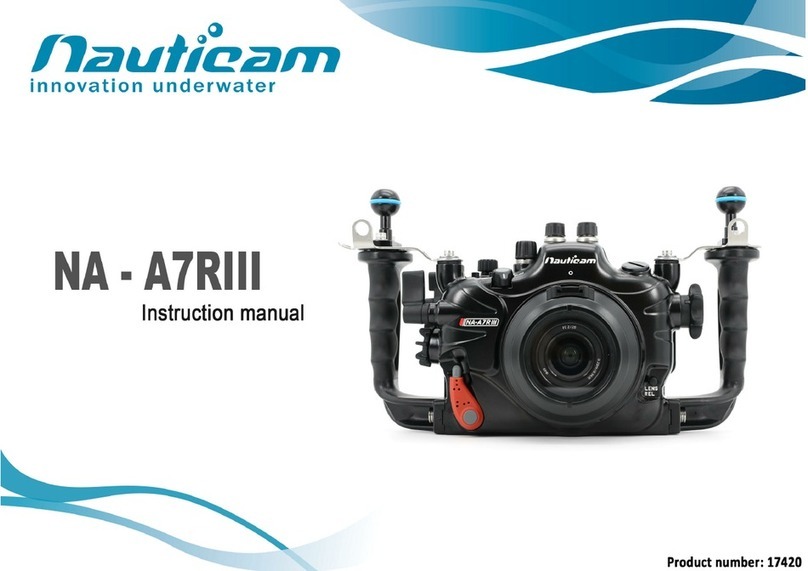
Nauticam NA-60D User manual

Other Nauticam Camera Accessories manuals
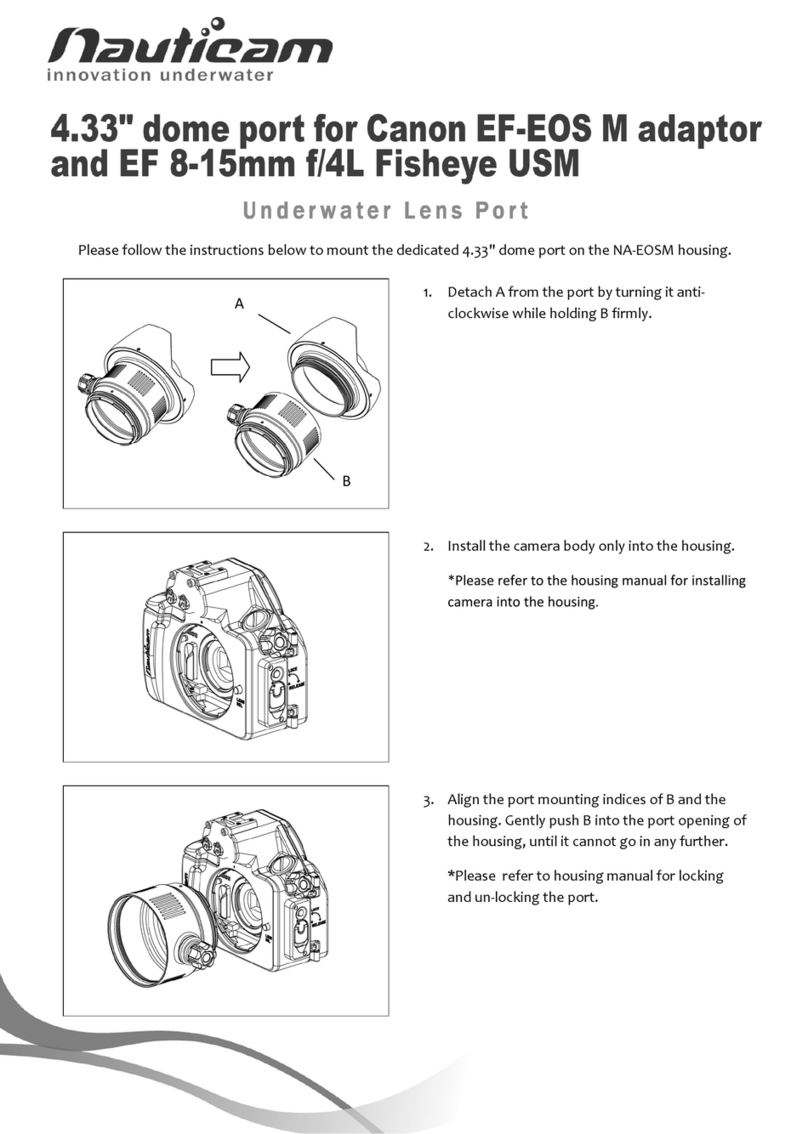
Nauticam NA-D850 User manual

Nauticam

Nauticam NA-D850 User manual

Nauticam NA-E2 User manual

Nauticam

Nauticam NA-E2 User manual

Nauticam O1250-Z User manual

Nauticam

Nauticam O1250-Z User manual

Nauticam 83223 User manual

Nauticam

Nauticam 83223 User manual

Nauticam NA-XT2 User manual

Nauticam

Nauticam NA-XT2 User manual
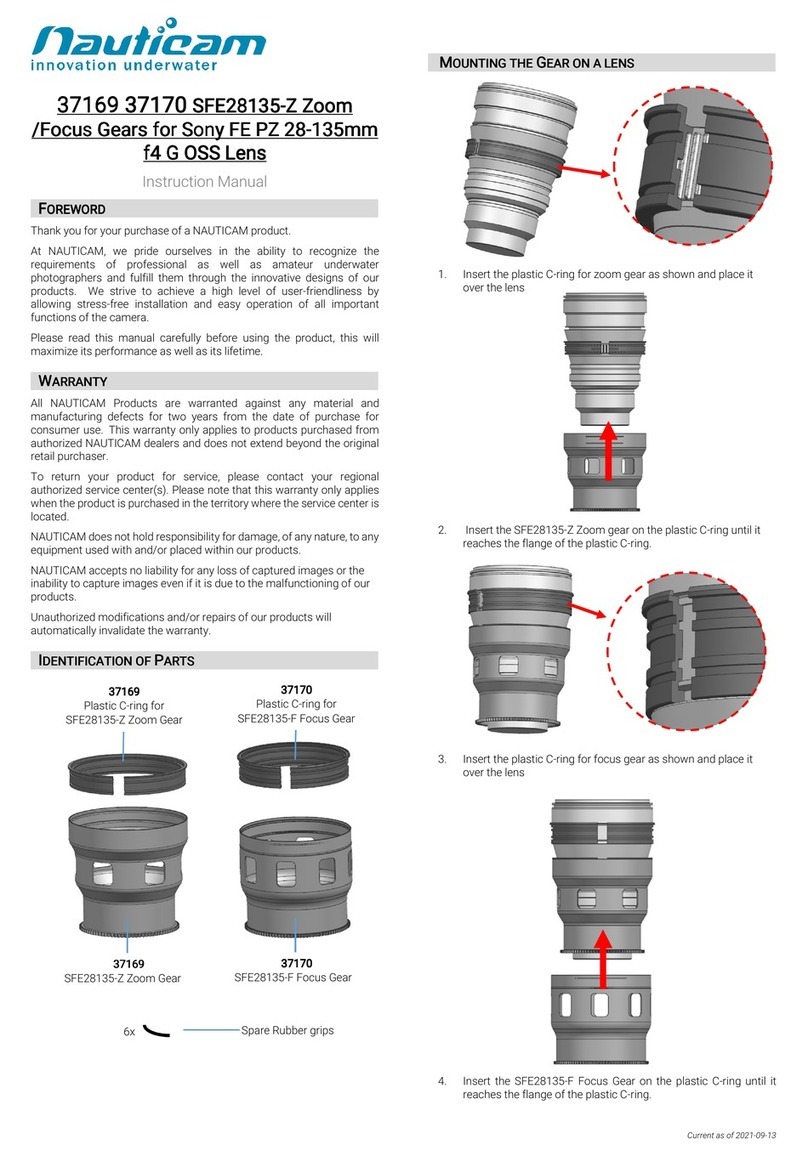
Nauticam SLE1424-Z User manual

Nauticam

Nauticam SLE1424-Z User manual

Nauticam NA-A6600 User manual

Nauticam

Nauticam NA-A6600 User manual

Nauticam O825-Z User manual

Nauticam

Nauticam O825-Z User manual

Nauticam EEF60-F User manual

Nauticam

Nauticam EEF60-F User manual

Nauticam 16301 RC815-Z CANON EF 8-15MM F/4L FISHEYE USM ZOOM... User manual

Nauticam

Nauticam 16301 RC815-Z CANON EF 8-15MM F/4L FISHEYE USM ZOOM... User manual

Nauticam 26308 User manual

Nauticam

Nauticam 26308 User manual

Nauticam NA - XT5 User manual

Nauticam

Nauticam NA - XT5 User manual

Nauticam NA-Ultra5 Housing User manual

Nauticam

Nauticam NA-Ultra5 Housing User manual

Nauticam NA-NEX5R User manual

Nauticam

Nauticam NA-NEX5R User manual

Nauticam NA - GH6 User manual

Nauticam

Nauticam NA - GH6 User manual

Nauticam 36183 User manual

Nauticam

Nauticam 36183 User manual

Nauticam 17909 User manual

Nauticam

Nauticam 17909 User manual

Nauticam NA-EM5 User manual

Nauticam

Nauticam NA-EM5 User manual

Nauticam NA-LX10 User manual

Nauticam

Nauticam NA-LX10 User manual

Nauticam 18809 User manual

Nauticam

Nauticam 18809 User manual

Nauticam 17960 User manual

Nauticam

Nauticam 17960 User manual

Nauticam NA-TG7 User manual

Nauticam

Nauticam NA-TG7 User manual

Nauticam 87512 User manual

Nauticam

Nauticam 87512 User manual

Nauticam NA-ZVE1 User manual

Nauticam

Nauticam NA-ZVE1 User manual

Popular Camera Accessories manuals by other brands

CamRanger CamRanger user manual

CamRanger

CamRanger CamRanger user manual

Custom Brackets HDV CAGE KIT Instructions for use

Custom Brackets

Custom Brackets HDV CAGE KIT Instructions for use

Aegis ABL052010P user manual

Aegis

Aegis ABL052010P user manual

Saft SRA Series Installation and operating instructions

Saft

Saft SRA Series Installation and operating instructions

Kodak TIB5200 technical information

Kodak

Kodak TIB5200 technical information

Videotec HEG instruction manual

Videotec

Videotec HEG instruction manual

Ikelite 6171.11 manual

Ikelite

Ikelite 6171.11 manual

Pentax Auto Bellows Slide Copier K user manual

Pentax

Pentax Auto Bellows Slide Copier K user manual

Nikon UT-1 user manual

Nikon

Nikon UT-1 user manual

dji RONIN 4D quick start guide

dji

dji RONIN 4D quick start guide

SLIK ABLE 300DX user manual

SLIK

SLIK ABLE 300DX user manual

Rebelcell 36V70 user manual

Rebelcell

Rebelcell 36V70 user manual

Trojan GC2 48V quick start guide

Trojan

Trojan GC2 48V quick start guide

Calumet 7100 Series CK7114 operating instructions

Calumet

Calumet 7100 Series CK7114 operating instructions

Ropox 4Single Series User manual and installation instructions

Ropox

Ropox 4Single Series User manual and installation instructions

Cambo Wide DS Digital Series Main operating instructions

Cambo

Cambo Wide DS Digital Series Main operating instructions

Samsung SHG-120 Specification sheet

Samsung

Samsung SHG-120 Specification sheet

Ryobi BPL-1820 Owner's operating manual

Ryobi

Ryobi BPL-1820 Owner's operating manual

manuals.online logo
manuals.online logoBrands
  • About & Mission
  • Contact us
  • Privacy Policy
  • Terms and Conditions

Copyright 2025 Manuals.Online. All Rights Reserved.

0
1
Thank you for your purchase of a NAUTICAM digital camera housing.
At NAUTICAM, we pride ourselves on the ability to recognise the requirements of
professional as well as amateur underwater photographers and fulfill them
through the innovative designs of our products. We strive to achieve a high level
of user-friendliness by allowing stress-free installation and easy operation of all
important functions of the camera.
Each NA-60D housing is individually inspected and water pressure tested to 150
metres to ensure optimum quality.
Please read this manual carefully before using the housing, this will maximise its
performance as well as its lifetime.
2
1. All NAUTICAM Products are warranted against any material and manufacturing
defects for one year from the date of purchase for consumer use.
2. NAUTICAM accepts no liability for any damage to and defects in the housing
caused by improper use and/or poor maintenance; it is the responsibility of the
owner to carefully follow the instructions in this manual.
3. NAUTICAM does not hold responsibility for damage, of any nature, to any
equipment used with and/or placed within the housing.
4. NAUTICAM accepts no liability for any loss of captured images or the inability
to capture images even if it is due to the malfunctioning or leakage of the
housing.
5. This warranty only applies to products purchased from authorised NAUTICAM
dealers and does not extend beyond the original retail purchaser.
6. Unauthorised modifications and/or repairs of the housing will automatically
invalidate this warranty.
7. To return products for service, please contact our regional distributor,
normally you would need to notify them by email first and ship them the
product by registered mail, along with your contact details and a brief
description of the defect.
3
1. NA-60D housing
2. Instruction manual
3. Warranty card
4. Spare silicone rubber main o-ring
5. O-ring remover
6. CR2032 battery (for moisture alarm)
7. Lubricant
8. Set of Allen keys
Spare silicone rubber o-ring
Lubricant
Set of Allen keys
CR2032 battery
O-ring remover
4
1. A water-tight test without the camera inside the housing is highly
recommended when using the system for the first time and after the changing
of port and O-ring(s).
2. Do not use lubricants from other brands with the silicone rubber O-ring on this
housing, only use the lubricant provided by NAUTICAM.
3. Discontinue use immediately should you notice any leakage.
4. Store the housing in a robust, shock-proof container during transportation;
avoid transporting with any equipment, such as a camera, inside the housing.
5. When travelling by air, do not close the housing if the port is installed, as this
may lead to a pressure difference between the atmosphere and inside the
housing.
6. Care must be taken when opening the housing, as pressure may build up inside
the housing which increases the opening force.
7. Do not open the product in a wet or sandy environment. Protect the interior
from moisture and debris in order to prevent malfunction or leakage.
8. Do not store the product in an environment of high humidity.
9. Do not leave the housing and the camera in direct sunlight for prolonged
periods.
10. Keep out of reach of children, failure to do so could result in injury.
11. Defective products should be shipped to our distributors for service,
unauthorized disassembling and/or modifications could result in malfunction
or leakage.
5
Specifications
6
Identification of Parts
7
Preparation of the Housing
10
Opening and Closing the Housing
13
Installing the Camera
14
Mounting the Port
16
Changing the Viewfinder
18
Care and Maintenance
20
Optional Accessories
21
6
Construction
Housing body:
Aluminium alloy
Surface treatment:
Hard anodised
Display window:
Abrasion resistant polycarbonate
Grip handles:
Polycarbonate and rubber
Dimensions
(with handles)
Width:
334 mm
Height:
165 mm
Depth:
125 mm
Weight
2.62 kg (without camera)
Buoyancy
Slightly negative
Depth rating
100 metres
Features
Moisture alarm:
Blinking LED and audible alarm
Viewfinder:
0.66X viewfinder
TTL capability:
Optional 6-pin bulkhead
2 optical bulkheads utilising camera’s pop-
up flash as commmander
Port mount:
Patented port locking lever for easy port
installation.
ISO speed setting
lever
Allows effortless ISO speed adjustments
from the right handle.
AF-ON lever
Easily accessed from the right handle.
Live view
shooting/Movie
shooting lever
7
1
M14 optional accessory
bulkhead
5
Grip handle x 2
2
Port lock/release lever
6
Mode knob
3
Optical bulkhead for strobe
connections x 2
7
Zoom/focus knob
4
M10 strobe mounting base x 2
8
Lens release button
12
5
4
3
2
1
8
7
6
8
9
ON/OFF lever
18
Quick control button
10
Delete button
19
Info button
11
Housing lock safety button x 2
20
Playback button
12
Housing lock x 2
21
Up selection button
13
Moisture alarm window
22
Right selection button
14
AE lock/FE lock button
Index/Reduce button
23
Set button
15
AF point selection/Magnify
button
24
Left selection button
16
Quick control dial
25
Down selection button
17
Menu button
16
6
15
14
13
12
11
10
9
17
6
18
6
19
6
20
6
21
6
22
6
23
6
24
6
25
6
9
26
AF mode selection button
30
Live view shooting/Movie
shooting lever
27
Drive mode selection button
31
ISO speed setting lever
28
Metering mode selection button
32
Shutter release lever
29
AF-ON lever
33
Main dial
26
6
27
6
28
6
29
6
30
6
31
6
32
6
33
6