Navigil S1 user guide 1.06 Page 3 of 28
© 2016 Navigil Ltd - www.navigil.com
Contents
1S1 at a glance.............................................................................................................. 6
1.1 S1 overview...................................................................................................................................... 6
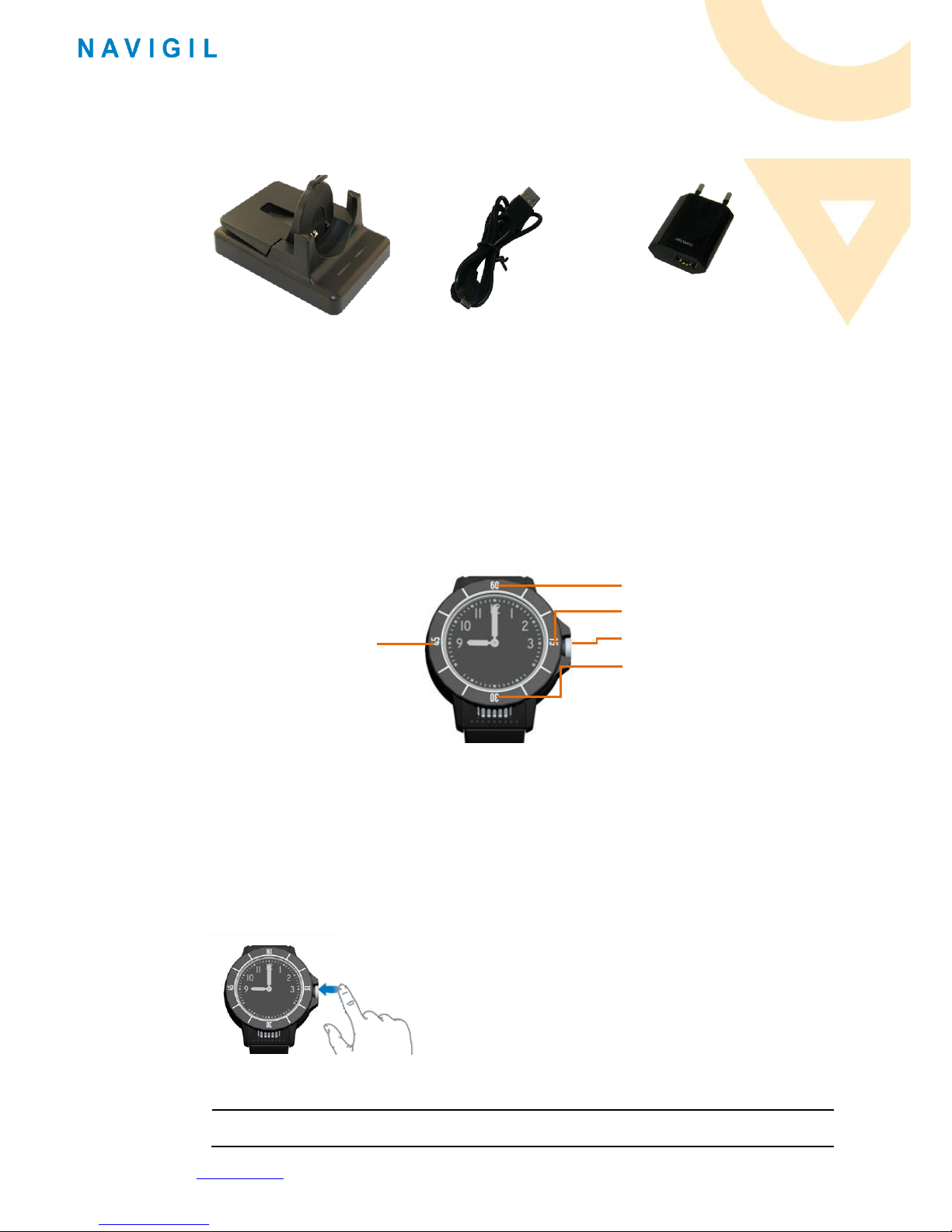
1.2 Accessories....................................................................................................................................... 7
1.3 Buttons............................................................................................................................................. 7
1.3.1 Help request call .................................................................................................................. 7
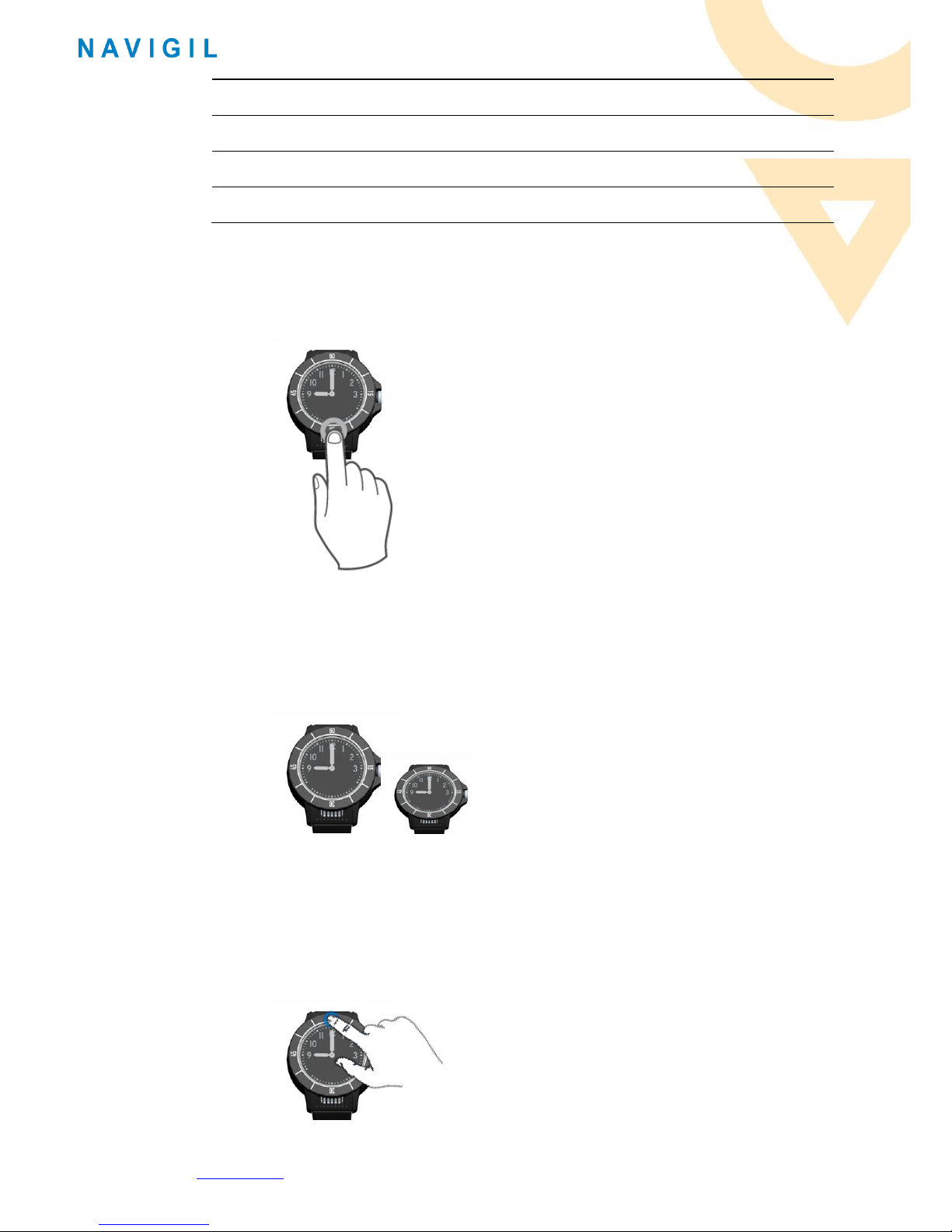
1.3.2 Menu button........................................................................................................................ 8
1.3.3 Function buttons in the watch bezel.................................................................................... 8
1.4 LEDs.................................................................................................................................................. 9
1.5 Speaker and microphone................................................................................................................. 9
1.6Analog watch ................................................................................................................................... 9
1.7 Wearing the S1................................................................................................................................. 9
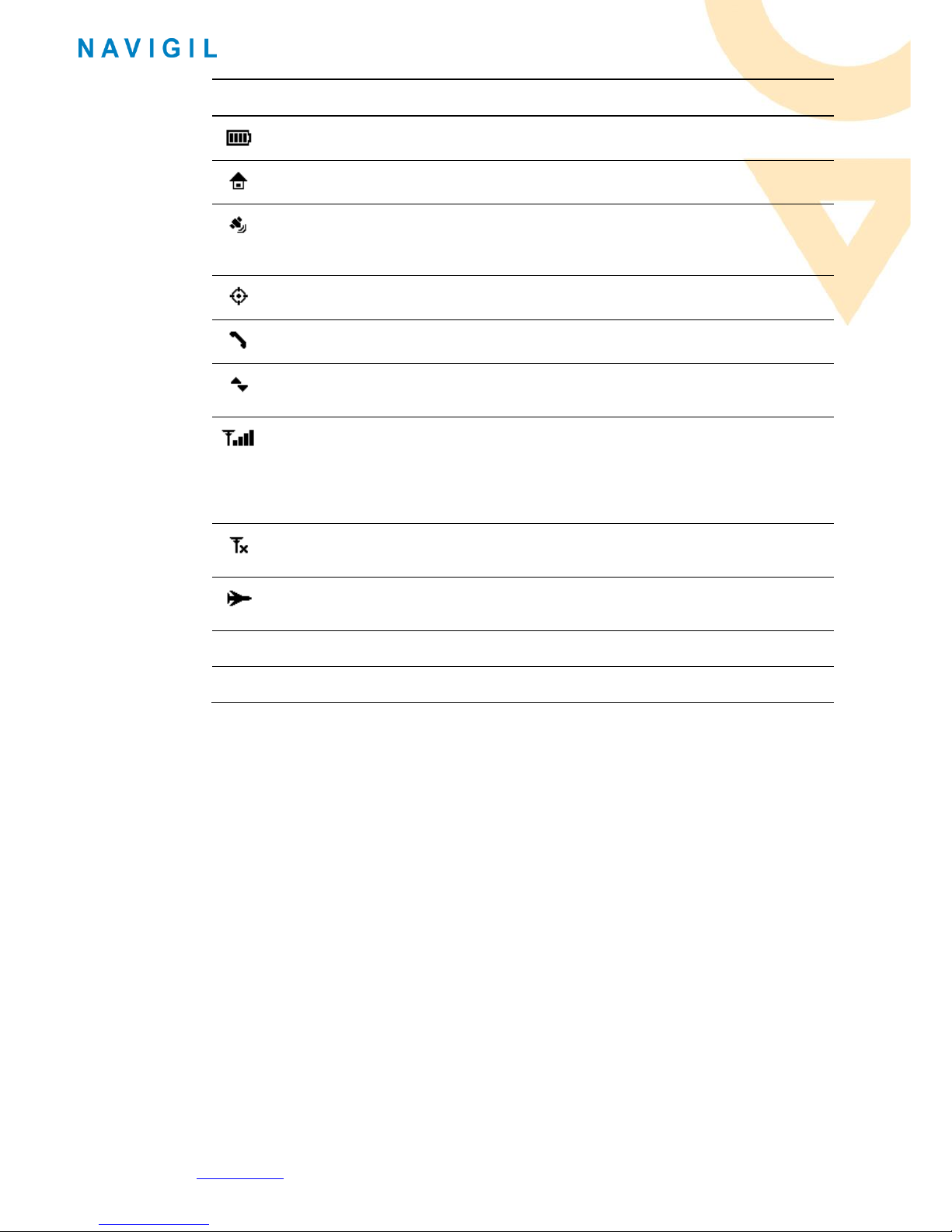
1.8 S1 display status icons ..................................................................................................................... 9
2Getting Started......................................................................................................... 11
2.1 Charging ......................................................................................................................................... 11
2.2 Setting up....................................................................................................................................... 12
2.2.1 S1 ready for setup.............................................................................................................. 12
2.2.2 Setting up Rafael service.................................................................................................... 12
2.3 Using the Rafael service................................................................................................................. 15
3Using S1.................................................................................................................... 16
3.1 S1 profiles....................................................................................................................................... 16
3.1.1 Track profile....................................................................................................................... 16
3.1.2 Auto profile ........................................................................................................................ 16
3.1.3 Easy profile ........................................................................................................................ 17
3.1.4 Full profile .......................................................................................................................... 17
3.1.5 Profile default values ......................................................................................................... 17
3.2 Making Help Request calls ............................................................................................................. 18
3.2.1 Help requests call in normal mobile network conditions................................................... 18
3.2.2 Help requests call when S1 is not connected to a mobile network.................................... 19
3.3 Making a speed dial call................................................................................................................. 19
3.4 Answering a call ............................................................................................................................. 21
3.5 Changing the S1 mode ................................................................................................................... 21
3.6 The S1 location reporting............................................................................................................... 22
3.6.1 Report emergency location................................................................................................ 22
3.6.2 Report location always ...................................................................................................... 23
3.6.3 Tracking outside of home beacon range ........................................................................... 23
3.6.4 Emergency tracking ........................................................................................................... 24
4Safety, Handling and Support.................................................................................... 25
4.1 Guidelines for Safe Use.................................................................................................................. 25
4.1.1 Recommendations for safe use of the S1 .......................................................................... 25
4.1.2 Home beacon power supply .............................................................................................. 25
4.1.3 S1 Battery .......................................................................................................................... 25
4.1.4 Disposal of an used S1 and battery ................................................................................... 26
4.2 Charging of the S1.......................................................................................................................... 26
4.3 Repair............................................................................................................................................. 26
4.4 Strap replacement ......................................................................................................................... 26
4.5 Export regulations.......................................................................................................................... 26
4.6 End user license agreement........................................................................................................... 27
4.7 GPS/GLONASS, home beacon and mobile network location......................................................... 27
4.8 Help request calls........................................................................................................................... 27