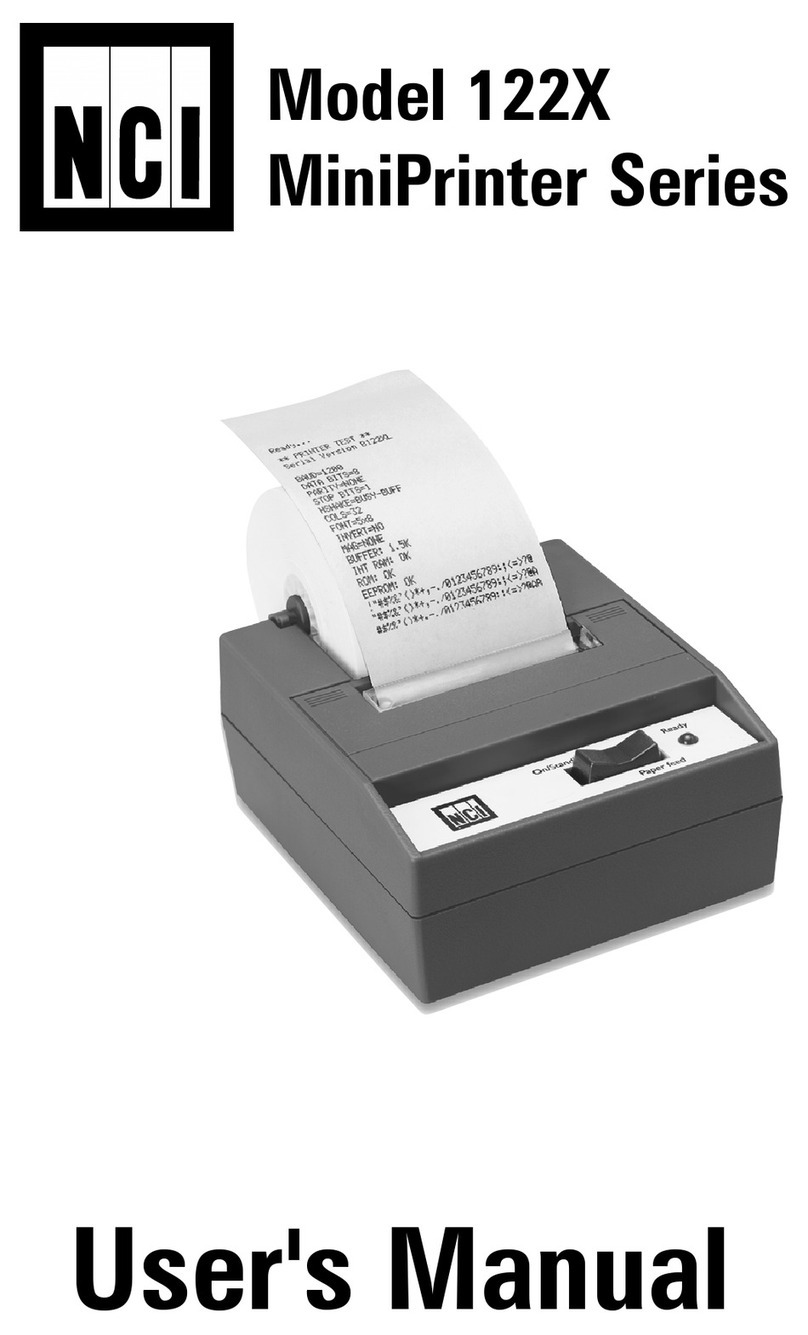
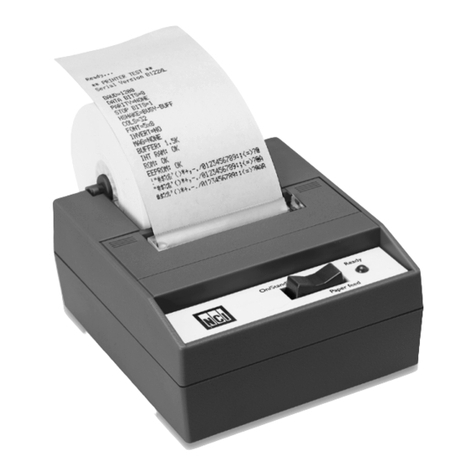
NCI 125X User manual

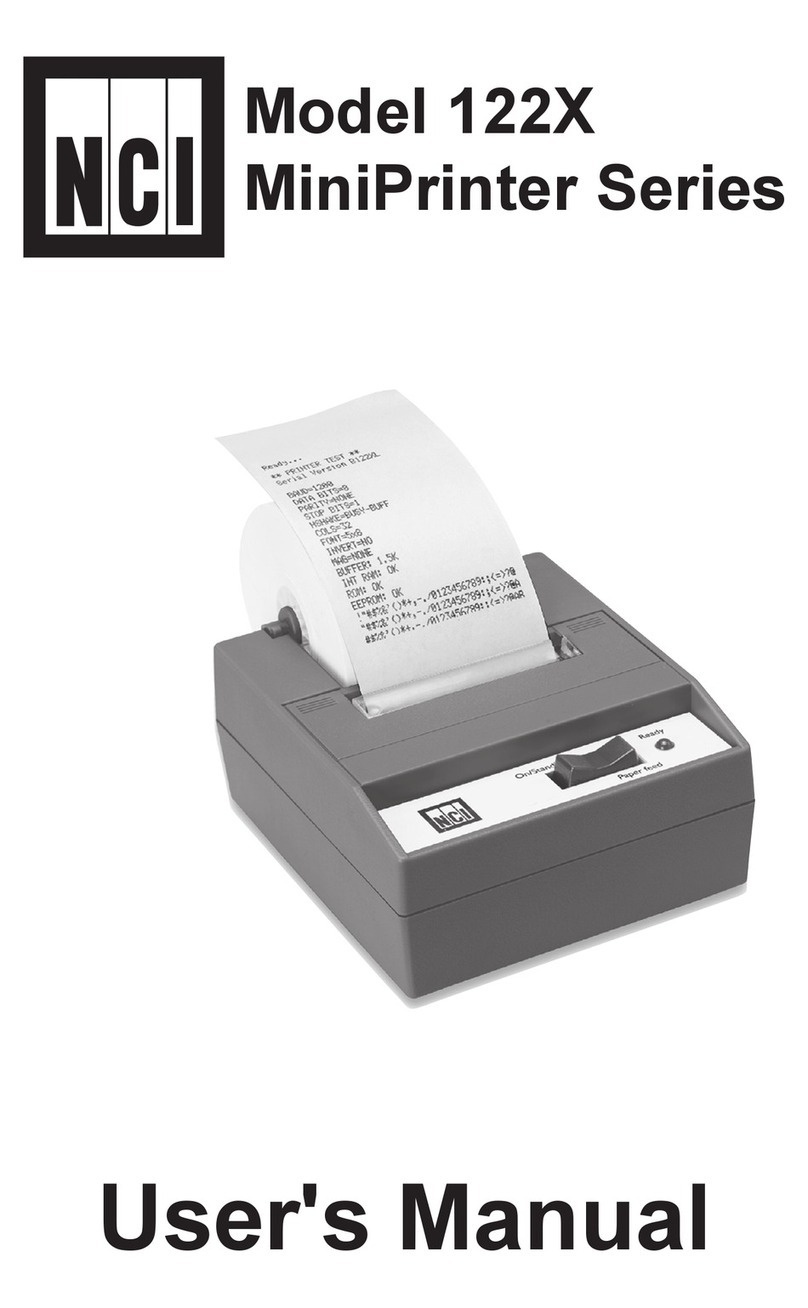
User’s Manual
Model 125X
MiniPrinter Series
Model 125X MiniPrinter Series User’s Manual
2
June 29, 2006 125X_U.indd PN 7424-15020i e2 Printed in USA
CAUTION
Risk of electrical shock. Do not remove cover. No user serviceable parts
inside. Refer servicing to qualified service personnel.
Weigh-Tronix reserves the right to change
specifications at any time.

Model 125X MiniPrinter Series User’s Manual 3
Table Of Contents
Specifications..........................................................4
Introduction ............................................................7
Installation...............................................................7
Installing the Paper .....................................7
To Remove the Paper Roll........................10
Operation .............................................................. 11
Connecting and Powering
Up Your Printer.......................................... 11
Maintenance ......................................................... 11
Changing the Printer Ribbon.....................12
Inserting a Ribbon with
Paper in the Printer...................................13
Printer Test and Setup ..........................................14
Printer Test................................................14
Accessing the Setup Menu .......................14
CONFIGURE ...........................................15
CUSTOM ..................................................18
SET CLOCK..............................................20
RESET SEQ# ...........................................22
Communication.....................................................23
Model 1250 RS-232 Serial Version...........23
Model 1251 Parallel Version .....................24
Model 1252 Serial TTL Version.................26
Model 1253 20 mA
Current Loop Version ................................27
Model 1254 RS-485 Serial Version...........28
Control Codes...........................................29
Default Table .............................................36

Model 125X MiniPrinter Series User’s Manual
4
Interface-Serial
Character Buffering
Print Method
Character Matrix
Character Spacing
Line Feed Spacing
Print Speed
Paper
Power
AC Voltage
DC Voltage
External Dimensions
Interface-Parallel
Specifications
Available baud rates: 300, 600, 1200, 2400, 4800,
9600, 19200
Voltage levels:
RS-232C: -9 Volts to +9 Volts
TTL: 0 Volts to +5 Volts
20mA current loop
RS-2485: 200mV differential
Character format:
Standard ASCII character set—10 or 11 bits per
character, 7 or 8 data bits.
Even or odd parity selection for 7 data bits.
Bit mapped graphics—10 bits per character
Busy signal - Clear to Send (CTS, XON-XOFF)
36-pin Centronics connector
1.5K standard
8K optional
Approximately 9,500 byte capacity with option
installed.
Impact dot matrix
5 x 5, 5 x 7, 5 x 8
24 column: 12.8 characters/inch
32 column: 17 characters/inch
40 column: 21 characters/inch
7.4 lines per inch
130 lines per minute for 24 column
110 lines per minute for 32 and 40 column
Table top: 2.25”W x 2.75”D; 0.44” I.D.
Panel mount: 2.25”W x 1.25”D
1.5 Watts (idle), 15 Watts maximum while printing
9VAC (120 VAC stepdown converter included)
Multi-national converters optional
Optional 9-12 VDC
140mA idle, 1 amp with 100% printing, 5.5 amp peak
with 100% printing
4.6”W x 5.0”L x 2.2”H

Model 125X MiniPrinter Series User’s Manual 5
Ribbon life
Paper
Print Head Life
5°C - 40°C, 41°F - 104°F
1,500,000 lines mean character before failure.
Black - 200,000 characters
Purple - 250,000 characters
Large roll - 12,500 lines
Small roll - 3,000 lines
Operating Temp.

Model 125X MiniPrinter Series User’s Manual
6

Model 125X MiniPrinter Series User’s Manual 7
The Model 125X impact printer series consists of
these models and electronic interfaces:
Model 1250 - RS-232
Model 1251 - Parallel
Model 1252 - TTL
Model 1253 - Current Loop
Model 1254 - RS485
This manual is split into the following main sections:
• Introduction
• Installation
• Operation
• Maintenance
• Printer Test and Setup
• Communication
Please follow the precautions listed below when set-
ting up your printer. They are designed to help you
keep your printer working at its best.
* Plug your power supply into an appropriate
grounded outlet.
* Place your printer on a flat hard surface, like a
tabletop.
* Keep your printer out of direct sunlight.
1. Remove the printer cover by pressing on the
groove patterns to pop the front edge up. Lift off
the cover.
2. Press the rocker switch to the left. The light will
go off.
3. Unroll several inches of the paper.
Installing the
Paper
Introduction
Installation

Model 125X MiniPrinter Series User’s Manual
8
4. Cut a straight edge on the paper roll if it is jag-
ged. This will facilitate the entry of the paper into
the printer.
5. Slide the paper through the slot connecting the
paper compartment and the printer compart-
ment. You can slide it in about one-quarter inch
before it stops.
6. While holding the paper in place, press the
rocker switch to the Paper Feed position. The
printer will activate, and a rubber roller will pull
the paper into the printer compartment. Hold the
switch in the Paper Feed position until the paper
emerges from the top of the printer mechanism.
7. When an inch of paper has emerged from the
top of he printer, release the Paper Feed button.
8. Now pull the paper through the printer, until
several inches are exposed.
9. Slide the paper through the slot in the printer
cover.

Model 125X MiniPrinter Series User’s Manual 9
10. Push the back of the printer cover down and into
place.
11. Press the front of the printer cover down to lock
in place.
12. Put the paper spindle into the paper roll as
shown below, and place the roll with the spindle
onto the snaps near the back of the printer. Turn
the paper roll to take up any slack in the paper
feeding to the printer. Make sure the roll of paper
turns freely. If it does not turn freely, the paper
will jam and will possibly damage the printer
mechanism.

Model 125X MiniPrinter Series User’s Manual
10
To Remove the
Paper Roll
1. Advance the paper about one inch beyond the
paper cutter by using the Paper Feed switch.
2. Lift the paper roll away from the printer hous-
ing and cut the paper feeding to the printer with
scissors. Try to make the cut as square as pos-
sible to help the next time you reload the paper.
3. Pull the remaining paper through the printer
mechanism. Be sure to pull the paper from
the top (paper cutter side).
WARNING! Pulling the paper out of the back of
the printer will damage the print mechanism
This manual suits for next models
5
Table of contents
Other NCI Printer manuals