NetComm NP745n User manual

NETCOMM LIMITED ABN 85 002 490 486 PO Box 1200, Lane Cove NSW 2066 Australia
Trademarks and registered trademarks are the property of NetComm Limited or their respective owners. Specifications are
subject to change without notice. Images shown may vary slightly from the actual product.
Your NetComm dealer:
MINIMUM SYSTEM REQUIREMENTS
TECHNICAL SPECIFICATIONS
PACKAGE CONTENTS
NP745n 11n USB Adapter
802.11n Draft 2.0 Wireless USB Adapter
Your Network – Now faster, stronger and more secure
PRODUCT
• NP745n 802.11b/g/n Draft 2.0 2T2R WLAN USB Adapter
CHIPSET SOLUTION
• Ralink RT2870+RT2820
STANDARD
• IEEE 802.11b/g/n Draft 2.0
BUS TYPE
• USB 2.0 Type A
FREQUENCY BAND
• 2.4000~2.4835GHz (Industrial Scientific Medical Band)
DATA RATE
• 11b: 1/2/5.5/11Mbps
• 11g: 6/9/12/24/36/48/54Mbps
• 11n (20MHz): MCS0-15, 32 with Half Guard Interval Support
(up to 72/144Mbps)
• 11n (40MHz): MCS0-15, 32 with Half Guard Interval Support
(up to 150/300Mbps)
SECURITY
• WEP 64/128, WPA, WPA2
• Cisco CCX V1.0, V2.0 & V3.0 Compliance
ANTENNA
• Internal 2 Antennas (2T2R)
DRIVERS
• Windows 2000/XP 32 Bit/XP 64 Bit/Windows Vista
LEDS
• Link/Activity
DIMENSION
• 10(H)*82(W)*26(D) mm
TEMPERATURE
• 32~131°F (0 ~55°C)
HUMIDITY
• Max. 95% (NonCondensing)
• 802.11n Draft 2.0 compliant for state-of-the-art wireless of up to 300Mbps1
• Greatly increase your wireless network speed, reliability and coverage
• Compact form factor and USB interface for use with Laptops and Desktop PC’s
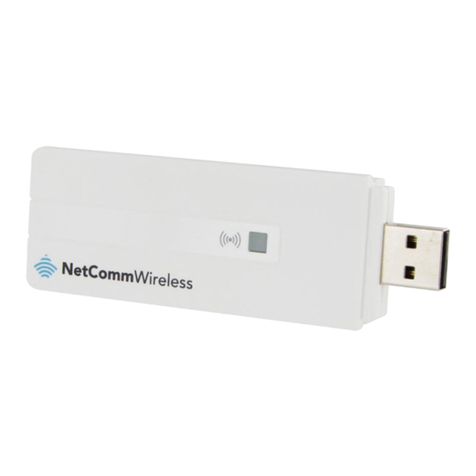
The NetComm NP745n is a world class 11n Wireless USB Adapter. Powered with advanced Wireless ‘N’
technology, this USB Adapter provides wireless speeds of up to 300Mbps, 650% faster than ‘G’ technology
1
.
This Next Generation Wireless standard utilises advanced MIMO (Multi-In, Multi-Out) technology, which allows
you to enjoy network applications with significantly improved reliability. Delivering up to 300% wider coverage
and 650% faster speeds over current wireless technologies.
• Wi-Fi Multimedia (WMM)
Quality VoIP calls and smooth multimedia streaming are maintained by prioritising audio, video, voice and
applications traffic
• Wi-Fi Protected Setup (WPS)
Set up your wireless connection with the push of a button! (Requires WPS compatible wireless router eg NetComm NP740n)
• USB 2.0 interface
1 Maximum wireless signal rate and coverage values are derived from IEEE Standard 802.11g and 802.11n Draft 2.0 specifications. Actual wireless speed and
coverage are dependent on network and environmental conditions included but not limited to volume of network traffic, building materials and construction/layout.
• Internet connection, provided by xDSL or cable modem.
• 11n Router.
• NP745n 11n Wireless USB Adapter
• Quick Start Guide
• CDROM containing User Guide (in PDF Format)
• USB Cable
Other NetComm Adapter manuals
NetComm
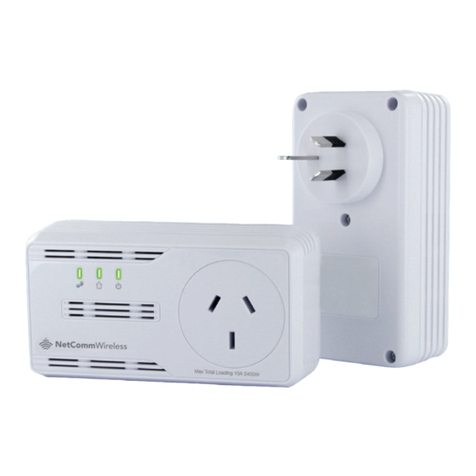
NetComm NP505 User manual
NetComm
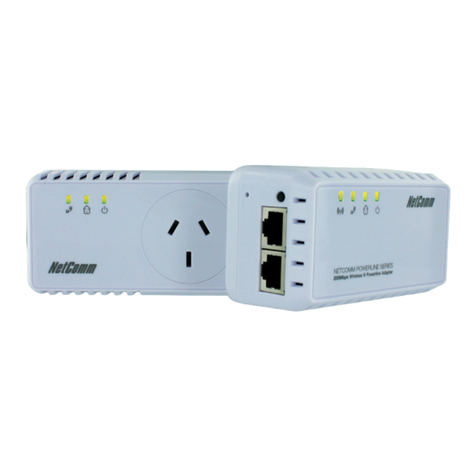
NetComm NP207 Operational manual
NetComm
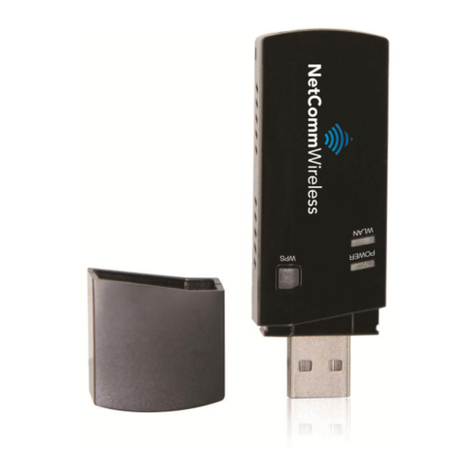
NetComm NP206 User manual
NetComm
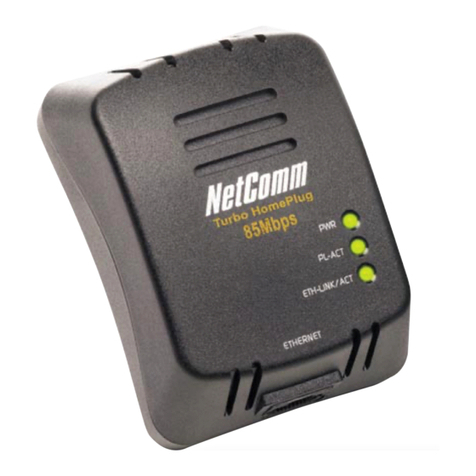
NetComm NP920 User manual
NetComm
NetComm NP285 User manual
NetComm
NetComm NP508 User manual
NetComm
NetComm NP205 User manual
NetComm
NetComm NP920 User manual
NetComm
NetComm POWERLINE NP204 User manual
NetComm
NetComm V100LS User manual
NetComm
NetComm POWERLINE NP504 User manual
NetComm
NetComm NP204 User manual
NetComm
NetComm NP545 User manual

NetComm
NetComm Ultra Series User manual
NetComm
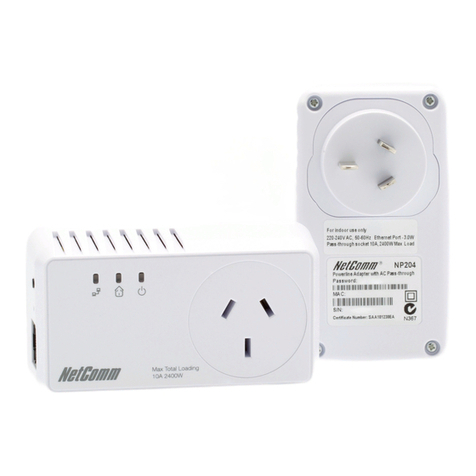
NetComm NP204 Instruction Manual

NetComm
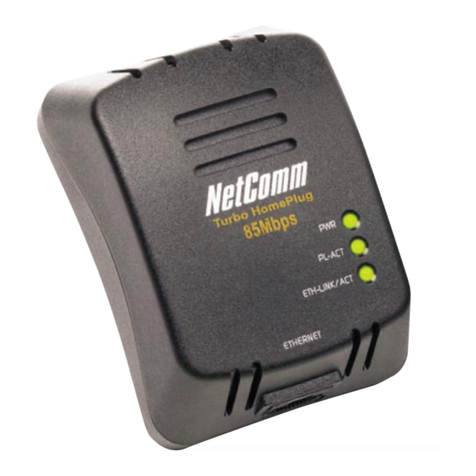
NetComm POWERLINE NP504 User manual
NetComm
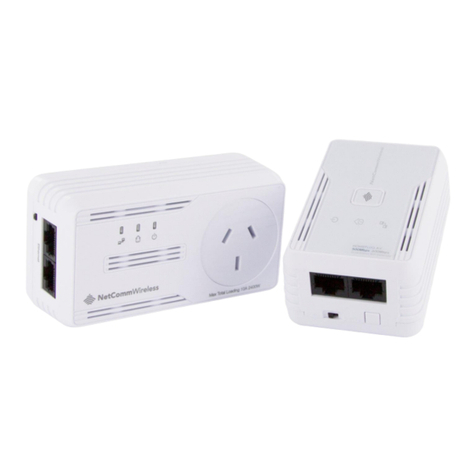
NetComm NP285 User manual
NetComm
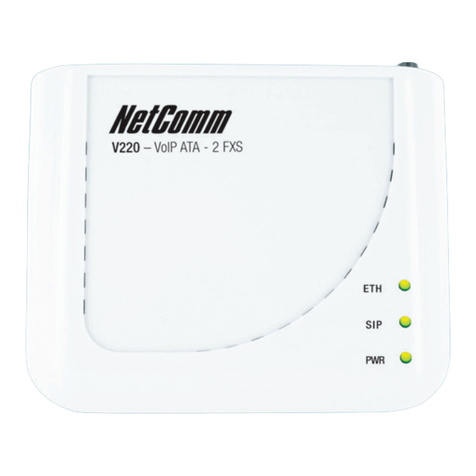
NetComm NP508 User manual
NetComm
NetComm Express series User manual
NetComm
NetComm NP1820 User manual