manuals.online logo
Brands
  1. Home
  2. •
  3. Brands
  4. •
  5. NETGEAR
  6. •
  7. Switch
  8. •
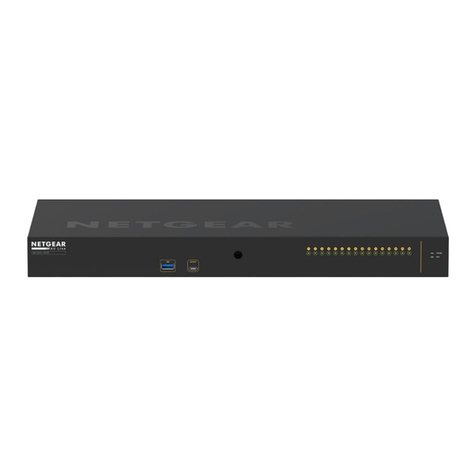
  9. NETGEAR JFS516 User manual

NETGEAR JFS516 User manual

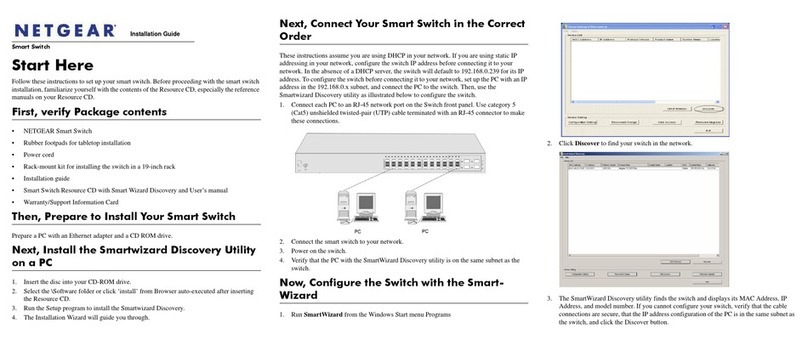
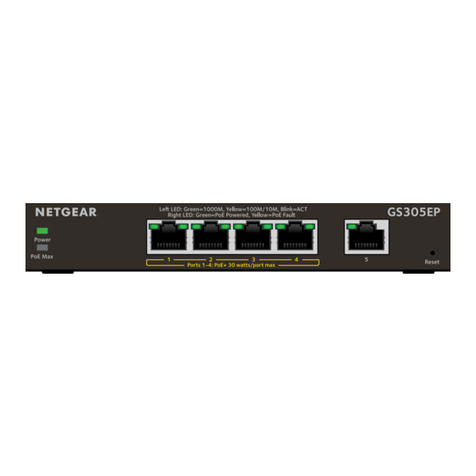
Other NETGEAR Switch manuals
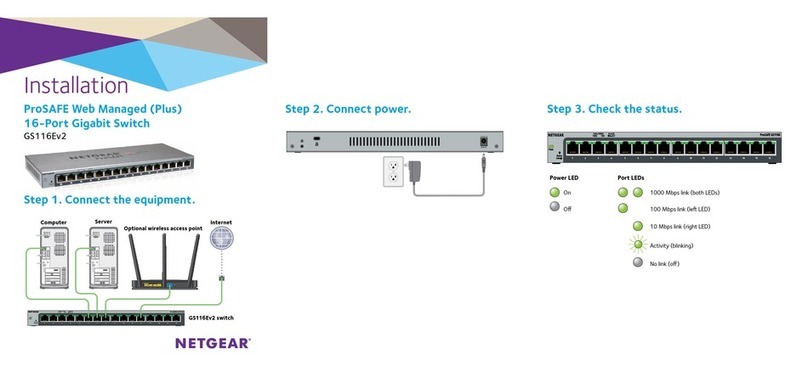
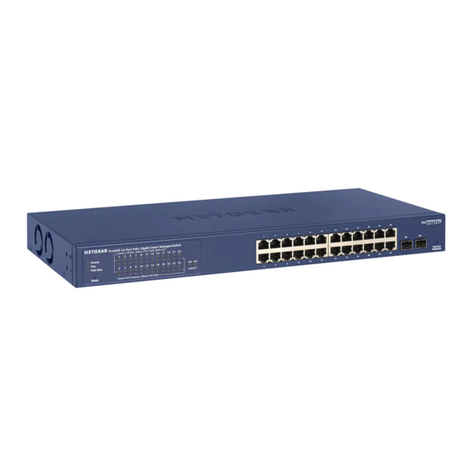
NETGEAR FS308 - Switch User manual

NETGEAR

NETGEAR FS308 - Switch User manual

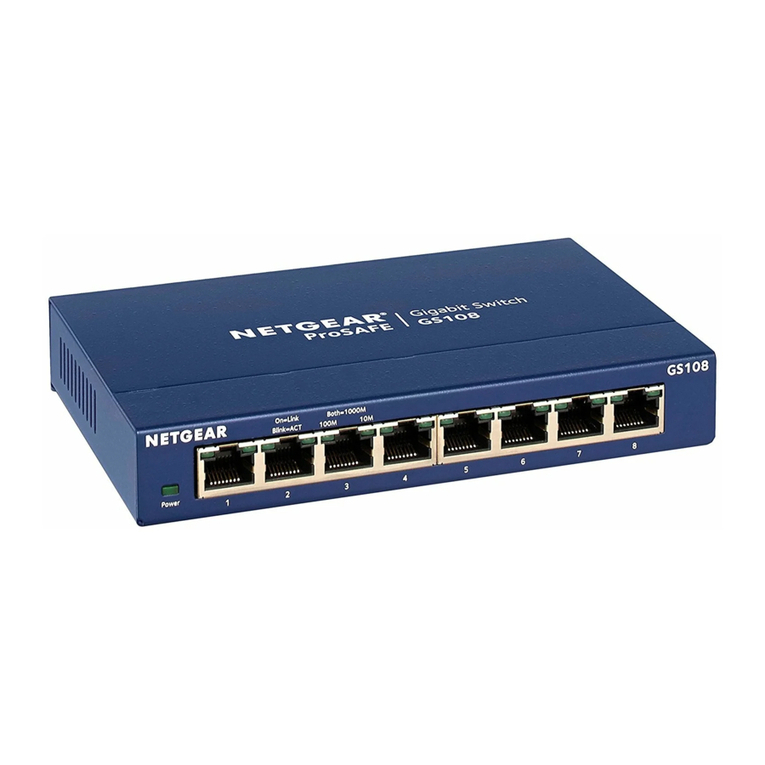
NETGEAR ProSAFE GS105Ev2 User manual

NETGEAR

NETGEAR ProSAFE GS105Ev2 User manual

NETGEAR GS408EPP User manual

NETGEAR

NETGEAR GS408EPP User manual

NETGEAR ProSafe Plus JFS524E User manual

NETGEAR

NETGEAR ProSafe Plus JFS524E User manual

NETGEAR GS748T - ProSafe Smart Switch Manual

NETGEAR

NETGEAR GS748T - ProSafe Smart Switch Manual

NETGEAR GSS108E User manual

NETGEAR

NETGEAR GSS108E User manual

NETGEAR ProSafe FS105v2 User manual

NETGEAR

NETGEAR ProSafe FS105v2 User manual

NETGEAR GS110TP - ProSafe Gigabit Smart Switch Instruction Manual

NETGEAR

NETGEAR GS110TP - ProSafe Gigabit Smart Switch Instruction Manual

NETGEAR GSM7224v2 - Layer 2 Managed Gigabit Switch User manual

NETGEAR

NETGEAR GSM7224v2 - Layer 2 Managed Gigabit Switch User manual

NETGEAR S350 Series User manual

NETGEAR

NETGEAR S350 Series User manual

NETGEAR M5300 Series Manual

NETGEAR

NETGEAR M5300 Series Manual

NETGEAR ProSafe GS108A User manual

NETGEAR

NETGEAR ProSafe GS108A User manual

NETGEAR GS748Tv4 Instruction Manual

NETGEAR

NETGEAR GS748Tv4 Instruction Manual

NETGEAR ProSAFE S3300 Manual

NETGEAR

NETGEAR ProSAFE S3300 Manual

NETGEAR MS510TXM Manual

NETGEAR

NETGEAR MS510TXM Manual

NETGEAR Signature GS908 User manual

NETGEAR

NETGEAR Signature GS908 User manual

NETGEAR DS 508 User manual

NETGEAR

NETGEAR DS 508 User manual

NETGEAR ProSafe GSM5212P Instruction Manual

NETGEAR

NETGEAR ProSafe GSM5212P Instruction Manual

NETGEAR ProSAFE Plus GS108PEv3 User manual

NETGEAR

NETGEAR ProSAFE Plus GS108PEv3 User manual

NETGEAR ProSAFE GS105Ev2 User manual

NETGEAR

NETGEAR ProSAFE GS105Ev2 User manual

NETGEAR SW518 - Switch User manual

NETGEAR

NETGEAR SW518 - Switch User manual

NETGEAR ProSafe XS712T Manual

NETGEAR

NETGEAR ProSafe XS712T Manual

NETGEAR ProSAFE S3300-28X User manual

NETGEAR

NETGEAR ProSAFE S3300-28X User manual

NETGEAR ProSafe JGS524v2 Parts list manual

NETGEAR

NETGEAR ProSafe JGS524v2 Parts list manual

Popular Switch manuals by other brands

TRENDnet TK-401R null

TRENDnet

TRENDnet TK-401R null

TRENDnet TK-200K null

TRENDnet

TRENDnet TK-200K null

TRENDnet TE100-S8 null

TRENDnet

TRENDnet TE100-S8 null

URC Total Control MFS-8 installation manual

URC

URC Total Control MFS-8 installation manual

Azbil HPQ-D11 user manual

Azbil

Azbil HPQ-D11 user manual

Sony DFS-900M operating instructions

Sony

Sony DFS-900M operating instructions

SICK i17S operating instructions

SICK

SICK i17S operating instructions

F&F SZR-277 quick start guide

F&F

F&F SZR-277 quick start guide

Shure UAMS/BK user guide

Shure

Shure UAMS/BK user guide

Dräger X-zone Switch Off Instructions for use

Dräger

Dräger X-zone Switch Off Instructions for use

Asco Joucomatic 349 Series manual

Asco

Asco Joucomatic 349 Series manual

BT Mini Hub user guide

BT

BT Mini Hub user guide

D-Link DES-1226G manual

D-Link

D-Link DES-1226G manual

Johnson Controls FS80-C installation instructions

Johnson Controls

Johnson Controls FS80-C installation instructions

MicroNet SP1200A user manual

MicroNet

MicroNet SP1200A user manual

Ruijie RG-PF2920 Series Hardware  installation and reference guide

Ruijie

Ruijie RG-PF2920 Series Hardware installation and reference guide

Altinex DA1914SX user guide

Altinex

Altinex DA1914SX user guide

RJM MASTERMIND PBC/6X user manual

RJM

RJM MASTERMIND PBC/6X user manual

manuals.online logo
manuals.online logoBrands
  • About & Mission
  • Contact us
  • Privacy Policy
  • Terms and Conditions

Copyright 2025 Manuals.Online. All Rights Reserved.

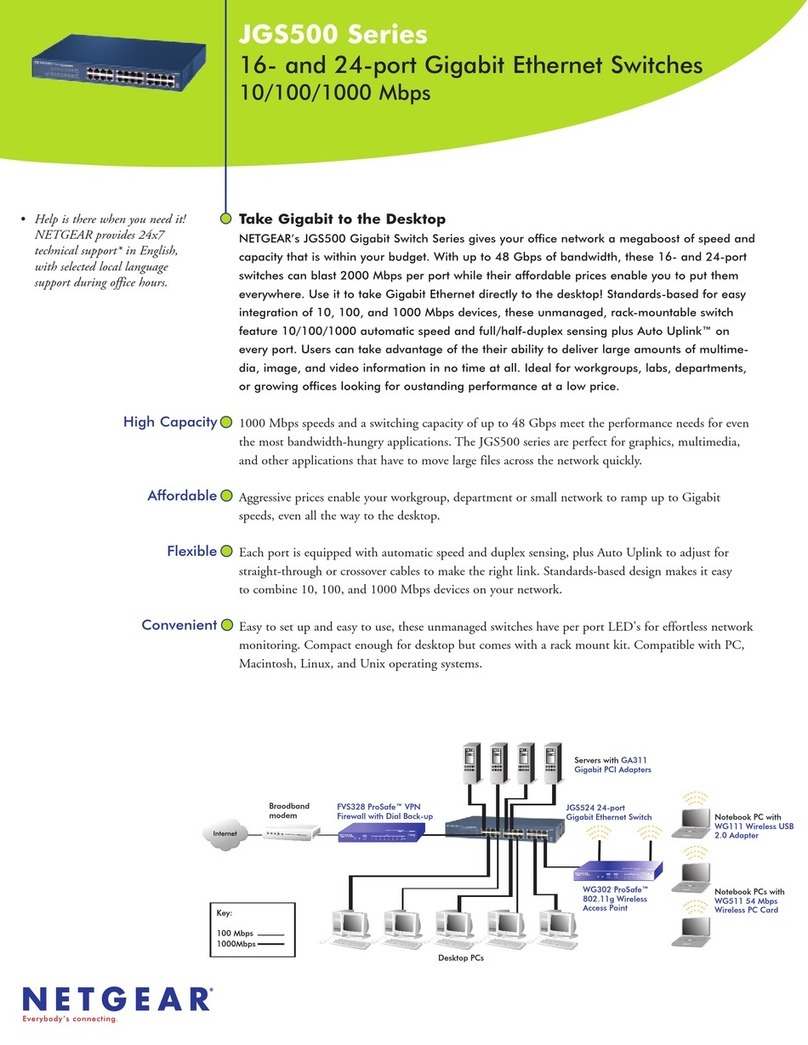
NETGEARpresents a great way to increase your network’s capability
without breaking your budget: the 16-port JFS516.This 10/100 Fast
Ethernet switch provides expanded connectivity for small office networks so
users no longer have to compete with each other for bandwidth. All of the
essential features – automatic speed and full/half duplex sensing, 200 Mbps
throughput per port, Auto Uplink™ – are included, but at an economical
price that a value-conscious business owner can’t ignore.
THRIFTY
The ideal, low-cost solution you’ve been looking for, the unmanaged JFS516 lets you ramp
up your office network to a new power level –affordably
CAPABLE
Sixteen switched ports provide private bandwidth for PCs, servers, or hubs, and support 200
Mbps of throughput. Each port delivers 200 Mbps of network speed in full-duplex mode.
PERCEPTIVE
As soon as it’s powered on, it begins operating. Every port automatically senses the proper
speed and full/half duplex mode, and Auto Uplink adjusts for straight-through or crossover
cables to make the right link.
PRACTICAL
This high-performance switch makes it easy to combine 10 and 100 Mbps devices within
your network. As an added convenience, these sturdy metal units can be mounted in a
standard 19-inch rack.
Ramp up your system,
conserve your budget
JFS516
Fast Ethernet Switch
Help is there when you need it!
NETGEAR provides free, 7x24
telephone and e mail technical
support in English, with selected
local language support during
office hours.
www.NETGEAR.com
10/100 Mbps
16Port
NETGEAR Inc.
4500 Great America Parkway
Santa Clara, CA 95054
USA
Phone: 1-888-NETGEAR
E-mail: [email protected]
www.NETGEAR.com
In-Country Phone Support
(24x7 phone support in English, local language support during office hours.) NETGEAR®is a trademark of
NETGEAR, Inc.Windows®is
a registered trademark of
Microsoft Corporation. Other
brand and product names are
trademarks or registered
trademarks of their respective
holders. Information is subject
to change without notice.
All rights reserved. March 2002
www.NETGEAR.com
Korea 00308-11-0319
Netherlands 0800-023-0981
New Zealand 00800-1233-4566
Norway 800-12041
Singapore 001-800-1233-4566
Sweden 0200-298-298
Switzerland 00800-0638-4327
(00800-0-NETGEAR)
United Kingdom 020-7216-0014
United States 1-888-NETGEAR
All Other Countries +1 801-236-8499
Australia 1800-787-638
Austria 00800-06384327
(00800-0-NETGEAR)
Denmark 808-82179
Canada 1-888-NETGEAR
Finland 0800-111-036
France 0800-77-17-53
Germany 00800-06384327
(00800-0-NETGEAR)
Hong Kong 001-800-1233-4566
Japan 0120-66-5402
D-JFS516-001
I
S
O
-
9
0
0
1
•
I
S
O
-
9
0
0
1
•
I
S
O
-
9
0
0
1
•
I
S
O
-
9
0
0
1
•
IS
O
-
9
0
0
1
•
•
•
•
•
•
•
•
•
ISO-9001
REGISTERED
QUALITY
LISTED
ITE
E151382
4C93 C
TECHNICAL SPECIFICATIONS
Network Ports
16 10 or 100 Mbps RJ-45 ports
Performance (64 byte packets)
Store-and-forward packet switching
Forward rate (10 Mbps)
14,800 packet per sec.
Forward rate (100 Mbps)
148,000 packet per sec.
Latency (10 to 100 Mbps) 20 usec max
MAC addresses 4,000
Queue buffer KBytes 320
Weight
2.0 kg (4.4 lb)
Dimensions
W 330 mm (13”)
D 202 mm (8”)
H 43 mm (1.7”)
AC Power
15W maximum
Auto-sensing 100 to 240V, 50/60 Hz
Localized plug for North America, Japan, UK,
Europe, Australia
Standards Compliance
IEEE 802.3i 10BASE-T Ethernet
IEEE 802.3u 100BASE-TX Fast Ethernet
Compatible with all major network software
Status LEDs
Unit: power
Per network port: 10 or 100 Mbps operations,
Rx/Tx and collision, link, half/full duplex
Electromagnetic Emissions
CE mark, commercial
FCC Part 15 Class A
EN 55 022 (CISPR 22), Class A
VCCI Class A
C-Tick
MIC
Environmental Specifications
Operating temperature: 0 to 40°C
Operating humidity: 80% max. relative humidity,
noncondensing
Safty Agency Approvals
UL listed (UL 1950)/CUL
TUV licensed (EN 60 950)
Warranty
2 years
PACKAGE CONTENTS
Switch unit
Power cord
Rack-mount kit
User guide
Warranty card
Support card
ISDN
RT328
ISDN Router
JFS516 Switch
FE516
Fast Ethernet Hub
Server
100M
10M
Server PC PC