manuals.online logo
Brands
  1. Home
  2. •
  3. Brands
  4. •
  5. Netopia
  6. •
  7. Gateway
  8. •
  9. Netopia 6.3 Safety guide

Netopia 6.3 Safety guide

This manual suits for next models

1

Other Netopia Gateway manuals

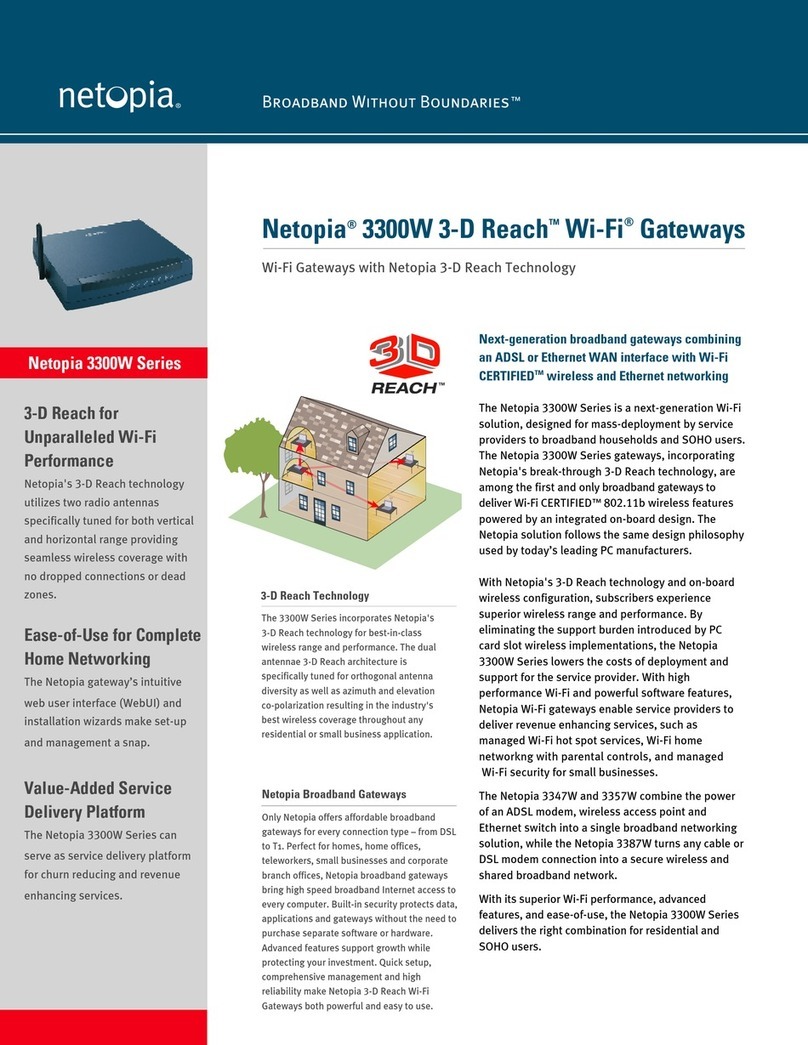
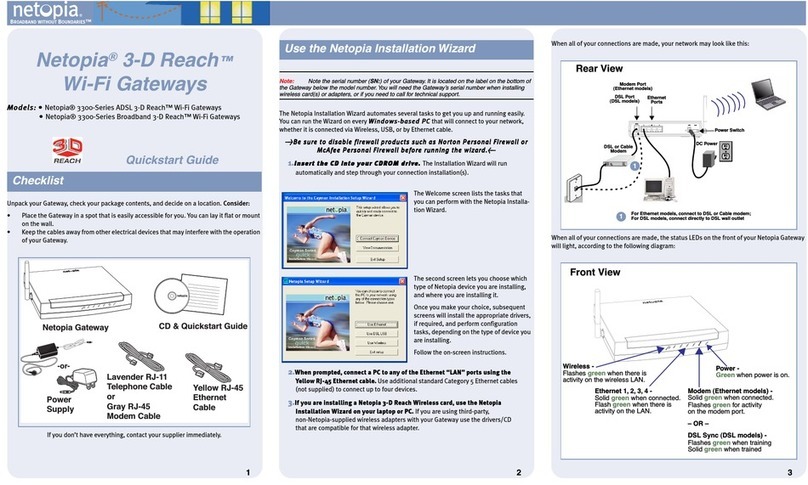
Netopia 3-D Reach 3300 Series User manual

Netopia

Netopia 3-D Reach 3300 Series User manual

Netopia Cayman 3546 User manual

Netopia

Netopia Cayman 3546 User manual

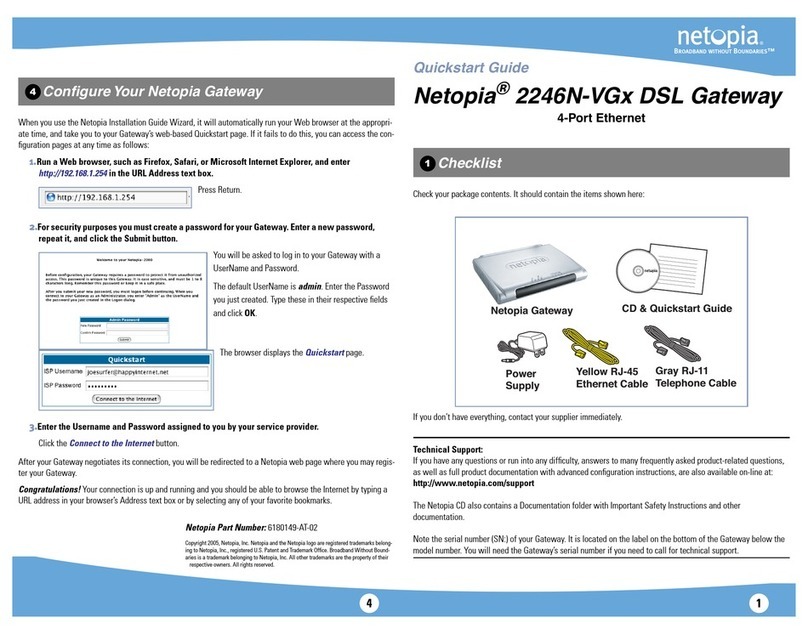
Netopia 2246N-VGx User manual

Netopia

Netopia 2246N-VGx User manual

Netopia Netopia 2240N-VGx User manual

Netopia

Netopia Netopia 2240N-VGx User manual

Netopia Cayman 3500 Series User manual

Netopia

Netopia Cayman 3500 Series User manual

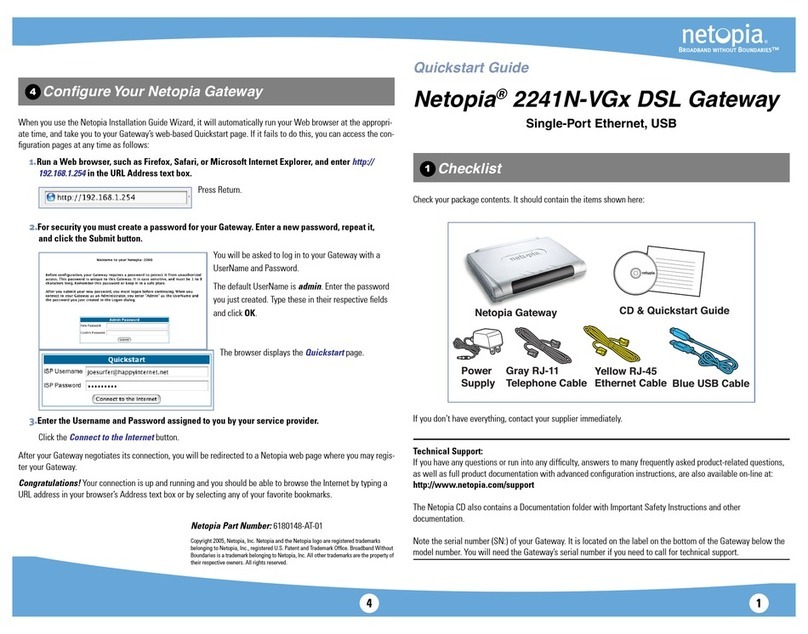
Netopia 2241N-VGX User manual

Netopia

Netopia 2241N-VGX User manual

Netopia Netopia 2240N-VGX Manual

Netopia

Netopia Netopia 2240N-VGX Manual

Netopia 3347W User manual

Netopia

Netopia 3347W User manual

Popular Gateway manuals by other brands

Telecom FM onestream gfx Programming guide

Telecom FM

Telecom FM onestream gfx Programming guide

UfiSpace LoRa GPE810U Quick setup guide

UfiSpace

UfiSpace LoRa GPE810U Quick setup guide

Merak MMk-736F Quick setup guide

Merak

Merak MMk-736F Quick setup guide

Robustel R3010 user guide

Robustel

Robustel R3010 user guide

turck BL20-PG-EN-V3 user manual

turck

turck BL20-PG-EN-V3 user manual

IBM Security Web Gateway Appliance quick start guide

IBM

IBM Security Web Gateway Appliance quick start guide

SSS Siedle Smart Gateway Commissioning instructions

SSS Siedle

SSS Siedle Smart Gateway Commissioning instructions

ADTRAN 424RG Installation

ADTRAN

ADTRAN 424RG Installation

Chorus Hyperfibre XGS-250WX-A user guide

Chorus

Chorus Hyperfibre XGS-250WX-A user guide

Dragino G308 user manual

Dragino

Dragino G308 user manual

Data Domain DD690g Installation and setup guide

Data Domain

Data Domain DD690g Installation and setup guide

Raritan Laptop Release notes

Raritan

Raritan Laptop Release notes

Haivision Torpedo quick start guide

Haivision

Haivision Torpedo quick start guide

ATCOM AG-268 user manual

ATCOM

ATCOM AG-268 user manual

LST M500RFE-AS Specification sheet

LST

LST M500RFE-AS Specification sheet

Vega VEGA BS-3 user manual

Vega

Vega VEGA BS-3 user manual

Kinnex Media Gateway quick start guide

Kinnex

Kinnex Media Gateway quick start guide

2N Telekomunikace 2N StarGate user manual

2N Telekomunikace

2N Telekomunikace 2N StarGate user manual

manuals.online logo
manuals.online logoBrands
  • About & Mission
  • Contact us
  • Privacy Policy
  • Terms and Conditions

Copyright 2025 Manuals.Online. All Rights Reserved.

Software User Guide
Cayman Operating System
Version 6.3
January 2002
Cayman 3000 series by Netopia
Copyrig t © 2002 Netopia, Inc.
All rights reserved, Printed in the USA.
The information in this document is subject to change without notice. The statements, configurations, technical data, and recom-
mendations in this document are believed to be accurate and reliable, but are presented without express or implied warranty. Users
must take full responsibility for the applications of any products specified in this document.
Portions of this software are subject to the Mozilla Public License Version 1.1. Portions created by Netscape are copyright 1994-2000
Netscape Communications Corporation. You may obtain a copy of the license at http://www.mozilla.org/MPL/. Software distributed
under the License is distributed on an “as is” basis, WITHOUT WARRANTY OF ANY KIND, either express or implied. See the License
for the specific language governing rights and limitations under the License.
Portions of this software copyright 1988, 1991 by Carnegie Mellon University. All rights reserved. Permission to use, copy, modify,
and distribute this software and its documentation for any purpose and without fee is hereby granted, provided that the above copy-
right notice and this permission notice appear in supporting documentation, and that the name of Carnegie Mellon University not
be used in advertising or publicity pertaining to distribution of the software without specific, written prior permission.
CARNEGIE MELLON UNIVERSITY DISCLAIMS ALL WARRANTIES WITH REGARD TO THIS SOFTWARE, INCLUDING ALL IMPLIED WAR-
RANTIES OF MERCHANTABILITY AND FITNESS. IN NO EVENT SHALL CMU BE LIABLE FOR ANY SPECIAL, INDIRECT, OR CONSE-
QUENTIAL DAMAGES OR ANY DAMAGES WHATSOEVER RESULTING FROM LOSS OF USE, DATA, OR PROFITS, WHETHER IN AN
ACTION OF CONTRACT, NEGLIGENCE, OR OTHER TORTIOUS ACTION, ARISING OUT OF OR IN CONNECTION WITH THE USE OR
PERFORMANCE OF THIS SOFTWARE.
The information in this document is proprietary to Netopia, Inc.
Trademarks
Cayman Systems is a registered trademark of Cayman Systems, a division of Netopia, Inc. SWIFT-IP, SafetyNet, Zero Configuration,
SafeHarbour VPN IPsec Tunnel, and the Cayman Systems logo are trademarks of Netopia, Inc.
Ethernet is a registered trademark of Xerox Corporation. Microsoft and Windows are registered trademarks of Microsoft Corporation.
All other trademarks are the property of their respective owners. Mention of third-party products is for informational purposes only
and constitutes neither an endorsement nor a recommendation. Cayman assumes no responsibility with regard to the performance
or use of these products.
Statement of Conditions
In the interest of improving internal design, operational function, and /or reliability, Netopia, Inc. reserves the right to make changes
to the products described in this document without notice.
Netopia
, Inc. does not assume any liability that may occur due to the use or application of the product(s) or network con-
figurations described herein.
Netopia, Inc. Part Number: 6161103-PF-01
Disclaimers
3
Disclaimers ...........................................................................................................2
Table of Contents ................................................................................................3
Introduction .........................................................................................................7
Section 1
About Cayman Documentation ............................................................................................7
Intended Audience .................................................................................................................7
Documentation Conventions ................................................................................................8
General ..............................................................................................................................8
Internal Web Interface .....................................................................................................8
Command Line Interface ................................................................................................8
Icons ...................................................................................................................................9
Text ....................................................................................................................................9
rganization ..........................................................................................................................10
About Cayman-series Gateways ....................................................................11
Section 2
Basic Product Structure ........................................................................................................11
What’s New in Version 6.3 ...................................................................................................12
New Embedded Web Server ........................................................................................12
Maintenance Enhancements .........................................................................................12
Computer Names ...................................................................................................12
Updater ....................................................................................................................12
802.11b Wireless Update ........................................................................................12
NIST UTC Reference Signal ..................................................................................12
Capabilities Roadmap for C S 6.3 .....................................................................................13
Overview of Major Capabilities ....................................................................14
Section 3
General ...................................................................................................................................14
Feature Keys ...................................................................................................................14
Management ...................................................................................................................15
Embedded Web Server ..........................................................................................15
Diagnostics ..............................................................................................................15
Local Area Network ......................................................................................................16
DHCP (Dynamic Host Configuration Protocol) Server ....................................16
DHCP (Dynamic Host Configuration Protocol) Relay Agent .........................16
DNS Proxy ...............................................................................................................16
Wide Area Network ......................................................................................................17
DHCP (Dynamic Host Configuration Protocol) Client .....................................17
PPPoE (Point-to-Point Protocol over Ethernet) ..................................................17
Instant- n PPP ........................................................................................................17
Static IP Addresses .................................................................................................18
IPMaps .....................................................................................................................18
Security ............................................................................................................................19
Password Protection ...............................................................................................19
Network Address Translation (NAT) ..................................................................19
Cayman Advanced Features for NAT .................................................................20
Internal Servers .......................................................................................................20
Pinholes ....................................................................................................................21
Default Server .........................................................................................................21
Table of Contents
4
Combination NAT Bypass Configuration ..........................................................22
Security Monitor .....................................................................................................22
Event Details ...........................................................................................................23
IP Source Address Spoofing ..........................................................................23
Source Routing .................................................................................................23
Subnet Broadcast Amplification ....................................................................23
Illegal Packet Size (Ping of Death) ................................................................23
Port Scan ...........................................................................................................24
Excessive Pings ................................................................................................24
Login Failures ..................................................................................................25
MAC Address Spoofing .................................................................................25
BreakWater Basic Firewall ....................................................................................26
BreakWater Settings ........................................................................................26
ClearSailing .....................................................................................................26
SilentRunning .................................................................................................26
LANdLocked ...................................................................................................26
VPN IPSec Pass Through .......................................................................................27
SafeHarbour VPN IPSec Tunnel ...........................................................................28
Web-based User Interface ...............................................................................29
Section 4
Access the User Interface .....................................................................................................29
pen the Web Connection ...........................................................................................29
Home page .............................................................................................................................30
Home page - Information .............................................................................................31
Toolbar ....................................................................................................................................32
Navigating the Web Interface ..............................................................................................32
Restart .....................................................................................................................................33
Help .........................................................................................................................................35
Configure ................................................................................................................................36
Quickstart ........................................................................................................................36
How to Use the Quickstart Page ..........................................................................36
Setup Your Gateway using a DHCP Connection ..............................................37
Change Procedure ..................................................................................................38
Setup Your Gateway using a PPP Connection ...................................................40
Setup Your Gateway using a Static IP Address .................................................41
Configuration Procedure ................................................................................41
LAN .................................................................................................................................43
WAN ................................................................................................................................44
Advanced ........................................................................................................................45
Configure Specific Pinholes ..................................................................................47
Planning for Your Pinholes ............................................................................47
Example: A LAN Requiring Three Pinholes ...............................................47
Pinhole Configuration Procedure .................................................................49
Configure the IPMaps Feature ..............................................................................52
FAQs for the IPMaps Feature ........................................................................52
IPMaps Block Diagram ...................................................................................54
Configure a Default Server ...................................................................................56
Typical Network Diagram .............................................................................57
NAT Combination Application .....................................................................57
Security ............................................................................................................................66
Create and Change Passwords .............................................................................67
Use a Cayman Firewall ..........................................................................................69
BreakWater Basic Firewall .............................................................................69

5
Configure a SafeHarbour VPN .............................................................................73
VPN IPSec Tunnel at the Gateway ..............................................................73
Parameter Description and Setup .................................................................74
IPSec Tunnel Parameter Setup Worksheet ..................................................76
SafeHarbour Tunnel Setup ............................................................................77
Using the Security Monitoring Log .....................................................................80
Install ...............................................................................................................................83
Install Software .......................................................................................................84
Updating Your Gateway to C S Version 6.3 ..............................................84
Install Keys ..............................................................................................................93
Use Cayman Software Feature Keys ....................................................................93
Troubleshoot ..........................................................................................................................97
Perform Troubleshooting on Gateways .......................................................97
System Status .......................................................................................................................101
Manage a Restricted Number of WAN Users .........................................................101
User Status .............................................................................................................101
Disconnect Current WAN Users ...............................................................................102
Exceeding the WAN User Limit ................................................................................103
Tour: Command Line Interface ....................................................................104
Appendix A
verview ..............................................................................................................................104
Starting and Ending a CLI Session ...................................................................................106
Connecting from telnet ...............................................................................................106
Connecting from the Maintenance Console Port ....................................................106
Logging In .....................................................................................................................106
Ending a CLI Session ...................................................................................................107
Saving Settings .............................................................................................................107
Using the CLI Help Facility ...............................................................................................107
About SHELL Commands .................................................................................................107
SHELL Prompt .............................................................................................................107
SHELL Command Shortcuts ......................................................................................107
Platform Convention ...................................................................................................108
SHELL Commands .............................................................................................................108
About C NFIG Commands ..............................................................................................117
C NFIG Mode Prompt ...............................................................................................117
Navigating the C NFIG Hierarchy ..........................................................................117
Entering Commands in C NFIG Mode ...................................................................118
Guidelines: C NFIG Commands ..............................................................................118
Displaying Current Gateway Settings ......................................................................119
Step Mode: A CLI Configuration Technique ...........................................................119
Validating Your Configuration ..................................................................................120
C NFIG Commands ..........................................................................................................121
ATM Settings ................................................................................................................121
Bridging Settings ..........................................................................................................122
DHCP Settings ..............................................................................................................123
DMT Settings ...............................................................................................................124
Domain Name System Settings .................................................................................124
Ethernet MAC Address Settings ...............................................................................124
IP Settings .....................................................................................................................125
Basic Settings ..........................................................................................................125
DSL Settings ............................................................................................................125
Ethernet Settings ......................................................................................................126
6
Default IP Gateway Settings ...................................................................................128
W N-to-W N Routing Settings ............................................................................129
IP-over-PPP Settings ...............................................................................................129
Static RP Settings .................................................................................................131
Static Route Settings ...............................................................................................132
W N Settings ..........................................................................................................133
IPMaps Settings ............................................................................................................134
Network Address Translation (NAT) Default Settings .........................................135
Network Address Translation (NAT) Pinhole Settings .........................................135
PPPoE Settings .............................................................................................................136
Configuring Basic PPP Settings ..............................................................................137
Configuring Port uthentication .............................................................................138
Configuring Peer uthentication .............................................................................140
Command Line Interface Preference Settings .........................................................141
Port Renumbering Settings ........................................................................................141
Security Settings ...........................................................................................................142
Firewall Settings (for BreakWater Firewall). ..........................................................142
SafeHarbour IPSec Settings ....................................................................................142
Internet Key Exchange (IKE) Settings ................................................................144
SNMP Settings ..............................................................................................................145
System Settings ............................................................................................................145
Traffic Shaping Settings ..............................................................................................147
Glossary ............................................................................................................148
Appendix B
Index ..................................................................................................................158
7
Section 1 About Cayman Documentation
About Cayman Documentation
Netopia, Inc. provides a suite of technical information for its Cayman-series
family of intelligent enterprise and consumer Gateways. It consists of:
•
Software User Guide
•
Hardware and Installation User Guide
•
Dedicated Quickstart booklets
•
Specific White Papers
The documents are available in electronic form as Portable Document For-
mat (PDF) files. They are viewed (and printed) from Adobe Acrobat Reader,
Exchange, or any other application that supports PDF files.
They are downloadable from Cayman’s website:
http://www.cayman.com/
Intended Audience
This guide is targeted to the technical staffs of organizations such as:
•
Incumbent Local Exchange Carriers (ILEC)
•
Competitive Local Exchange Carriers (CLEC)
•
Multiple System Operators (MS0)
•
Internet Service Providers (ISP)
These professional staffs include:
•
System administrators
•
Installation and configuration technicians
•
Customer support engineers
They are responsible for planning, deploying, and supporting the Cus-
tomer Premise Equipment that are the key elements of small business or
residential Local Area Networks.
Business and residential subscribers are encouraged to use this guide also.
Introduction Section 1
8
Section 1 Documentation Conventions
Documentation Conventions
General
This manual uses the following conventions to present information:
Internal Web Interface
Command Line Interface
Syntax conventions for the Cayman gateway command line interface are
as follows:
Convention (Typeface) Description
bold italic
monospaced
Menu commands and button names
bold italic sans serif
Web GUI page links
terminal
Computer display text
bold terminal
User-entered text
Italic
Italic type indicates the complete titles of
manuals.
Convention (Graphics) Description
dot-dot-dash rounded rect-
angle or line Denotes an “excerpt” from a Web page or
the visual truncation of a Web page
solid rounded rectangle with
an arrow Denotes an area of emphasis on a Web
page
Convention Description
straight ([ ]) brackets in cmd line Optional command arguments
curly ({ }) brackets, with values
separated with vertical bars (|). Alternative values for an argument are
presented in curly ({ }) brackets, with
values separated with vertical bars (|).
bold terminal type face
User-entered text
italic terminal type
face
Variables for which you supply your
own values
9
Section 1 Documentation Conventions
Icons
Icons used in the guide are:
Text
The words “Cayman Gateway” and “Gateway” refer to a standard unit
from the Netopia Cayman 3000-Series product families.
BOTH
Pointing to a CLI command, refers to
both DSL and Ethernet WAN interfaces
for Cayman Gateways
DSL
Pointing to a CLI command, refers only
to DSL WAN interface (used with 3220-
H family)
ENET
Pointing to a CLI command, refers only
to ENET WAN interface (used with 2E-H
family)
Icon Description
NOTE Icon:
Requests that you pay particular attention to a specified
procedure or piece of information in the text. The NOTE
message has a regular type style.
CAUTION Icon:
Suggest you review the referenced details and heed the
instructions offered. The CAUTION message has a bold
type style.
WARNING Icon:
Demands that you observe the actions given in the text.
The WARNING message has a bold italic type style.
COMPASS Icon:
Points the user to additional information concerning the topic
under discussion. The COMPASS message has a regular type
style. It is used also to denote a Roadmap table.
10
Section 1 Organization
The expressions “Release 6.3.0” and “R 6.3.0” refer to the most recent
generally available Cayman Operating System: COS 6.3.0R0.
Organization
This guide consists of six sections, three appendixes including a glossary,
and an index. It is organized as follows:
• ection 1, “Introduction”
— Describes the Cayman document suite,
the purpose of, the audience for, and structure of this guide. It presents
a table of conventions.
• ection 2, “About Cayman Gateways”
— Presents a product descrip-
tion and overview of the extensive features of your Cayman gateway
including a listing of new capabilities that are included with Cayman
Operating System COS 6.3. A “Roadmap” of features and How To top-
ics is shown.
• ection 3, “Overview of Major Capabilities,”
— Itemizes Local Area
Network, Wide Area Network, Security, Management, and Software
Feature Keys features and functionalities.
• ection 4, “Web-based User Interface,”
— Organized in the same
way as the web UI is organized. As you go through each section, func-
tions and procedures are discussed in detail.
• Appendix A, “Tour of the Command Line Interface,”
— Describes all
the current text-based commands for both the SHELL and CONFIG
modes. A summary table and individual command examples for each
mode is provided.
• Appendix B, “Glossary”
• Index