5.1. Preparing the device for operation.
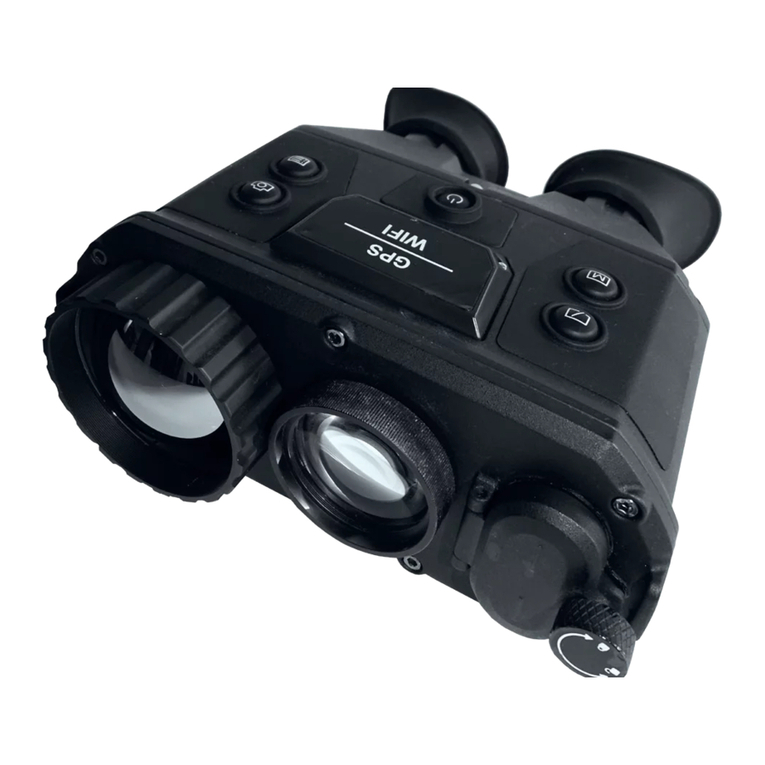
•Unscrew the screw (10) and open battery compartment cover (9)
(Fig. 2).
•Insert one 9V battery (sold separately) into the battery
compartment observing correct polarity.
•Close the battery compartment cover (9) tighten screw (10).
After changing the battery, it is recommended to run the cLr
(CLEAR) mode and Compass Calibration mode (refer mode
selection procedure).
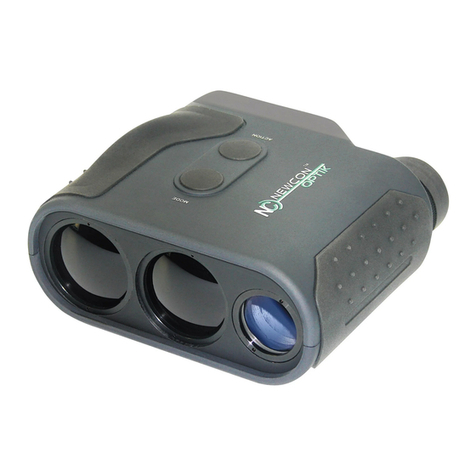
5.2. Measuring procedure
When the Rangefinder is in the passive, zero power consumption
state, the LCD Display is blank (transparent). Press the Abutton (6)
(Fig.1) and hold for 0.5 sec. to activate the System and the Display.
Initially the System always assumes READY mode of operation and
word ‘READY’ appears on the Display.
Pressing and releasing Abutton (6) (Fig. 1) at this point triggers a
measuring session, and the result will be displayed in numerical form
(4) (if measurement is unsuccessful then four dashes ‘----‘ will
appear in the numerical area). Please note that the target must be
over 20m away. The measured data will correspond to the mode
selected (see below). The units of measurement will be indicated in
the field (3) (Fig.3). If you choose more than one parameter to
measure (for instance, distance and azimuth), the measured results
will appear on the display every half second.
10
For instance, Standard1 mode implies cross reticle. If you choose
rectangular reticle (sub selection Code 10), you change the reticle
shape and leave all other parameters of this mode intact. If then you
choose Standard1 again, the reticle will turn back crosshair. The last
set mode overwrites all features that it controls.
Another standard mode is assigned to Code 8. It determines
measurement units and features as Yards, Degrees, Crosshair reticle,
Auto target selection.
All other modes determine only one parameter to measure. For
example, Code 14 allows to measure speed of the objects as
kilometers per hour. The shape of reticle and target selection will
remain the same, as they had been set before you selected the Code
14. Now you can choose a new reticle shape, still remaining in the
speed measuring mode. This example demonstrates that Codes 9-13
replace one selected feature independently, and all other codes can
replace more than one feature in a bunch.
If you want to leave the mode switching procedure without
remembering your choice, you should press and keep held the M
button for more than two seconds. This works like “Escape” key on a
computer keyboard. The rangefinder will remain in the last set mode
and return to the READY state.
Full trek of all possible modes available is depicted on Figure 4.
15