6
Introduction
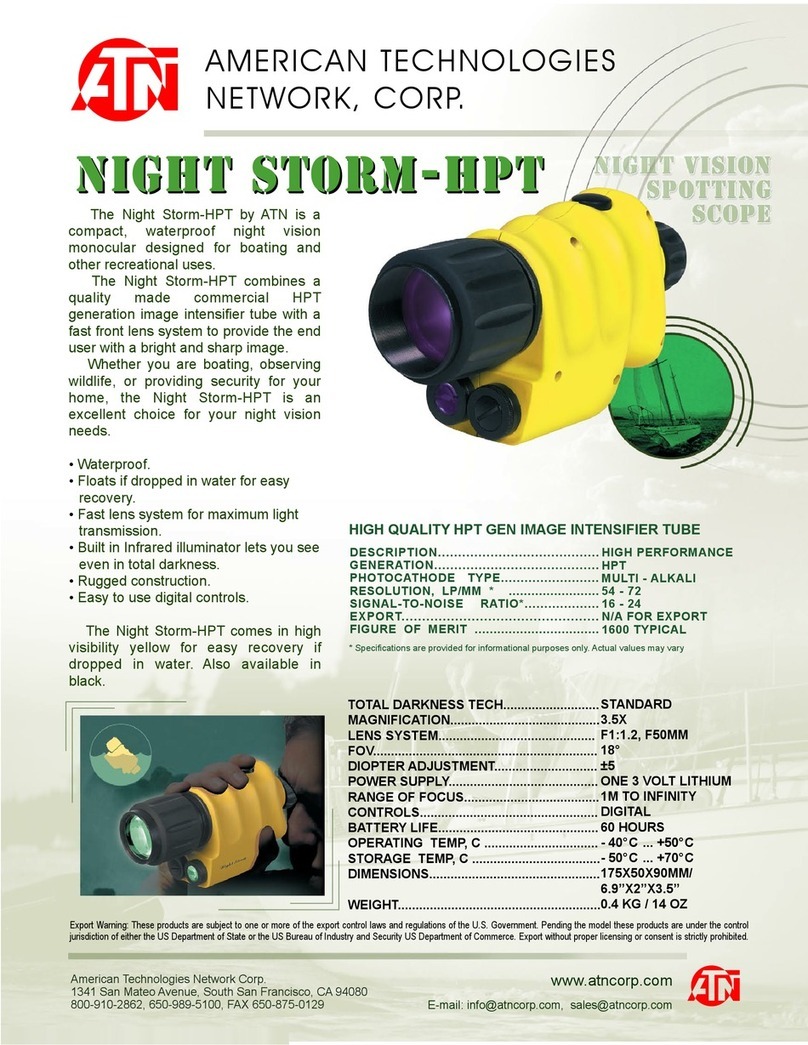
The Night Owl Optics xGen Digital Night Vision Viewer features the
latest innovations in affordable consumer Night Vision technology.
Designed for viewing out to a distance of 70 yards using a powerful
built-in infrared illuminator, the xGen viewer performs in low-light
conditions or complete darkness.
Battery Installation
1. Slide the door down to release lock, then rotate door up to open.
2. Install 3 AA alkaline batteries as shown in
illustration 5a Pg. 4. Please note polarity of batteries.
3. Close the battery compartment by rotating the door down and then
slide up to lock.
Start Up / Turn off
Press-and-Hold to start up. Press-and-Hold again to turn unit off.
Auto-off Feature
It powers down automatically 10 minutes after the last touch of a
control button. If batteries are low, then the device will
automatically power down sooner than the 10 minute time-out
period.
5
Focus
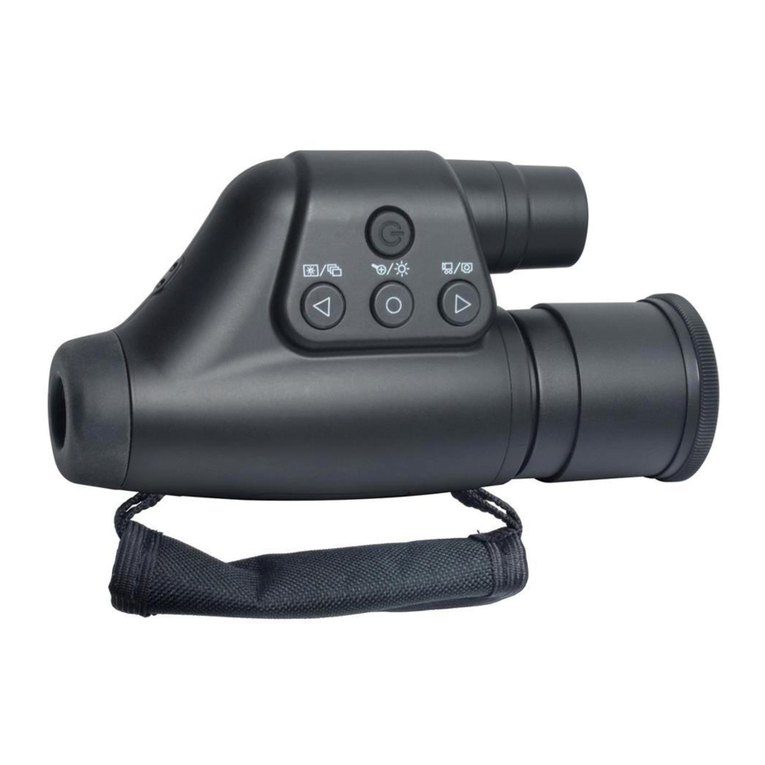
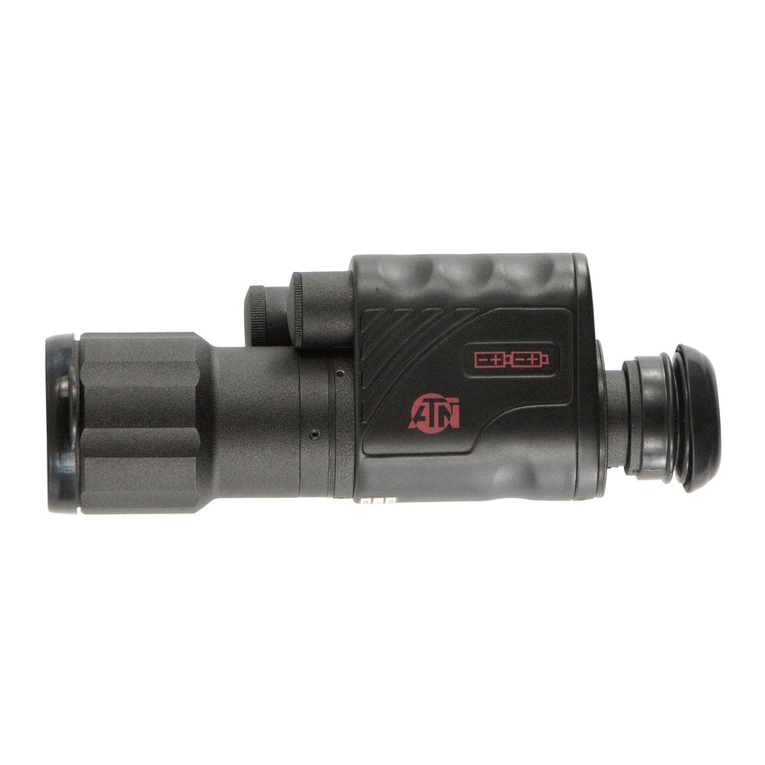
The xGen has two focusing mechanisms.
1. The EYEPIECE2allows you to focus your individual eyesight
onto the microdisplay
2.
The OBJECTIVE LENS
3
brings objects at different distances
into focus.
Focusing Procedure
Press the MODE BUTTON1to see characters on the microdisplay.
With these characters illuminated, rotate the EYEPIECE until the
characters come into focus. After focusing the EYEPIECE to your
eyesight, no further adjustment of the EYEPIECE is necessary,
unless you move it accidentally.
Rotate the OBJECTIVE LENS to bring objects in your field of view into
focus. The xGen requires manual focusing. Just as your eyesight
Operating Control
Use the MODE BUTTON to select the best illumination setting for
the environment you are in. Successive presses of the MODE
BUTTON allow you to select from one of five preprogrammed
settings. Each setting is a combination of IR illumination and
frame-rate. More IR illumination allows you to see farther, but too
much IR illumination at short distances may overexpose the
image. Slower frame-rates (lower numbers) allow the sensor to
collect more light, resulting in increased low-light illumination. But
a lower frame-rate setting also results in a slower refresh rate and
less efficient tracking of moving objects.
Mode Settings are as follows:
IR Illumination4FrameRate
1. 1/3 Power 30 FPS
2. FULL Power 30 FPS
3. 1/2 Power 15 FPS
4. FULL Power 15 FPS
5. FULL Power 8 FPS
Toggle among the different settings and use the selection that is
best for the light environment you are in.
Each time the xGen is powered on, the illumination setting resets
to the #1 default setting.
The infrared light BEAM is not detected by human or animal eyes.
But note that when looking at the infrared emitter, you will notice a
red glow. This red glow is the visible red light that reflects around
the IR diode which creates the infrared light beam. While this glow
can be detected by humans at a distance, animals appear not to
detect it. Animals are not startled by the red glow, nor do they react
to it.
must refocus on objects at varying distances, you must also rotate
the OBJECTIVE LENS to focus precisely on each object you view.