Content
Chapter One Product Introduction.................................................................................................1
1.1 Product Introduction..................................................................................................................1
1.2 Feature........................................................................................................................................1
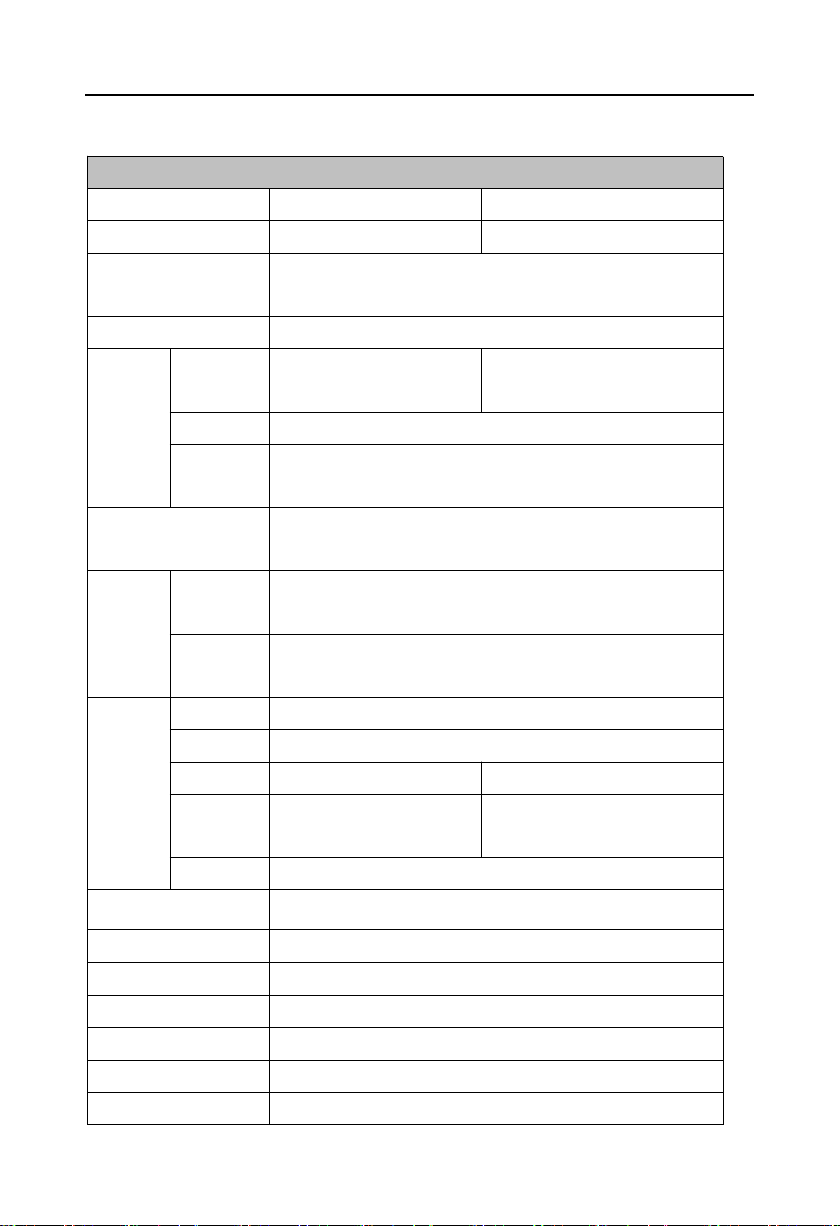
1.3 Hardware Specificattion........................................................................................................... 2
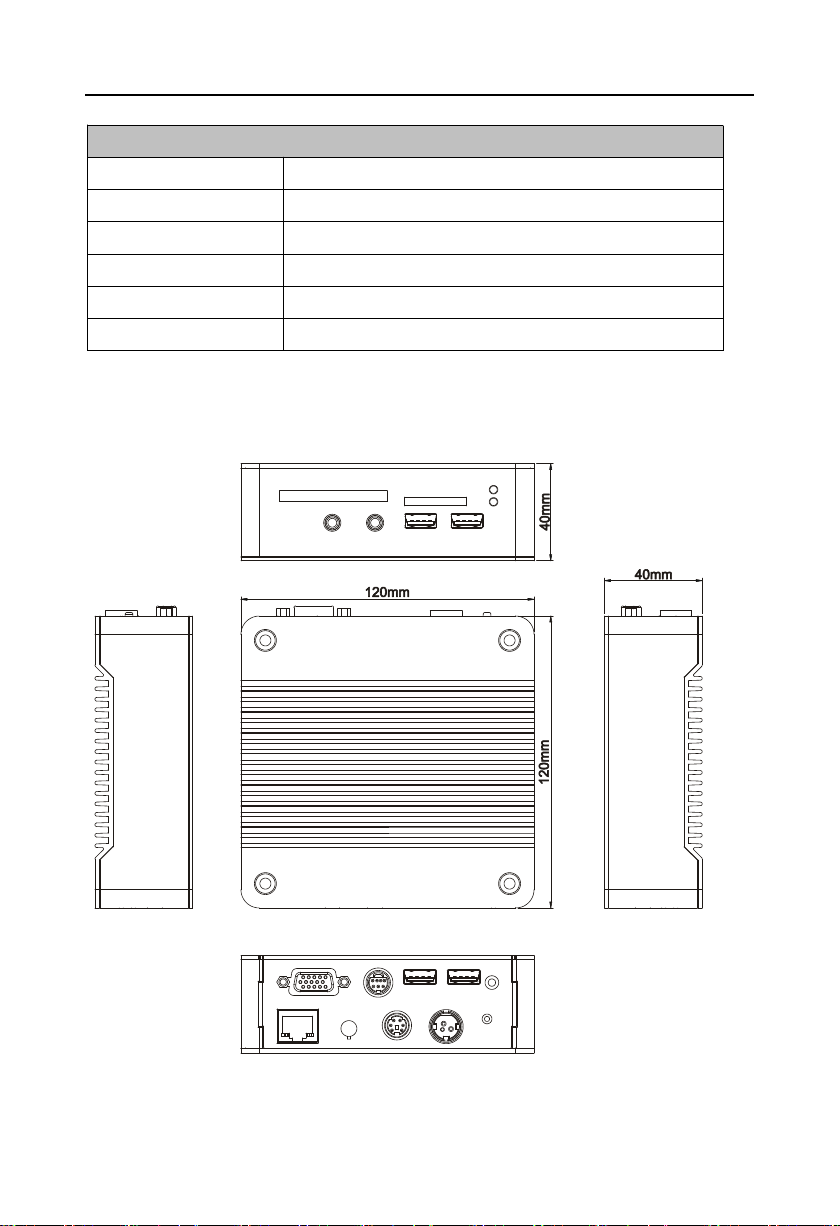
1.4 Product Dimension....................................................................................................................3
Chapter Two Hardware Function................................................................................................. 4
2.1 External Interface Indicator Diagram......................................................................................4
2.2 Jumper Settings.........................................................................................................................5
2.2.1 CMOS Clear/Hold Jumper Setting(JCC).............................................................. 5
2.3 Interface Specification.............................................................................................................. 5
2.3.1 CF Card Slot(CF)......................................................................................................5
2.3.2 SD Card Slot(SD)..................................................................................................... 5
2.3.3 USB Port(USB1,USB2,USB3).......................................................................... 5
2.3.4 Audio Port(Line-out,Mic-in)...................................................................................6
2.3.5 Ethernet Interface(LAN)...........................................................................................6
2.3.6 Keyboard and Mouse Interfaces(Ms/Kb).............................................................. 7
2.3.7 Power Interface(DC +12V)......................................................................................7
2.4 BIS-6620III Expansion Board Interface................................................................................. 7
2.4.1 VGA Port(VGA)......................................................................................................... 7
2.4.2 Serial Port(COM)...................................................................................................... 8
2.5 BIS-6620IV Expansion Board Interface.................................................................................9
2.5.1 HDMI Port(HDMI)..................................................................................................... 9
2.5.2 SATA Port(SATA)...................................................................................................... 9
Chapter Three Hardware Installation.......................................................................................... 11
3.1 Remove Host Cover................................................................................................................11
3.2 Hardware Installation.............................................................................................................. 11
3.2.1Memory Module Replacement/Installation................................................................11
3.2.2 Hard Disk Replacement/Installation..........................................................................12
3.3 Wall Mounted / Display Installation...................................................................................... 13
3.4 Power Connection...................................................................................................................14
Chapter Four BIOS Setup................................................................................................................ 15