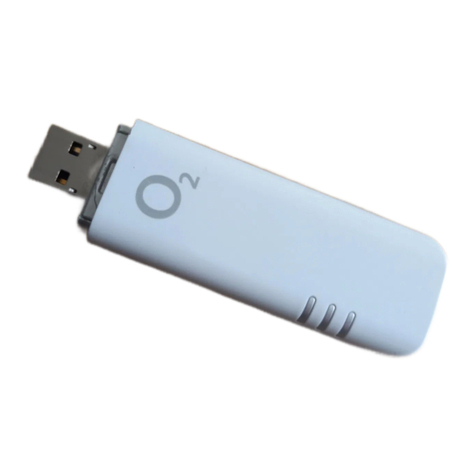
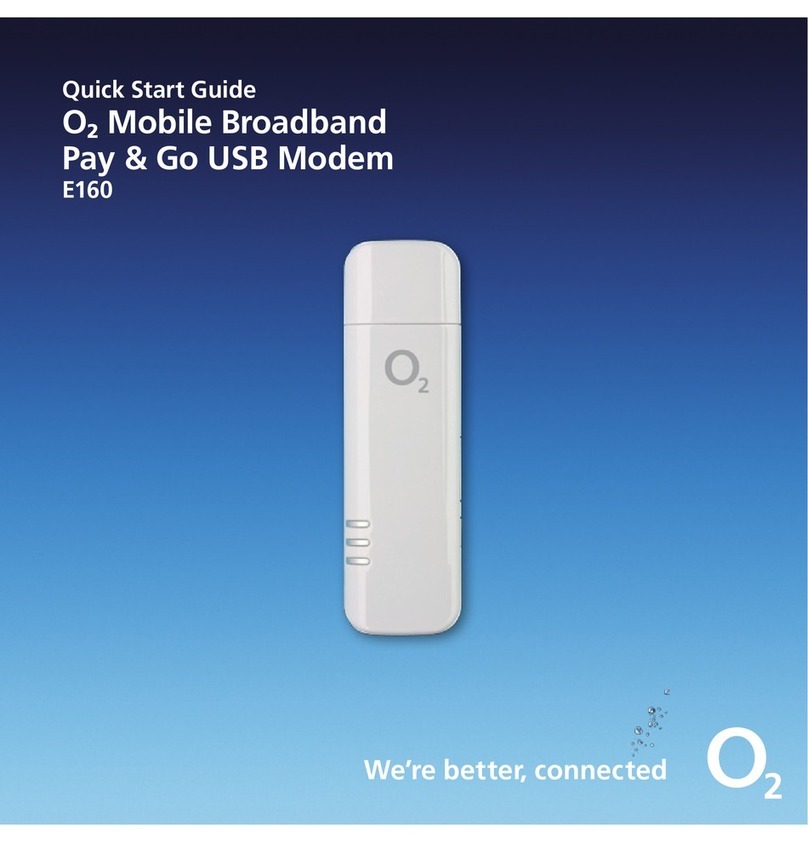
O2 E160 User manual

ø Mobile Broadband User Guide
Pay & Go
USB Modem E160
We’re better, connected

What’s ø Mobile Broadband?
ø Mobile Broadband lets you use the internet almost anywhere.
And it includes connection to any of The Cloud’s
Wi-Fi
hotspots in the UK.
If you use Windows, you can use BT Openzone hotspots too. Wi-Fi is faster,
and it won’t cost you any more.
Your USB Modem works on PCs and Macs, and it automatically
finds the fastest connection for you.

Getting started
What’s in the box 2
Putting in the sim 3
Setting up on your computer 4
Windows 4
Mac 8
Buying ø Mobile Broadband data 15
How to use
Ways to connect to the internet 20
Connecting with ø Mobile Broadband 21
Checking your balance 27
Using Wi-Fi 28
Text messages 35
Using your USB Modem
as a memory stick 37
Using ø Mobile Broadband abroad 38
Help
FAQs 40
Installation problems 41
What can I do to improve 42
the speed of my modem?
Taking care of your USB Modem 43
Glossary 44
Contents

1
2
Getting started

1
2
What’s in the box
It’s a good idea to save your ø Mobile Broadband number in your phone’s address book.
You’ll find it on the credit card sized card that you popped your sim out of (and on your
dispatch note if you bought ø Mobile Broadband online). If you’re a Windows user you can
also get your number by clicking on the tools icon on Connection Manager and then About.
You’ll need it to use Wi-Fi, to buy data or if you call Customer Services for any help.
To use ø Mobile Broadband your computer needs at least:
USB cable - plug it into a
USB port on your computer
and your USB modem to try
and get better reception
Windows
• XP Service Pack 1-3 (32 bit), Vista (32 bit)
• Processor: 500Mhz and above processor
• Hard Disk Space: 150MB
• RAM: 1 GB
• Internet Explorer 6.0 Service Pack 1 or higher
• Video: 256 colours and 800x600 resolution
Important: Windows 2000 isn’t supported
Mac
• Mac OS X: 10.4 or higher
• Hard Drive Space: 64MB
• RAM: 1 GB
USB Modem Sim Pack – this has your sim card,
ø Mobile Broadband number and
all the T&Cs

3
4
Putting in the sim
1. Take the cap off the modem.
2. With the ø logo facing up, hold the modem and slide the sim card tray out with
your fingernail.
3. Take your sim from the pack in the box, and put it in the tray with the gold chip
facing up. The slanted corner should slide in first.
4. With the chip facing down, push the tray completely back into the USB modem,
but don’t force it.

3
4
Setting up for Windows users
You can use ø Mobile Broadband on more than one computer. You need to install the
software on each computer you want to use.
If you’re using Windows, read on.
If you’re using a Mac, go to page 8.
Windows
You need to install ø Connection Manager, which
will manage all your internet connections.
1. Plug your USB modem into a USB port on
your computer. Look for the USB port
symbol
2.
Wait a few minutes. If the AutoPlay window
pops up, click Run AUTORUN.EXE.
Tip: If it takes more than a couple of minutes,
start ø Connection Manager manually by
going to Start > Computer >
O2 Connection Manager.
Connection Manager will get ready to install. This may take a few moments.

5
6
3. If the User Account Control screen
pops up, click Allow.
Connection Manager will get ready
to install. This may take a few moments.
4. Read the licence agreement and tick
the Accept box. Click Next.

5
6
5. Click Install.
Wait while the InstallShield Wizard installs
ø Connection Manager. It might take a few
minutes.
6. Click Finish
.
Wait while Connection Manager finishes installing. It might take a few minutes.

7
8
7. Tick the Pay & Go box and fill in your details.
This is so we can keep you up to date with any
new software developments that will improve
the service you get.
Click Continue.
You’re nearly ready to go.
Go to page 15 to buy access and start using the internet.
Other manuals for E160
2
Table of contents
Other O2 Modem manuals