iii
TABLE OF CONTENTS
SMART CONSOLE GUIDE............................................................................................................. 1
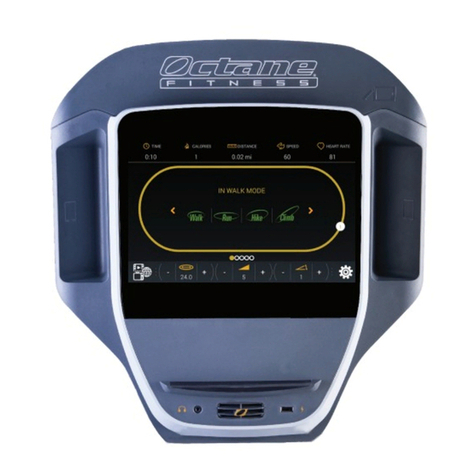
Smart Console Features ......................................................................................................... 1
Touch Screen Navigation ...................................................................................................... 2
Home Screen............................................................................................................................ 2
ZR8000 Home Screen.......................................................................................................... 3
Select a Workout..................................................................................................................... 4
Workout Mode ......................................................................................................................... 5
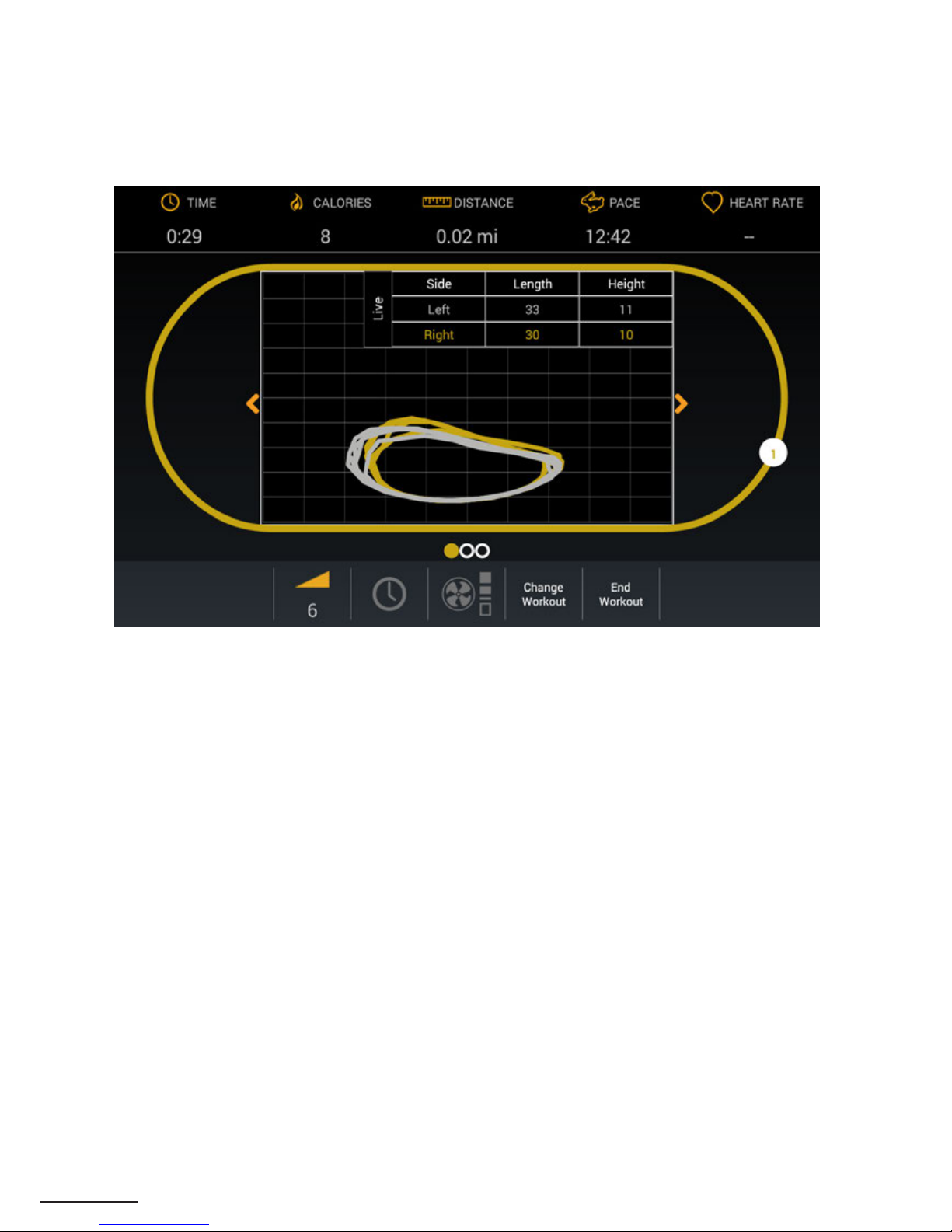
ZR8000 Stride Trace ............................................................................................................ 7
Settings Mode.......................................................................................................................... 8
Entertainment Mode ............................................................................................................... 9
SMART CONSOLE SETUP AND ADMINISTRATION.............................................................. 10
Club Settings .......................................................................................................................... 11
Machine Settings .............................................................................................................. 11
Network Settings .............................................................................................................. 13
Internet Favorites ............................................................................................................. 14
Entertainment Setup ............................................................................................................. 16
TV Setup .............................................................................................................................. 16
Remote Update Setup ........................................................................................................... 18
System ................................................................................................................................. 18
Server .................................................................................................................................. 19
Machine Information and Diagnostics ............................................................................. 20
Setting Up Multiple Units .................................................................................................... 21
Transferring All Settings ................................................................................................. 21
Transferring Settings from One Screen Only .............................................................. 22
ADDITIONAL SUPPORT INFORMATION.................................................................................. 23
• Cleaning and Maintenance............................................................................................. 23
• Advanced Diagnostics ..................................................................................................... 23
• Programs and Features .................................................................................................... 23
• Important Safety Information .......................................................................................... 23
• Customer Support.............................................................................................................. 23