Pag. 4
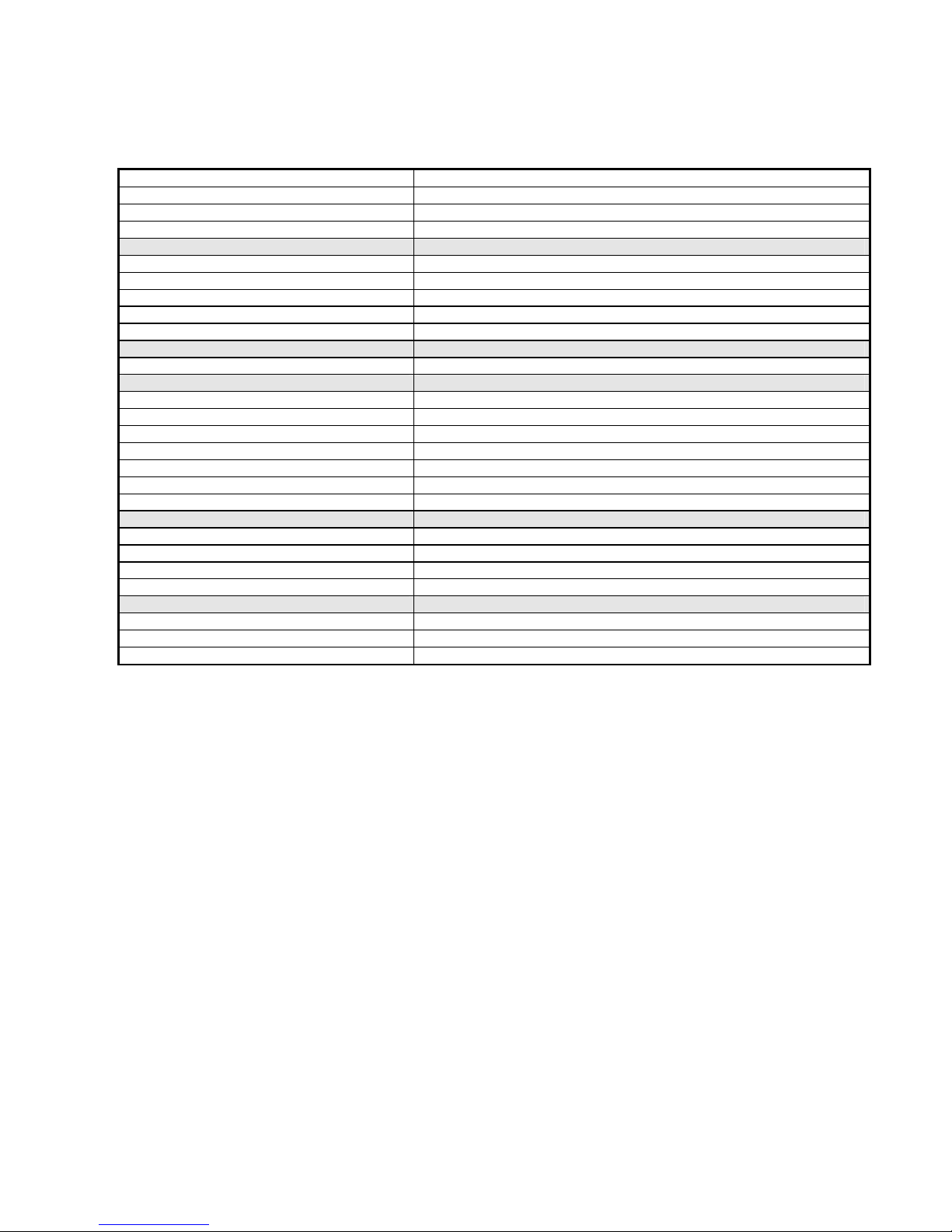
5.1 MENU CONST
Display Description
CAPAC Rated capacity in kg
DIVIS Division value ( Select option from 0,001 to 50 )
RANGE Set Multirange ON or OFF ( Two fields of 3000 div. each one )
On the basis of the rated capacity, automatically will be set also the autozero value ( 10% of
the rated output ), the value of the zero track and the value of the zero key ( 2% of the rated
output )
If the RANGE option is set to ON, the weight range will be splitted in two fields of 3000
divisions each one; if the weight on the display is in range n° 1 , the led 1 is turned on, while,
when the weight is in the second filed, the led 2 is turned on. The passing from field 1 to field
2 with the change of the division is automatic, but the passing from field 2 to field 1 will have
effect only with scale unloaded.
If it is set a number of division upper than 6000 it is not possible to set RANGE to ON.
6WEIGHT CALIBRATION
After the confirmation of the CALIB function, the display will show alternatively the weight
value and the “CAL” indication.
6.1 ZERO CALIBRATION
Press the key 0 The display will be set to Zero.
A long pression of the 0 key will cancel the zero. Calibration
6.2 SPAN CALIBRATION
Press the key SET The display will show all zero with one digit blinking; enter the
correspinding value of the weight to be used for the span calibration; place the weight on the
platform of the scale and confirm with SET.
Press ESC to end the procedure.
7SCALE SETUP PARAMETER SUBMENU
Display Description
FILT- Digital Filter ( From 0 to ) Standard value : 2
STAB- Steady weight rate factor ( From 0 to ) Standard value : 2
AUT-0 Autozero value in kg ( Standard value : 10 % of the rated capacity )
0 TR- Zero Track ( From 0 to ) Standard value : 2
G-CAL Gravity factor of the calibration site
G-USE Gravity factor of the use site
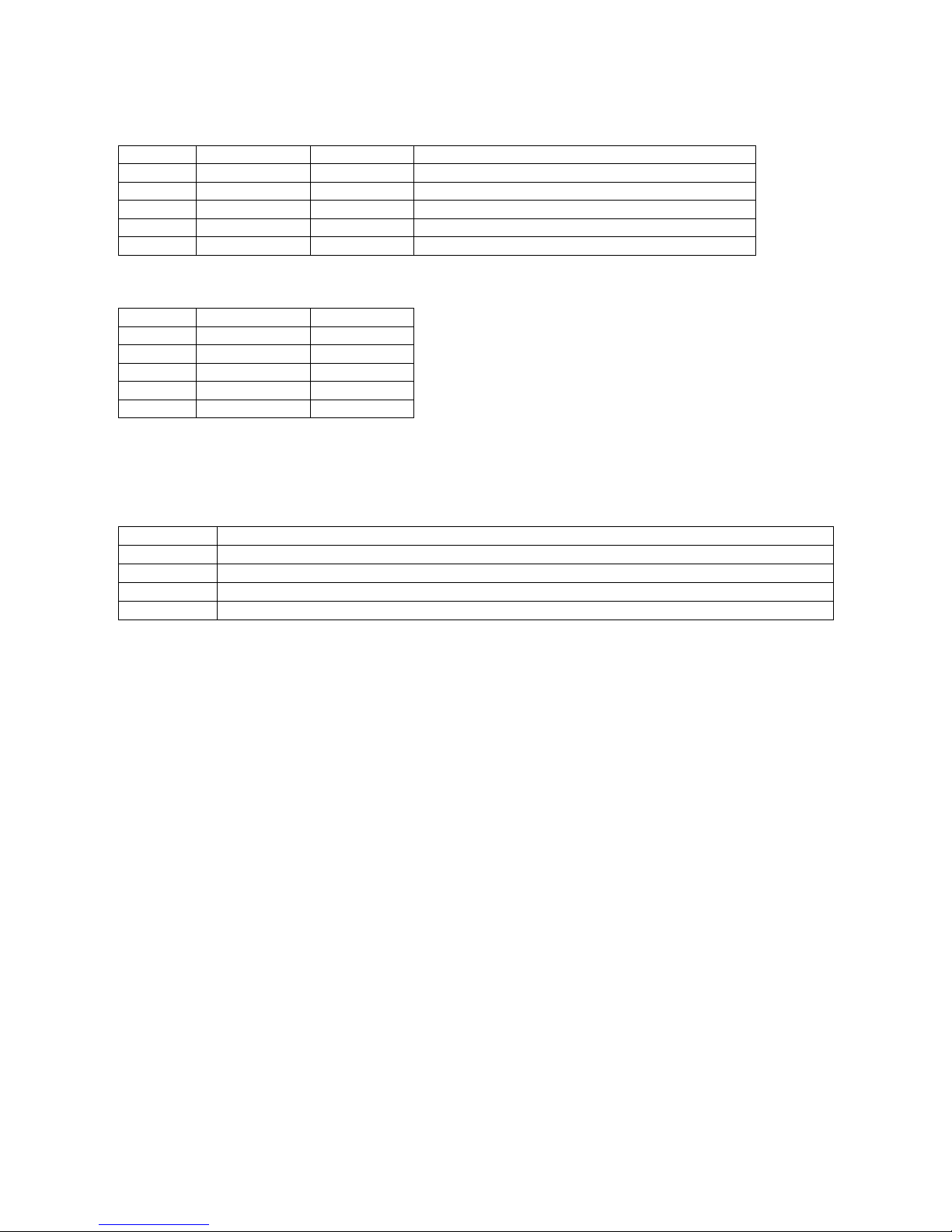
DIGITAL FILTER VALUES
VALUE DESCRIPTION
0 Minimum effect
1 Low effect
2 Medium effect
3 High effect
Maximum effect