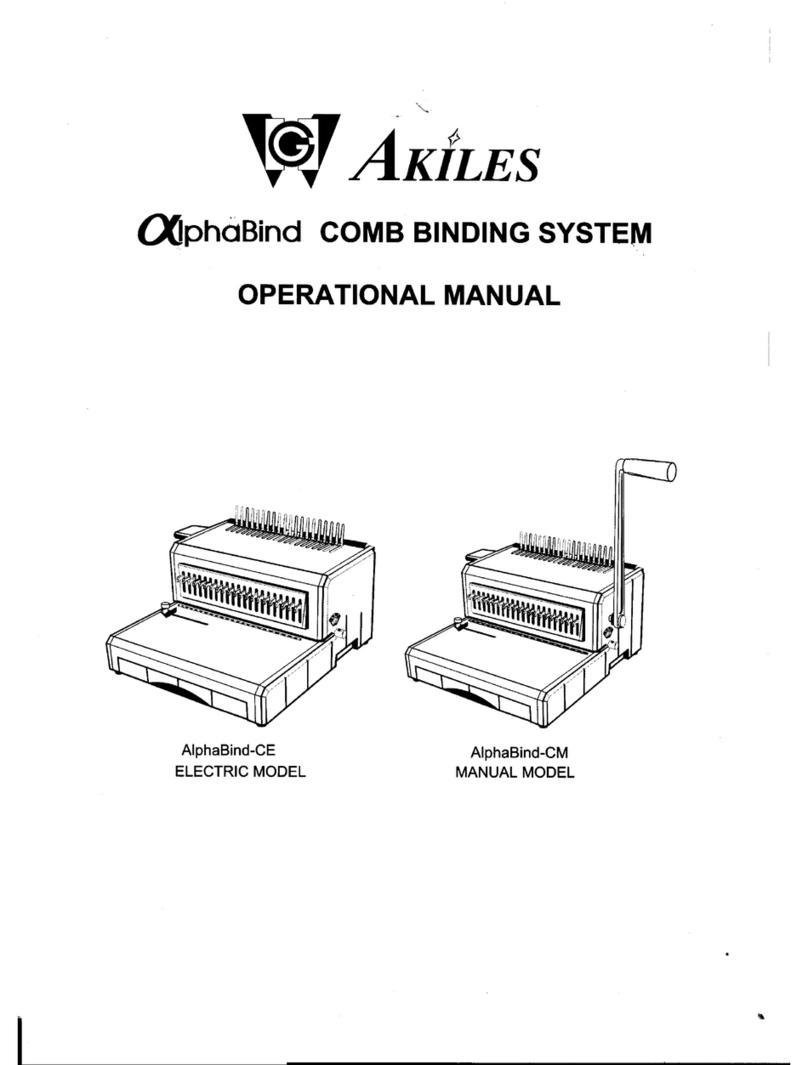
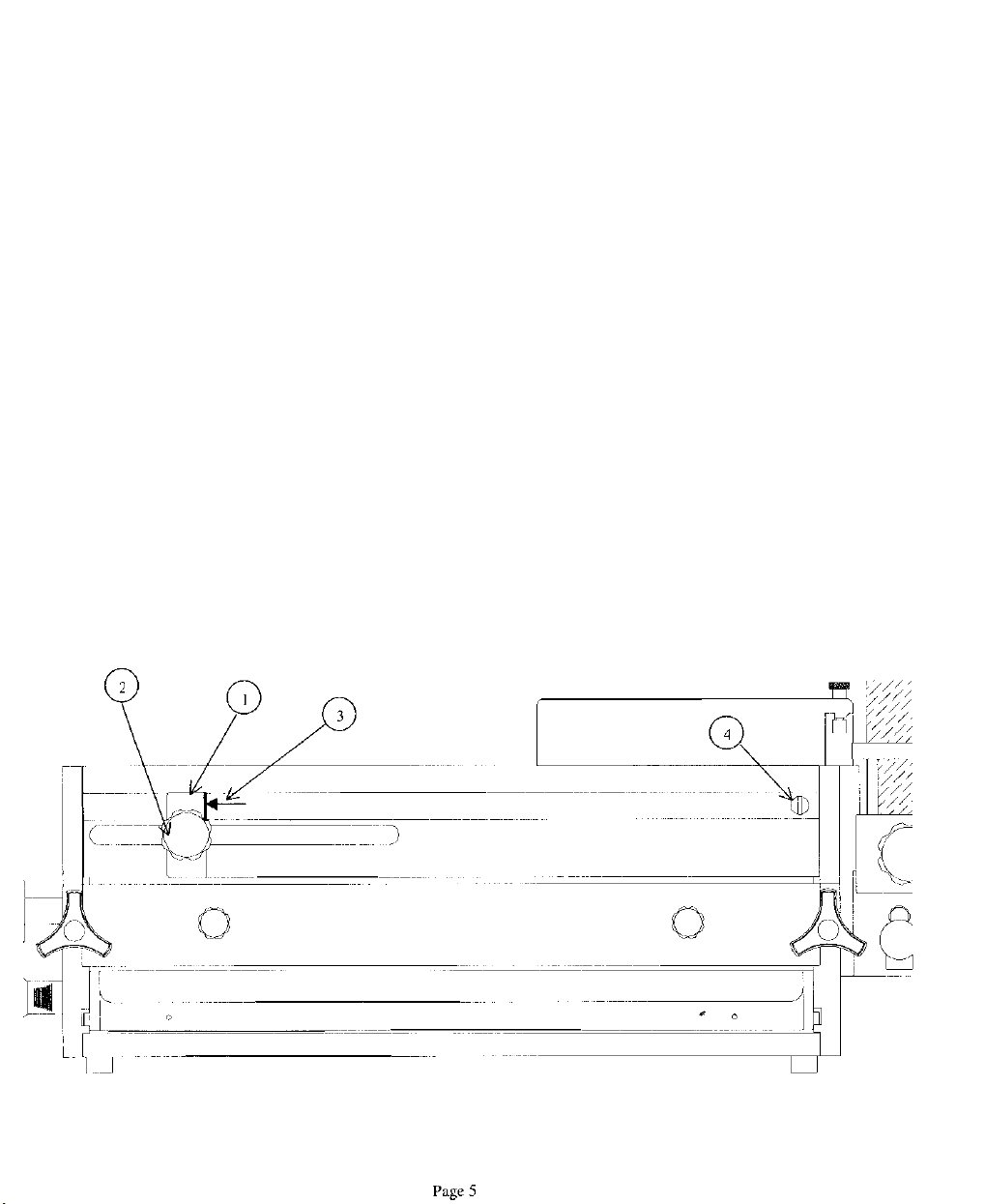
Comb dies are the only kind to have an adjustable backstop.
These
are
specia/
order dies and
are
not
standard. To change the position of the hole placement
(margin) to the back edge of the sheet, first install the die into the OD 4000.
Pull
on the black handle, which is
part
of the die. There are four placement positions.
Choose the position best suited for your job. Push
the
handle towards
the
right
for
the
larger combs and
pull
it
out
to
the
left
for smaller combs. The exact
position will be left up to the operator’s preference.
1) Punching Paper:
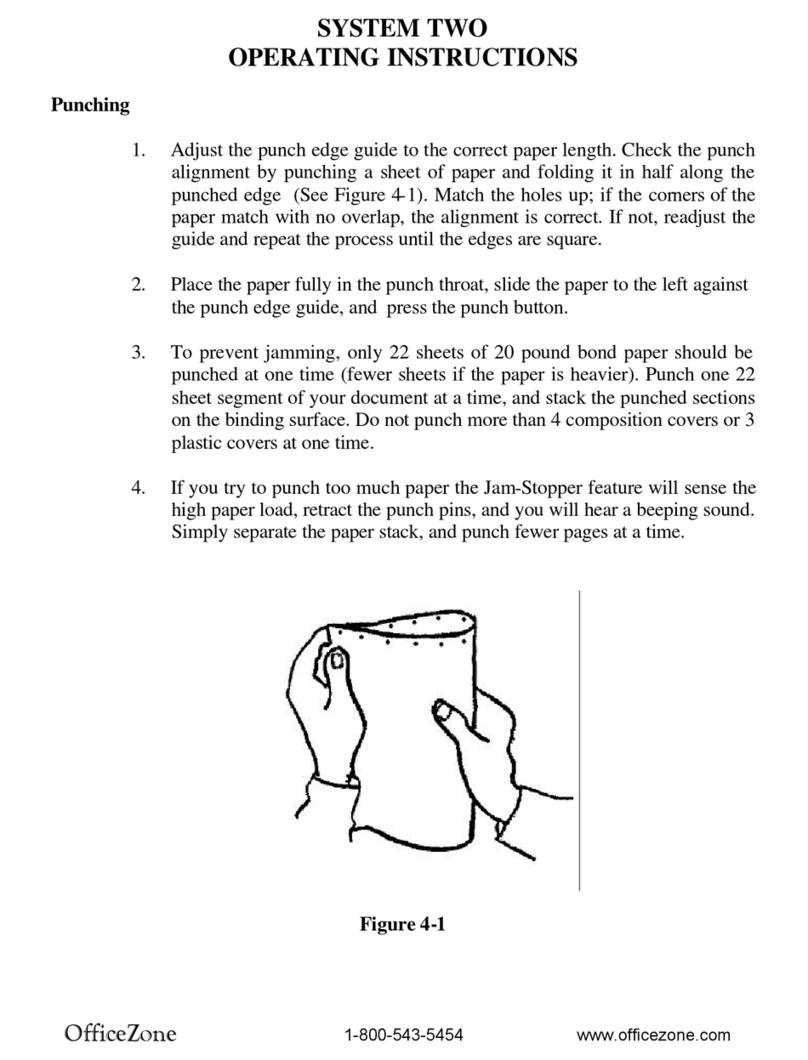
Position the paper that needs to be punched either to the left, right or on top of
the machine. This is up to the individual operator. Remove 10 to
15
sheets (2Olb
bond copy paper) from the pile and slide it down vertically into the opening of the
die. When the paper is fully down, slide it to the left so it comes in contact with
the paper guide. Make sure all the edges of the sheets are flush by tapping the
top and the right hand side of the sheets before pressing the foot pedal. After
punching the sheets, place the paper on the punched pile making sure the
sheets remain in exact order.
2) Removing paper waste: Diagram 3
The paper waste is removed by pulling towards you the paper
waste
drawer (3).
It is located directly below the die. This should be checked frequently while
punching not to allow it to fill up and spill into the machine.
3) Paper Jam: (Reverse knob) Diagram 3
Unplug
and
turn
the power oft to the
machine
before proceeding. The reverse
knob is only utilized if a paper jam occurs in the die or if the die is installed
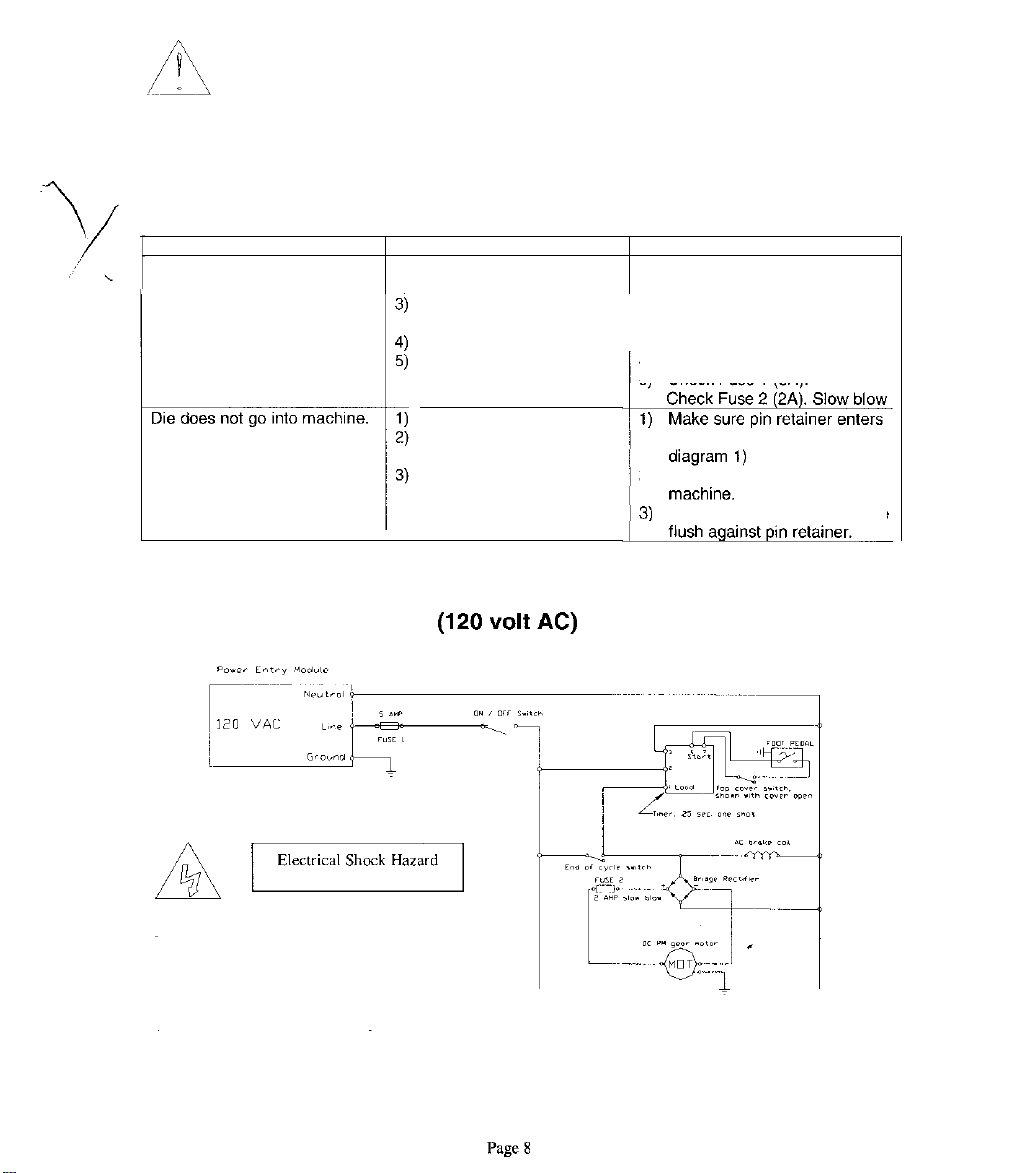
incorrectly. When a paper jam occurs, the fuse protecting the motor may have to
be replaced. This is normal and allows maximum protection for the punch motor.
+
Push in and turn the reverse knob (1) counter clockwise about
8-10
times so
the punch pins (2) start to move
out
of the paper in which it had jammed.
This should be enough to allow the paper to become free of the die. (This
knob is normally tight and requires a firm grip to turn it the small amount
necessary to remove the paper from the die.)
+
Plug the machine back into the wall outlet and turn the main power switch on
+
Press the foot pedal to see if the machine operates. If yes, reinstall the die
and continue punching the job. If the machine does not function, see
replacing the fuses in the troubleshooting section of this manual.