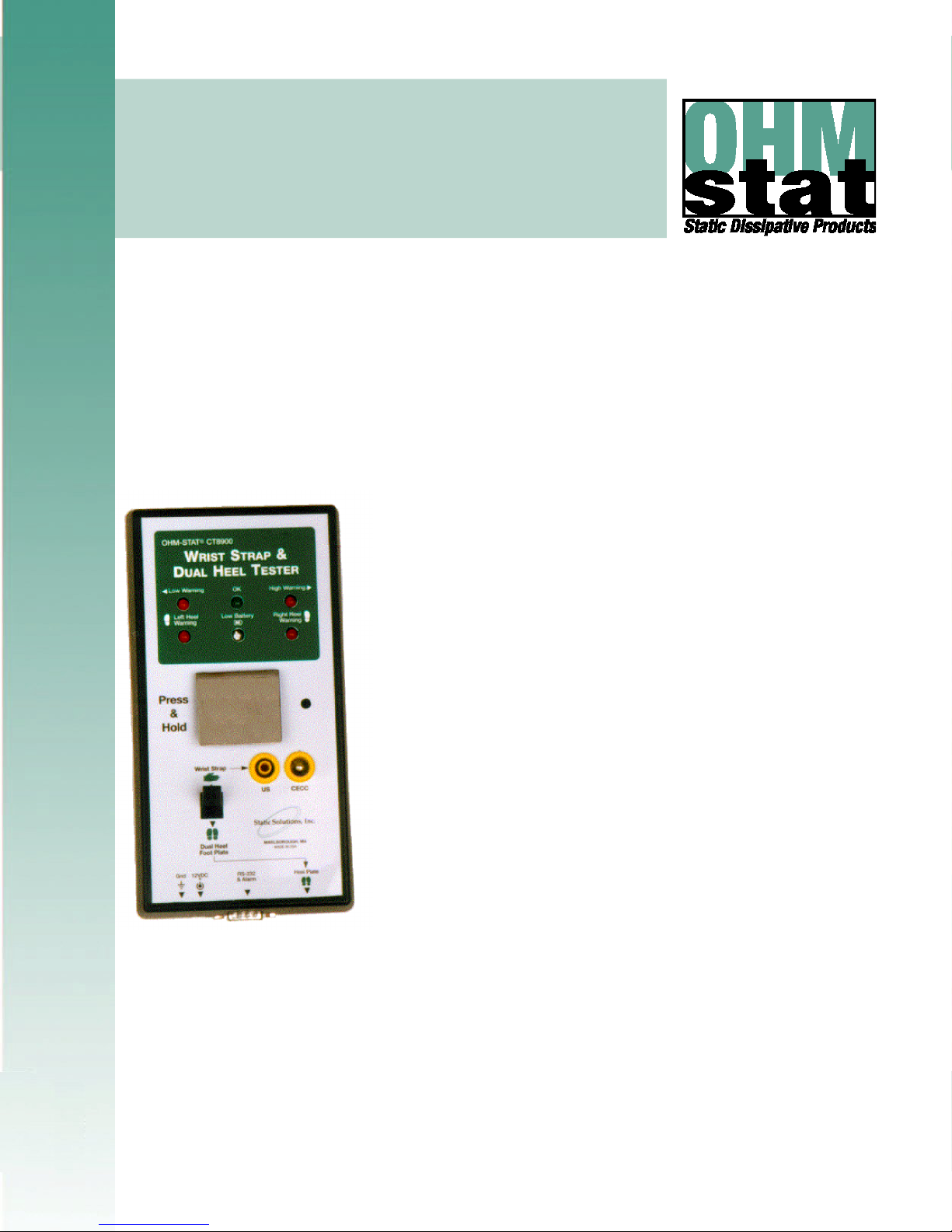
Static Solutions CT-8900 Combo Tester Instructions 7/22/2009
2
TABLE OF CONTENTS
INTRODUCTION................................................................................................................ 4
FEATURES:................................................................................................................................................................................ 5
CALIBRATION VERIFICATION ................................................................................................................................................. 6
ISO TRAINING AND CERTIFICATION OF ESD HANDLING AND CONTROL MEASURES FOR OPERATORS ................... 7
Objectives ........................................................................................................................................................ 7
Qualification and Certification Testing ............................................................................................................. 7
Standards Compliant ....................................................................................................................................... 7
Learning station system requirements............................................................................................................. 7
Setup of training courses ................................................................................................................................. 7
Training Program Sequence of Events............................................................................................................ 8
TESTING OF WRIST STRAPS AND FOOTWEAR .................................................................................................................... 9
BASIC SETUP ................................................................................................................. 10
EQUIPMENT............................................................................................................................................................................. 10
Equipment Required ...................................................................................................................................... 10
Equipment Provided....................................................................................................................................... 10
Equipment Options ........................................................................................................................................ 10
HARDWARE INSTALLATION.................................................................................................................................................. 11
Before You Begin........................................................................................................................................... 11
Meter Assembly ............................................................................................................................................. 11
Meter Adjustments ......................................................................................................................................... 12
Dip Switch Settings for 100M unit.................................................................................................................. 13
Dip Switch Settings for 1000M unit special unit ............................................................................................. 14
Door Relay ..................................................................................................................................................... 15
SOFTWARE INSTALLATION GUIDE ...................................................................................................................................... 18
Software Installation for First Time Installation of New Software................................................................... 18
Software installation for Upgrading to a Minor Version Change .................................................................... 18
Software Installation for Upgrading to a Major Version Change .................................................................... 18
STARTING THE PROGRAM .................................................................................................................................................... 19
Help................................................................................................................................................................ 20
CARD READER INSTALLATION INSTRUCTIONS................................................................................................................. 21
Keyboard Wedge and USB Bar Code Reader or Magnetic Stripe Reader Installation.................................. 22
Trouble Shooting if Scanner Does Not Read Correctly ................................................................................. 23
USB Reader Installation................................................................................................................................. 24
Trouble Shooting if USB scanner Does Not Read Correctly.......................................................................... 24
General RS232 Reader Installation ............................................................................................................... 25
Trouble Shooting If the RS232 reader card does not work............................................................................ 26
CASI-RUSCO94x, 97x weigand, HID 5352, HID RW-400, AWIDSP-6820 RS232 reader Installation27
Trouble Shooting If the card does not work. .................................................................................................. 27
PROGRAM SETTINGS............................................................................................................................................................. 29
General Configuration.................................................................................................................................... 29
Change Administrator Password ................................................................................................................... 31
Unknown ID Configuration’ ............................................................................................................................ 31
User Information ............................................................................................................................................ 32
Directories...................................................................................................................................................... 34
Change Employee Password......................................................................................................................... 34
Certification Configuration.............................................................................................................................. 35
Remote Data Base Setup for accessing employee names............................................................................ 35
Remote Data Base Setup for storing resistance test data ............................................................................. 39
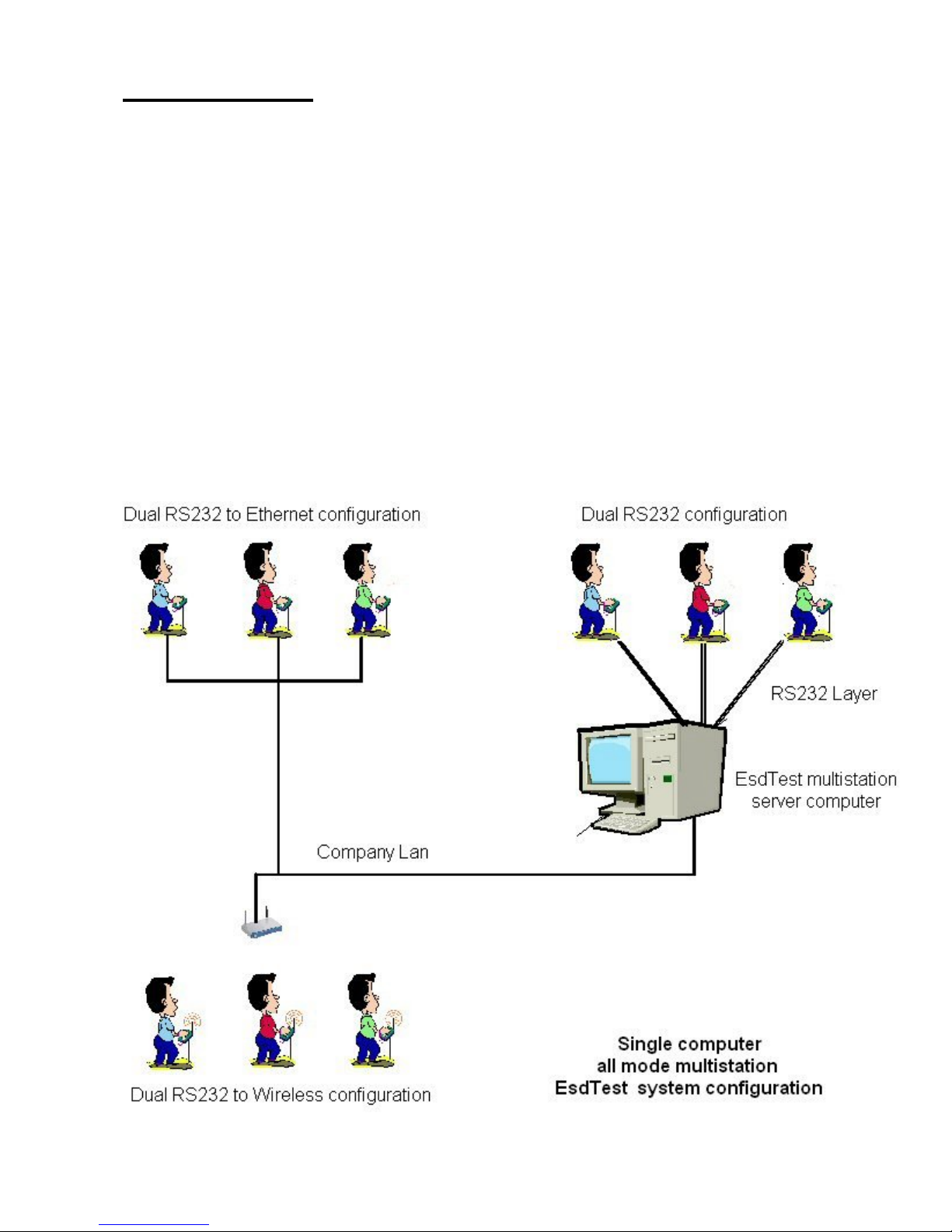
Multiple Station Configuration and operation................................................................................................. 41
Language Display .......................................................................................................................................... 43