manuals.online logo
Brands
  1. Home
  2. •
  3. Brands
  4. •
  5. Olymp
  6. •
  7. Indoor Furnishing
  8. •
  9. Olymp Edition FB Series User manual

Olymp Edition FB Series User manual

This manual suits for next models

5

Other Olymp Indoor Furnishing manuals

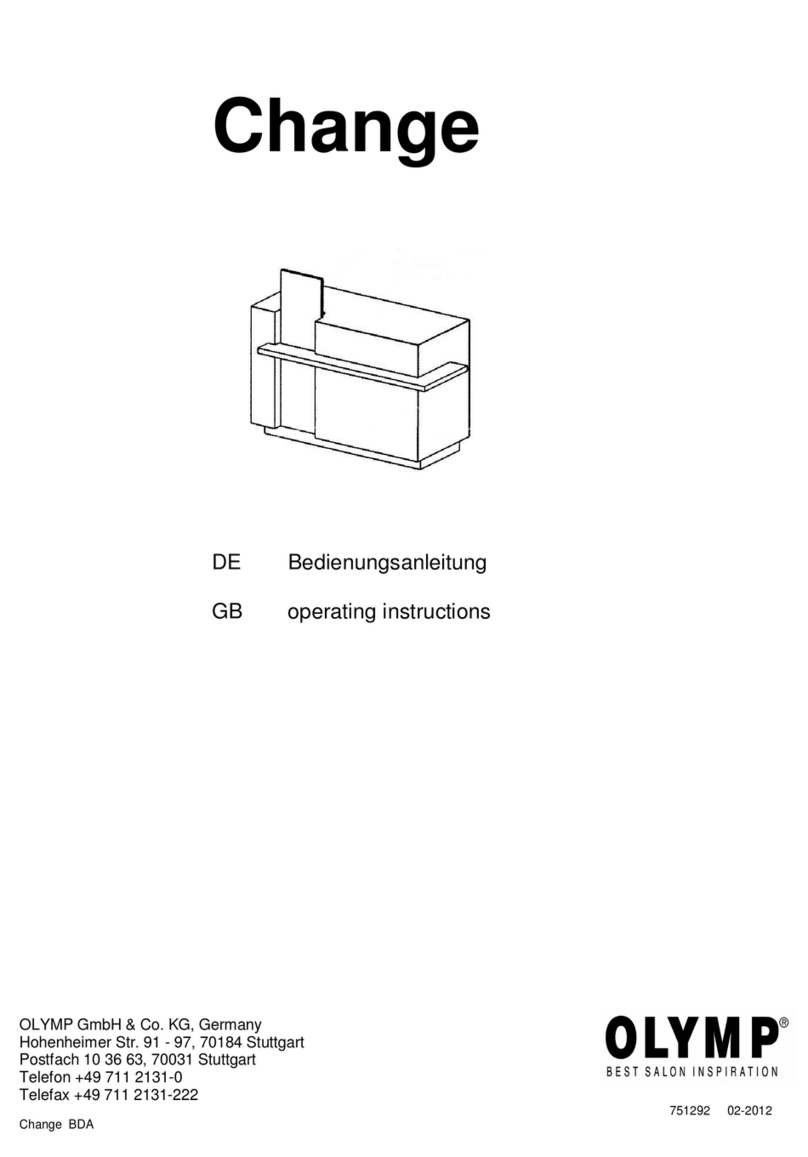
Olymp Change User manual

Olymp

Olymp Change User manual

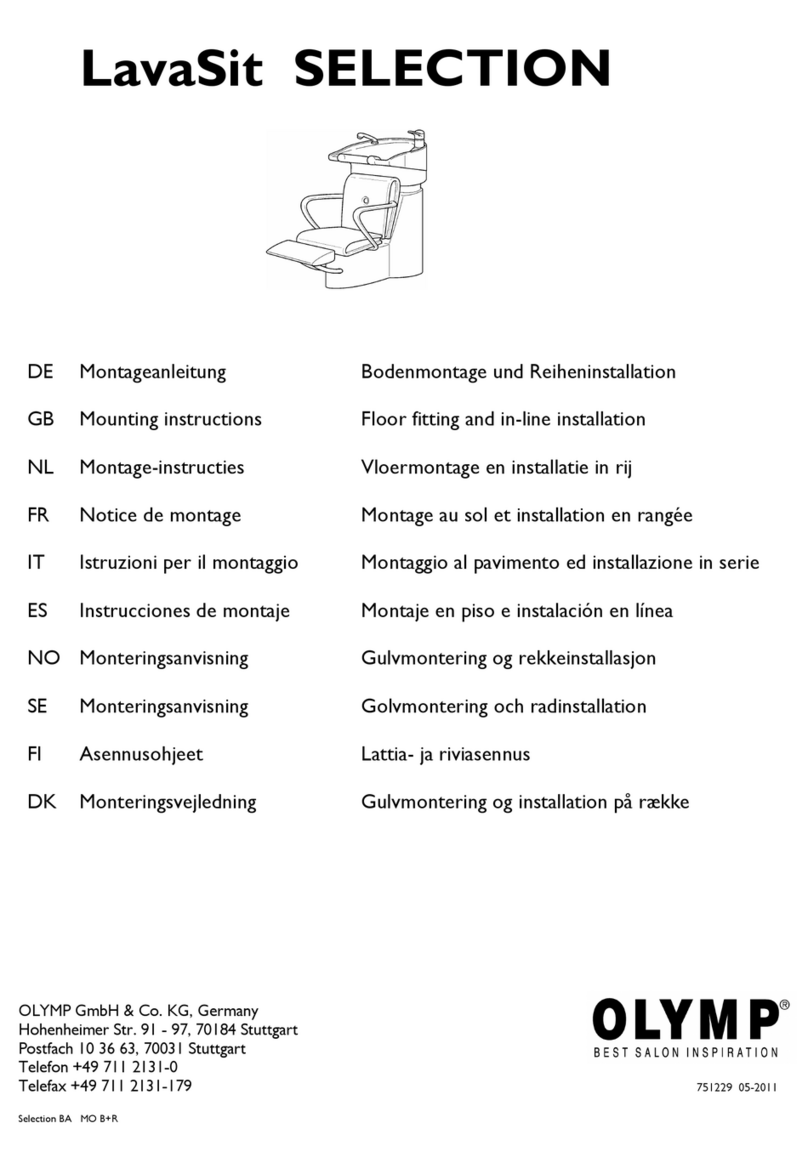
Olymp LavaSit Selection User manual

Olymp

Olymp LavaSit Selection User manual

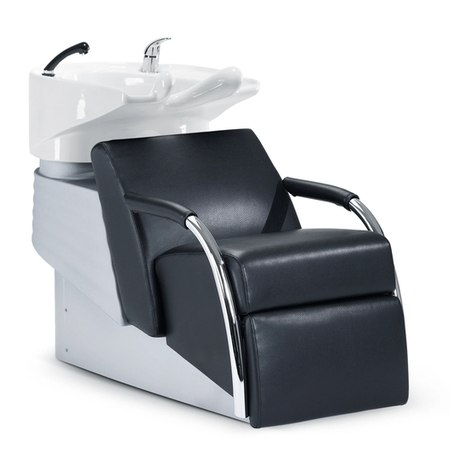
Olymp LavaSit VAREO User manual

Olymp

Olymp LavaSit VAREO User manual

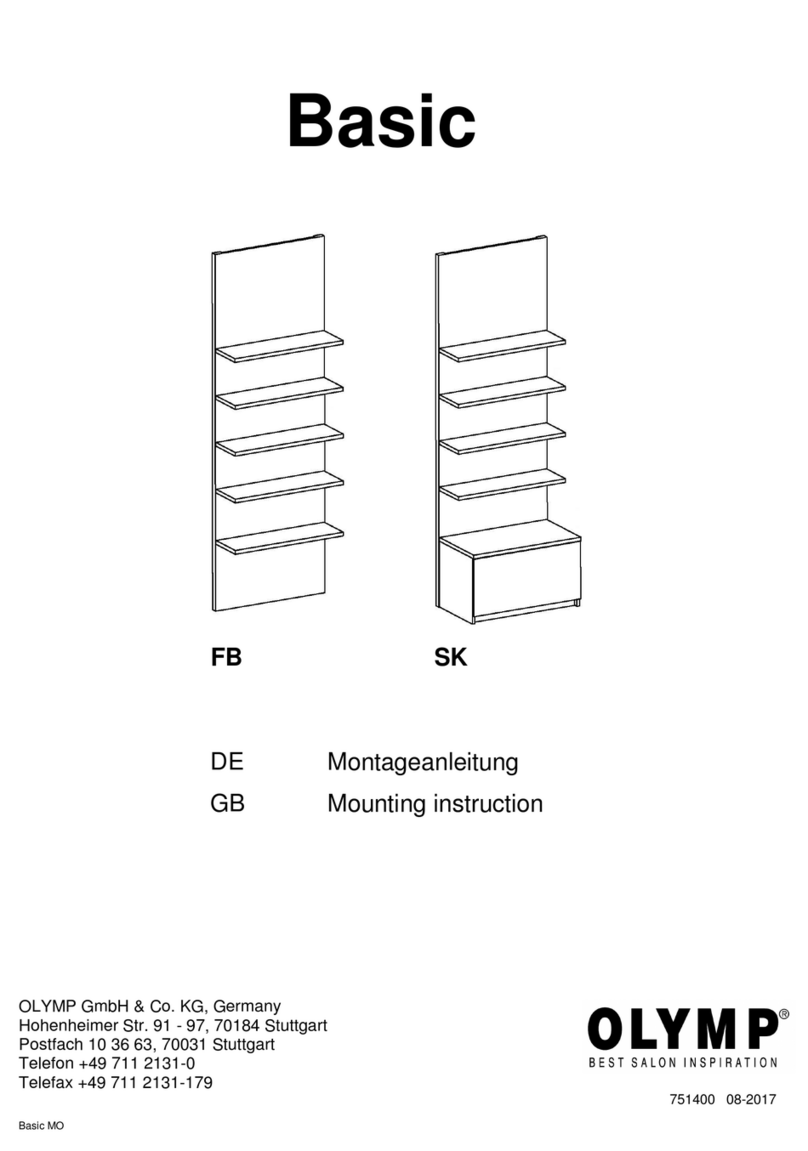
Olymp Basic User guide

Olymp

Olymp Basic User guide

Olymp LavaSit VAREO User manual

Olymp

Olymp LavaSit VAREO User manual

Popular Indoor Furnishing manuals by other brands

Regency LWMS3015 Assembly instructions

Regency

Regency LWMS3015 Assembly instructions

Furniture of America CM7751C Assembly instructions

Furniture of America

Furniture of America CM7751C Assembly instructions

Safavieh Furniture Estella CNS5731 manual

Safavieh Furniture

Safavieh Furniture Estella CNS5731 manual

PLACES OF STYLE Ovalfuss Assembly instruction

PLACES OF STYLE

PLACES OF STYLE Ovalfuss Assembly instruction

Trasman 1138 Bo1 Assembly manual

Trasman

Trasman 1138 Bo1 Assembly manual

Costway JV10856 manual

Costway

Costway JV10856 manual

moss DESIGN Caisson Credenza Assembly instructions

moss DESIGN

moss DESIGN Caisson Credenza Assembly instructions

Aquaglide FULL DECK 15.0 owner's manual

Aquaglide

Aquaglide FULL DECK 15.0 owner's manual

AREBOS AR-HE-SW30 user manual

AREBOS

AREBOS AR-HE-SW30 user manual

Till-Hilft Fulda 87005.330 Assembly instructions

Till-Hilft

Till-Hilft Fulda 87005.330 Assembly instructions

Twoey Outside 2010 quick start guide

Twoey Outside

Twoey Outside 2010 quick start guide

Hettich Easys 200 operating instructions

Hettich

Hettich Easys 200 operating instructions

The bedboss RELAX 404 Series owner's manual

The bedboss

The bedboss RELAX 404 Series owner's manual

Oeseder Möbelindustrie Bern 991 720 Assembly instructions

Oeseder Möbelindustrie

Oeseder Möbelindustrie Bern 991 720 Assembly instructions

Costway HW68469 user manual

Costway

Costway HW68469 user manual

Next ALIX A27743 Assembly instructions

Next

Next ALIX A27743 Assembly instructions

BROSA Hans Assembly guide

BROSA

BROSA Hans Assembly guide

Prodigg MINIKA PBA015T-FUR installation manual

Prodigg

Prodigg MINIKA PBA015T-FUR installation manual

manuals.online logo
manuals.online logoBrands
  • About & Mission
  • Contact us
  • Privacy Policy
  • Terms and Conditions

Copyright 2025 Manuals.Online. All Rights Reserved.

Seite/
page
1 von/
of
4
Edition
FB SK
DE Montageanleitung
GB Mounting instructions
OLYMP GmbH & Co. KG, Germany
Hohenheimer Str. 91 - 97, 70184 Stuttgart
Postfach 10 36 63, 70031 Stuttgart
Telefon +4
751401 06-2019
Seite/
page
2 von/
of
4
Edition 240 FB
Edition 260 FB
200
200
Netzteil 1
power pack 1
Netzteil 2
power pack 2 Netzteil 2
power pack 2
Wandbefestigung
wall mounting
Kabelbohrung
cable recess Ø60
Klappe
flap
Dia hinter Acrylglas
slide behind Acrylic
glass 1020 x 465
KB
KB
180
550 550
Elektro-Wandauslass
electric wall outlet
Verbindungskabel
connection cable
180
550 550
Verbindungskabel
connection cable
LS
LS
LS
LS
Wandbefestigung
wall mounting
Kabelbohrung
cable recess Ø60 Netzteil 1
power pack 1
Klappe
flap
Dia hinter Acrylglas
slide behind Acrylic
glass 1020 x 465
Elektro-Wandauslass
electric wall outlet
Bauseitige elektrische Voraussetzungen:
ØElektro-Wandauslass 1x NYM3x 1,5mm2
,einzeln abgesichert, ca. 500 mm lang,
Schaltung über bauseitigen Wandschalter.
ØZusätzlich 1x Verbindungskabel zum oberen
Netzteil ca. 250 cm lang
ØDie beiden Netzteile (ohne Stecker) müssen von
einer Elektro-Fachkraft in einer Verteilerdose
(nicht im Lieferumfang enthalten) an das Elektro-
Wandauslasskabel angeschlossen werden.
ØBei Absicherung mit 16A können max. 2
Verkaufsregale gemeinsam geschaltet werden.
Sollen mehr als 2 Regale gemeinsam geschaltet
werden, kann von der ausführenden Elektro-
Fachkraft ein Strom-Einschaltbegrenzer in die
bauseitige Elektrifizierung eingeplant werden.
Electrical conditions provided by customer:
Øelectrical wall outlet 1x NYM 3x 1,5mm2,
separately protected (separate fuse),
ca. 500 mm long,circuit with wall switch.
ØAdditionally 1 connection cable to upper power
pack, approx. 250 cm long.
ØThe two power packs (without plug) must be
connected to the electrical wall outlet cable by a
authorized electrician in a distribution box (not
included).
ØWith a protection of 16 A, max. 2 retail racks are
possible to switch together.
If more than two sales racks are to be switched
together, a power-on limiter can be
installed into the customer's electrical installation
by the qualified electrician.
DE GB
Seite/
page
3 von/
of
4
Bauseitige elektrische Voraussetzungen: siehe Seite 2
Electrical conditions provided by customer: see page 2
Verschrauben
screw on
Edition 240 SK
Edition 260 SK
Verschrauben
screw on
200
200
KB
180
180
550 550
550
550
Nutzhöhe Schub 315 mm
effective height of drawer Nutzhöhe Schub 200 mm
effective height of drawer
LS
LS
LS
LS
KB
Dia hinter Acrylglas
slide behind Acrylic
glass 1020 x 465
Dia hinter Acrylglas
slide behind Acrylic
glass 1020 x 465
Wandbefestigung
wall mounting
Kabelbohrung
cable recess Ø60 Wandbefestigung
wall mounting
Kabelbohrung
cable recess Ø60
Netzteil 1
power pack 1
Klappe
flap
Netzteil 1
power pack 1
Klappe
flap
Verbindungskabel
c
onnection cable
Verbindungskabel
connection cable
Elektro-Wandauslass
electric wall outlet
Elektro-Wandauslass
electric wall outlet
Netzteil 2
power pack 2 Netzteil 2
power pack 2
Seite/
page
4 von/
of
4
Montage durch Einrichtungsmonteur:
1. Tablarträger (TT) von hinten auf Regalrückwand
schrauben.
2. Fachbodenträger in Seiten einstecken.
3. LED-Profile in Nut der Tablare einsetzen (eindrücken,
formschlüssiger Halt).
4. Tablare auf Tablarträger aufschieben, dabei LED-
Anschlusskabel in seitlicher Nut nach hinten führen
und durch Bohrung in der Rückwand nach außen
führen.
ACHTUNG: Tablare nicht durch die Rückwand
verschrauben, da sonst ein späteres abnehmen nach
vorne zur Revision der LED-Profile nicht möglich ist!
5. „Netzteil 2“ auf Fußboden hinter Sockelblende bzw.
Schubkasten platzieren. Alle LED-Anschlusskabel der
Tablare lose hinter der Rückwand nach unten führen
und am Boden in 6-fach-Verteiler des „Netzteils 2“
einstecken.
6. LED-Stripes (LS) für Dia am oberen und unteren
Boden ankleben. Kabel durch Bohrung im oberen
Boden nach oben führen.
7. LED-Profil in Nut des Konstruktionsbodens (KB)
einsetzen (eindrücken, formschlüssiger Halt),
dabei LED-Anschlusskabel durch Bohrung nach oben
führen.
8. „Netzteil 1“ auf Boden hinter Klappe platzieren.
Anschlusskabel der beiden LED-Stripes der Dia-
Beleuchtung sowie Anschlusskabel der LED-
Beleuchtung des Konstruktionsbodens in 6-fach-
Verteiler des „Netzteils 1“ einstecken.
Elektroanschlüsse herstellen:
ACHTUNG: Elektroanschlüsse dürfen nur von einer
Elektro-Fachkraft ausgeführt werden!
9. Netzkabel der beiden Netzteile in einer Verteilerdose
(nicht im Lieferumfang enthalten) an das Elektro-
Wandauslasskabel anschließen.
Montage durch Einrichtungsmonteur:
10. Korpus an Wand platzieren und im Bereich der oberen
Blende an der Wand befestigen, dazu 2 Bohrungen in
Rückwand vornehmen.
11. Dia von Kunde zwischen die Acrylplatten stecken,
Acrylplatten einsetzen, Klappe schließen.
12. Bei „Edition 240 SK“ und „Edition 260 SK“ zusätzlich
Schubkastenelement durch Schubkastenrückwand an
Regalrückwand montieren.
13. Funktionsprüfung der Beleuchtung durchführen.
14. Anleitung für Revisionierbarkeit mit Klebetasche an
verdeckter Stelle befestigen (z.B. hinter der oberen
Klappe oder im Schubkasten) und Kunde über
Platzierung der Anleitung informieren.
Austausch des Dias:
ØKlappe nach oben öffnen, Acrylplaten herausnehmen
ØDia wechseln (zwischen Acrylplatten), Acrylplatten
wieder einsetzen, Klappe schließen.
Mounting by appliance fitter
1. Screw shelf support (TT) onto the back panel from the
rear.
2. Insert the support bins into the sides.
3. Put LED profiles into groove of shelves (Push in, form-
fitting stop).
4. Push the shelves onto the shelf supports, while this
lead the LED connector cable in the side groove to the
rear and lead out through the drilling in the rear wall.
PLEASE NOTE: Do not fix the shelves by screws
through back wall, otherwise a later take-off to the
front for the revision of the LED profiles is not possible!
5. Place „power pack 2“ on the floor behind plinth or
drawer. Lead all LED connection cables of shelf
lightings loosely down behind the back panel and plug
into 6-way distributor of “power pack 2” on the floor.
6. Glue LED stripes (LS) for slide onto upper and lower
construction shelf. Lead cable upwards through drilling
in upper shelf.
7. Put LED profiles into groove of construction shelves
(KB): push in, form-fitting stop, while this lead LED
connection cables upwards through drilling.
8. Place „power pack 1“ on shelf behind flap. Plug
connection cables of both LED stripes of slide lighting
as well as connection cable of LED stripe of con-
struction shelf into 6-way distributor of “power pack 1”.
Electrical connections by authorized electrican:
Electrical connections are reserved to authorized
electricans!
9. Connect the mains cables of the two power packs to
the electrical wall outlet cable in a distribution box (not
included).
Mounting by appliance fitter
10. Place corpus at wall and fix it to wall behind upper
trims, for this make 2 drillings in back panel as shown
in illustr. page 2 + 3.
11. Place customers slide between Acrylic glass plates,
place Acrylic glass plates, than close flap.
12. With „Edition 240 SK“ and „Edition 260 SK“
additionally fix drawer element to back panel of rack
through drawer back panel.
13. Make lighting function test.
14. Fasten instruction for revision of electrical components
with adhesive bag on a concealed spot (e.g. behind of
upper flap or in drawer) and inform customer about
placement of instruction.
Changing of slide:
ØOpen flap upwards, remove Acrylic glass plates
ØChange slide (between Acrylic glass plates), put
Acrylic glass plates back, close flap.
Slide height
Visible height
DE GB