manuals.online logo
Brands
  1. Home
  2. •
  3. Brands
  4. •
  5. OMG
  6. •
  7. Construction Equipment
  8. •
  9. OMG POLARIS DR120A User manual

OMG POLARIS DR120A User manual

This manual suits for next models

1

Other OMG Construction Equipment manuals

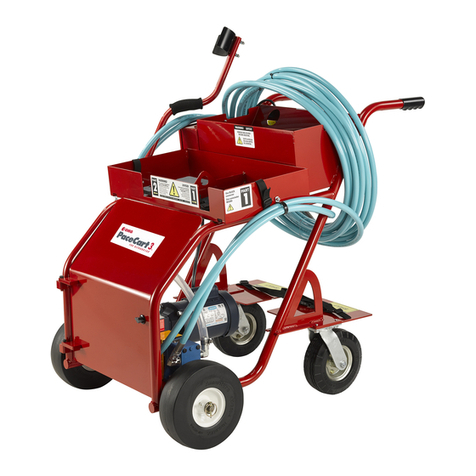
OMG PaceCart 3 User manual

OMG

OMG PaceCart 3 User manual

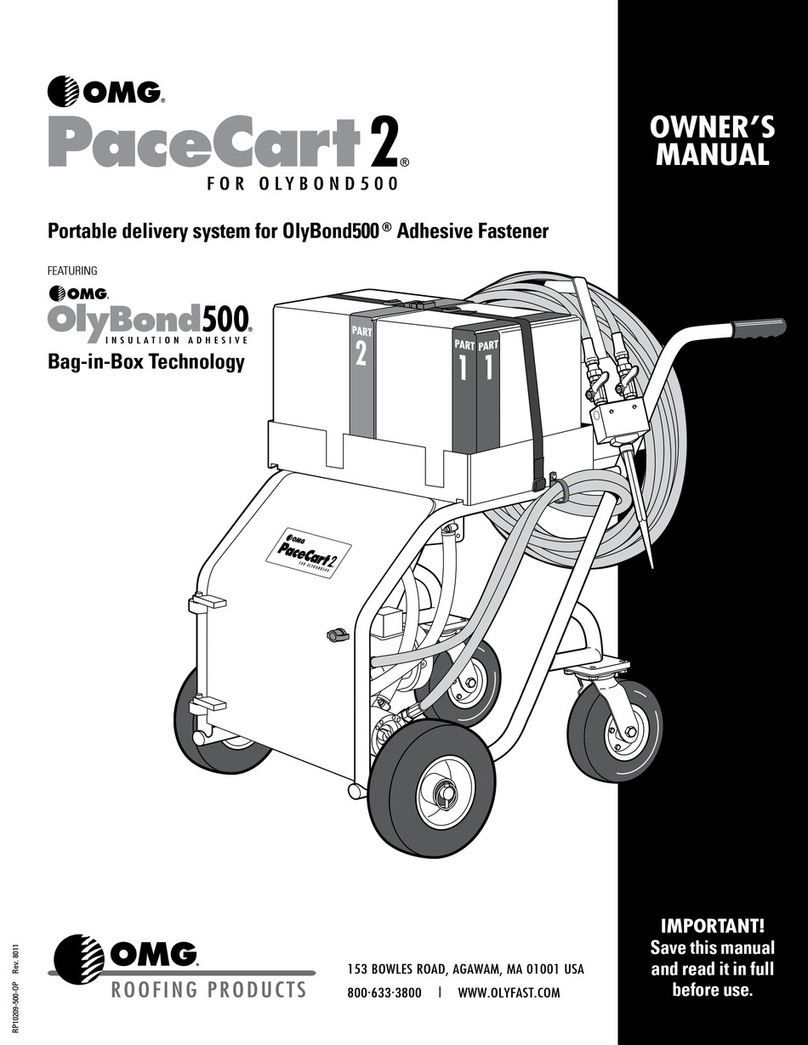
OMG PaceCart 2 User manual

OMG

OMG PaceCart 2 User manual

OMG MF 64 User manual

OMG

OMG MF 64 User manual

Popular Construction Equipment manuals by other brands

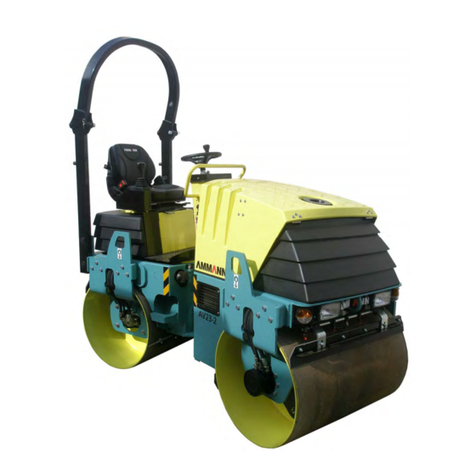
Ammann AV23-2 manual

Ammann

Ammann AV23-2 manual

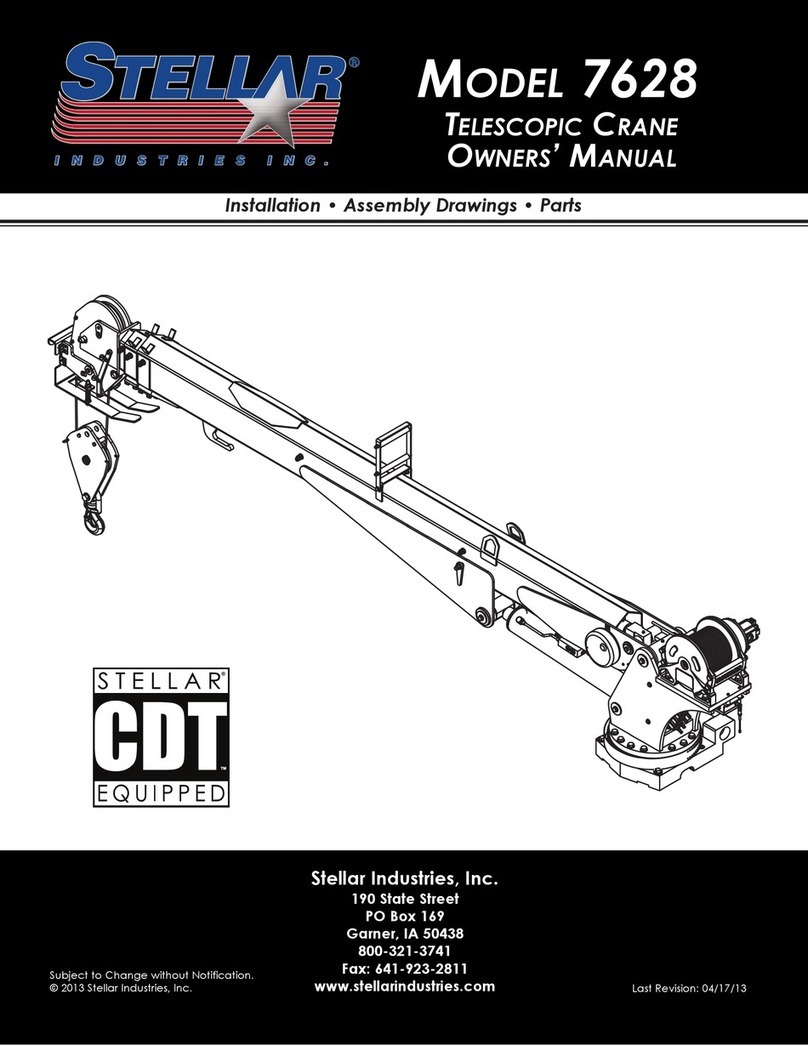
stellar labs Model 7628 owner's manual

stellar labs

stellar labs Model 7628 owner's manual

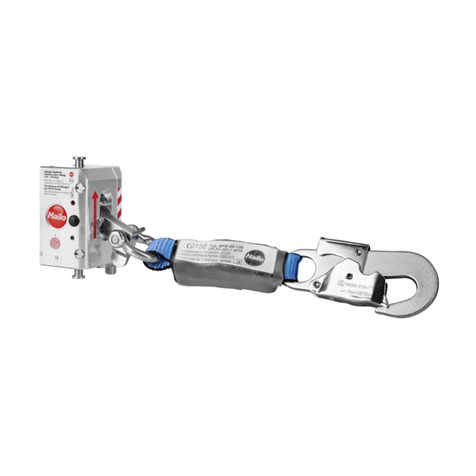
Hailo H-50 manual

Hailo

Hailo H-50 manual

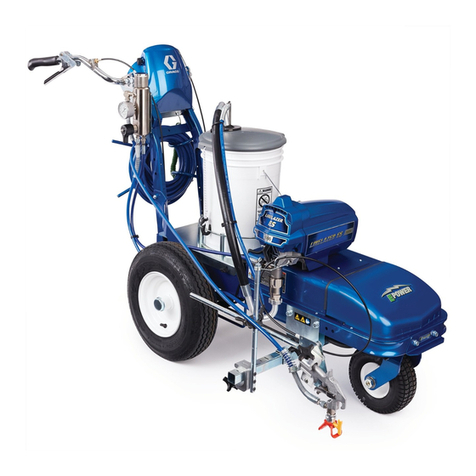
Graco LineLazer ES 1000 Operation - repair - parts

Graco

Graco LineLazer ES 1000 Operation - repair - parts

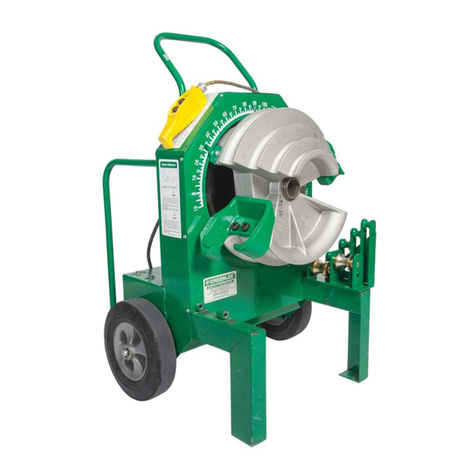
Greenlee 555RSC instruction manual

Greenlee

Greenlee 555RSC instruction manual

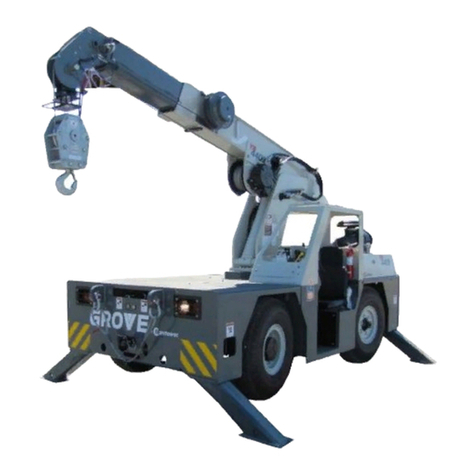
Manitowoc Grove CD3340B Service manual

Manitowoc

Manitowoc Grove CD3340B Service manual

Lux Tools A-FMR-20 Set manual

Lux Tools

Lux Tools A-FMR-20 Set manual

SIP 03683 manual

SIP

SIP 03683 manual

Volvo L30G Operator's manual

Volvo

Volvo L30G Operator's manual

Grizzly G8712 instruction sheet

Grizzly

Grizzly G8712 instruction sheet

Case DV201 Service manual

Case

Case DV201 Service manual

Wacker Neuson DT05 Operator's manual

Wacker Neuson

Wacker Neuson DT05 Operator's manual

HYVA AMCO VEBA 81 Series WARNING, OPERATING AND MAINTENANCE MANUAL

HYVA

HYVA AMCO VEBA 81 Series WARNING, OPERATING AND MAINTENANCE MANUAL

Atlas Copco Dynapac V5100TV manual

Atlas Copco

Atlas Copco Dynapac V5100TV manual

Manitowoc National Crane 1400A Operator's manual

Manitowoc

Manitowoc National Crane 1400A Operator's manual

SGS EC1500 owner's manual

SGS

SGS EC1500 owner's manual

Turbosol BM 30 Use and maintenance manual

Turbosol

Turbosol BM 30 Use and maintenance manual

Fayat CC424CHF instruction manual

Fayat

Fayat CC424CHF instruction manual

manuals.online logo
manuals.online logoBrands
  • About & Mission
  • Contact us
  • Privacy Policy
  • Terms and Conditions

Copyright 2025 Manuals.Online. All Rights Reserved.

DR120A
1:10 On/Offroad
DR120AX2
1:10 On/Offroad
TURBO FOR COMPETITION
感谢您使用RCOMG设计、制造的竞赛级车用无刷电子调速器。
RCOMG车模用调速器专门针对竞赛级车模用而开发的有感 、无感
无刷马达专用电子调速器。我们强烈建议您在使用之前阅读本使用
手册。
RCOMG CO.,LTD有权不经通知变更其产品,包括其外观和性
能参数及使用要求;对其产品是否适合特定用途不作任何保证、申
明或承诺。不承担因第三方产品相关修改所引起的任何责任,
RCOMG CO.,LTD公司也不承担因应用该产品而产生的任何责任,
包括直接损失或间接损失的赔偿责任。
Thank you for your purchasing the RCOMG Brushless Electronic Speed
Controller ( ESC ) . The RCOMG is specifically designed for operating
Sensored/Sensorless brushless motors. High power systems for RC model
can be very dangerous and we strongly suggest that you read this manual
carefully. RCOMG Model have no control over the correct use, installation,
application or maintenance of these products, t hus no liability shall be
assumed nor accepted for any damages, losses of costs resulting from the
use of this item . Any claims arising from the operating , failure or
malfunction etc. will be denied. We assume no liability for personal injury,
property damage or consequential damages resulting from our product
or our workmanship. As far as is legally permitted, the obligation for
compensation is limited to the invoice amount of product in question.
快速的油门响应 、强劲的加速度 、卓越的线性和可操控性。
可用电脑编程菜单设置和软件升级。
可用LCD编程卡设置参数。
油门曲线和启动力度可调。
Dynamic boost进角和Turbo进角可调。
刹车曲线和刹车力度可调。
动态的行进数据记录功能。
多重保护功能:电池低压保护,温度保护,油门失控保护。
产品特点
2
Enhanced throttle response, excellent acceleration,linearity and
driveability
Using advanced PC interface to set up or update the firmware
Using LCD program card to make adjustments.
Throttle curve and punch rate adjustment
Dynamic boost timing and turbo timing adjustment
Brake curve and brake rate adjustment
Dynamic running data log
Multiple protection features: Low voltage cut-off protection, over-
heat protection and throttle signal loss protection
Features
1
产品特点
DR120AX2
>
>
>
>
> >
41.5*37*21mm 41.5*37*18mm
Using Turbo Series ESC for the debut
首次使用TURBO系列车用无刷电子调速器
在使用全新的车用无刷电子调速器前请您仔细检查各个连接是否正
确可靠。检查一切正常后,请按以下顺序启动您的电子调速器。
lease attend to each connections and make sure each assignment is correct.
Fan wire
Signal wire socket
Switch
Blue motor wire A
Power wire(+)
Yellow motor wire B
Power wire(-)
Orange motor wire C
Sensor socket
风扇线
信号线插孔
开关
马达蓝色线A
电源线(+)
马达黄色线B
电源线(-)
马达橙色线C
有感插孔
1
2
3
4
5
6
7
8
9
DR120AX2 DR120AX2SPN#Model
Turbo Series Brushless System specification
3
连接有感马达时,请注意三根电调马达线颜色:蓝色线A、黄色线B、
橙色线C,一定要对应有感马达外壳标示A、B、C连接。马达传感线要
顺应插头位置连接。
When using a Sensored Brushless motor, the Blue motor wire A, Yellow
motor wire B and Orange motor wire C of the ESC must be connected with
the Sensored motor wire A ,B,C respectively. It is necessary to connect the
Sensor wire to the “Sensor” socket on the ESC. Don't change the wires
sequence optionally.
Sensored Mode
有感模式
Sensorless Mode
无感模式
连接无感马达时,三根电调马达线颜色:蓝色线A、黄色线B、橙色线C,
可与马达任意连接。如果马达反转,请更换其中的任意两根马达线的
连接顺序。
When using a Sensorless Brushless motor, the Blue motor wire A , Yellow
motor wire B and Orange motor wire C of the ESC can be connected with
the motor wires freely. If the motor runs in the opposite direction, please
swap any two wire connections.
黑线/Black wire RX-
/Red wire RX+6.0V红线
/White wire RX-Signal白线
连接接收机
4
电调连接电源后,会自动检测马达类型,并通过LED灯指示,不用
人为设置。当您电调使用有感功能时,马达传感线掉落后,电调会
自动转换为无感工作模式运行。
Connection to the Receiver
功能指示灯 LEDs
When the Power wires on ESC are connected with the battery pack, the
ESC can automatically identify the motor type (Sensored/Sensorless) via
indicated LEDs.
If the ESC works in Sensored Mode, remove the Sensor wire and the ESC
will automatically change to Sensorless Mode.
LED相应功能
功能状态 LED
红色 闪烁
Function LED Status
Low voltage
of the battery
Over-heat of
the ESC and
motor(95℃)
Sensored
Mode
Sensorless
Mode
Red LED
Blue LED
Red and
Blue LED
Blue LED
Blinking
Blinking
ON
ON
电池低压
配用无感马达
配用有感马达
电调与马
达过热
(95℃)
蓝色
红色
蓝色
蓝色
长亮
闪烁
长亮
初次使用电调时需要进行油门行程设定。
初次使用或者更换接收机时也需要进行油门行程设定。
1. 首先关闭电调开关, 连接电池, 再打开您的车用发射机电源, 将
油门通道方向设置为(REV),油门通道的EPA/ATV正反向均设置为
最大。
2. 按下SWITCH键不松开, 红色和蓝色 LED 灯长亮, 等待 2 秒左右,
电调红色LED灯灭蓝色LED亮,这时把 SWITCH 键松开,同时把您的
发射机油门拉杆拉最大,蓝色LED闪烁3秒左右长亮,马达滴响后;
3. 再把油门拉杆推到最小,红色LED闪烁3秒左右长亮,马达滴滴响后;
4. 把发射机油门拉杆置自然位,红色 LED 、 蓝色 LED 同时闪烁后长
设油门行程
亮,马达滴滴响后,油门行程设定OK。
5. 关闭电调开关(注意:按住SWITCH键超过2秒就可关闭电调)。
6. 打开电调开关, 您的电调现在可以工作了。
5
Set up the ESC at the Throttle Range Calibration for the debut.
For the first time using transmitter or changing the transmitter you
must set up Throttle Range Calibration.
1. Switch off the ESC, then connect ESC with the battery packs and turn on
the transmitter; set the direction of the throttle channel to REV; set the EPA
/ATV value of the throttle channel to 100%.
2. Hold the “Switch” button, Red and Blue LED are on solid, wait for
about 2 seconds until the Red LED is off, then release the “Switch” button,
pull the throttle trigger to full throttle until Blue LED blinks and will be on
Solid, the motor beeps.
3. Push the throttle trigger to Full Brake until the Red LED blinks and will
be on solid, the motor beeps.
4. Now return the throttle trigger to the Neutral position, both of the Red
LED and Blue LED blink simultaneously and will be on solid, the motor
beeps. The Throttle Range Calibration is confirmed.
5. Turn off the ESC power switch. (Note: Holding “Switch” button over 2
seconds just can turn off the ESC.)
6. Turn the ESC back ON. You are ready to use the ESC now.
Throttle Range Calibration
电调可编程项目说明与出厂默认图示
备注: S的两种进角的设定值和 的设定值不同,DR120AX2 DR120AX2
详情请见表格如下。
Note: The settings of Boost timing and Turbo timing of DR120AX2 are
different from that of DR120AX2S. Please see details in the following sheet.
Programmable items
6