manuals.online logo
Brands
  1. Home
  2. •
  3. Brands
  4. •
  5. Opitec
  6. •
  7. Lighting Equipment
  8. •
  9. Opitec Rainbow-Disc User manual

Opitec Rainbow-Disc User manual

This manual suits for next models

1

Other Opitec Lighting Equipment manuals

Opitec 111.655 User manual

Opitec

Opitec 111.655 User manual

Opitec Asteroid OPI13 User manual

Opitec

Opitec Asteroid OPI13 User manual

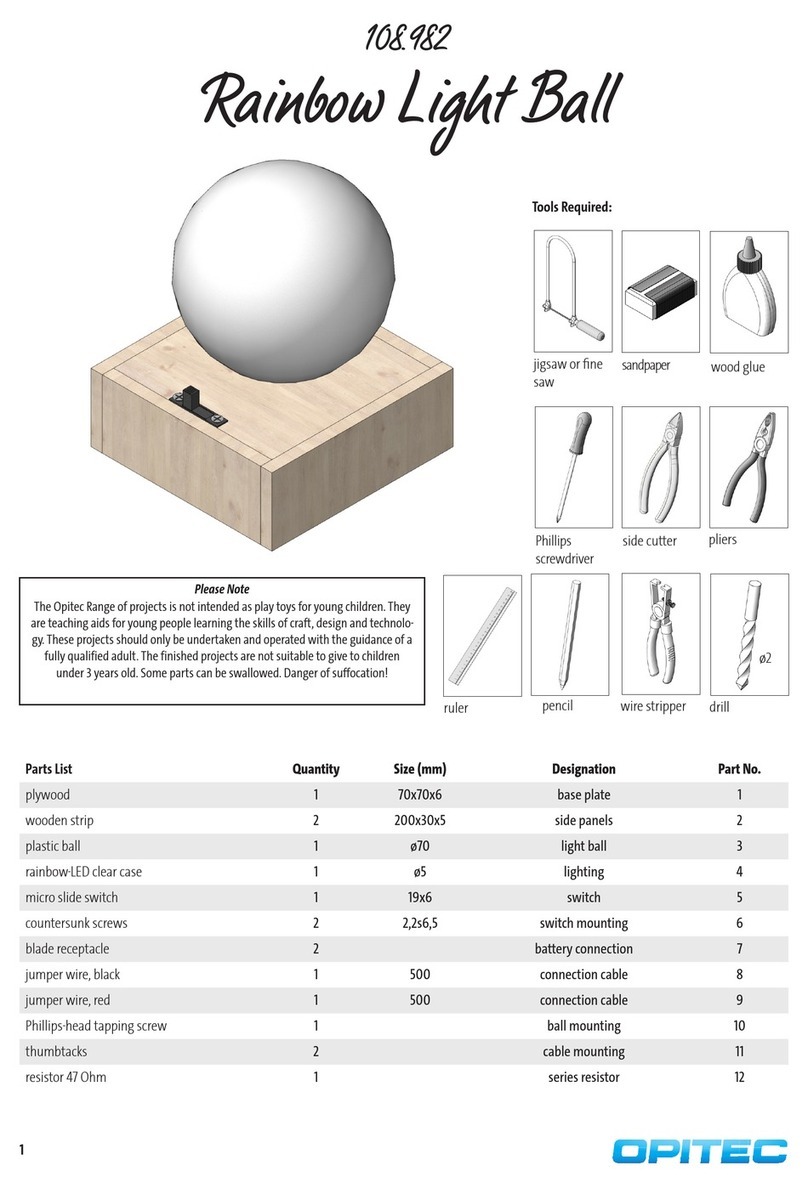
Opitec Rainbow Light Ball User manual

Opitec

Opitec Rainbow Light Ball User manual

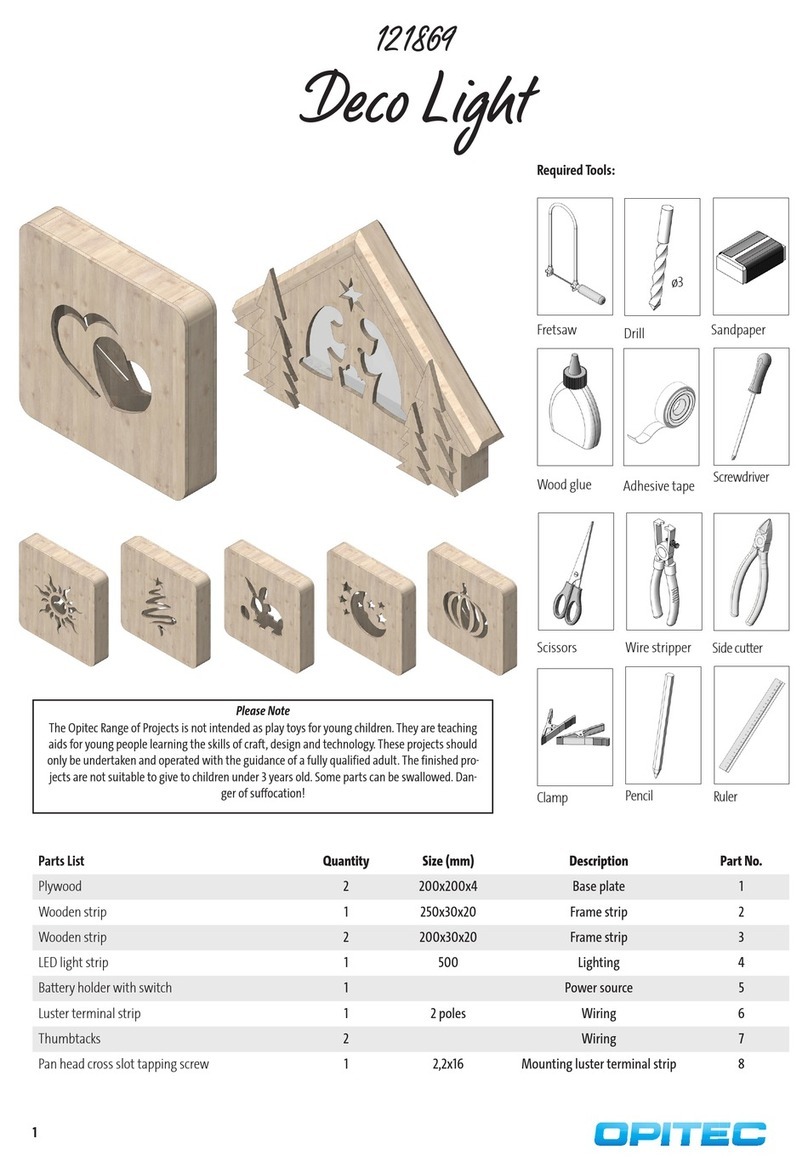
Opitec Deco Light User manual

Opitec

Opitec Deco Light User manual

Popular Lighting Equipment manuals by other brands

Life 39.9F70020C quick start guide

Life

Life 39.9F70020C quick start guide

EuroLite LED ML-20 user manual

EuroLite

EuroLite LED ML-20 user manual

LIGMAN OD-50141 installation manual

LIGMAN

LIGMAN OD-50141 installation manual

Home Accents Holiday 1002461144 instructions

Home Accents Holiday

Home Accents Holiday 1002461144 instructions

Experia IRiS Ripple Light instruction manual

Experia

Experia IRiS Ripple Light instruction manual

Erco Gecko Mounting instructions

Erco

Erco Gecko Mounting instructions

Inter-lux ZTA.100.Surface Installation and maintenance instructions

Inter-lux

Inter-lux ZTA.100.Surface Installation and maintenance instructions

Whelen Engineering Company TN Series installation guide

Whelen Engineering Company

Whelen Engineering Company TN Series installation guide

IKEA BJÖRKSPIREA manual

IKEA

IKEA BJÖRKSPIREA manual

Toolland PM 6640 instruction manual

Toolland

Toolland PM 6640 instruction manual

GTD GTD-LP200 user manual

GTD

GTD GTD-LP200 user manual

LIVARNO home 1105-W-UK manual

LIVARNO home

LIVARNO home 1105-W-UK manual

ProLights EclPar IPMFC user manual

ProLights

ProLights EclPar IPMFC user manual

Velvet EVO Series user manual

Velvet

Velvet EVO Series user manual

IDTOLIGHT GENT installation instructions

IDTOLIGHT

IDTOLIGHT GENT installation instructions

MAYTONI S35 installation manual

MAYTONI

MAYTONI S35 installation manual

MaxLite MLFP14DP4535 user manual

MaxLite

MaxLite MLFP14DP4535 user manual

SLV Elektronik 550621 instruction manual

SLV Elektronik

SLV Elektronik 550621 instruction manual

manuals.online logo
manuals.online logoBrands
  • About & Mission
  • Contact us
  • Privacy Policy
  • Terms and Conditions

Copyright 2025 Manuals.Online. All Rights Reserved.

1
E113864#2
113.864
Rainbow-Disc
Necessary tools:
Pencil,ruler
Drill ø1/ø2/ ø3/ ø5 mm
Fretsaw
Solder iron,soder
Hot glue gun
All purpose glue
Centre nder
Parts List Qty Size Designation Part no.
CD Disc 1 ø120 Disc 1
MDF-Platte 1 100x100x10 Base 2
Cellular foam 1 approx. 100x100x2 Base 3
Rainbow-LED 2 ø5 Light 4
Electric cable 1 500 Cable 5
Battery holder 1 Battery holder 6
Micro switch 1 19x6 On-o switch 7
Motor RF 300 1 Drive 8
Resistor 68 Ohm 1 Resistor 9
Reducer 1 3/2 Reduction motor axle 10
Please note
The OPITEC range of projects are not primarily intended
as toys for young children. They are designed as a a
teaching aid for Design Technology to encourage pupils
in a range of practical skills. These projects should only
be attempted with the help of a qualified adult. They
are not suitable for children under 3 years of age. They
contain small parts that can be swallowed. !
2E113864#1
12
27
33
90
104
112
10
Ø 120
Ø 3
Ø 5
Ø 2
Ø 5
96
Instructions
Using the pattern (Page 5) mark out the holes and cut out for the switch on the blank CD (1) . Use a centre nder to draw a
middle line ,the centrs of the holes and the cut out. Finally drill the holes as shown
Note: Drill a 1mm dia pilot holes rst!!
To cut the hole for the micro switch (7) drill a 3mm hole in one corner and insert a fretsaw blade through the hole and saw ot
rhe shape.
Mark out the position for the battery (6) see pattern (Page 5 ) on the front of the CD (unprinted side (1)
Note: Keep to the sizes as accurately as you can! Work on the unprinted side of the CD! Do not use sellotape!
Step 1:
Position Motor (8)
CD-Reverse side
(printed side)
Step 3:
Position Batteriy
holder (6)
CD-Front (un-
printed)
Glue the battey holder (6) with hot
glue on the unprinted side of the
CD (1) Thread the connection cable
through the 3mm hole
Note: The battey holder (6) must
sit exactly on the marked area.
Step 4:
Glue the slide switch (7) in the slot on
the same side as the battery holder.
6
7
Step 5:
Insert the resistor (9) to the side of the
switch (7)as shown on the front of the
CD (unprinted) in the 2mm hole.
Step 6:
Insert the two Light Emmiting Diodes (4)
from the printed side into the 5mm pre
drilled holes, glue them in place.
9
4
Step 2:
Lay the CD on the pattern(Page 3) so that the printed side is uppermost. The posti-
on of the motor (dotted line) ist can be seen through CD. Now squeeze a worm of
hot glue within the dotted shape Glue the motor (8)carefully with the cable facing
the hole
3
E113864#2
ø3
ø3
M
30mm
30mm
30mm
R 68
9V
80mm 80mm
Instructions
Step 9:
Stick the reducer (10) into the approx.
ø3mm bore hole from above (see pic-
ture)!
10
Step 7:
Solder the black cable of the battery holder (6) on
the middle connector of the slide switch (7).
Connect the red wire of the battery holder to the
anode of the motor-sided LED. For this purpose,
cut the red cable, so that it can be soldered to the
anode. Re insulate the cable ends and after that tin
and solder them.
Also solder the red cable of the motor (8) on the
anode of the motor-sided LED. For this, cut the red
cable, so that it can be soldered on the anode. Re in-
sulate the cable ends again and tin and solder them.
Now twist and solder the cathode of the motor-si-
ded LED on the anode of the external LED. Moreover
solder the cathode of the external LED on the upper
leg (see picture) of the resistor (9).
Take a strip of the jumper wire, which is approx.
80mm long, re insulate both sides and solder one
end on the upper leg of the resistance. Connect the
left end of the jumper wire with the outer connec-
tion of the slide switch (7). Solder the black wire of
the motor (8) on the free leg of the resistor (9). To do
this, cut the cable, re insulate and solder it.
black cable batte-
ry holder
red cable battery
holder
cathode
anode
anode
cathode
Create the center of the base (2) by
drawing diagonals and drill a approx.
ø3mm hole into the center. Glue the
foam rubber sheet (3) on the backside.
Let it dry!
Note: The base plate can also be colou-
red.
Step 8:
Insert the nished shell as shown in
the reducer in the base plate (1).
Last insert a block battery (9V) into the
battery holder.
Done!
Step 10:
circuit diagram

4E113864#1
5
E113864#2
12
27
33
90
104
112
10
Ø 120
Ø 3
Ø 5
Ø 2
Ø 5
96
INSTRUCTIONS
Pattern for the drilled holes
and cut out for the switch
Scale 1:1
Pattern for the position of the battey holder (6)
+ Motor (8)
Scale 1:1
Position
Battery holder (6)
Position Motor (8)