- 8 -
Connection Ports
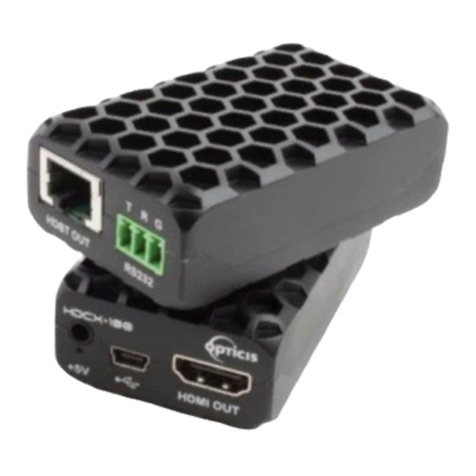
♦Connector descriptions
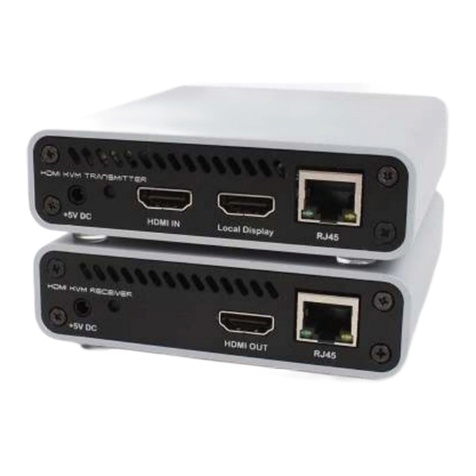
▶5V AC/DC Power (Transmitter & Receiver): Connect the 5V AC/DC Power Adaptor to the
connector of each device. When the 5V AC/DC Power Adaptor is connected to the
device, the power LED is turned on. For more information on LEDs, see “LED indication”
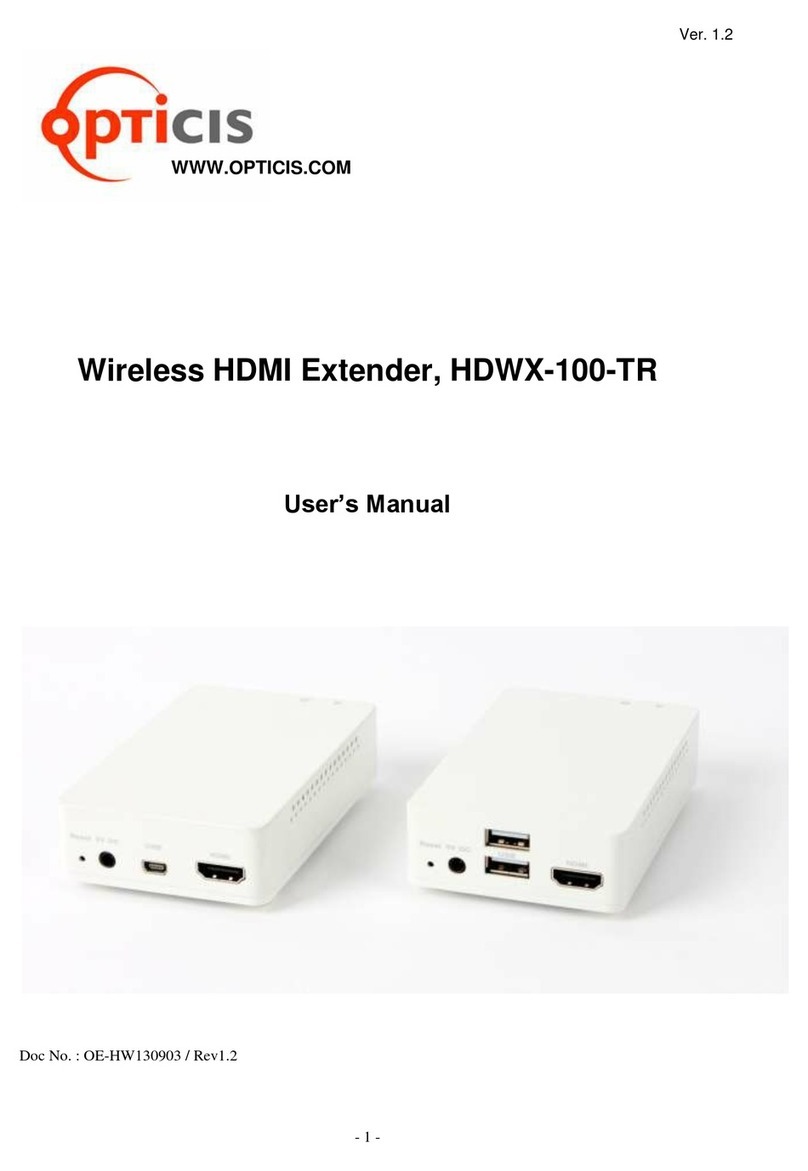
▶HDMI IN (Transmitter): Connect your video source (such as a PC) to this connector. If
your video source doesn’t support HDMI output, use an HDMI/DVI cable or an HDMI
converter to connect it to your transmitter device. Note: To connect to this connector,
you need a shielded HDMI cable.
▶HDMI Out (Receiver): Connect a digital display to this connector. If your digital display has
not an HDMI input, use an HDMI/DVI cable or an HDMI adaptor to connect it to your
receiver device. Note: To connect to this connector, you need a shielded HDMI cable.
▶Local Display (Transmitter): Connect a digital display to the HDMI output connector. If your
digital display has not an HDMI input, use an HDMI/DVI cable or an HDMI converter to
connect it to your transmitter device. Note: To connect to this connector, you need a
shielded HDMI cable.
▶RJ45 (Transmitter & Receiver): Connect a network cable (CAT5e/CAT6) to this connector.
▶mini USB port (Transmitter): Connect a source PC to this connector for the purpose of
using HID mouse or Keyboard.
▶Dual USB A Type (Receiver): Connect a mouse and/or a keyboard to this connector for
the purpose of using HID mouse or Keyboard.
▶RS232 (Transmitter & Receiver)
Optional - Connect a RS232 cable to this terminal block for the purpose of using a knob
or controller (which controls an instrument).
▶DIO (Transmitter & Receiver)
Optional - Connect a DIO cable to this terminal block for the purpose of using Knob
or controller (which receive some data from an instrument)
Note: If you change a source to another source such as PC, Camcorder, you have to reset
the power of all TXs and RXs by re-plugging of the +5V power adaptor.