manuals.online logo
Brands
  1. Home
  2. •
  3. Brands
  4. •
  5. Opticron
  6. •
  7. Binoculars
  8. •
  9. Opticron Microstand 30259 Operating and maintenance manual

Opticron Microstand 30259 Operating and maintenance manual

Other Opticron Binoculars manuals
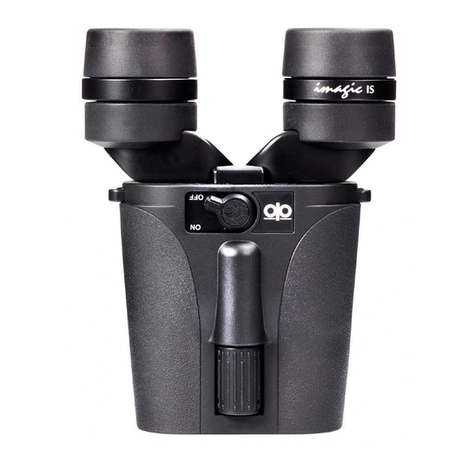
Opticron Imagic IS Installation guide

Opticron

Opticron Imagic IS Installation guide

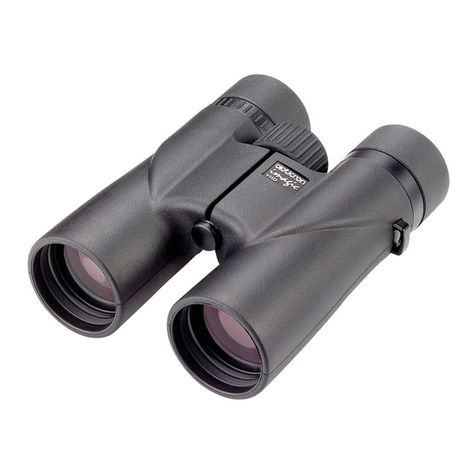
Opticron Countryman BGA HD Installation guide

Opticron

Opticron Countryman BGA HD Installation guide

Opticron Imagic IS 10x30 User manual

Opticron

Opticron Imagic IS 10x30 User manual

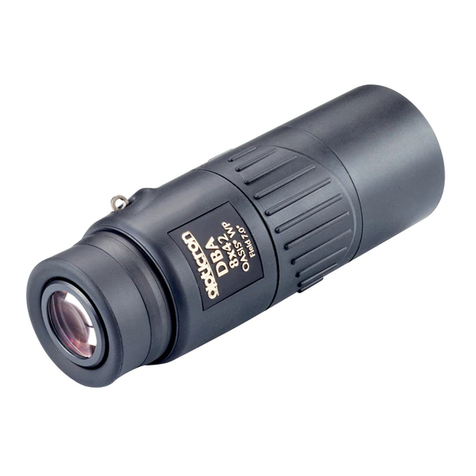
Opticron DBA Oasis 8x42 User manual

Opticron

Opticron DBA Oasis 8x42 User manual

Opticron Marine-2 7x50 BIF.GA/IC User manual

Opticron

Opticron Marine-2 7x50 BIF.GA/IC User manual

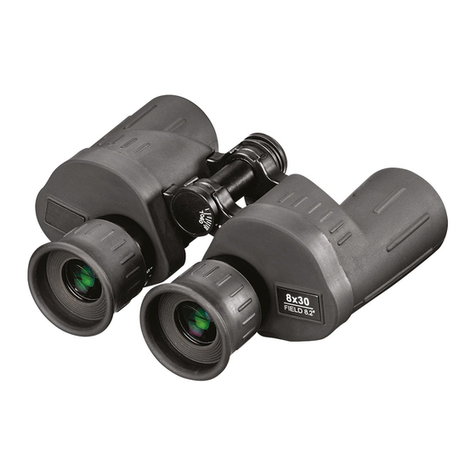
Opticron M-3 8x30 BIF.GA Installation guide

Opticron

Opticron M-3 8x30 BIF.GA Installation guide

Opticron ES Series User manual

Opticron

Opticron ES Series User manual

Opticron 30176 Installation guide

Opticron

Opticron 30176 Installation guide

Opticron 7x50 BIF.GA/IC Installation guide

Opticron

Opticron 7x50 BIF.GA/IC Installation guide

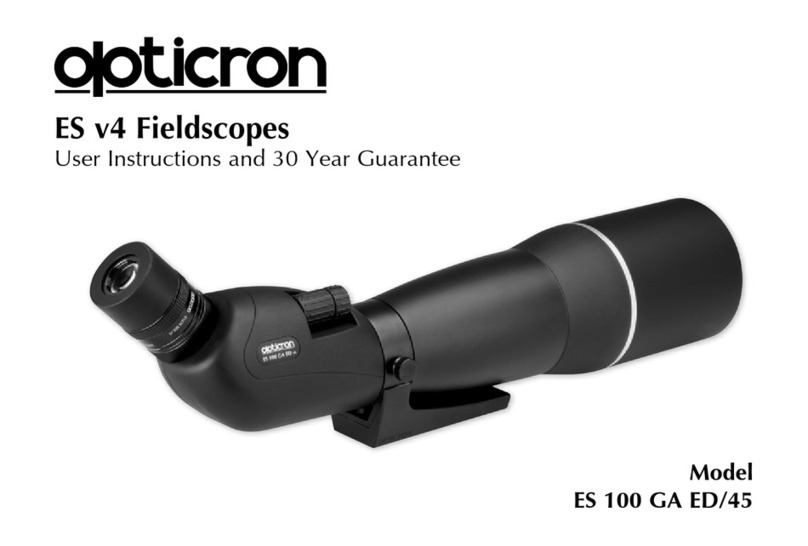
Opticron ES 100 GA ED/45 User manual

Opticron

Opticron ES 100 GA ED/45 User manual

Opticron 8x42 User manual

Opticron

Opticron 8x42 User manual

Opticron Imagic BGA VHD 8x42 User manual

Opticron

Opticron Imagic BGA VHD 8x42 User manual

Opticron IS R Series User manual

Opticron

Opticron IS R Series User manual

Opticron DBA VHD 8x42 Installation guide
Opticron

Opticron DBA VHD 8x42 Installation guide

Opticron MMS 160 Product information sheet

Opticron

Opticron MMS 160 Product information sheet

Opticron Countryman BGA HD User manual

Opticron

Opticron Countryman BGA HD User manual

Opticron Aurora BGA User manual

Opticron

Opticron Aurora BGA User manual

Opticron Imagic IS 14x30 Installation guide

Opticron

Opticron Imagic IS 14x30 Installation guide

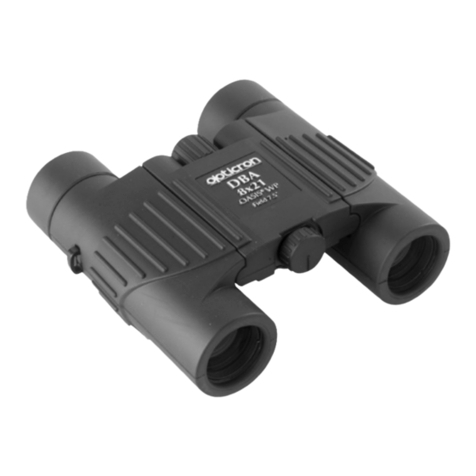
Opticron DBA Oasis 8x21 Installation instructions

Opticron

Opticron DBA Oasis 8x21 Installation instructions

Opticron 8x42 User manual

Opticron

Opticron 8x42 User manual

Opticron 7x50 BIF.GA User manual

Opticron

Opticron 7x50 BIF.GA User manual

Opticron 7x50 BIF.GA User manual

Opticron

Opticron 7x50 BIF.GA User manual

Opticron IS 60 R Installation guide

Opticron

Opticron IS 60 R Installation guide

Opticron Marine-3 Product information sheet
Opticron

Opticron Marine-3 Product information sheet

Popular Binoculars manuals by other brands

Celestron VistaPix 72218 user guide

Celestron

Celestron VistaPix 72218 user guide

Levenhuk Atom Digital DNM200 user manual

Levenhuk

Levenhuk Atom Digital DNM200 user manual

ATN PS-15 Operator's manual

ATN

ATN PS-15 Operator's manual

Bresser TOPAS 7x50 instruction manual

Bresser

Bresser TOPAS 7x50 instruction manual

Berger & Schroter LN-G3-B50 user manual

Berger & Schroter

Berger & Schroter LN-G3-B50 user manual

Leica geovid 8x42 HD-R user manual

Leica

Leica geovid 8x42 HD-R user manual

Noblex NF 8 x 42 inception user manual

Noblex

Noblex NF 8 x 42 inception user manual

PHOTONIS VYPER quick start guide

PHOTONIS

PHOTONIS VYPER quick start guide

ATN 6015-WPT specification

ATN

ATN 6015-WPT specification

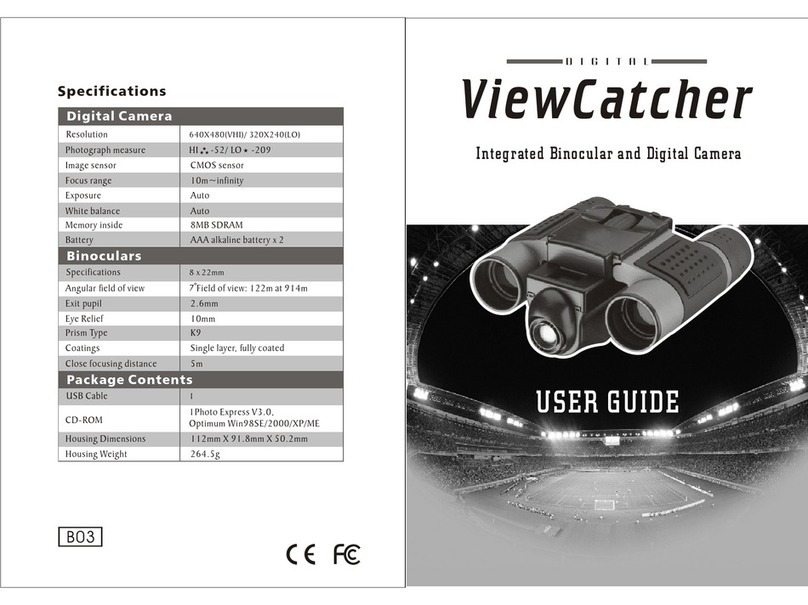
Famous Trails ViewCatcher DCB 822 user guide

Famous Trails

Famous Trails ViewCatcher DCB 822 user guide

AGM EXPLORATOR FSB50-640 user manual

AGM

AGM EXPLORATOR FSB50-640 user manual

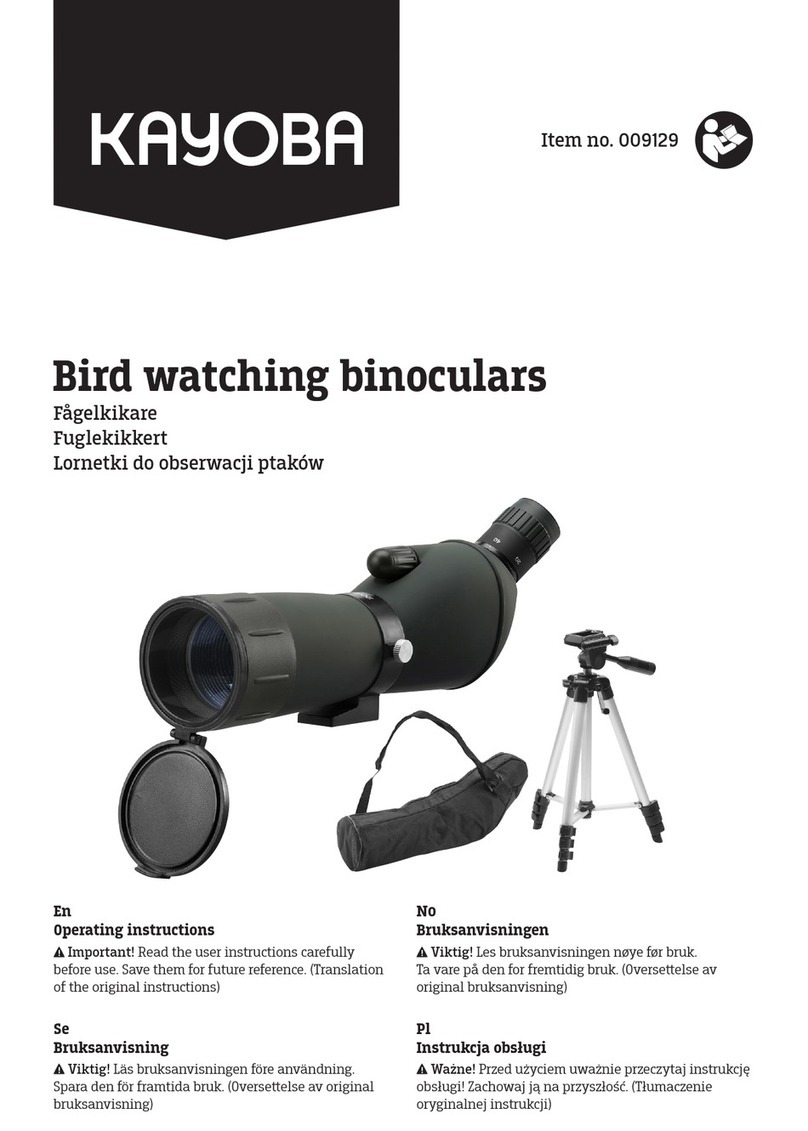
Kayoba 009129 operating instructions

Kayoba

Kayoba 009129 operating instructions

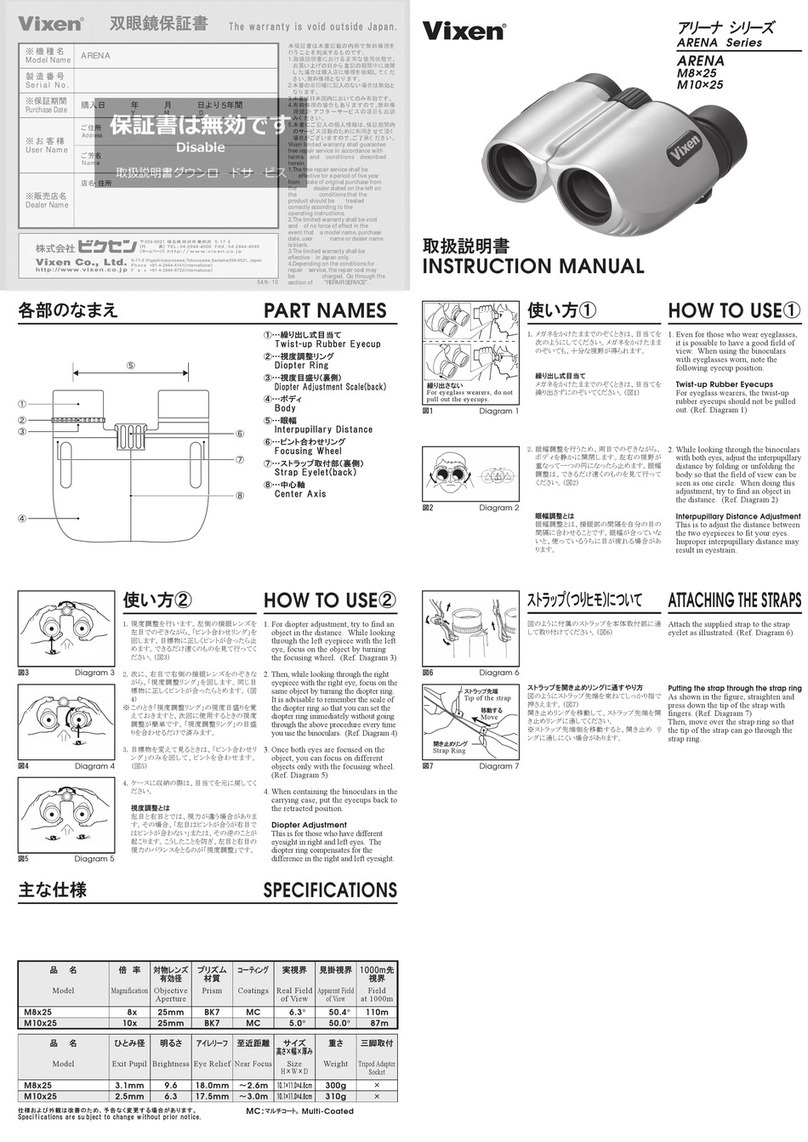
Vixen ARENA Series instruction manual

Vixen

Vixen ARENA Series instruction manual

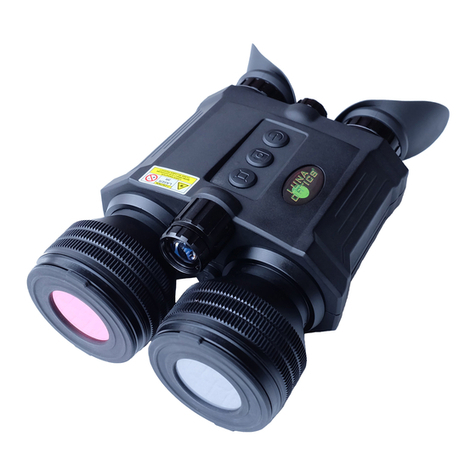
MAGINON NVB 60 user manual

MAGINON

MAGINON NVB 60 user manual

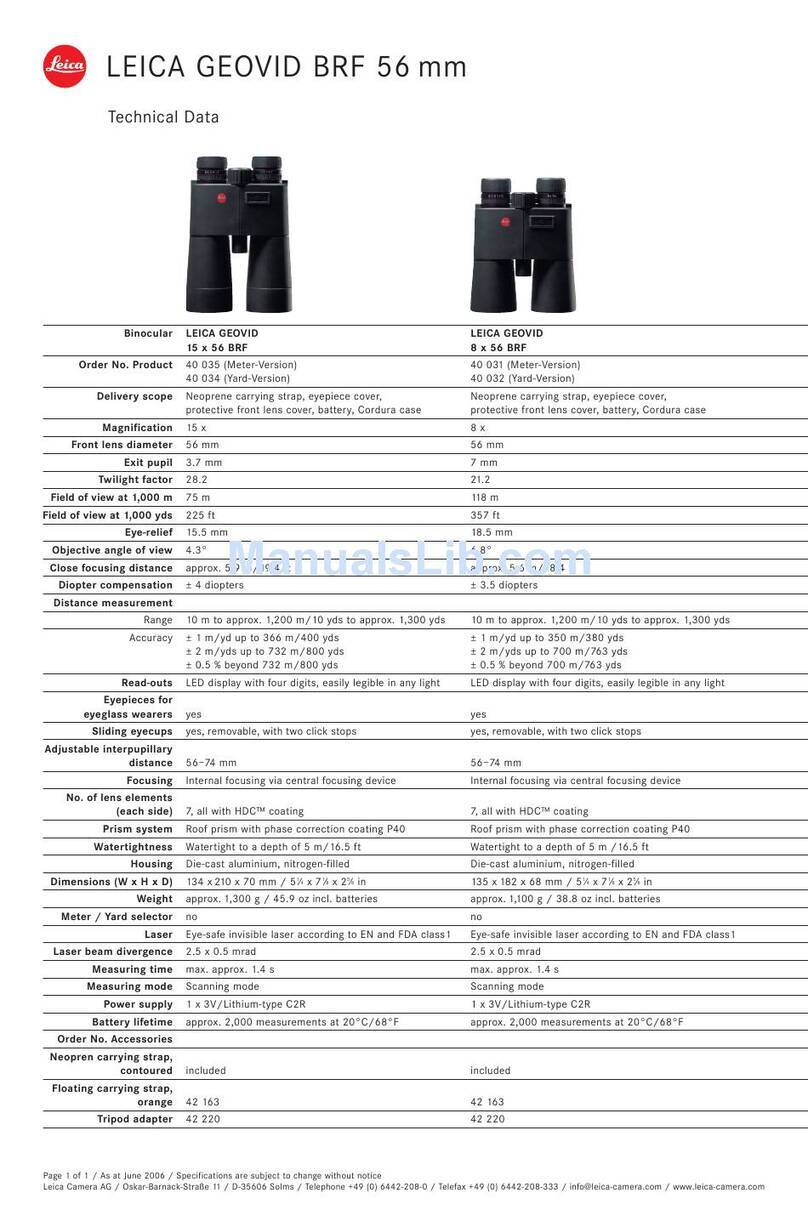
Leica Geovid 56 Specifications

Leica

Leica Geovid 56 Specifications

Leica GEOVID PRO quick start guide

Leica

Leica GEOVID PRO quick start guide

Celestron LandScout Instructions for use

Celestron

Celestron LandScout Instructions for use

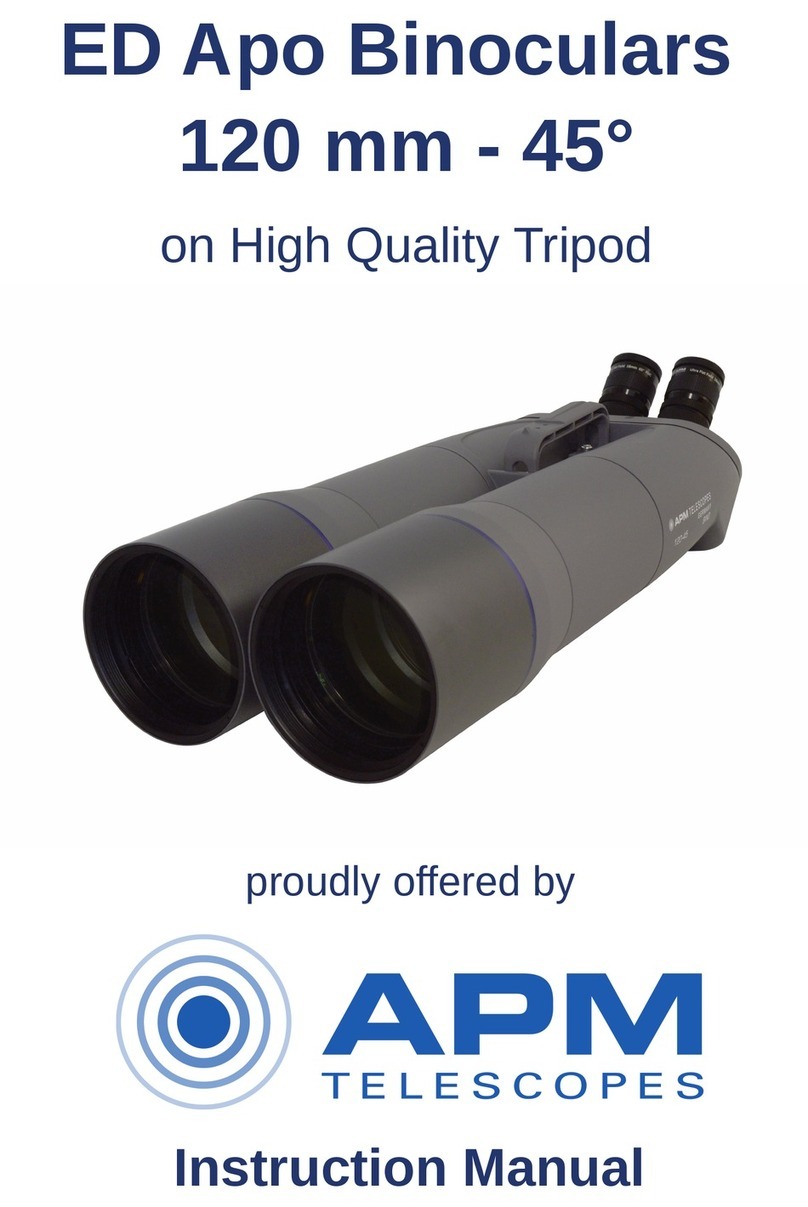
APM ED Apo Series instruction manual

APM

APM ED Apo Series instruction manual

manuals.online logo
manuals.online logoBrands
  • About & Mission
  • Contact us
  • Privacy Policy
  • Terms and Conditions

Copyright 2025 Manuals.Online. All Rights Reserved.

30259 Microstand 3x LED
For use with 8x20 Gallery Scopes
User Guide and Warranty
North America
Warranty
The Microstand is covered by our Standard Warranty.
In the case of defects attributable to faulty parts or
assembly we will assume responsibility for the full costs
of repair during the first year after purchase. We reserve
the right to decide whether defective parts or products
should be repaired or replaced. During the next year we
will assume responsibility for materials and parts only,
charging labor costs to complete the repair.
The Standard Warranty does not cover accidental damage,
loss, theft or deliberate damage to the instrument.
Registration
To register your product please visit www.opticronusa.com
and complete the online Product Registration Form.
Warranties are available on new instruments purchased
from participating dealers in North America and are
transferable. If you part with your instrument please
make sure the new owner has a copy of your original
proof of purchase and re-registers their ownership at
www.opticronusa.com.
Privacy
Opticron takes your privacy seriously and we do not
share personal information with other companies.
Contact us
Address: Opticron LLC, 16501-D Northcross Drive,
Huntersville, NC 28078
Tel: (704) 895 3046 Fax: (704) 895 3047
Email: [email protected]
Microstand conversions increase basic
monocular magnification by a factor of 3.
Instructions
(1) Screw the microstand into the objective lens
end of the gallery scope
(2) Attach the LED unit to the microstand
(3) Place the microstand centrally over the object
to be viewed
(4) Rotate the focusing band on the gallery scope
to bring the object into sharp focus
Specifications
30259 3x Microstand with LED illuminator
Base area 2.4x2.2”
Height 3.5”. Weight 2.4oz
LED (Light Emitting Diode)
Power source: CR2016 lithium batteries
Battery life: 16 hours
ø1” x 1.3”. Weight 0.5oz
How to replace the battery:
(1) Unscrew knob from top of unit
(2) Remove the retaining spring clip from the
LED light unit
(3) Separate the unit into two pieces
(4) Replace both batteries
(5) Close the unit and retain it with the
spring clip
(6) Replace knob
Focusing band
Objective lens