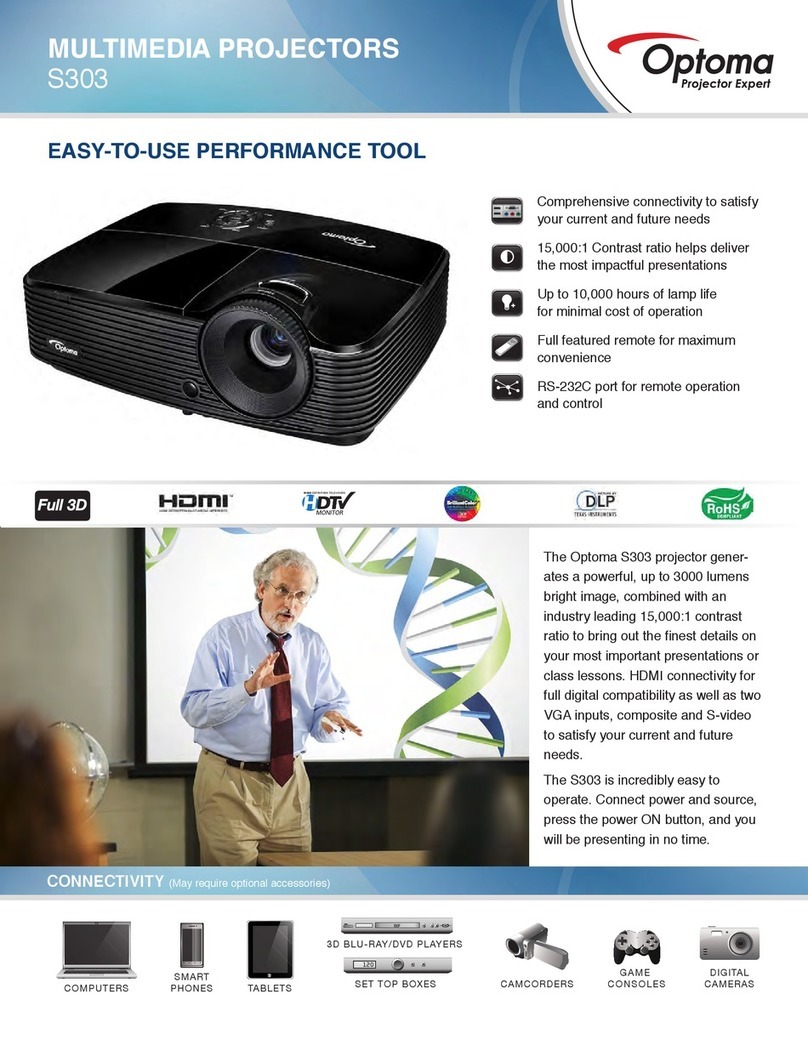
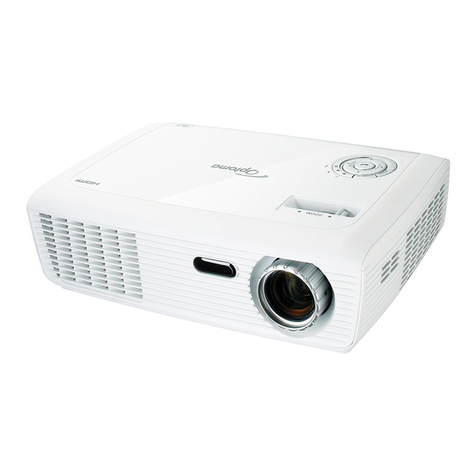
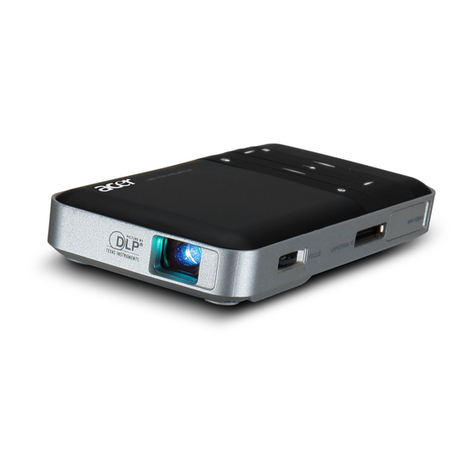
Optoma EP749 User manual

Regulation & safety notices
This appendix lists the general notices of your Projector.
FCC notice
This device has been tested and found to comply with the limits for a Class B digital
device pursuant to Part 15 of the FCC rules. These limits are designed to provide rea-
sonable protection against harmful interference in a residential installation. This de-
vice generates, uses, and can radiate radio frequency energy and, if not installed and
used in accordance with the instructions, may cause harmful interference to radio
communications.
However, there is no guarantee that interference will not occur in a particular instal-
lation. If this device does cause harmful interference to radio or television reception,
which can be determined by turning the device off and on, the user is encouraged to
try to correct the interference by one or more of the following measures:
• Reorient or relocate the receiving antenna.
• Increase the separation between the device and receiver.
• Connect the device into an outlet on a circuit different from that to
which the receiver is connected.
• Consult the dealer or an experienced radio/television technician for
help.
Notice: Shielded cables
All connections to other computing devices must be made using shielded cables to
maintain compliance with FCC regulations.
Caution
Changes or modifi cations not expressly approved by the manufacturer could void
the user’s authority, which is granted by the Federal Communications Commission,
to operate this computer.

Operation conditions
This device complies with Part 15 of the FCC Rules. Operation is subject to the fol-
lowing two conditions:
1. this device may not cause harmful interference, and
2.
this device must accept any interference received, in
cluding interference that
may cause undesired operation.
Notice: Canadian users
This Class B digital apparatus complies with Canadian ICES-003.
Remarque à l’intention des utilisateurs canadiens
Cet appareil numerique de la classe B est conforme a la norme NMB-003 du Canada.
Declaration of Conformity for EU countries
EMC Direc
tive 89/336/EEC (including amendments)
Low Voltage Directive 73/23/EEC (amended by 93/68/EEC)
R & TTE Directive 1999/EC (if product has RF function)

English
1
Table of Contents
Table of Contents ......................................................................................... 1
Usage Notice ................................................................................................ 2
Precautions ..........................................................................................................2
Introduction .................................................................................................. 4
Product Features ..................................................................................................4
Package Overview ...............................................................................................5
Product Overview .................................................................................................6
Main Unit ........................................................................................................................6
Control Panel .................................................................................................................7
Connection Ports ...........................................................................................................8
Remote Control with Mouse Function and Laser Pointer ..............................................9
Installation .................................................................................................. 10
Connecting the Projector ....................................................................................10
Connect the Computer/Notebook ................................................................................10
Connect the Video ....................................................................................................... 11
Powering On/Off the Projector ...........................................................................12
Powering On the Projector ...........................................................................................12
Powering Off the projector ...........................................................................................13
Warning Indicator .........................................................................................................13
Adjusting the Projected Image ...........................................................................14
Adjusting the Projector Image Height ..........................................................................14
Adjusting the Projector Zoom / Focus ..........................................................................15
Adjusting Projected Image Size ...................................................................................15
User Controls ............................................................................................. 16
Control Panel & Remote Control ........................................................................16
On-Screen Display Menus .................................................................................18
How to Operate ...........................................................................................................18
Menu Tree ....................................................................................................................19
Image-I ........................................................................................................................20
Image-II .......................................................................................................................22
Colour Setting ..............................................................................................................24
Language .....................................................................................................................26
Management ................................................................................................................27
Lamp Setting ................................................................................................................30
Appendices ................................................................................................ 32
Troubleshooting ..................................................................................................32
Replacing the Lamp ...........................................................................................36
Compatibility Modes ...........................................................................................37
RS232 Commands .............................................................................................38
Ceiling Mount Installation ...................................................................................39
Optoma Global Offi ces .......................................................................................40

2
English
Usage Notice
Precautions
Follow all warnings, precautions and maintenance as recom-
mended in this user’s guide to maximize the life of your unit.
Warning- Do not look into the projector’s lens when the lamp is
on. The bright light may hurt your eyes.
Warning- To reduce the risk of fi re or electric shock, do not expose
this product to rain or moisture.
Warning- Please do not open or disassemble the product as this
may cause electric shock.
Warning- When changing the lamp, please allow unit to cool
down, and follow all changing instructions.
Warning- This product will detect the life of the lamp itself.
Please be sure to change the lamp when it shows warn-
ing messages.
Warning- Reset the “Reset Lamp Hours” function from the On
Screen Display “Lamp Setting” menu after replacing the
lamp module (refer to page 30).
Warning- When switching the projector off, please ensure the
projector completes its cooling cycle before disconnect-
ing power.
Warning- Turn on the projector fi rst and then the signal sources.
Warning- Do not use lens cap when projector is in operation.
Warning- When the lamp reaches the end of its life, it will burn
out and may make a loud popping sound. If this hap-
pens, the projector will not turn back on until the lamp
module has been replaced. To replace the lamp, follow
the procedures listed under “Replacing the Lamp”. (see
page 36)

English
3
Usage Notice
Do:
Turn off the product before cleaning.
Use a soft cloth moistened with mild detergent to clean the
display housing.
Disconnect the power plug from AC outlet if the product is not
being used for a long period of time.
Don’t:
Block the slots and openings on the unit provided for ventila-
tion.
Use abrasive cleaners, waxes or solvents to clean the unit.
Use under the following conditions:
- In extremely hot, cold or humid environments.
- In areas susceptible to excessive dust and dirt.
- Near any appliance that generates a strong magnetic fi eld.
- In direct sunlight.

4
English
Introduction
Product Features
Congratulations and Thank You for choosing Optoma projec-
tor. This product is a XGA single chip 0.55” DLP® projector.
Outstanding features include:
True XGA, 1024 x 768 addressable pixels
Texas Instruments Single chip DLP® Technology
NTSC/NTSC4.43/PAL/PAL-M/PAL-N/SECAM and
HDTV compatible (480i/p, 576i/p, 720p, 1080i)
Multi-Auto functions: Auto detection, Automatic saving
of user adjustments
Full function IR remote control with laser pointer
User friendly multilingual on screen menu
Advanced digital keystone correction and high quality
full screen image re-scaling
User friendly control panel
One built-in speaker with 2 Watt amplifi er
SXGA+, SXGA compression and SVGA, VGA re-sizing
Mac compatible
DVI support (HDCP compliant)

English
5
Introduction
Power Cord 1.8m VGA Cable 1.8m
Wireless Remote
Controller
Composite Video Cable
1.8m
Projector with lens cap
Package Overview
This projector comes with all the items shown below. Check to
make sure your unit is complete. Contact your dealer immedi-
ately if anything is missing.
Documents :
User’s Guide
Quick Start Card
Warranty Card
Quick Troubleshooting Guide
Due to the differ-
ence in applications
for each country,
some regions may
have different ac-
cessories.
2 x AA Batteries
RS232 Cable 1.8m
Carry Bag

6
English
Introduction
1. Control Panel
2. Zoom Lever
3. Power Socket
4. Focus Ring
5. Elevator Foot
6. Elevator Button
7. IR Receiver
8. Tilt Adjusting Feet
9. Connection Ports
Main Unit
Product Overview
1 2
9
8
2
1
8
7
3
4
6 5

English
7
Introduction
Control Panel
1. Power/Standby LED
2. Temp Indicator LED
3. Lamp Indicator LED
4. Enter
5. Menu (On/Off)
6. Source Select
7. Keystone +/-
8. Re-Sync
9. Four Directional Select Keys
10. Power/Standby
10
9
2
85
1
3
7
6
4
7

8
English
Introduction
Connection Ports
1. DVI-D Input Connector (PC Digital/HDTV/HDCP Input)
2. VGA1-In SCARTConnector (PC Analog signal/SCART
RGB/HD/Component Video Input)
3. Audio Input Connector
4. S-Video Input Connector
5. Composite Video Input Connector
6. Monitor Loop-through Output Connector
7. RS232 Connector
8. VGA2-In Connector (PC Analog signal/HD/Component
Video Input)
9. Audio Output Connector
10. KensingtonTM Lock Port
764
10
2 53
9
81
8
Other manuals for EP749
1
Table of contents
Other Optoma Projector manuals
Optoma
Optoma TX565UT User manual
Optoma
Optoma TW631-3D User manual
Optoma
Optoma HD8000-LV Technical manual
Optoma
Optoma W319UST User manual
Optoma
Optoma ZU610T-B User manual
Optoma
Optoma HD30B User manual

Optoma
Optoma CinemaX P1 Manual

Optoma
Optoma PlayTime PT105 User manual
Optoma
Optoma EP738MX User manual

Optoma
Optoma EW536 User manual
Optoma
Optoma DS317 User manual
Optoma
Optoma EH500 User manual

Optoma
Optoma EP756 User manual
Optoma
Optoma EH1020 User manual
Optoma
Optoma ZU850 User manual
Optoma
Optoma H27 User manual
Optoma
Optoma GT360 User manual
Optoma
Optoma EcoBright TL30W User manual
Optoma
Optoma UHZ50 User manual
Optoma
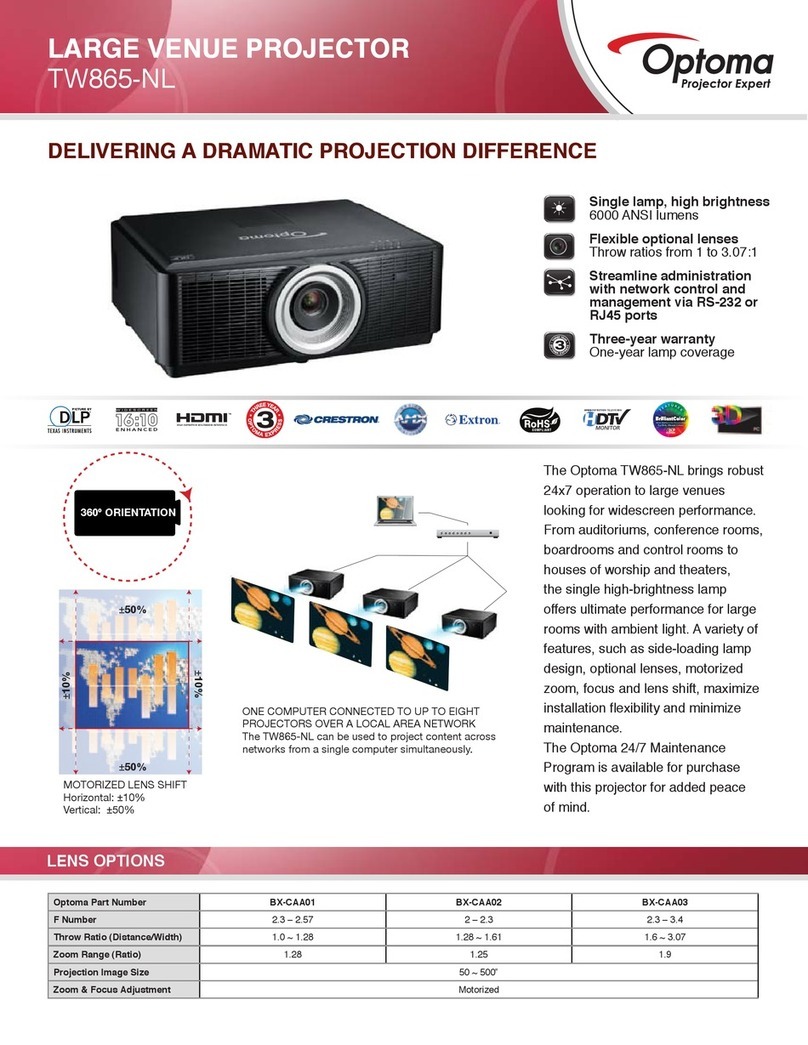
Optoma TW865-NL User manual