manuals.online logo
Brands
  1. Home
  2. •
  3. Brands
  4. •
  5. Orbitsound
  6. •
  7. Portable Speakers
  8. •
  9. Orbitsound Spaced360 User manual

Orbitsound Spaced360 User manual

Popular Portable Speakers manuals by other brands

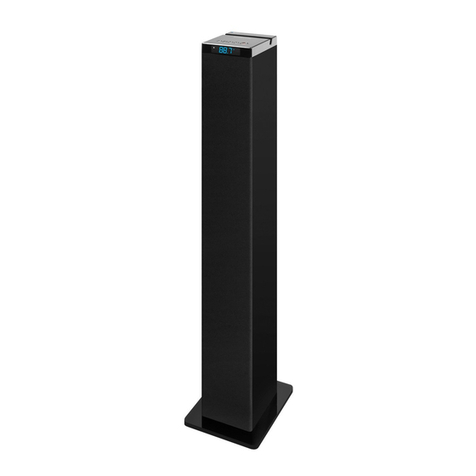
Innovative Technology ITSB-300 user manual

Innovative Technology

Innovative Technology ITSB-300 user manual

Blueant BLUESONIC user manual

Blueant

Blueant BLUESONIC user manual

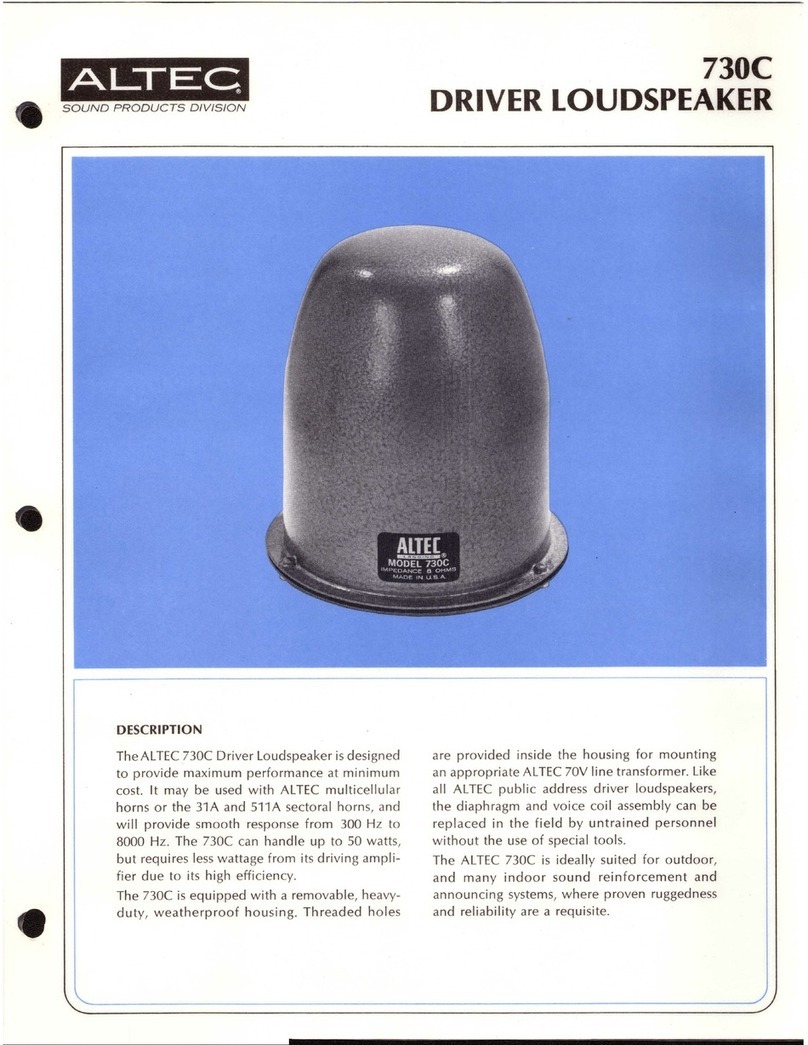
Altec 730C Specifications

Altec

Altec 730C Specifications

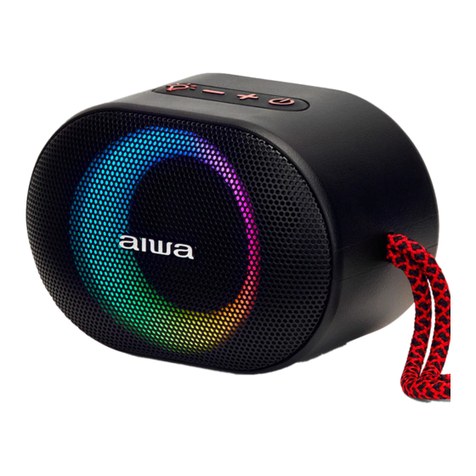
Aiwa BST-330 user manual

Aiwa

Aiwa BST-330 user manual

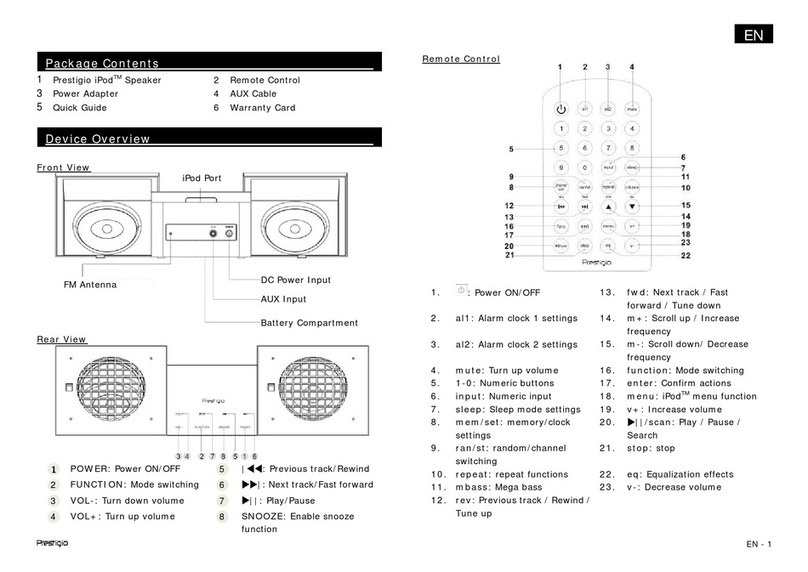
Prestigio PIS1 instruction manual

Prestigio

Prestigio PIS1 instruction manual

Akai AWS08BK manual

Akai

Akai AWS08BK manual

Philips BT6700 user manual

Philips

Philips BT6700 user manual

Wren V5BT Setup guide

Wren

Wren V5BT Setup guide

Sven PS-320 user manual

Sven

Sven PS-320 user manual

Urban revolt Streetbox Quick installation guide

Urban revolt

Urban revolt Streetbox Quick installation guide

Philips BT4000 Short user manual

Philips

Philips BT4000 Short user manual

Monster Rockin Roller 2 user manual

Monster

Monster Rockin Roller 2 user manual

Panacom monsoon user manual

Panacom

Panacom monsoon user manual

Lenovo speaker M0520 user guide

Lenovo

Lenovo speaker M0520 user guide

Mackie THUMP GO quick start guide

Mackie

Mackie THUMP GO quick start guide

Trevi XR 400 APP user guide

Trevi

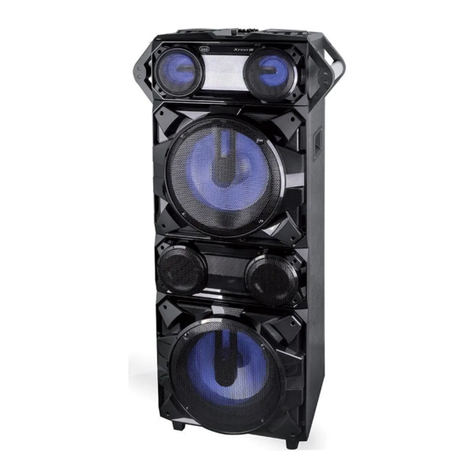
Trevi XR 400 APP user guide

Philips sbm130 user manual

Philips

Philips sbm130 user manual

Trevi XF 4200 DJ user guide

Trevi

Trevi XF 4200 DJ user guide

manuals.online logo
manuals.online logoBrands
  • About & Mission
  • Contact us
  • Privacy Policy
  • Terms and Conditions

Copyright 2025 Manuals.Online. All Rights Reserved.

Quick Start Guide - English
This is Spaced360™
A new sonic
dimension
of mind-blowing,
heart-skipping,
skin-tingling music.
A little bit of old-school magic.
A whole lot of tech-craft innovation.
The time is now. The space is here.
Enter the sound.
Play together
You and your friends have a thing for music.
Your Spaced360 has a thing for Bluetooth devices.
Togetherness = a 360° sound space where everyone
can bask in the sonic sweet spot.
Beach? Rooftop? Home? Spaced360 will play your
music wherever you want, with whoever you want.
It gets even better if your phone has NFC. Just bring
up your playlist, touch the phone on the Centre Key
to pair, and boom, your music is on.
Share your Spaced360, it's not into phone monogamy,
everyone can pair and play.
Flip the page and get connected.
Power up
It's all about the Centre Key.
A quick tap and your Spaced360 will be wide awake,
ready for the good times.
Press for 3-2-1 until you hear a 'ping'. Your Spaced360
is now ready to pair with a new Bluetooth device.
Press and hold until the lights go out if you really
want to turn your Spaced360 o.
Centre Key
Stay powerful
Need an energy boost? Connect the wall plug
and place your Spaced360 on the base charger.
Green lights = energised.
Your Spaced360 speaker
is ready for action.
Red lights = needs an energy boost.
Place your Spaced360 on the
base charger.
Flashing lights = muted.
Tap the mute key to bring
your sound back.
Your Spaced360 likes to conserve energy,
so when the music stops it'll take a disco nap.
Poke the Centre Key and it'll be wide awake.
Connect your Spaced360 using Bluetooth
Pair a new device to Spaced360
1. Press and hold the Centre Key for a count
of 3-2-1. This sends out a wireless wink that
says it's up for pairing.
2. Turn on Bluetooth in the settings of your phone,
tablet or computer.
3. Select Spaced360 on your device's Bluetooth
settings and you're ready to go.
So now this device is paired, you can play music
whenever you like. Here’s the ritual:
1. Press the Centre Key. Slow flashing Bluetooth icon
= your Spaced360 is ready to connect.
2. Turn Bluetooth on in the settings of your phone,
tablet or computer.
3. Your device should connect in a flash. No?
Simply select Spaced360 from the Bluetooth
menu on your device.
4. A solid Bluetooth icon on your Spaced360
= your device is connected and ready for play time.
Fast flashing = up for pairing
Slow flashing = ready to connect
Solid light = connected

Connect your Spaced360 using NFC
Pair a new device to Spaced360
1. Check NFC is turned on in the settings of your
phone or tablet.
2. Touch your phone on the Spaced360 Centre Key.
3.
Your phone and Spaced360 will now pair and connect.
Not working? Make sure your phone screen isn't locked
– your Spaced360 only plays with up-for-it devices.
So now this device is paired, you can play music
whenever you like. Here’s the ritual:
1. Unlock your phone.
2. Touch your phone on the Spaced360 Centre Key.
3. Your device will connect in a flash to Spaced360.
No? Have a quick check that NFC is turned on in
your phone settings.
4. A solid Bluetooth icon on your Spaced360
= your phone is connected and ready for play time.
airSOUND™Technology
Mono? Stereo? So last century.
Welcome to the 3rd generation of audio, where
everyone can revel in the sonic sweet spot.
Your Spaced360 is powered by airSOUND™
Technology, so you and your friends – no matter
who’s in front, behind, or swinging from the
chandeliers – everyone can experience the
same uber-pure 360° sound-space.
Spaced360 was styled by Frank Nuvo,
DSN, California, USA.
a
c
d
be
What’s in the box?
1
1 x Spaced360™wireless portable speaker
a) Centre Key
b) Control Key: Volume up, down and mute
c) Micro USB port (for updates only, not charging)
d) Aux cable input
e) Base charger connection
2
1 x Base charger
3
1 x Aux cable (No Bluetooth? Plug in old-school
style with this cable)
1
2
3
Transform your Spaced360
with a pop of colour
Check out the case collection and
register your speaker at Spaced360.com
www.spaced360.com/support
Download in English
Télécharger en Français
Descarga en Español
Downloaden in het Nederlands
Download im Deutschen
Hent i Dansk
Ladda ner på Svenska
Lataa in Suomi
Last ned i Norsk
Ke stažení v České
Stiahnite si v Slovenčine
EN
FR
ES
NL
DE
DK
SE
FI
NO
CZ
SK