UK-9
DAILY ALARM
The alarm sounds at the preset time for about
30 seconds (in all modes), or unitl pressing
any button to stop it. To select the daily alarm
and turn it on and off:
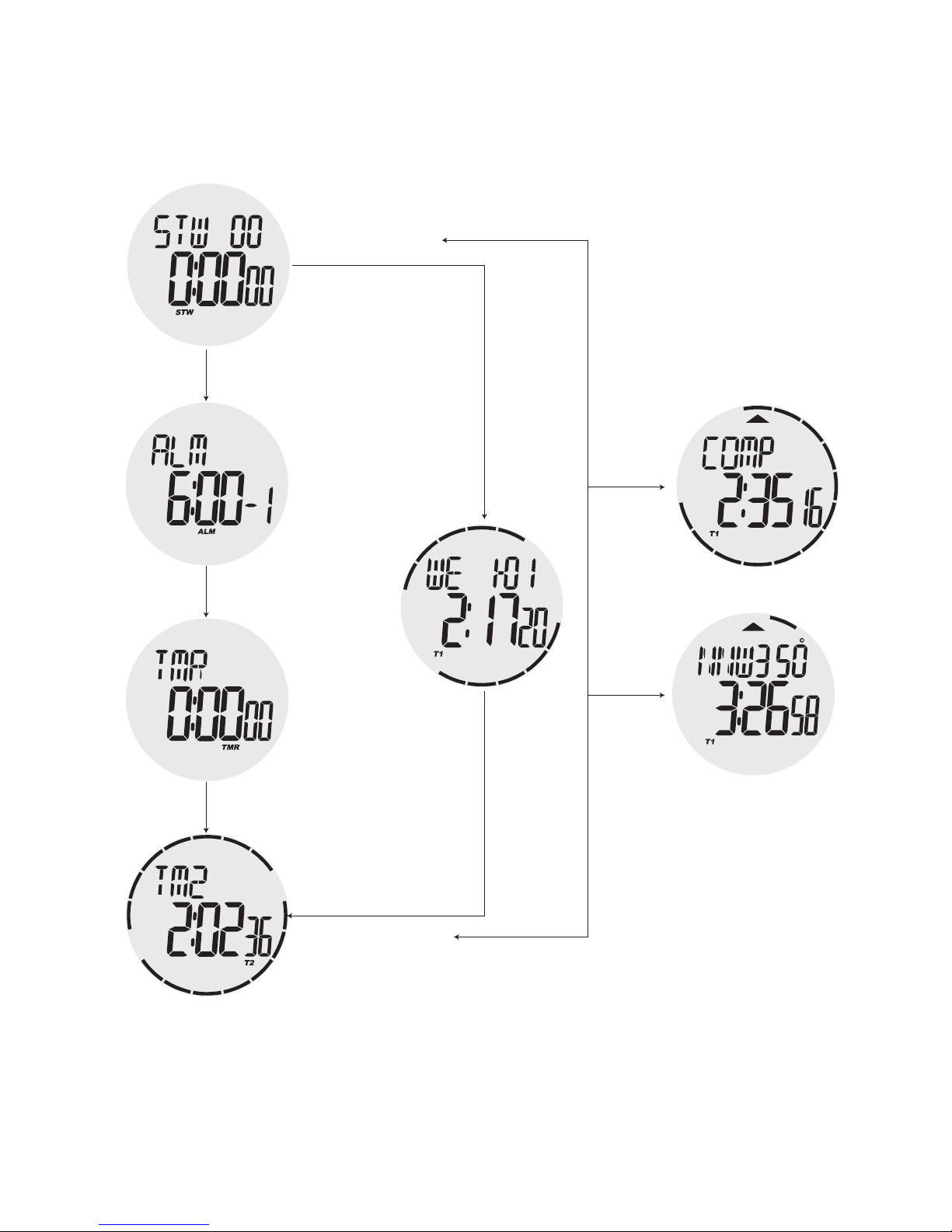
1. In the Alarm mode, press START/STOP button
once to scroll to the diffeent daily alarm.
2. Press and hold START/STOP button for 1 second
to turn on and off current displayed alarm. Icon
indicates alarm is ON.
3. If alarm is on, the alarm on indicator is shown on
the display in all modes.
To set the alarm time:
1. In the Alarm mode, hold down RESET/SPLIT for
2 sec. Until the minute digits of the alarm time start
to flash. This automatically turns on the alarm.
2. The “Hold To Set” text will appear at once when
press RESET/SPLIT button.
3. Press MODE button to move the flashing
between the minute and the hour.