manuals.online logo
Brands
  1. Home
  2. •
  3. Brands
  4. •
  5. Overhead door
  6. •
  7. Keypad
  8. •
  9. Overhead door G Series User manual

Overhead door G Series User manual

Other Overhead door Keypad manuals

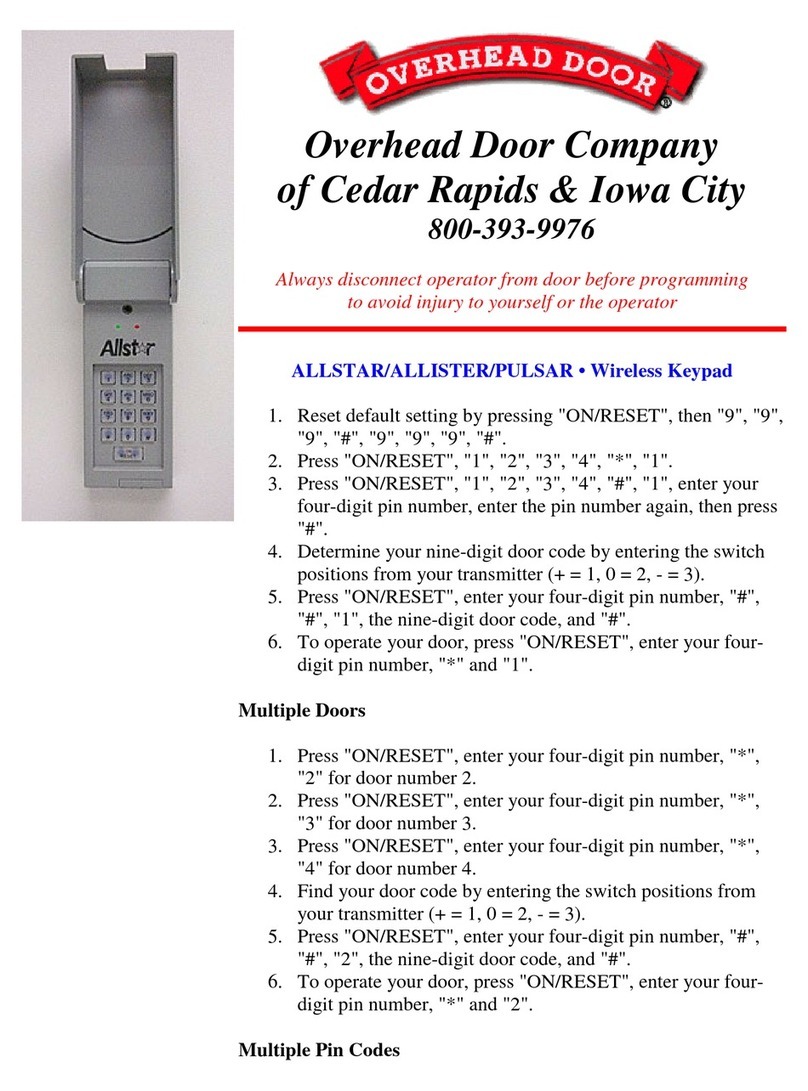
Overhead door ALLSTAR User manual

Overhead door

Overhead door ALLSTAR User manual

Overhead door G Series User manual

Overhead door

Overhead door G Series User manual

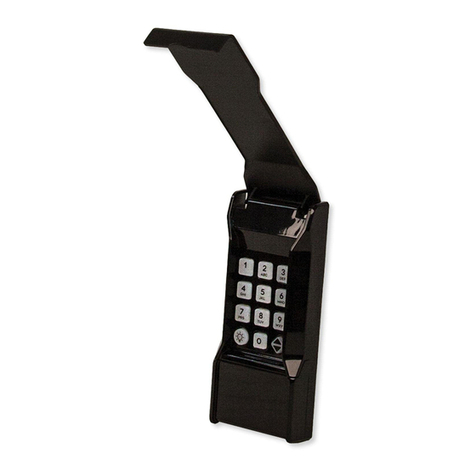
Overhead door OUK User manual

Overhead door

Overhead door OUK User manual

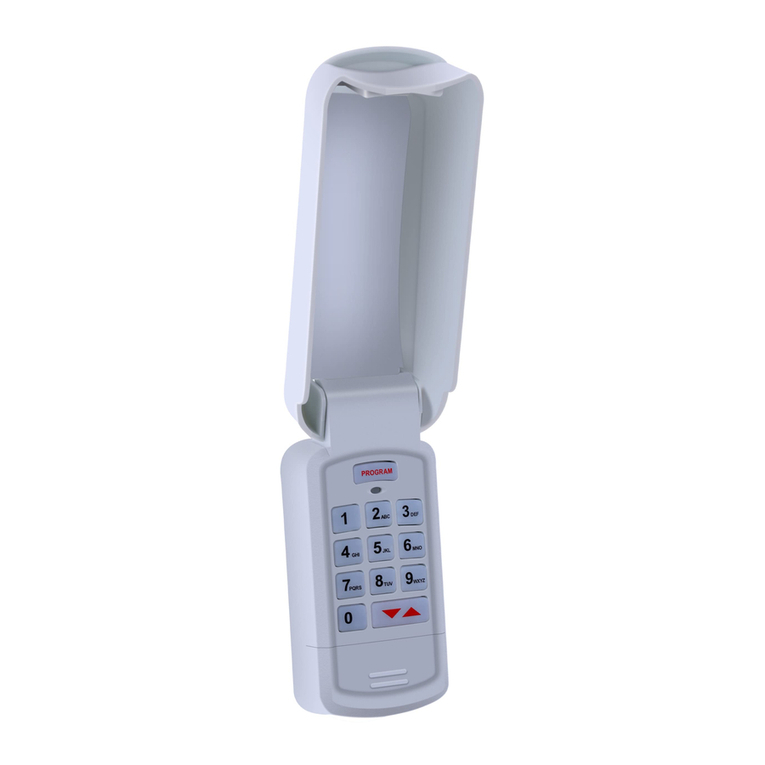
Overhead door Universal Wireless Keypad User manual

Overhead door

Overhead door Universal Wireless Keypad User manual

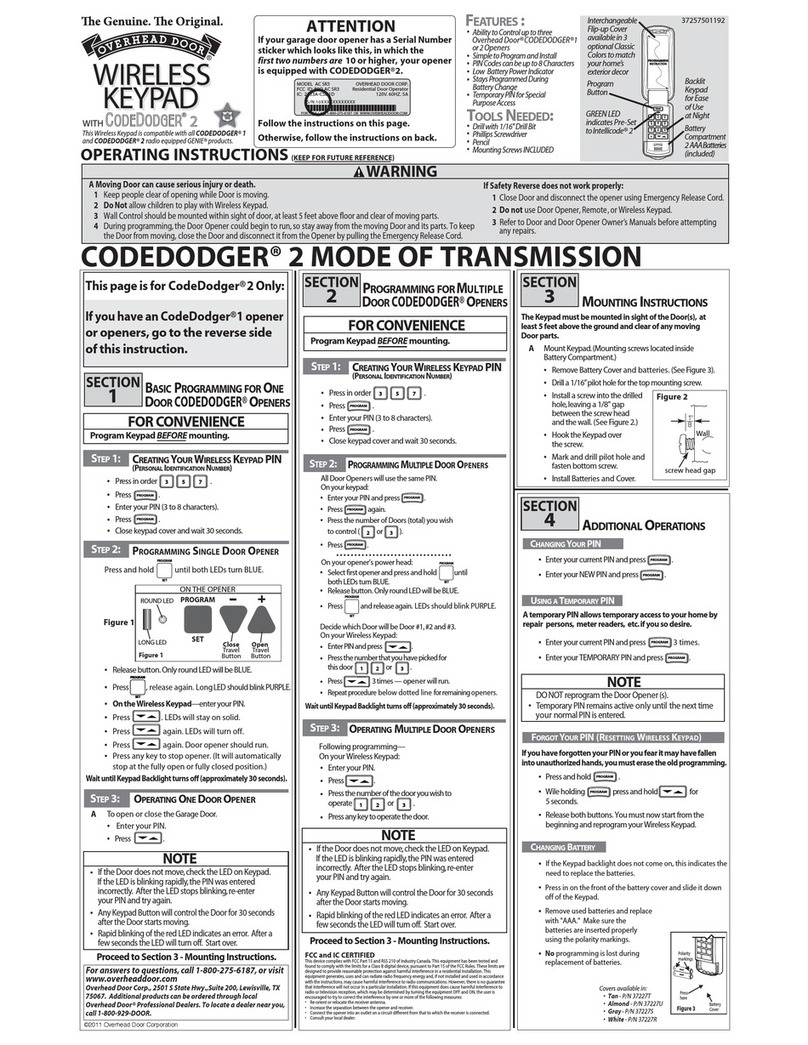
Overhead door CodeDodger 2 User manual

Overhead door

Overhead door CodeDodger 2 User manual

Popular Keypad manuals by other brands

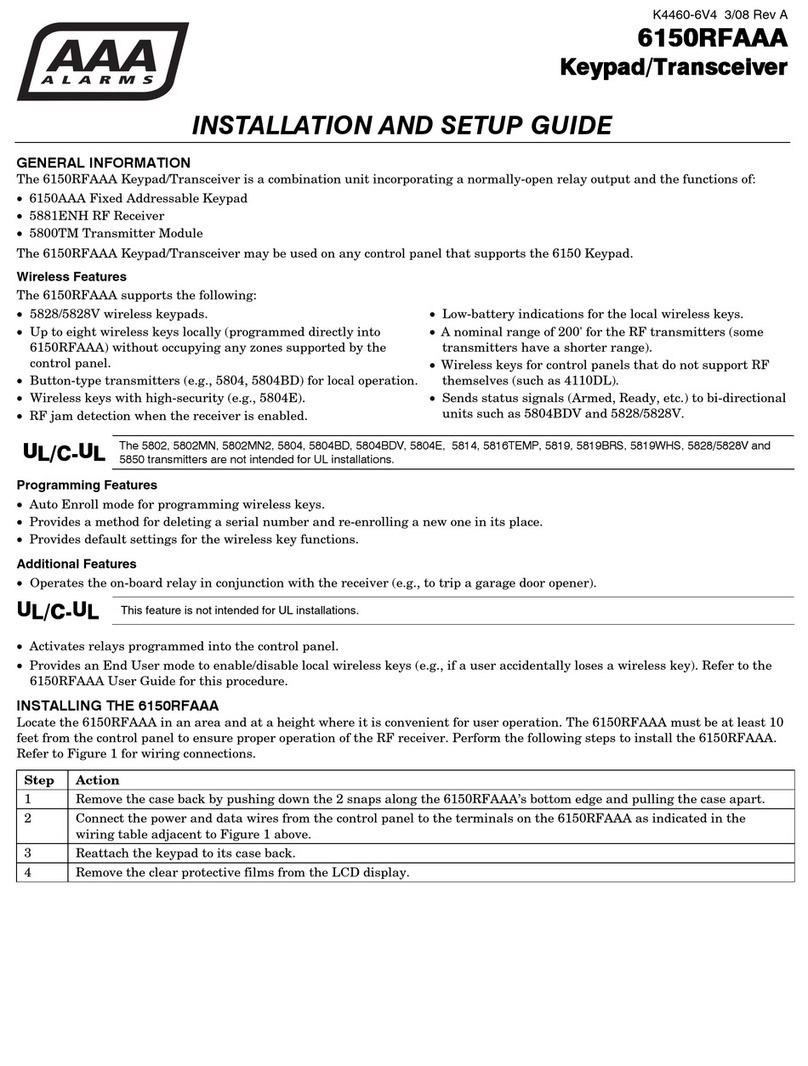
AAA 6150RFAAA Installation and setup guide

AAA

AAA 6150RFAAA Installation and setup guide

Fermax MDS Installation and programming manual

Fermax

Fermax MDS Installation and programming manual

ACT ACT PRO 1030 manual

ACT

ACT ACT PRO 1030 manual

Cardin SSB Series manual

Cardin

Cardin SSB Series manual

Harman Kardon KP 1 Specifications

Harman Kardon

Harman Kardon KP 1 Specifications

CYP CR-KP1 Operation manual

CYP

CYP CR-KP1 Operation manual

Aeware k-35 Series Quick reference card

Aeware

Aeware k-35 Series Quick reference card

Aritech CS-175 Series user guide

Aritech

Aritech CS-175 Series user guide

Lenze AC Tech MC SERIES installation instructions

Lenze AC Tech

Lenze AC Tech MC SERIES installation instructions

Burg Wächter secuENTRY 7711 operating instructions

Burg Wächter

Burg Wächter secuENTRY 7711 operating instructions

Aeware in.k450 Tech book

Aeware

Aeware in.k450 Tech book

Lenze EPM-H410 operating instructions

Lenze

Lenze EPM-H410 operating instructions

Toshiba RKP007Z user manual

Toshiba

Toshiba RKP007Z user manual

Elmes Electronic KB1 quick start guide

Elmes Electronic

Elmes Electronic KB1 quick start guide

Clare Controls ClareOne CLR-C1-PNC Installation sheet

Clare Controls

Clare Controls ClareOne CLR-C1-PNC Installation sheet

FM Electronics 4180 quick start guide

FM Electronics

FM Electronics 4180 quick start guide

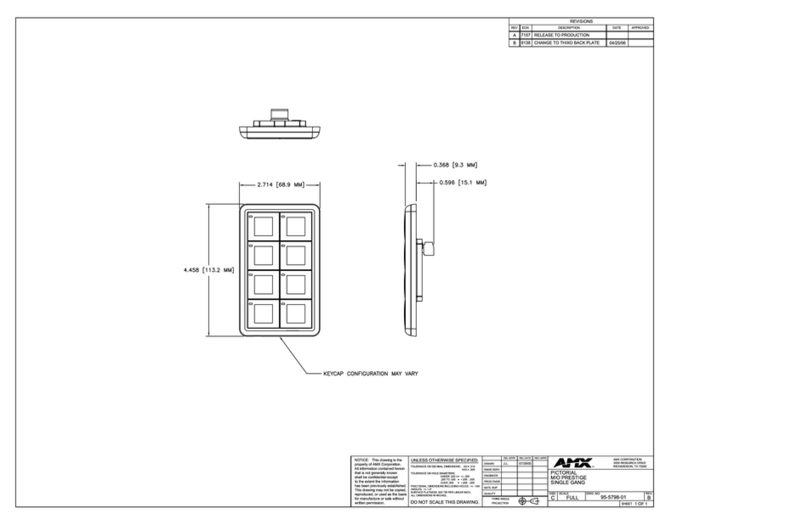
AMX MIO-PRESTIGE-S Dimensional drawing

AMX

AMX MIO-PRESTIGE-S Dimensional drawing

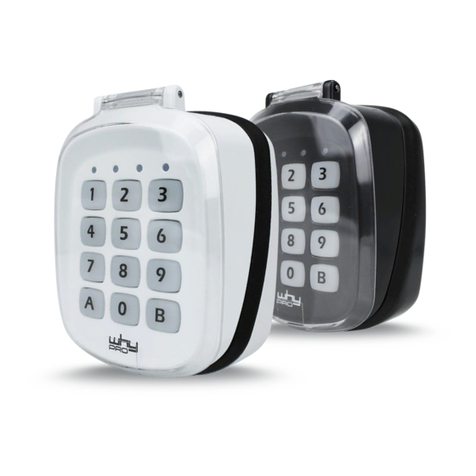
why pro WHY-KP user manual

why pro

why pro WHY-KP user manual

manuals.online logo
manuals.online logoBrands
  • About & Mission
  • Contact us
  • Privacy Policy
  • Terms and Conditions

Copyright 2025 Manuals.Online. All Rights Reserved.

Transmitter Switch Settings
1 2 3
4 5 6
7 8 9
10 11 12
up up up 7
up up down 6
up down up 5
up down down 4
down up up 3
down up down 2
down down up 1
down down down 0
Resulting Security Code
___ ___ ___ ___
PLEASE NOTE:
DURING 2000, THE
FACTORY MODIFIED
THIS KEYPAD.
IF THE KEYPAD DOES
NOT WORK AFTER
FOLLOWING THESE
DIRECTIONS - TRY
REPEATING THE
DIRECTIONS
BUT SKIP STEP #2
Overhead Door Company
of Cedar Rapids & Iowa City
800-393-9976
Always disconnect operator from door before programming
to avoid injury to yourself or the operator
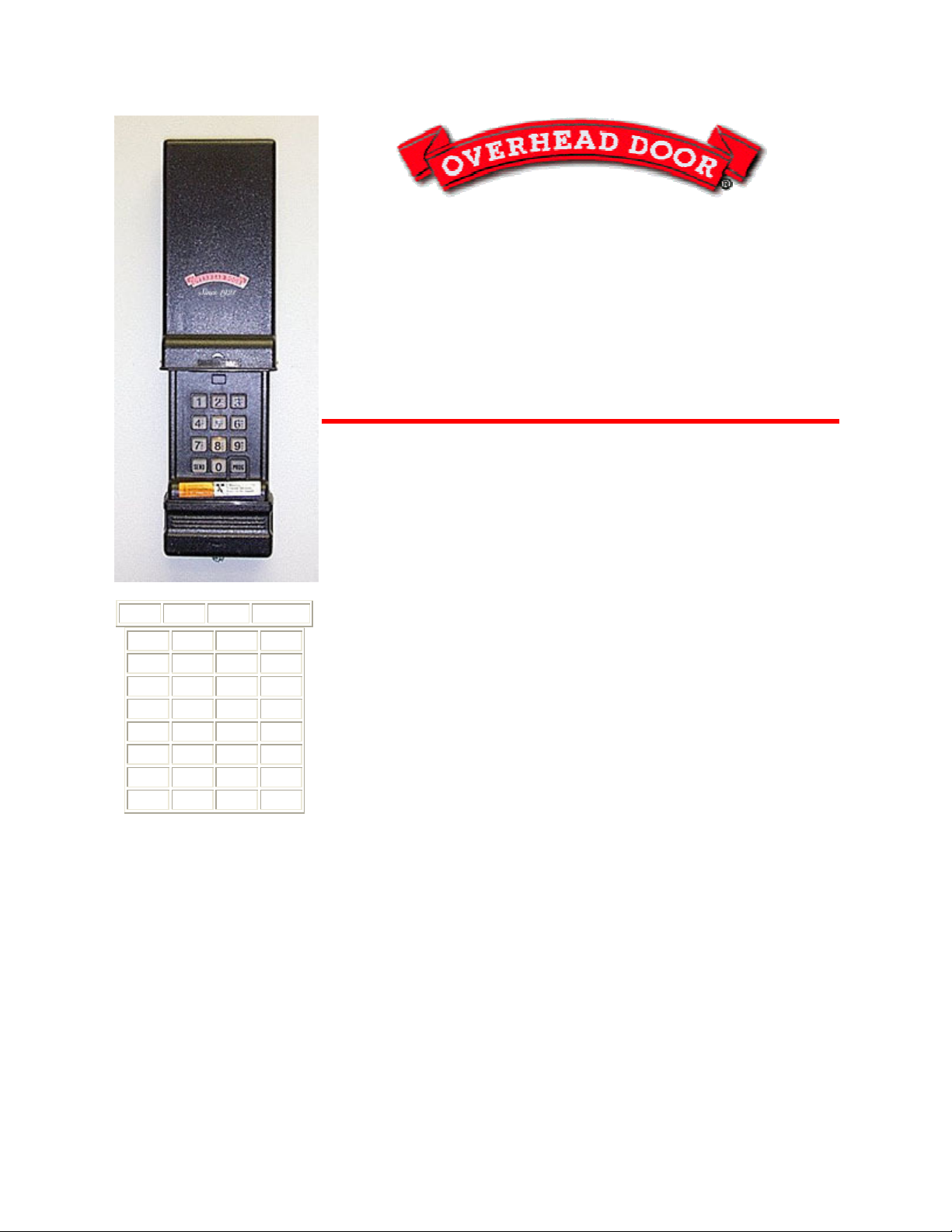
OVERHEAD DOOR • "G" Series Non-
CodeDodger OR GENIE
• Wireless (slide up cover)
Battery: Access Panel is at the bottom edge of the keypad.
To Operate: Depress area and slide down. Light should come on
when cover is raised.
Reset Keypad:
1. Open cover on keypad just enough to press "#" & "8" at the
same time. While pressing these keys, raise the cover all the
way (this erases the old code). Release the buttons.
2. Close the cover. Open cover fully.
3. Press numbers "3", "5", "7", and "#". The red light should be
blinking about once a second.
4.
Enter your new PIN number and press #. The red light should
be blinking faster.
5. Enter the security code number and press "*"- red Light will
turn off.
6. Close keypad cover fully.
7. Slide keypad cover open fully and enter the pin number and
press "*" to test with your new code number.
To Change Pin # Without Resetting Keypad:
1. Open cover fully.
2. Enter OLD pin number and press "#" - red light will blink
slowly.

3. Enter the NEW pin number and press "#" - red light will
blink faster.
4. Press "*" - red light will turn off.
5. Close keypad cover.
6. Slide keypad cover open fully and enter pin number and
press "*" to test with your new code number.
NOTE: On a 456 Operator, press the far right button in the cut-out
area to program a new transmitter. THIS IS FOR "O-SERIES"
TRANSMITTERS ONLY.