Learn More
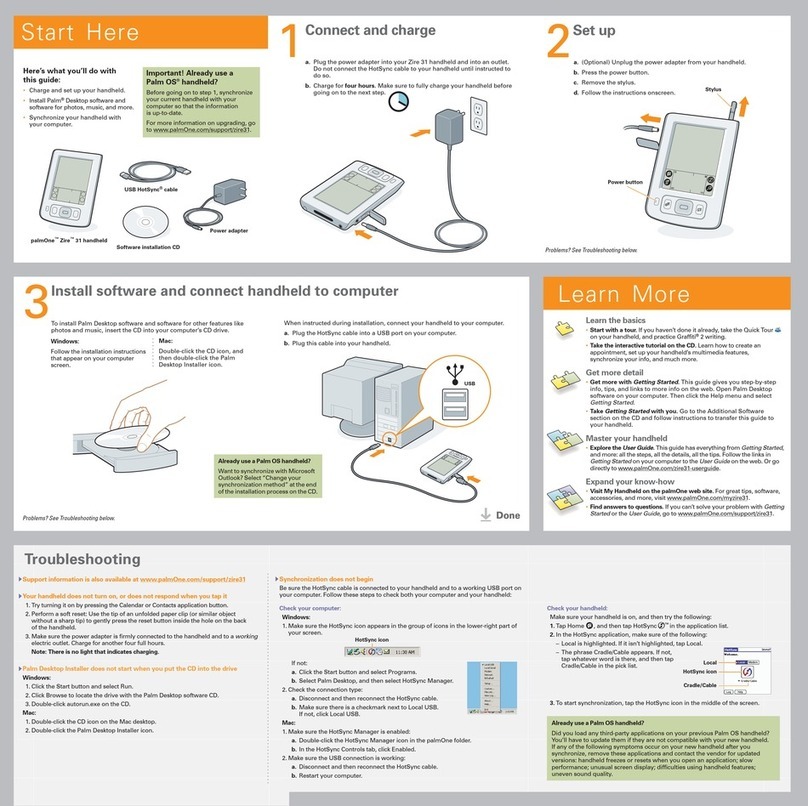
Learn the basics
•Start with a tour. If you haven’t done it already, take the QuickTour
on your handheld, and practice Graffiti®2 writing.
•Take the interactive tutorial on the CD. Learn how to create an
appointment, set up your handheld’s multimedia features,
synchronize your info, and much more.
Get more detail
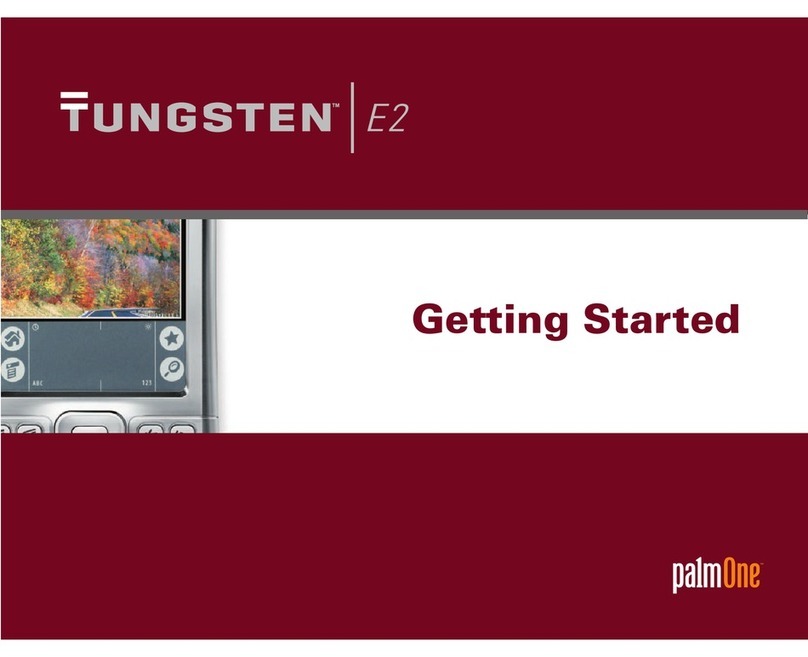
•Get more with
Getting Started
.This guide gives you step-by-step
information, tips, and more details found on the web. Open Palm
Desktop software on your computer.Then click the Help menu and
select
Getting Started
.
•Ta ke
Getting Started
with you. Go to the Additional Software section
on the CD and follow instructions to transfer this guide to your
handheld.
Master your handheld
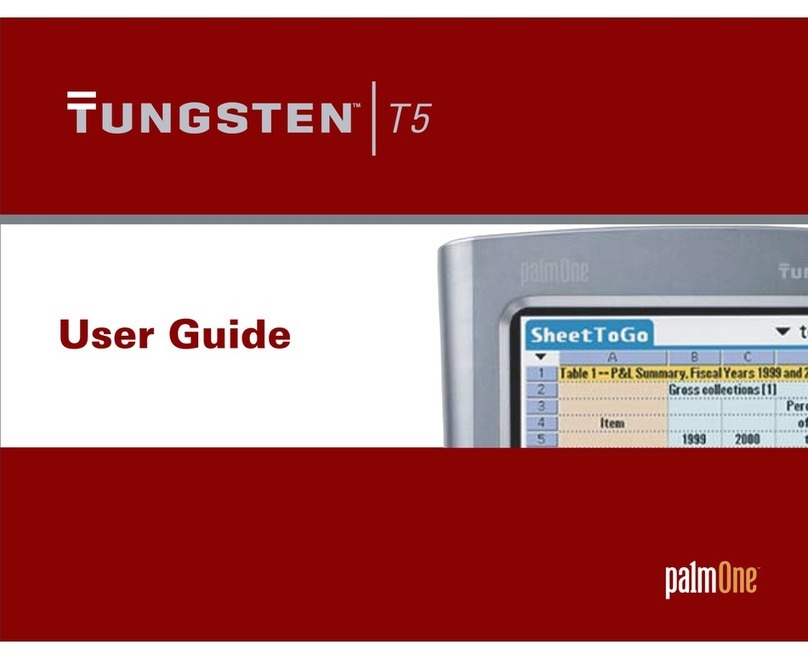
•Explore the
User Guide
.This guide has everything from
Getting Started
,
and more: all the steps, all the details, all the tips. Follow the links in
Getting Started
on your computer to the
User Guide
on the web. Or go
directly to www.palmOne.com/zire72-handbook.
Expand your know-how
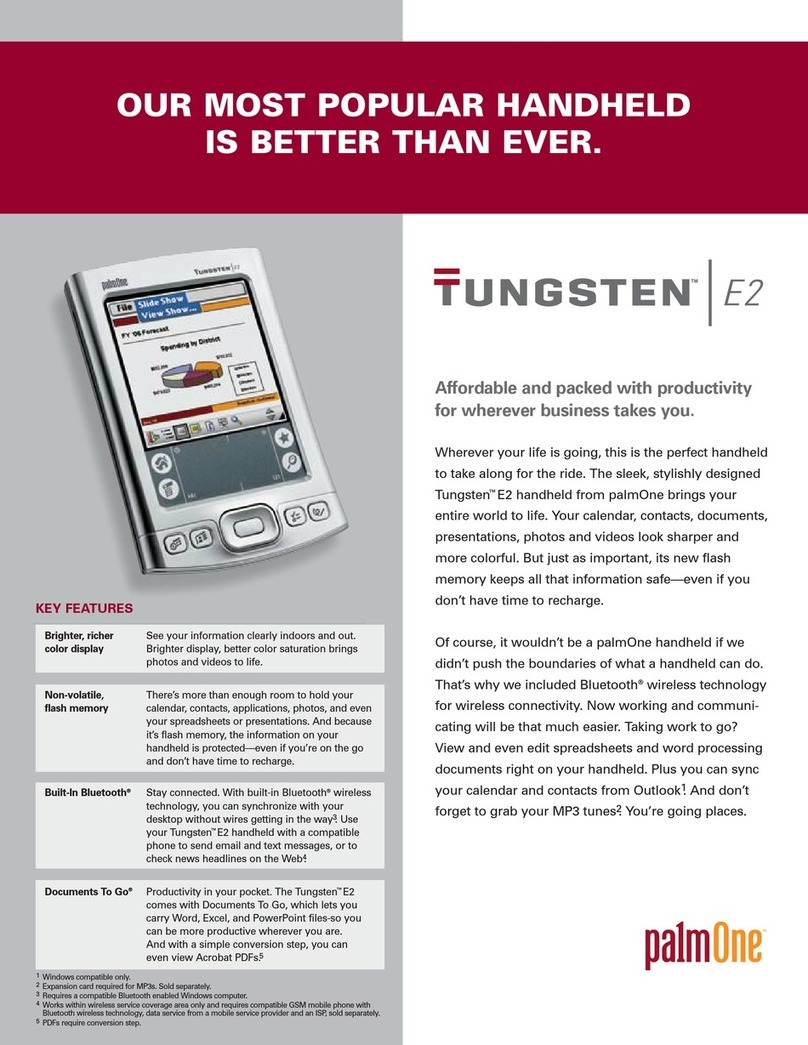
•Visit the palmOne™ web site. For great tips, software, accessories,
and more, visit www.palmOne.com/intl.
•Find answers to questions. If you can’t solve your problem with
Getting
Started
or the
User Guide
, go to www.palmOne.com/support/intl.