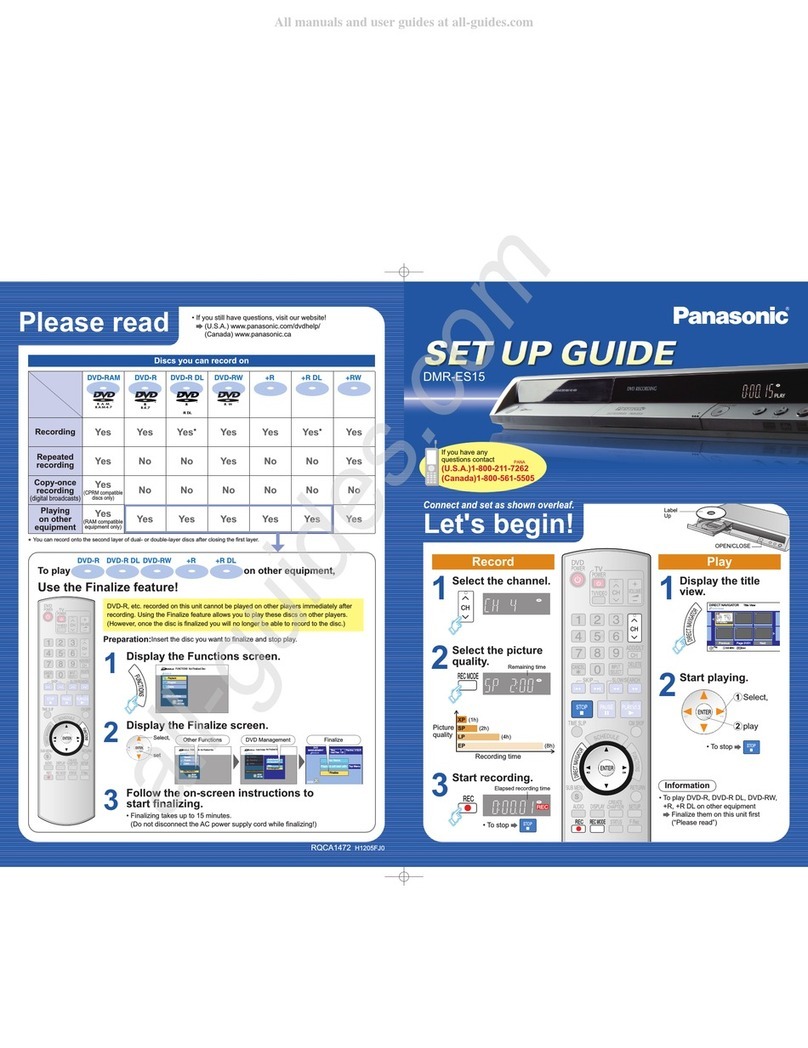
EASY SETUP
9Use the numbered buttons of the remote control to enter a 4-digit password.
Press ENTER to confirm the selection.
Your DVD player is now ready to use.
If you want to cancel EASY SETUP before it has finished, press the RETURN button.
8 Child lock password: You can prevent the unwanted playback of DVDs.
If you select Yes, then a 4-digit password must be entered.
Press ENTER to access the setting.
7 MPEG Audio
Select Yes when you connect the player to a unit with a built-in MPEG decoder.
Press ENTER to confirm the setting.
6 Dolby Digital:Method of coding and compression of more channel audio signals, developed by
Dolby Laboratories. A large amount of audio information can be recorded on one disc. Dolby Digital
is used in cinemas, digital television programs, DVDs and video games around the world.
Select Yes when you connect the player to a unit with a built-in Dolby Digital decoder.
Press ENTER to confirm the setting.
3 Pan&Scan:If you have a regular television (4:3 format) and wish to view 16:9 software in the Pan&Scan
style, if the disc supports this format. Expands the picture to fill the screen from top to bottom without
distortion. However, the edges of the picture are cut off.
Letterbox:If you have a regular television (4:3 format) and wish to view 16:9 software in the Letterbox
style. The whole picture is displayed, but black bands appear at the top and bottom of the screen.
Select your setting .
Press ENTER to confirm the setting.
2 TV screen formats:There are two types of TV format, 4:3 or 16:9. The 16:9 format corresponds
to Widescreen. When you select “Widescreen (16:9)“, the following setting “Pan&Scan / Letterbox“
will be skipped.
Select your setting .
Press ENTER to confirm the setting.
*This may not work with some discs.
After first plug in of AC mains, the EASY SETUP-screen will be invoked automatically.
Initial settings for the unit can be adjusted in an easy way as shown below.
Make the settings with the buttons of the remote control .
1Select the desired language .
Press
ENTER
to confirm the setting.
Press SETUP or RETURN to exit the screen.
5 DTS (Digital Theater Systems): Method of coding multi channel audio signals. Realistic sound
effects are possible.
Select Yes when you connect the player to a unit with a built-in DTS decoder.
Press ENTER to confirm the setting.
Normal (4:3)
Widescreen (16:9)
- - - -
Do you have a unit connected
to the OPTICAL output?
Please select your TV type
How do you want the widescreen picture
displayed on the normal (4:3) TV?
Pan&Scan style
(cut sides and fill screen)
Letterbox style
(black bands top and bottom)
Does the unit connected have
a built-in DTS decoder?
Does the unit connected have
a built-in Dolby Digital decoder?
Does the unit connected have
a built-in MPEG decoder?
Would you like to set a child lock
password now?
Please enter a 4-digit password
Panasonic
EASY SETUP Deutsch
Italiano
Svenska
Português
to select ENTER to access
No
Yes
No
Yes
No
Yes
No
Yes
No
Yes
English
Français
Español
Nederlands
5
4 OPTICAL output
Select Yes if you have connected the player with an Optical digital audio cable to a digital amplifier
or an amplifier with a built-in decoder to the OPTICAL output.
Press ENTER to confirm the setting.
If you have selected "No" above, the next setting is “child lock password“.
RQTD0003-2B