2011 AudiO
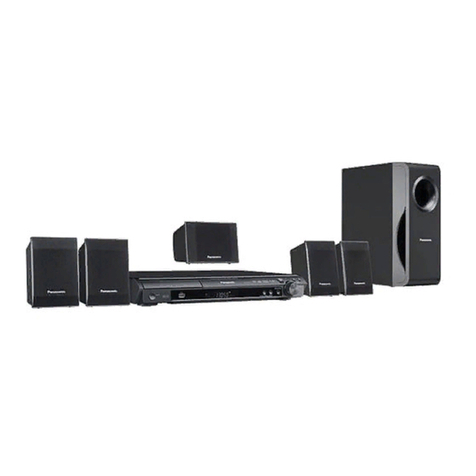
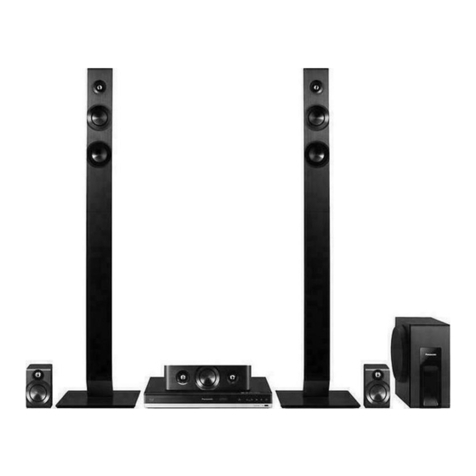
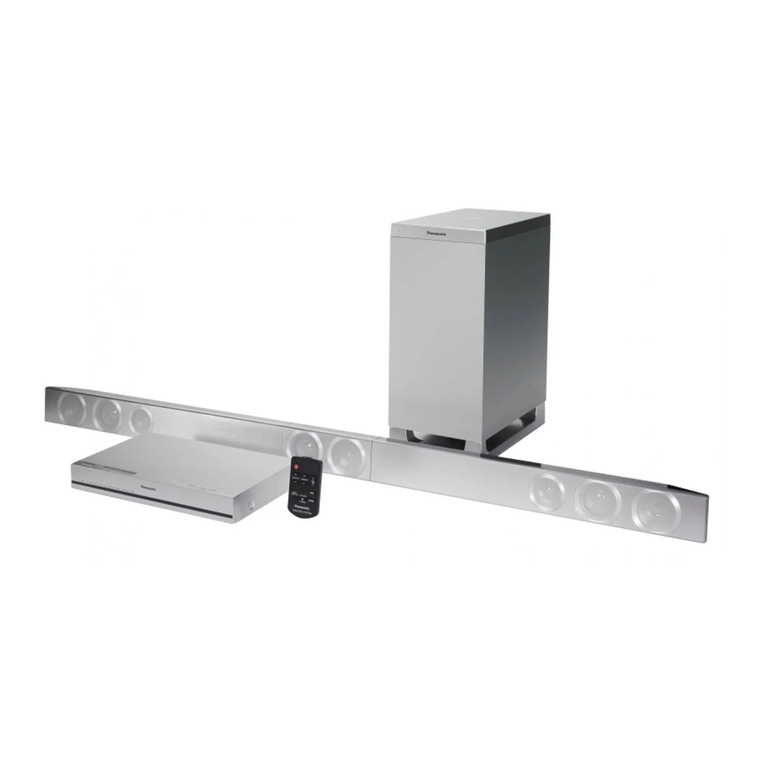
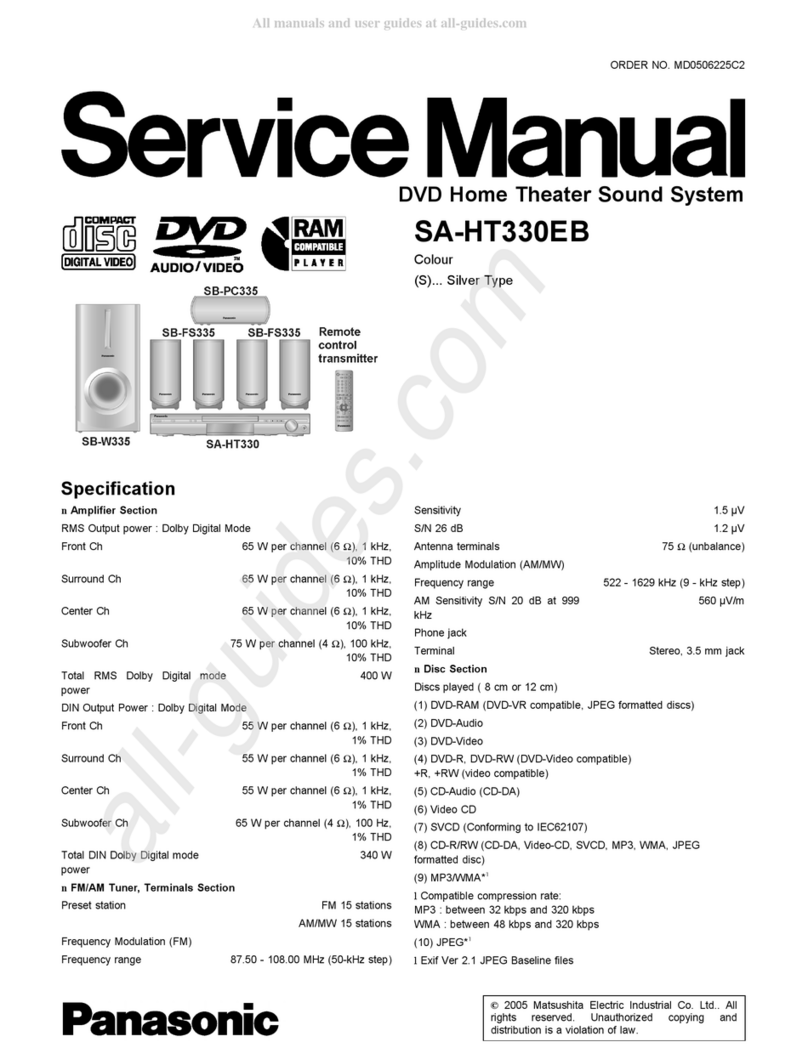
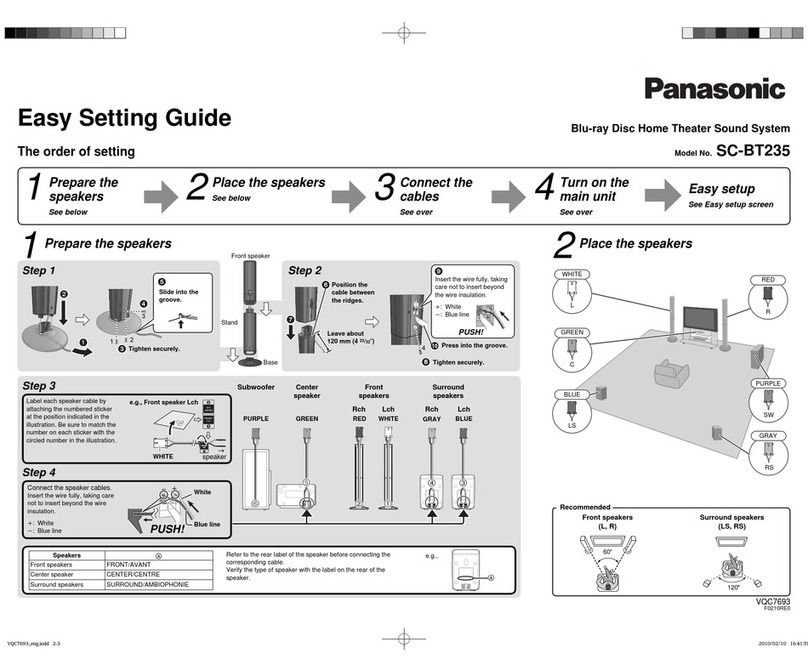
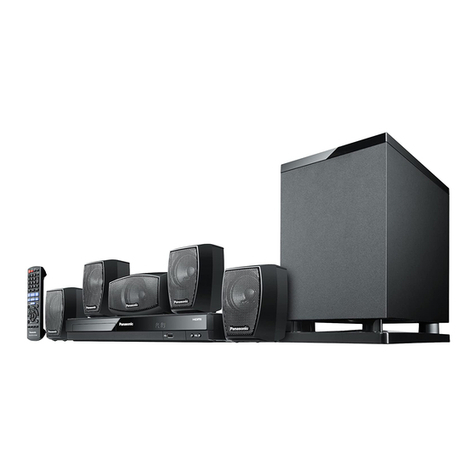
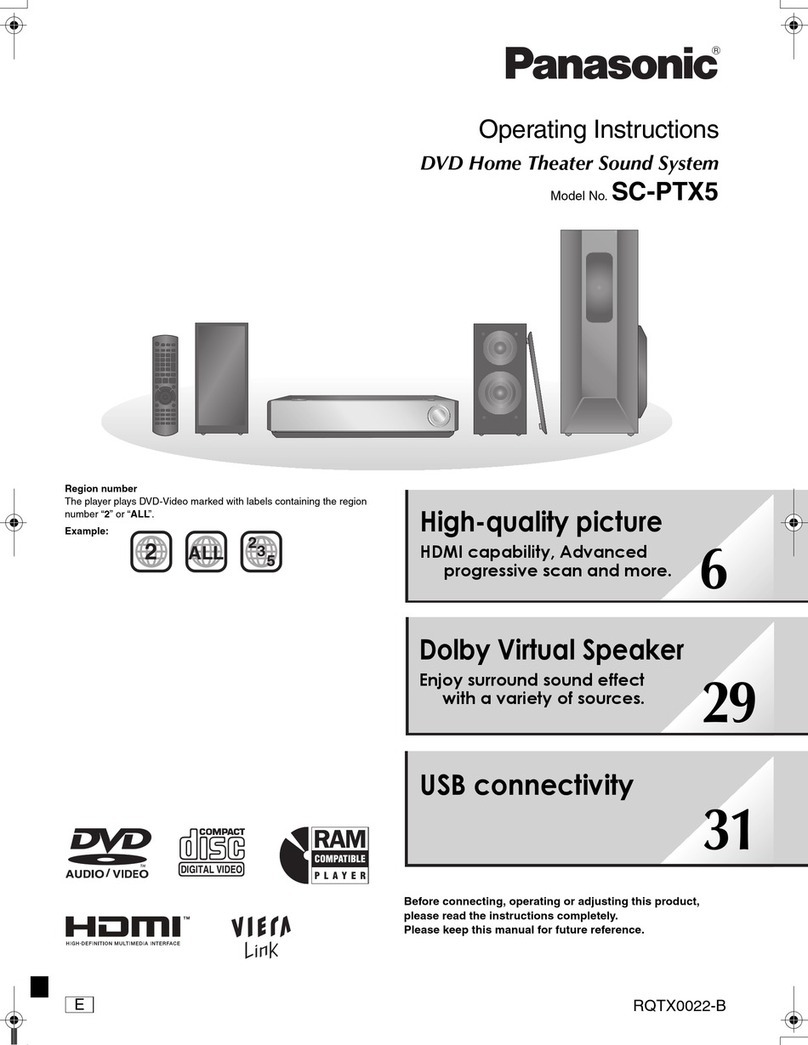
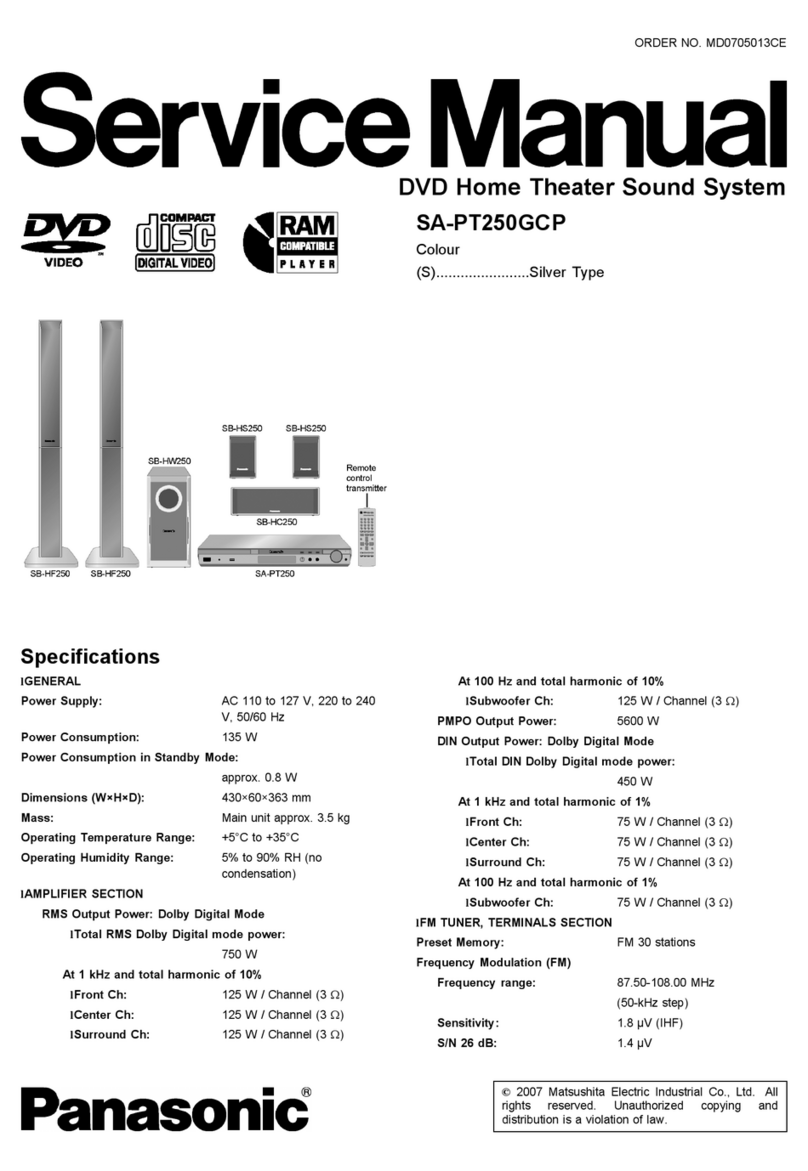
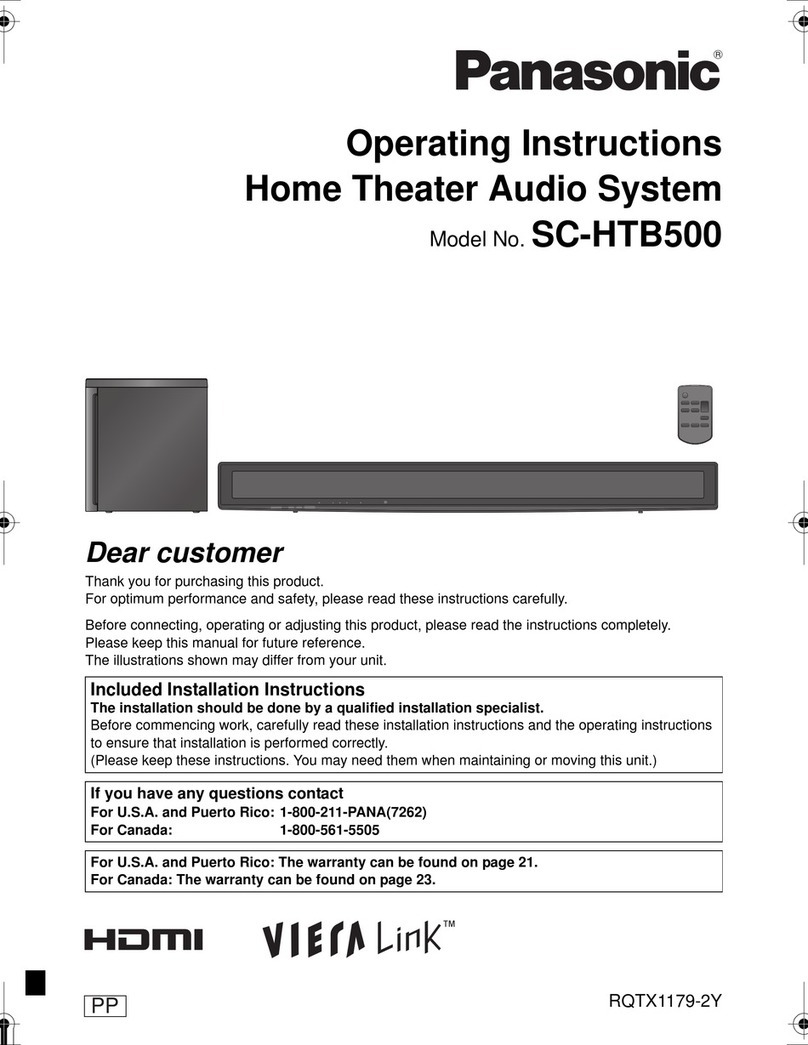
SC-BTT268 Home Theater System
04/11 Specifications subject to change without notice.
Playable Discs
BD-ROM FULL HD 3D •
BD-Video •*1
BD-RE / BD-RE DL (Ver. 3) JPEG /MPO •
BD-R/ BD-R DL (Ver. 2) •
DVD DVD-Video •
DVD-R*2/DVD-R DL*2/
DVD-RW*2
DVD-Video •
DVD Video Recording •
AVCHD •
MP3*3/ JPEG / MPO • (DVD-R/ DVD-R DL)
+R*2/ +R DL*2/ +RW*2Video •
AVCHD •
CD, CD-R/-RW*4CD-DA •
MP3*3•
JPEG/MPO •
auDio system
Output Channel 5.1ch
Power Output Home Theater Mode
(RMS)
Total Power 1000W
Front 160W x 2 (1kHz, 3ohms, 10% THD)
Center 160W (1kHz, 3ohms, 10% THD)
Surround 160W x 2 (1kHz, 3ohms, 10% THD)
Subwoofer 200W (100Hz, 3ohms, 10% THD)
Power Output Home Theater Mode
(FTC)
Total Power 430W
Front 60W x 2 (120Hz-20kHz, 3ohms, 1% THD)
Center 90W (120Hz-20kHz, 3ohms, 1% THD)
Surround 60W x 2 (120Hz-20kHz, 3ohms, 1% THD)
Subwoofer 100W (45Hz-120Hz, 3ohms, 1% THD)
Dolby®Digital Plus/ Dolby®TrueHD •
DTS™-HD Master Audio Essential / DTS™-HD High Resolution Audio •
sD memory carD
Compatible Media SD, SDHC, SDXC
Playback JPEG/MPO •
MPEG2 / AVCHD •
usb
Slot —
Front —
Rear —
HigH Quality Picture
Adaptive Chroma Processing •
2D-3D Conversion •
3D Effect Controller •
Full HD Up Sampling (New P4HD) •
1080/24p Playback*5•
Deep Color •
x.v.Color*6•
Digital Noise Reduction •
HigH Quality sounD
Cinema Surround Plus •
Pure Direct Sound Speaker —
Anti-Distortion Speaker —
Advanced Bamboo Cone —
Down Firing Subwoofer —
Digital Music Connection for iPod®/iPhone®•
Digital Tube Sound •
Clear Sound Digital Amplifier •
Dolby®Pro Logic®II •
High Clarity Sound •
96kHz Surround Re-Master*7•
7.1ch Virtual Surround Effect •
Whisper-mode Surround •
EQ •
Center Focus •
Subwoofer Level •
H.Bass •
Audio D/A Converter 192kHz/24bit
easy to use
VIERA Link™(HDAVI Control 5) •
Wireless LAN System —
Easy Setup •
Selectable Speaker Layout • (Normal/Front Layout)
Wireless Rear Speakers —
New Stylish GUI •
networking
VIERA CAST™*8•
BD-Live™•
Universal Dock for iPod® /iPhone®• (Integrated)
iPod®/ iPhone® Playback (Music / Video*9 / Photo*9)•
iPod®/ iPhone®Full Title List on Screen Display for Music & Video Contents •
sPeaker system
Front Configuration 1-way 1-speaker, Bass-reflex
Speaker Unit (Approx.) Full Range: 2-1/2 (6.5cm) Cone Type
Center Configuration 1-way 1-speaker, Bass-reflex
Speaker Unit (Approx.) Full Range: 2-1/2" (6.5cm) Cone Type
Surround Configuration 1-way 1-speaker, Bass-reflex
Speaker Unit (Approx.) Full Range: 2-1/2" (6.5cm) Cone Type
Subwoofer Configuration 1-way 1-speaker, Bass-reflex
Speaker Unit (Approx.) Woofer: 6-1/2" (16cm) Cone Type
terminal
HDMI Out •
Video Out •
Optical In •
Analog Audio In RCA • (AUX)
LAN (Ethernet) Terminal • (for BD-Live,*1VIERA CAST™and
Firmware Update)
otHers
Video System NTSC
Power Supply AC 120V, 60Hz
Power Consumption
(Approx.)
Normal Use 85W
Standby 0.4W
Digital Synthesizer Tuner •
Station Presets 30-FM
Dimensions, weigHts
Main Unit Dimensions (W x H x D) 16-15/16 x 1-1/2 x 10-31/32 in
(430 x 38 x 279 mm)
Weight (Approx.) 6 lb. (2.7 kg)
Front Speaker Dimensions (W x H x D) (Approx.) 3-5/32 x 4-19/32 x 2-15/16 in
(80 x 117 x 70.5 mm)
Weight (Approx.) 0.77 lb. (0.35 kg)
Center Speaker Dimensions (W x H x D) (Approx.) 5-23/32 x 3-3/16 x 2-15/16 in
(145 x 81 x 70.5 mm)
Weight (Approx.) 1.1 lb. (0.5 kg)
Surround Speaker Dimensions (W x H x D) (Approx.) 3-5/32 x 4-19/32 x 2-15/16 in
(80 x 117 x 70.5 mm)
Weight (Approx.) 0.77 lb. (0.35 kg)
Subwoofer Dimensions (W x H x D) (Approx.) 5-23/32 x 11-13/32 x 10-5/32 in
(145 x 289.5 x 258 mm)
Weight (Approx.) 6.6 lb. (3.0 kg)
*1 To enjoy additional contents (such as BD-Live) on certain Blu-ray
Disc™titles, you will need to insert an SD card (1GB or more of free
space/ sold separately). Requires broadband Internet service.
*2 Discs recorded and nalized on recording devices.
*3 For contents recorded disc media from CDs for your personal use.
*4 Playability may vary depending on the contents, discs and quality
of the recording.
*5 For BD-ROM /BD-R and DVD-Video via HDMI.
*6 This function is effective only when reproducing AVCHD data
recorded with x.v.Color technology. The function cannot be used
with BD-ROM or DVD-ROM discs. HDMI connection is required.
x.v.Color is a registered trademark.
*7 CD sampling is done at 88.2 kHz. MP3 data can be re-mastered
only on CD.
*8 Requires broadband Internet service.
*9 To enjoy video/photo contents on iPod®/iPhone®, please connect
your home theater sound system with composite video cable
to your TV.