Setting or Displaying the Camera Icon
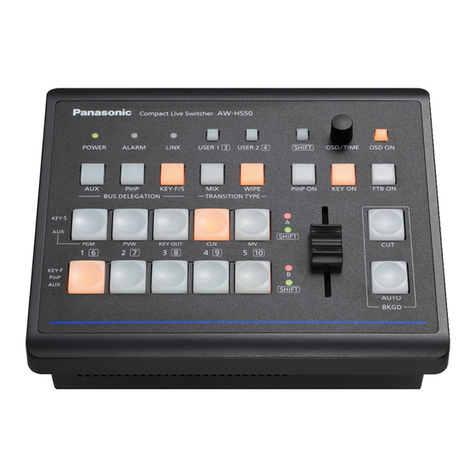
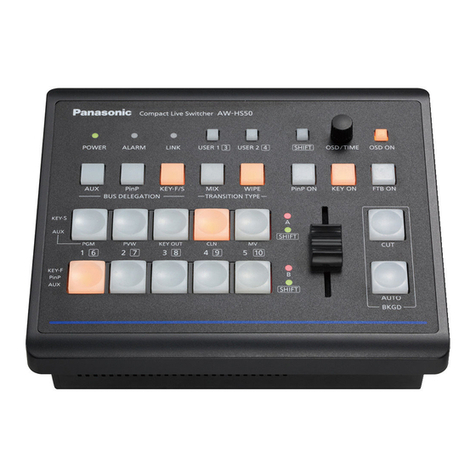
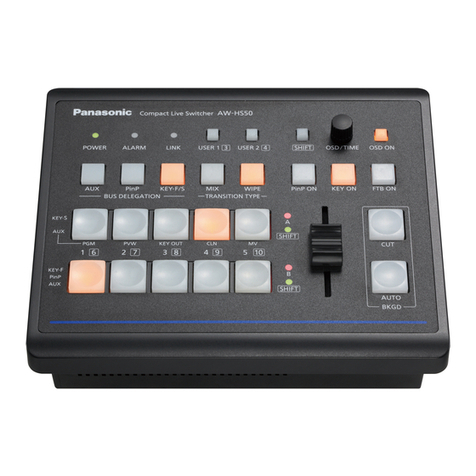
① On the MV screen by AW-HS50, the camera icon ( ) is displayed at the lower left of the image from a remote
camera being controlled by AW-RP50
Menu: (9) SETUP > [2] SW LINK => 5 CAMSEL => [On] * Default: [Off]
Setting or Displaying the Camera In ormation
① On a monitor connected with AW-HS50, the information of a remote camera can be displayed at a time
Menu: (9) SETUP > [3] SW DISP => 1 CAMINF => [On] * Default: [Off]
* In addition, if you need to show/hide each item of camera information, please set the following settings individually
(Fig 5-①) Video Format => Menu: (9) SETUP > [3] SW DISP => 2 FORMAT => [On] * Default: [Off]
(Fig 5-②) Scene File Setting Value => Menu: (9) SETUP > [3] SW DISP => 4 SCENE => [On] * Default: [Off]
(Fig 5-③) Filter Information => Menu: (9) SETUP > [3] SW DISP => 8 FILTER => [On] * Default: [Off]
(Fig 5-④) Remote Camera Alarm Info => Menu: (9) SETUP > [3] SW DISP => 9 ALARM => [On] * Default: [Off]
(Fig 5-⑤) Shutter Information => Menu: (9) SETUP > [3] SW DISP => 6 SHUTTER => [On] * Default: [Off]
(Fig 5-⑥) Gain Value => Menu: (9) SETUP > [3] SW DISP => 5 GAIN => [On] * Default: [Off]
(Fig 5-⑦) Iris Value => Menu: (9) SETUP > [3] SW DISP => 7 IRIS => [On] * Default: [Off]
(Fig 5-⑧) Remote Camera Name => Menu: (9) SETUP > [3] SW DISP => 3 CAMNAME => [On] * Default: [Off]
* To display the remote camera name, the menu setting on AW-HS50 needs to be set as follows:
AW-HS50 Menu setting: [10] Input Menu > SDI-IN1 – 4: [4 Name Type] => [CAM Name]
Setting or On-Air Tally In ormation
① Setting to let AW-RP50 receive the tally information from AW-HS50 through the network
Menu: (9) SETUP > [2] SW LINK => 6 TALLY_IP => [On] * Default: [Off]
② Setting to let AW-RP50 instruct the remote cameras to send an OA tally output
Menu: (8) CAMERA > [3] TALLY => 1 TALLY OUT => [On] * Default: [Off]
③ Enable the tally output setting on the remote cameras
Ex : AW-HE40 ・・・ Menu: System > Others > Others2/4 > Tally => [Enable] * Default: [Enable]
- This information is not displayed on SDI-OUT1
- This information is not displayed on Pos3 – Pos6 of the 6-Split MV screen
- This information is not displayed on Pos3 – Pos10 of the 10-Split MV screen
- If a camera is connected via serial connection with AW-RP50, the information
of this camera is displayed only when it is selected
- ③ & ⑦ are not displayed when the camera is AW-HE130/120//60/50/40 or
AW-UE70
(Figure 5: Details of Remote Camera Information Displayed)