manuals.online logo
Brands
  1. Home
  2. •
  3. Brands
  4. •
  5. Panduit
  6. •
  7. TV Mount
  8. •
  9. Panduit R2PPDUB User manual

Panduit R2PPDUB User manual

Other Panduit TV Mount manuals

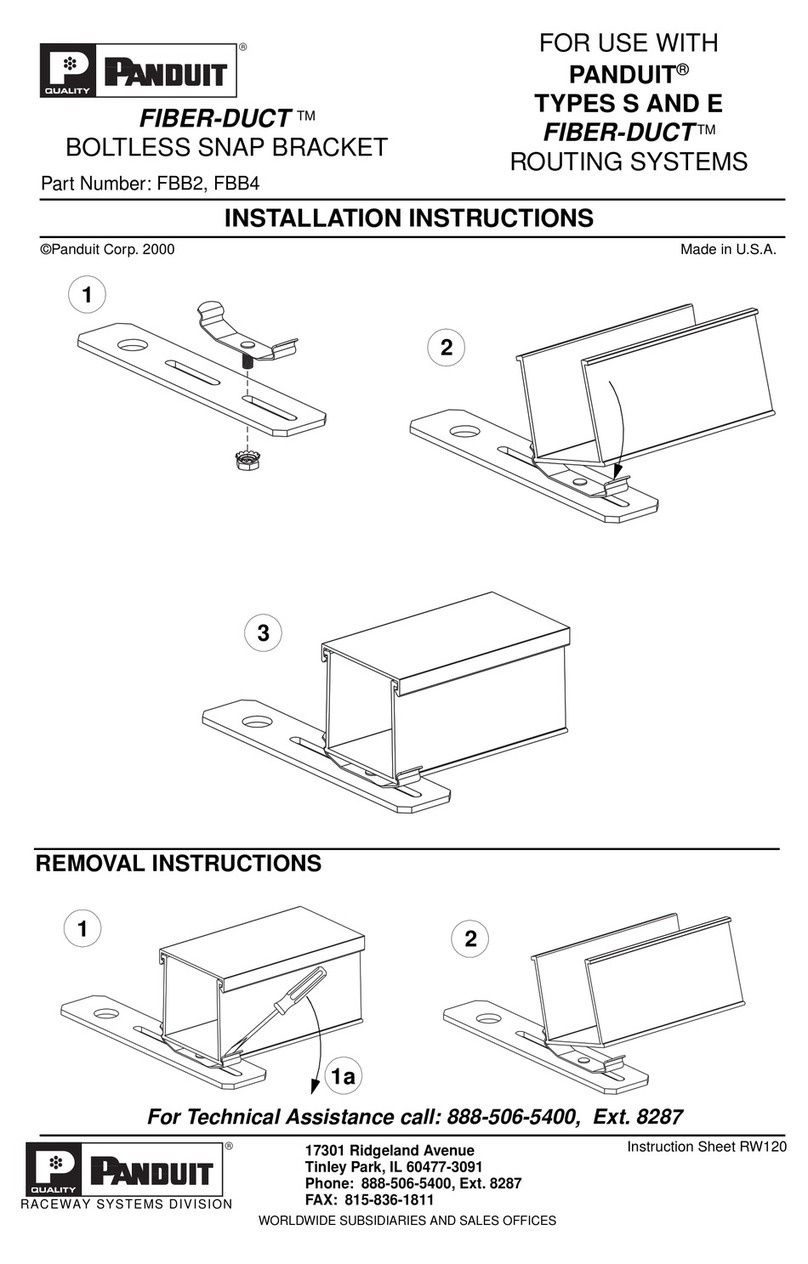
Panduit FIBER-DUCT FBB2 User manual

Panduit

Panduit FIBER-DUCT FBB2 User manual

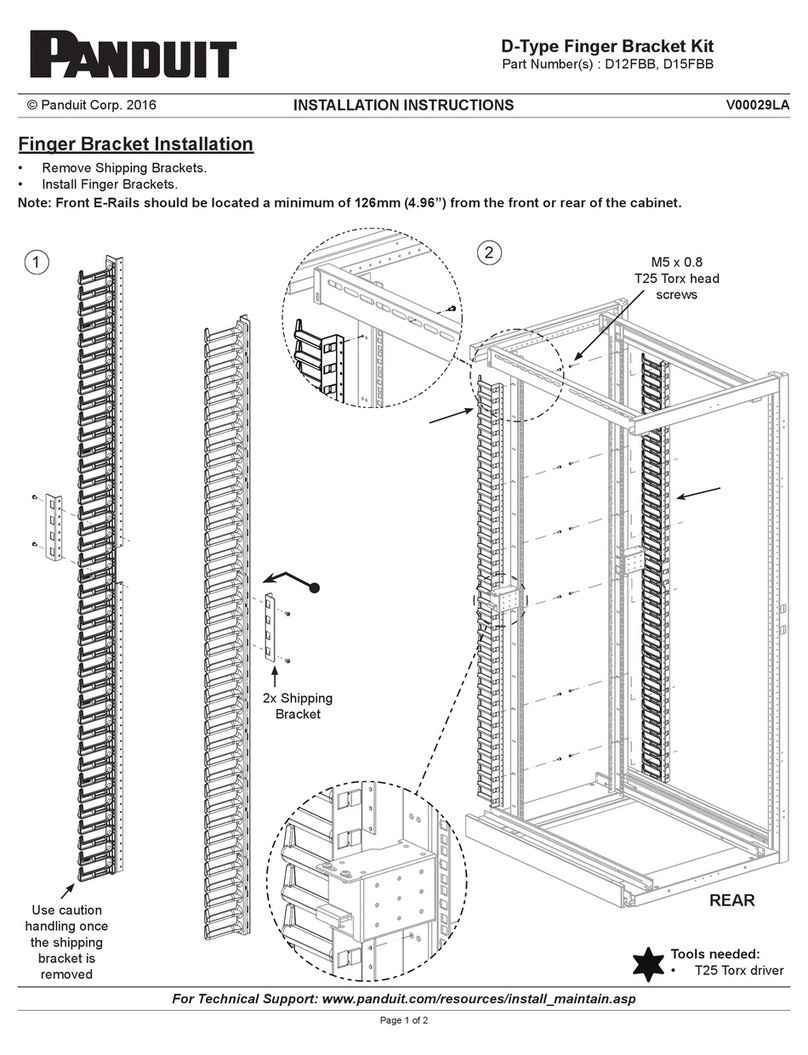
Panduit D Series User manual

Panduit

Panduit D Series User manual

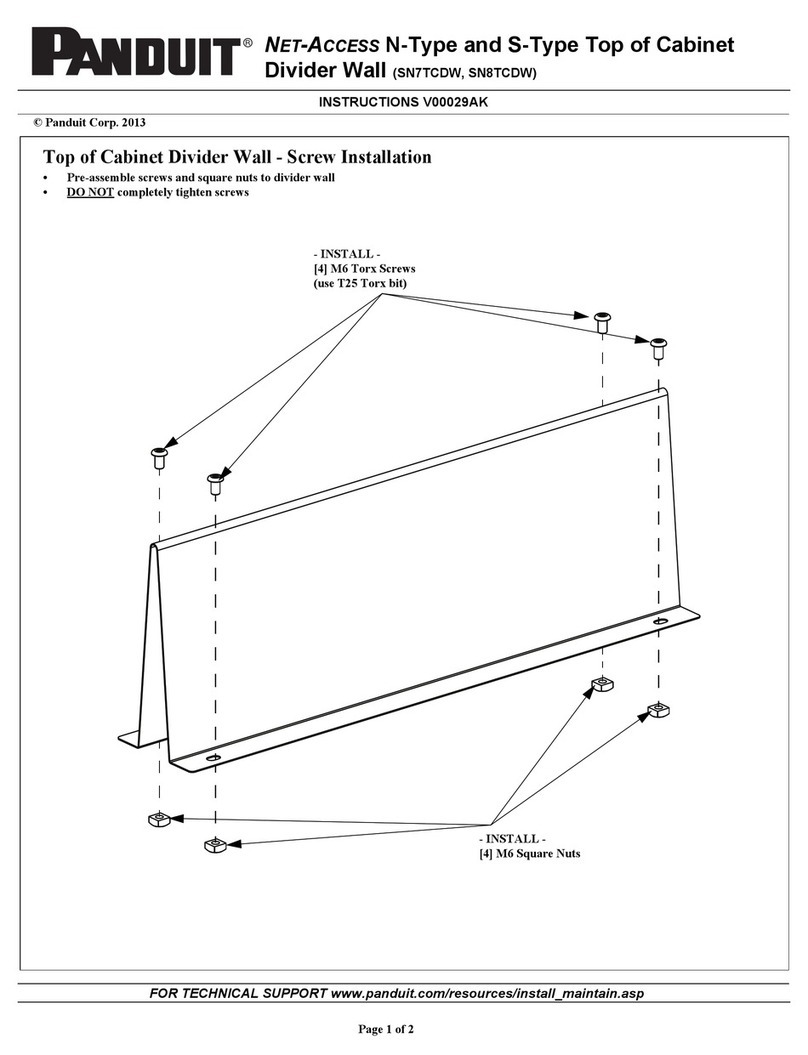
Panduit NET-ACCESS SN7TCDW User manual

Panduit

Panduit NET-ACCESS SN7TCDW User manual

Panduit MA021B User manual

Panduit

Panduit MA021B User manual

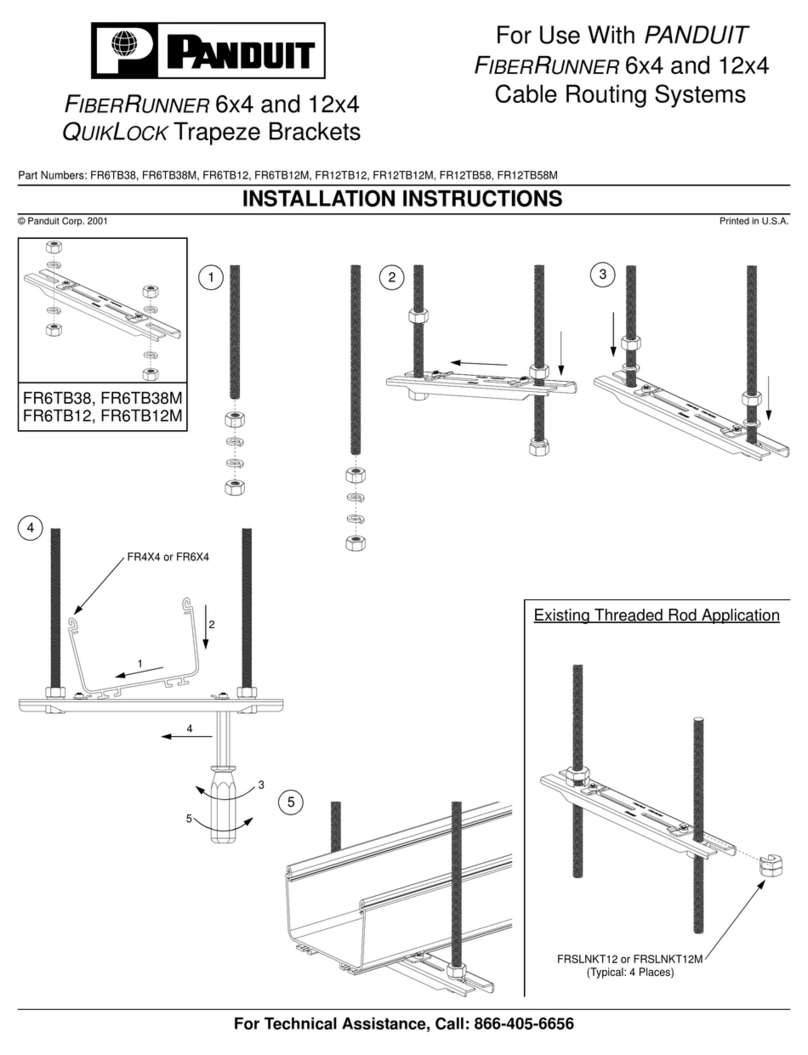
Panduit FIBERRUNNER 6x4 User manual

Panduit

Panduit FIBERRUNNER 6x4 User manual

Popular TV Mount manuals by other brands

Krüger & Matz KM1300 owner's manual

Krüger & Matz

Krüger & Matz KM1300 owner's manual

Barkan E220 manual

Barkan

Barkan E220 manual

Bauhn ACTVB-1120 installation guide

Bauhn

Bauhn ACTVB-1120 installation guide

Vantage Point Products CB01 instructions

Vantage Point Products

Vantage Point Products CB01 instructions

Ergotron Neo Flex Cantilever UHD user guide

Ergotron

Ergotron Neo Flex Cantilever UHD user guide

ECG LD 174203 instruction manual

ECG

ECG LD 174203 instruction manual

StarTech.com FPCEILBTB user manual

StarTech.com

StarTech.com FPCEILBTB user manual

VonHaus 05/038 instruction manual

VonHaus

VonHaus 05/038 instruction manual

Techlink ECHO TV manual

Techlink

Techlink ECHO TV manual

Sandstrom SSTVMC12X instruction manual

Sandstrom

Sandstrom SSTVMC12X instruction manual

Kanto RCAD590 user manual

Kanto

Kanto RCAD590 user manual

Forging Mount HY9440 instruction manual

Forging Mount

Forging Mount HY9440 instruction manual

ICW SCACC18 installation instructions

ICW

ICW SCACC18 installation instructions

LG WM-L640V owner's manual

LG

LG WM-L640V owner's manual

Gembird WM-65ST-01 user manual

Gembird

Gembird WM-65ST-01 user manual

ERARD FiTUP XXL 035320 quick start guide

ERARD

ERARD FiTUP XXL 035320 quick start guide

PEERLESS PLCK-1 Installation and assembly

PEERLESS

PEERLESS PLCK-1 Installation and assembly

GEM GEM GP001 instructions

GEM

GEM GEM GP001 instructions

manuals.online logo
manuals.online logoBrands
  • About & Mission
  • Contact us
  • Privacy Policy
  • Terms and Conditions

Copyright 2025 Manuals.Online. All Rights Reserved.

For Technical Support: www.panduit.com/resources/install_maintain.asp
Page 1 of 2
INSTALLATION INSTRUCTIONS
© Panduit Corp. 2011 CM521
Base to Base
35 RU Min. Spacing
39 RU Max. Spacing
Base to Base
19 RU Min. Spacing
23 RU Max. Spacing
POU Bracket for 2 Post Racks
Part Number(s): R2PPDUB
R2PPDUB
The R2PPDUB part contains the following components referred to in this
instruction sheet:
• (2) Outer Mounting Brackets
• (2) Inner Mounting Brackets
• (12) #12-24 X 1/2" Screws
Installation Instructions-Outer Mounting Brackets
Attach (2) #12-24 X 1/2" screws to rack (per bracket) at appropriate locations.
Fasten outer mounting brackets to rack using the screws. The large flat surface with slotted holes may face outside or inside.
For mounting long (66.25") POU’s, the brackets may be spaced vertically between 35 and 39 RUs apart, in 1 RU increments, measured from
bracket base to bracket base.
For mounting short (39") POU’s, the brackets may be spaced vertically between 19 and 23 RUs apart, in 1 RU increments, measured from
bracket base to bracket base.
Outer Mounting
Brackets (slide in
under screws)
Bracket Installation for Long POU’s Bracket Installation for Short POU’s
#12-24 X 1/2" Screws
(first)
#12-24 X 1/2" Screws
(first)
Installation Instructions-Inner Mounting Brackets
Slide inner mounting brackets into outer mounting brackets with the POU mounting keyway surface facing opposite the outer bracket slotted
hole surface. Fasten brackets together using (4) #12-24 X 1/2" screws for each bracket set. (2) screws will be fastened on the top flange and
(2) screws will be fastened on the bottom flange.
Important: (2) screws must be fastened in the most outward hole on each outer mounting bracket (1 top, 1 bottom). (2) screws must be fas-
tened in the position where the hole in the inner mounting bracket is closest to the face of the rack, regardless of extended position.
Note: Multiple holes on the top and bottom of the brackets allow the distance from the rack a POU can be mounted to be adjustable. This
means that the side facing POU can be mounted ranging from 3.7"-18.7" horizontally from the face of the rack. The rear facing POU can be
mounted ranging from 12.3"-20.3" horizontally from the face of the rack.
See illustrations on Page 2

E-mail:
[email protected]
Fax:
(708) 444-6448
For Instructions in Local Languages
and Technical Support:
www.panduit.com/resources/install_maintain.asp
Page 2 of 2
INSTALLATION INSTRUCTIONS
© Panduit Corp. 2011 CM521
www.panduit.com
3.7” Minimum
POU Side Mounting
Distance
18.7” Maximum
POU Side
Mounting Distance
Installation Instructions-Inner Mounting Brackets (continued)
Inner Mounting Brackets
#12-24 X 1/2" Screws
Mounting Brackets Fully Extended
#12-24 X 1/2" Screws
Mounting Brackets Fully Retracted
Installation Instructions-Installing Power Outlet Units (POU)
Install POU to the R2PPDUB by lining up the mounting buttons provided with the POU with the centers of 1 mounting keyhole on each of the
bracket assemblies.
Note: POU’s may be rear facing or side facing on the R2PPDUB assembly, but in no case should there be more than two (2) POU’s mounted
at the same time. The maximum load for POU’s and cabling is 50 lbs.
POU Rear Facing on the R2PPDUB assembly POU Side Facing on the R2PPDUB assembly
Note: No other rack equipment can be mounted in the same RU
spaces that the POU Mounting Brackets occupy.
#12-24 X 1/2" Screws