5
SSiiggnnaall
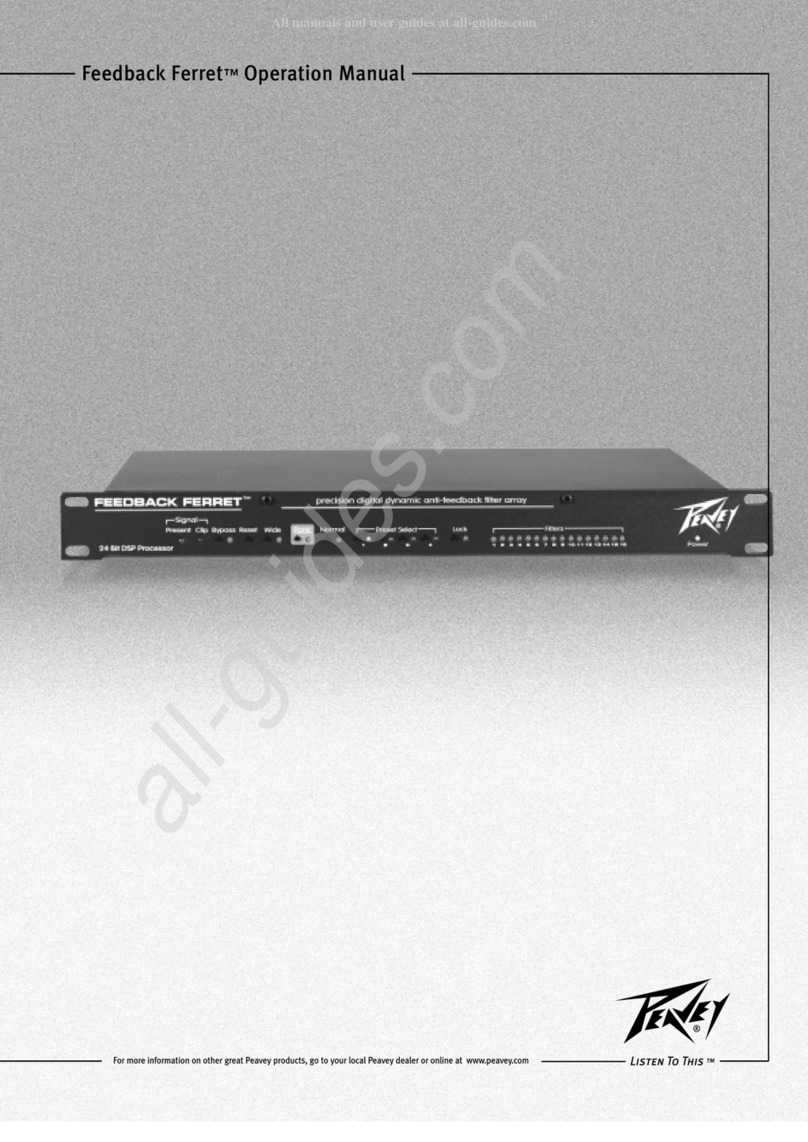
The Present LED lights when signal is present (40 dB down
from full scale). The Clip LED lights when the signal is 1/2 dB
down from clipping.
BByyppaassss
Press and hold to bypass filters. This ta es the Ferret out of
the signal path completely. Use caution when engaging the
Bypass. Feedbac could occur again—very loudly!
RReesseett
The reset button has two stages. By pressing and holding the
reset button‚ all filter LEDs will begin to flash. Filters 1–8
(dynamic) will clear first as indicated by their non-lit LEDs.
Releasing the button at this point will leave the static filters
(9–16) in their current state. Continuing to hold the rest button
will clear the remaining filters 9–16 (static).
WWiiddee
Engaging the Wide button increases the range of frequencies
that each filter affects. The LED lights when Wide is activated.
(Note: Feedbac often occurs around a range of pitches or
frequencies‚ not necessarily a single pitch. By engaging this
button‚ the Ferret widens the effective range of each filter and
subsequently uses fewer filters to accomplish the same
result.)
PPaanniicc
Panic filters are a special class of filters designed to quic ly
control sudden‚ extreme feedbac . Panic is automatically
engaged when in Normal operating mode. The LED lights
when Panic is activated.
NNoorrmmaall
Activated after setting up for each venue. Automatically
engages the Panic filters. Deactivated when in Setup Mode.
PPrreesseett SSeelleecctt
4 presets and associated LEDs. Press and hold to store. Press
to recall. A preset stores all front panel information.
LLoocc
Stops the Ferret from setting any new filters but eeps the
filters already defined and in place.
FFiilltteerrss
There are two sets of filters on the Ferret. Filters 9–16 are static
and always set before the dynamic filters. Once these static
filters are defined‚ they loc and maintain their status until
they are reset. The dynamic filters (1–8) are those filters that
change as input changes (i.e. volume changes‚ etc.).
PPoowweerr
The LED lights when AC power is supplied and the power
switch is on.
Ferret Front Panel Controls
AACC PPoowweerr
This is a standard IEC power connector. An AC mains cord
having the appropriate AC plug and ratings for the intended
operating voltage is included. The mains cord should be
connected to the unit before connecting to a suitable AC
outlet.
FFuussee
Domestic: 1A Slow-Blow
Export: 500 mA Time Delay
PPoowweerr SSwwiittcchh
This switch applies AC mains power to the internal power
supply. When the unit is functioning‚ the Power LED on the
front panel will illuminate.
FFrroonntt PPaanneell DDiissaabbllee SSwwiittcchh
When the Disable switch is engaged‚ all buttons on the front
of the unit are disabled. Use this switch after you’ve set up
your system. This will prevent any accidental changes to
your current settings.
PPoowweerr UUpp RReeccaallll
This button determines‚ upon power up‚ whether the unit
recalls the last settings used or preset 1.
OOuuttppuuttss
1/4" TRS balanced audio output. [tip = positive; ring =
negative; sleeve = ground]. XLR balanced audio output.
[pin 1 = ground; pin 2 = positive; pin 3 = negative]
unbalanced: [tip = positive; sleeve = ground]
IInnppuutt
XLR and 1/4" combo jac : 1/4" TRS balanced audio input.
[tip = positive; ring = negative; sleeve = ground]. XLR
balanced audio input. [pin 1 = ground; pin 2 = positive; pin
3 = negative] unbalanced: [tip = positive; sleeve = ground]
OOuuttppuutt LLeevveell
Sets the output level for +4 dBu (nominal) (+18 dBu max) or
-10 dBV (nominal) (+4 dBV max).
IInnppuutt LLeevveell
Sets the input level for +4 dBu (nominal) (+18 dBu max) or
-10 dBV (nominal) (+4 dBV max).
Ferret Back Panel