manuals.online logo
Brands
  1. Home
  2. •
  3. Brands
  4. •
  5. Pioneer
  6. •
  7. Tuner
  8. •
  9. Pioneer ND-TMC10 User manual

Pioneer ND-TMC10 User manual

Other Pioneer Tuner manuals
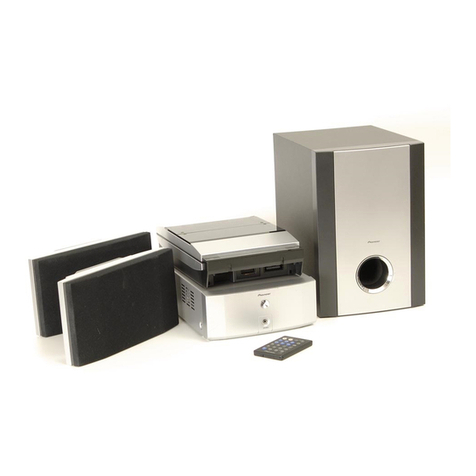
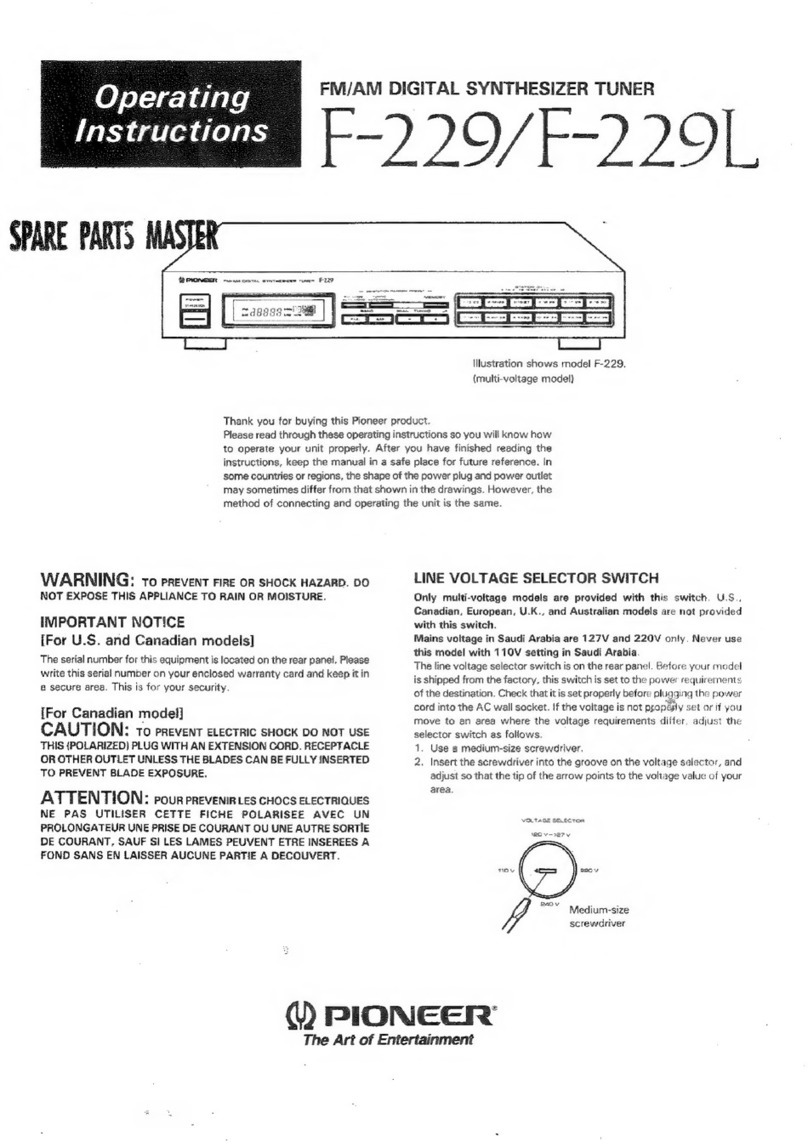
Pioneer XC-IS21T User manual

Pioneer

Pioneer XC-IS21T User manual

Pioneer XV-DV77 User manual

Pioneer

Pioneer XV-DV77 User manual

Pioneer DVZ-MG6067ZN/UC User manual

Pioneer

Pioneer DVZ-MG6067ZN/UC User manual

Pioneer DEH-2800MP/XU/UC User manual

Pioneer

Pioneer DEH-2800MP/XU/UC User manual

Pioneer TX-610 User manual

Pioneer

Pioneer TX-610 User manual

Pioneer SH-DT510 User manual

Pioneer

Pioneer SH-DT510 User manual

Pioneer F-93 User manual

Pioneer

Pioneer F-93 User manual

Pioneer XC-IS22CD User manual

Pioneer

Pioneer XC-IS22CD User manual

Pioneer TS5 User manual

Pioneer

Pioneer TS5 User manual

Pioneer DEH-P9650MP User manual

Pioneer

Pioneer DEH-P9650MP User manual

Pioneer XC-IS21MD User manual

Pioneer

Pioneer XC-IS21MD User manual

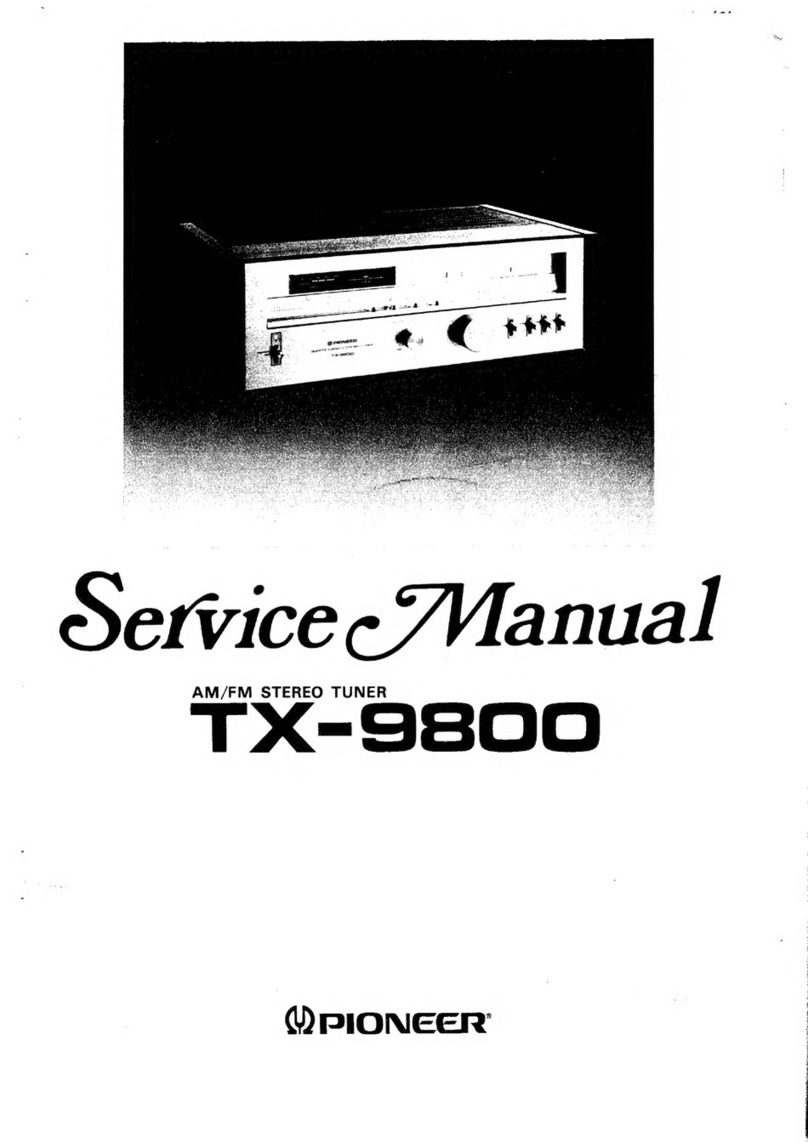
Pioneer TX-9800 User manual

Pioneer

Pioneer TX-9800 User manual

Pioneer XV-DV88 User manual

Pioneer

Pioneer XV-DV88 User manual

Pioneer GEX-FM903XM/UC User manual

Pioneer

Pioneer GEX-FM903XM/UC User manual

Pioneer TX-D1000 User manual

Pioneer

Pioneer TX-D1000 User manual

Pioneer XC-L11 User manual

Pioneer

Pioneer XC-L11 User manual

Pioneer TX-710L User manual

Pioneer

Pioneer TX-710L User manual

Pioneer F-225L User manual

Pioneer

Pioneer F-225L User manual
Pioneer GEX-FM903XM User manual

Pioneer

Pioneer GEX-FM903XM User manual

Pioneer KE-2424 User manual

Pioneer

Pioneer KE-2424 User manual

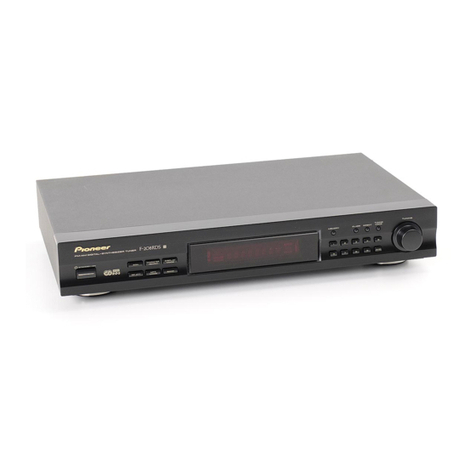
Pioneer F-208RDS User manual

Pioneer

Pioneer F-208RDS User manual

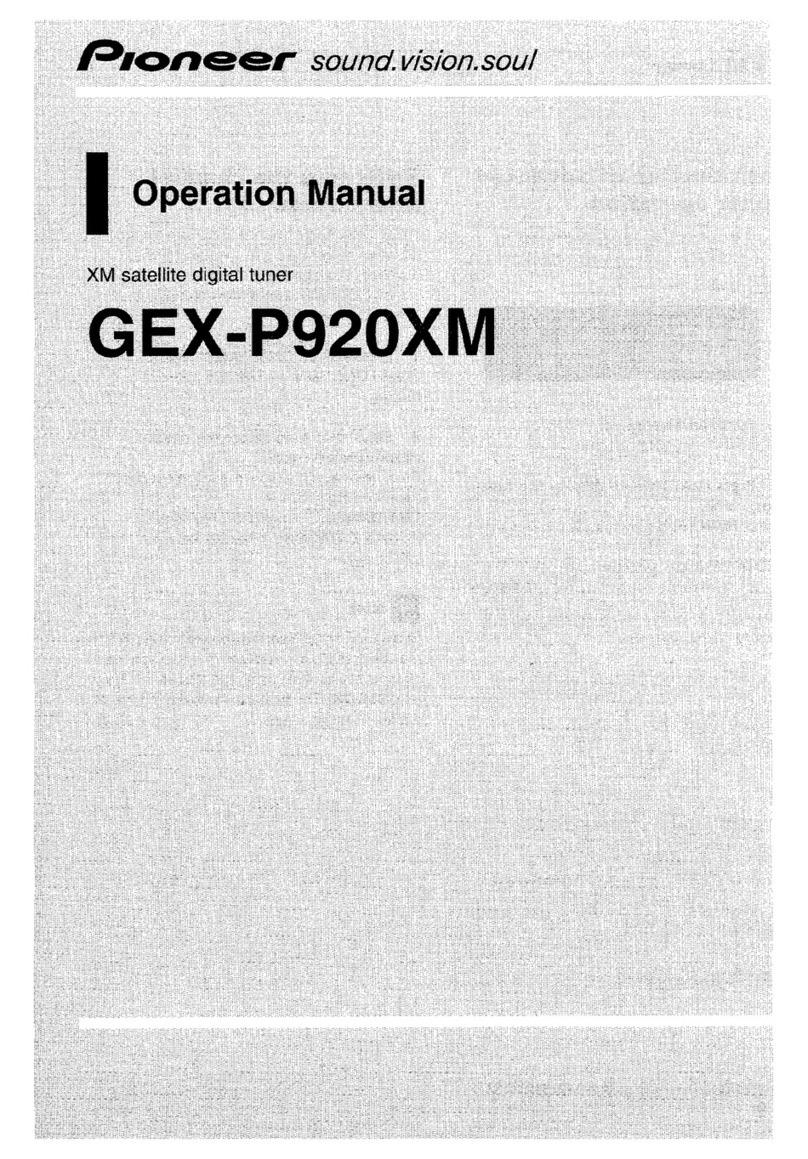
Pioneer GEX-P920XM - XM Radio Tuner User manual
Pioneer

Pioneer GEX-P920XM - XM Radio Tuner User manual

Pioneer GEX-P920XM - XM Radio Tuner User manual

Pioneer

Pioneer GEX-P920XM - XM Radio Tuner User manual

Pioneer TX-520 User manual

Pioneer

Pioneer TX-520 User manual

Popular Tuner manuals by other brands
Technics ST-HD55 Service manual

Technics

Technics ST-HD55 Service manual

Arcam DT91 Handbook

Arcam

Arcam DT91 Handbook

HDHomeRun 20121008 installation instructions

HDHomeRun

HDHomeRun 20121008 installation instructions

Eico HFT-92 instruction manual

Eico

Eico HFT-92 instruction manual

MFJ MFJ-928 instruction manual

MFJ

MFJ MFJ-928 instruction manual

Teac T-1D Service manual

Teac

Teac T-1D Service manual

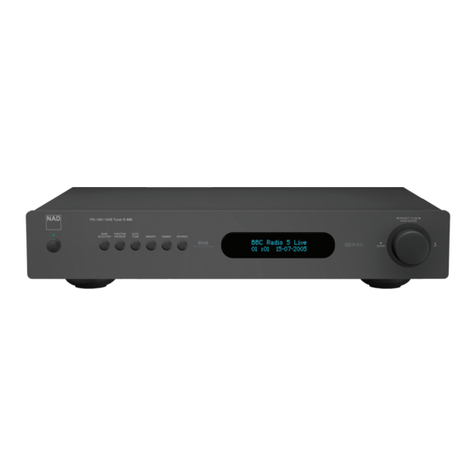
NAD C 445 owner's manual

NAD

NAD C 445 owner's manual

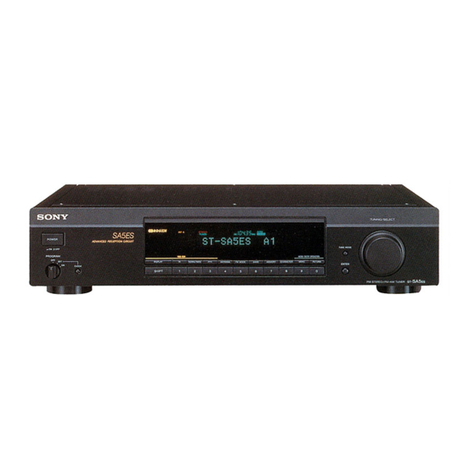
Sony ST-SA5ES operating instructions

Sony

Sony ST-SA5ES operating instructions
Sirius Satellite Radio SC-FM1 user guide

Sirius Satellite Radio

Sirius Satellite Radio SC-FM1 user guide

Antique Automobile Radio 283501B Installation and operating instructions

Antique Automobile Radio

Antique Automobile Radio 283501B Installation and operating instructions
Sanyo FMT M15L Service manual

Sanyo

Sanyo FMT M15L Service manual

Monacor PA-1200R instruction manual

Monacor

Monacor PA-1200R instruction manual
Technics ST-X301L Service manual

Technics

Technics ST-X301L Service manual

Manhattan 176156 user manual

Manhattan

Manhattan 176156 user manual

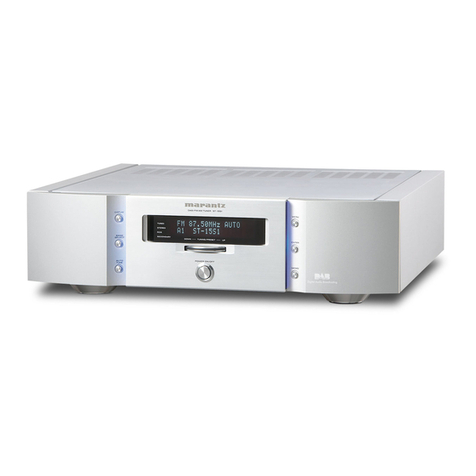
Marantz ST-15S1 user guide

Marantz

Marantz ST-15S1 user guide

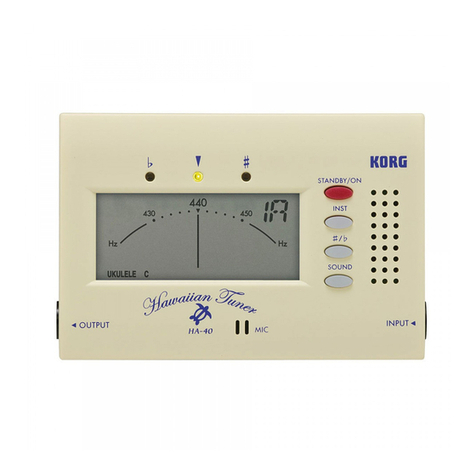
Korg HA-40 owner's manual

Korg

Korg HA-40 owner's manual

Harman Kardon TU915 Technical manual

Harman Kardon

Harman Kardon TU915 Technical manual

Tunersys WS16 1 quick start guide

Tunersys

Tunersys WS16 1 quick start guide

manuals.online logo
manuals.online logoBrands
  • About & Mission
  • Contact us
  • Privacy Policy
  • Terms and Conditions

Copyright 2025 Manuals.Online. All Rights Reserved.

IOwner's Manual
Mode d'emploi
TRAFFIC TUNER
SYNTONISATEUR AVEC FONCTION TRAFIC
ND-TMC10
Register
your
product
at
Enregistrez. votre produit au
http://www.pioneerelectronics.com
See "Visit our website" page
Voir
la page
..
Visitez notre site Web"
PIONEER CORPORATION
1-1,
Shin-ogura,
Saiwai-ku,
Kawasaki-shi,
Kanagawa
212-0031,
JAPAN
PIONEER ELECTRONICS (USA) INC.
P.O.
Box 1540, Long Beach, California 90801-1540, U.S.A.
TEL: (800) 421-1404
PIONEER ELECTRONICS AUSTRALIA PTY.
LTD.
5Arco Lane, Heatherton, Victoria. 3202, Australia
TEL: (03) 9586·6300
PIONEER ELECTRONICS OF CANADA, INC.
300 Allstate Parkway, Markham, Ontario L3R
OP2,
Canada
TEL: 1-877-283-5901
TEL: 905-479-4411
PIONEER ELECTRONICS DE MEXICO, S.A. de C.V.
Blvd.Manuel Avila Camacho
13810
piso
Col.Lomas de Chapultepec, Mexico,
D.F.
11000
TEL: 55-9178-4270
1111I1I11111111111111I111111I111111111111111111111111111III1111111111111111111111111111111
5615N2610001
ROO
<KYTZX>
<10LOOOOO>
Published
by
Pioneer Corporation.
Copyright©
201
0
by
Pioneer Corporation.
All
rights reserved.
Publie par Pioneer Corporation.
Copyright©
201
0par Pioneer Corporation.
Tous droits reserves.
Printed
in
China
Imprime
en
Chine
<CYR
1
028-A>
EL
(Precautions
Information
to
User
)
(-----)
Important
safeguards
•Alteration or modifications earned out with-
out appropriate authonzation may Invali-
date the user's right to operate the
equipment.
•This device compiles with Part
15
of the
FCC
Rules, Operation
is
subject to the fol-
lowing two conditions: (1) this device may
not cause harmful Interference, and
(2)
this
device
must
accept any interference
re-
ceived, including intedel-ence that may
cause undesired operation of the device,
4WARNING
Handling the cord
Oil
thiS product
or
cords asso-
ciated with accessones sold with the product
may expose you to chemicals listed on
proPOSI-
tion
65
known to the State of California and other
governmental entities to cause cancer and birth
defect or other reproductive harm,
Wash
hands
afterhandling.
~
En
This manual explains how to install this pro-
duct
in your vehicle, other specifications and
notes for this product.
For
operations and wir-
ing when the navigation system
is
used to-
gether with this product. refer to the manuals
supplied with the navigation system,
•Read
this
manual
fully
and
carefully
before
installing
this
product.
•Keep
this
manual
handy
for
future
I·efer-
ence,
•Pay
close
attention
to
all
warnings
in
this
manual
and
follow
the
Instructions
cal-e-
fully,
•Do
not
install
this
product
where
it
may
(i)
obstruct
the
driver's
vision, (ii)
impair
the
performance
of
any
of
the
vehicle's
operat-
Ing
systems
of safety features,
including
airbags, hazard
lamp
buttons,
or
(iii)
impair
the
driver's
ability
to
safely
operate
the
vehi-
cle,
In
some
cases, it
may
not
be
possible
to
install
this
product
because
of
the
vehi-
cle type
or
the
shape
of
the
vehicle
interior,
•
Make
sure
that
the
cables
and
wires
are
routed
and
secured
so
they
will
not
inter-
fere
with
or
become
caug
ht
In any
of
the
ve-
hicle's
moving
parts,
especially
the
steering
wheel,
shift
lever, pal·king brake,
sliding
seat tracks, doors,
or
any
of
the
ve-
hicle's
controls,
~
(Connecting
the
system )(
Installation
)
o
The navigation
unit
(e,g, AVIC,Z130BD
Precautions
before
installation
•Do not install this
product
In
places where
it may become subject to high tempera,
tures
or
humidity, such
as:
-Places close to aheater, vent
or
air con,
dltioner.
-Places exposed
to
direct sunlight, such
as on top of the dashboal'd.
-Places
that
may
be
exposed to min.
such
as
close to the
door
or
on the vehi,
c1e's
floor.
•Make sure to
connect
this
product
to
the
navigation system after the system
is
turned off. (ACC
OFF)
•Thoroughly wipe off the surface before af,
fixing the adhesive tape.
•Use separately sold adhesive tapes
to
se,
cUI'e
this
product
so
that
it does not move.
It
is
extremely dangerous If cords are ex,
posed on the
floor
as they may become en,
tangled with the brake pedal etc. Hide
cords so
that
they do not get
in
the way
when you al'e driving.
To
avoid
electromagnetic
interference
In
ordel'to
prevent Interference, set the follow,
ing items as far as possible from
this
product,
other cables
or
leads:
•
FM,
AM
antenna and its lead
•
GPS
antenna and its lead
In
addition. you should lay
or
route each an,
tenna lead
as
far
as
possible from
other
anten,
na leads, Do not bind, lay
or
route
them
togethel',
or
cross them. Electromagnetic
noise will increase the potential
for
elTors
in
the vehicle's location display.
30
cm
(12 In,)
1m
(3
ft 3in,)
30
cm
(12
in)
i
l
ExpanSion
pOIi
Connection
diagram
Precautions
before
connecting
the
system
4
CAUTION
•Do not route wires where they will be ex-
posed to high temperatures.
If
the insula-
tion heats up, wires may become
damaged, resulting
in
ashort circuit or
malfunction and permanent damage to
the product.
•When
disconnecting
aconnectol', pull the
connectol'
Itself. Do
not
pull the lead, as you
may pull it
out
of the
connectol'~
Vehicle
antenna
This
pmduct
En
C_I_ns_t_a_lI_at_i_o_n
)(
Appendix
)
2Attach this product using separately
sold
adhesive tapes.
C!J
Installing
this
product
1Decide
on
the installation position.
Specifications
Copyright
•When used in North America.
this
product
receives traffic
information
provided
by
Clear Channel Broadcasting. Inc.
©Clear Channel Broadcasting. Inc.
•
When
used in Australia.
this
product
re-
ceives
traffic
information
provided
by
Sura™
Traffic Channel,
C!J
Power source ,
DC
13.8
V(allowable voltage
range:
10
Vto 145
V)
Grounding system
..
Negative type
Maximum current consumption
.....
Approx.
50
mA
•
Note
Specifications and design
are
subject to possible
modifications without notice due to im-
provements.
C!J
1
1
1--:>
~V>
«AdheSive
tape
I(sold separately)
En